
Tutorial5 min read
Build a Month-End Money Review with BankSync Tables and Dashboards
Turn a month of bank data into a review you can finish: reconcile cash, chase missing receipts and resolve exceptions before trusting the totals.
Read guide Now Live
Practical tutorial articles for connecting financial data and automating the work around it.
Turn a month of bank data into a review you can finish: reconcile cash, chase missing receipts and resolve exceptions before trusting the totals.
Read guide
Catch delivery problems before you trust an Excel or Notion report, with a focused automation, realistic tests and a clear recovery checklist.
Read guide
Turn repeated bank descriptions into useful categories in Securo. Use a UK current-account example to test merchant rules, catch refunds and keep ambiguous purchases for review.
Read guide
Plan for annual bills, track money set aside and record the final expense once—with a clear Excel model for UK household bank data.
Read guide
Use an allocation table to connect invoices and bank payments without counting the full invoice or payment more than once.
Read guide
Map recurring bank descriptors to consistent categories, preview the changes and keep ambiguous merchants in a review queue.
Read guide
An A$100 cash top-up, two receipts and a Friday count leave a shop A$1.50 short. Link the three records and see exactly what still needs checking.
Read guide
Put verified cash, upcoming commitments and unresolved transactions into one focused review, without confusing bank activity with a forecast.
Read guide
Separate money received from money expected, then test whether a late client payment changes your next few weeks of cash.
Read guide
Design separate BankSync SimpleFIN accesses for Actual, Sure and Securo, with a clear account matrix and a reliable offboarding routine.
Read guide
A practical handover checklist for moving a YNAB account from file imports or Direct Import to BankSync, with balance, currency and first-sync checks.
Read guide
Connect supported UK accounts to a self-hosted Securo instance and verify account scope, freshness, transfers and currency before trusting the overview.
Read guide
Use BankSync's SimpleFIN access for supported UK accounts, then verify Sure's account mapping and household reporting scope.
Read guide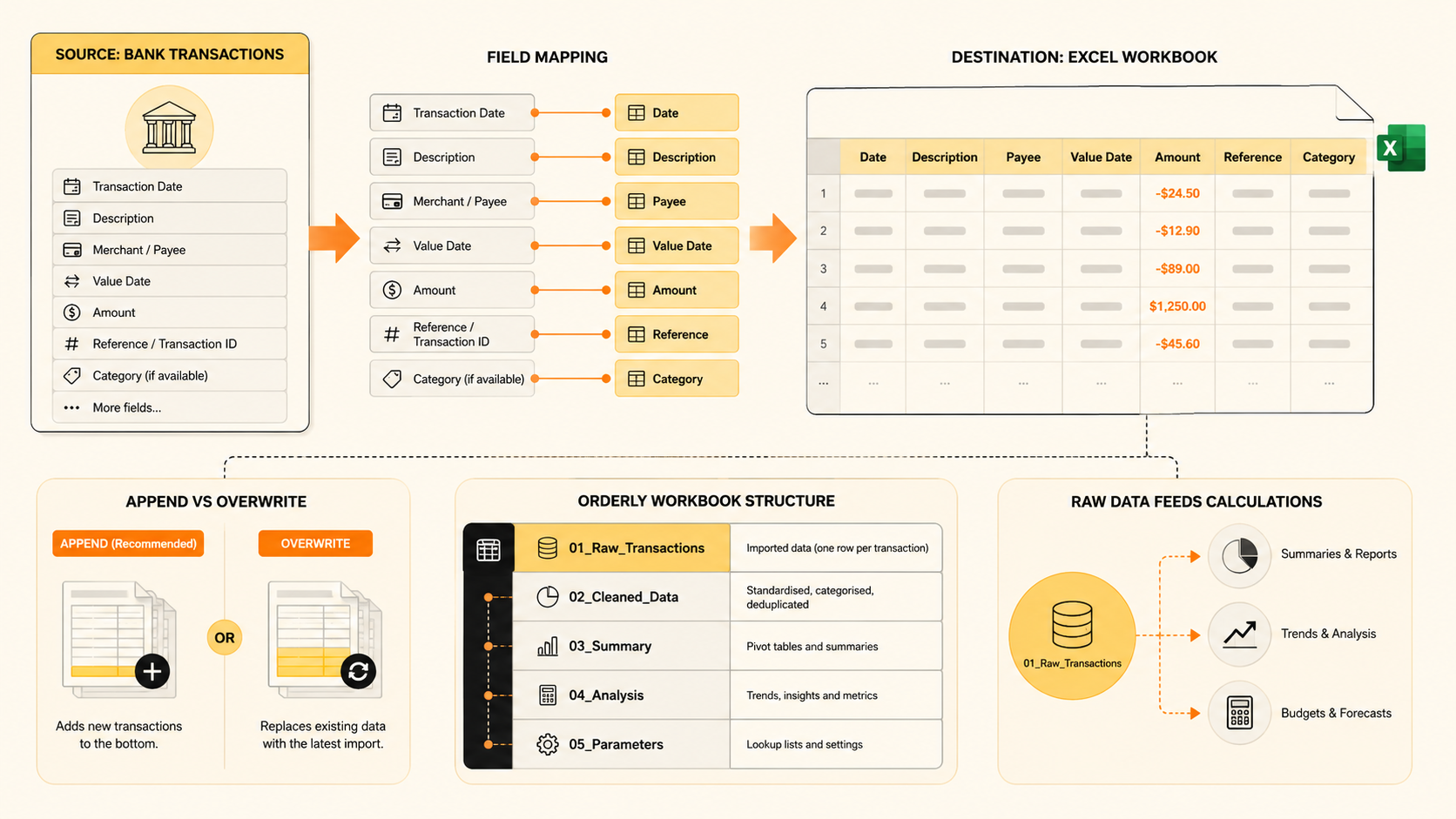
Build a controlled Excel source tab for UK bank transactions, then keep VAT review and the compatible MTD submission route separate.
Read guide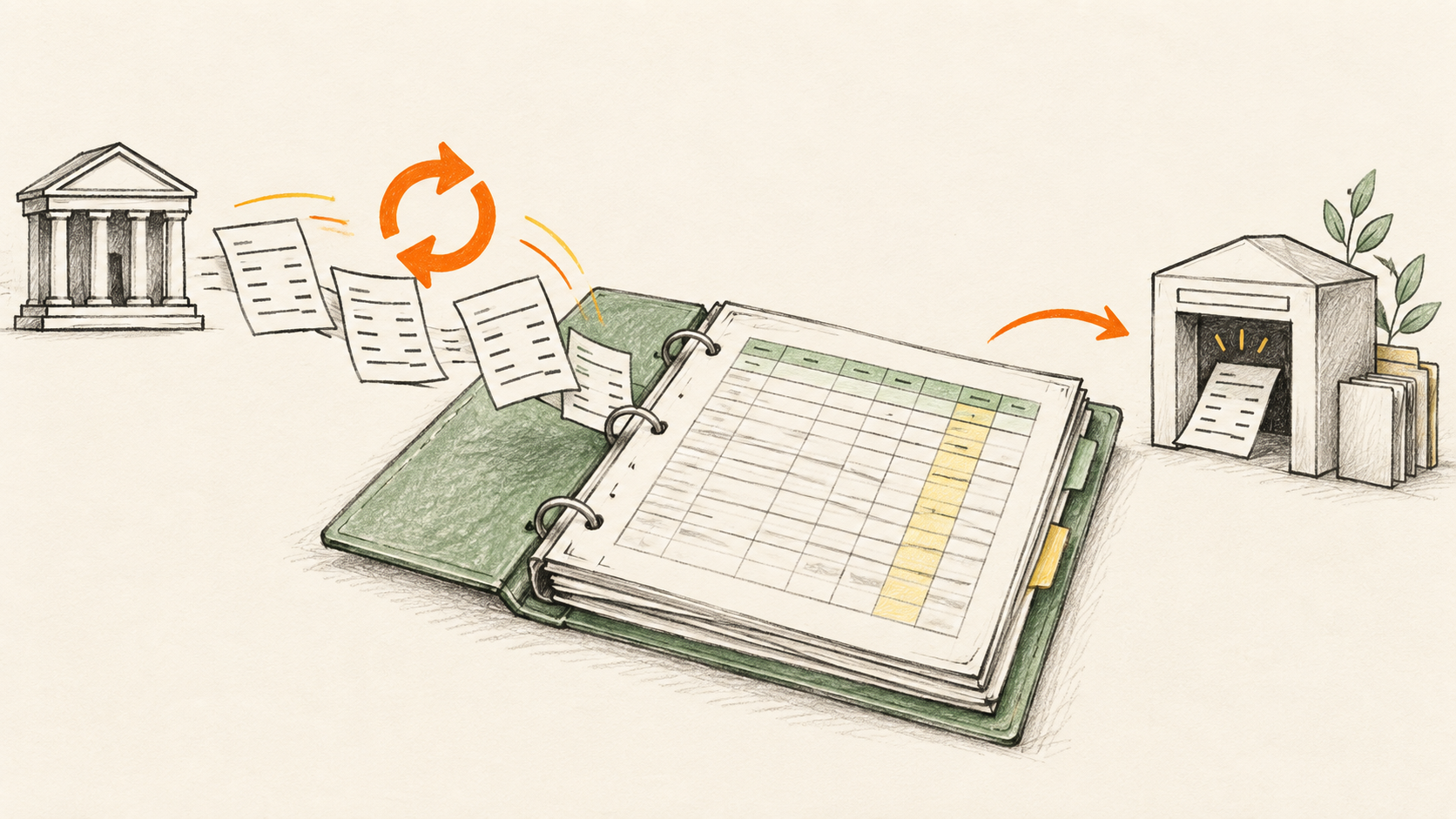
Keep an MTD spreadsheet supplied with authorised UK bank transactions while compatible software handles quarterly updates and filing.
Read guide
Combine older bank exports with a live BankSync connection using a clear cutover date, import checks and account reconciliation.
Read guide
Connect supported UK accounts through BankSync, verify account mapping and build a first-month routine around reconciliation rather than import counts.
Read guide
Connect a supported AI agent to authorised, read-only bank data so it can analyse transactions and balances—without giving it payment authority or your bank credentials.
Read guide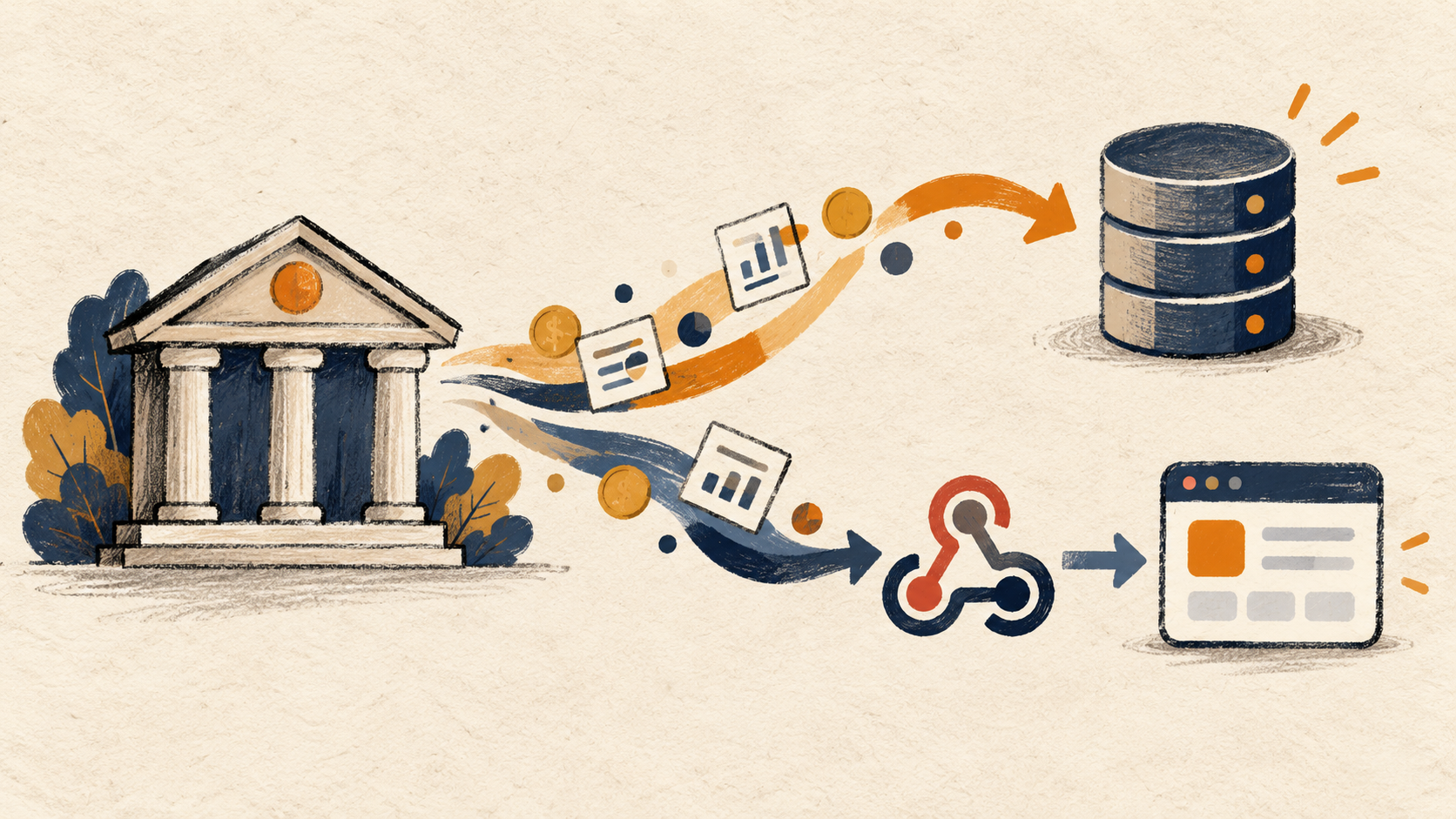
Use BankSync to deliver authorised, read-only bank data to an API or webhook, then store it in Postgres or trigger the workflows your product already relies on.
Read guide
Google Sheets has no built-in bank feed. Compare the five real ways to get transactions in: CSV exports, Apps Script, Zapier or Make with Plaid, Sheets add-ons like Tiller, BudgetSheet and BankToSheets, and BankSync.
Read guide
Turn an overwhelming receipt folder into a focused review queue: unmatched payments, unlinked documents and explained differences.
Read guide
A £600 renewal is six paydays away. Work out what to set aside, record it in Actual Budget and check the payment against your UK current account.
Read guide
Combine a forward-looking bills register with UK bank transactions so your household can see what is due, what was paid and what needs a decision.
Read guide
Give each project a reviewed view of paid costs, with bank transactions, project relations and a simple allocation rule for shared purchases.
Read guide
Use a reviewed transaction key to bring receipt references into Excel, while surfacing missing and duplicate matches instead of hiding them.
Read guide
An Australian agency receives one bank transfer for three invoices. Build a Google Sheets remittance tracker that shows which invoice still has $220 owing.
Read guide
Build a category-by-month spending report from bank transactions, with a worked example that handles refunds, transfers and incomplete months.
Read guide
When a client receives an HMRC letter, bring the available bank records into a controlled source ledger, identify gaps and give the review work a clear starting point.
Read guide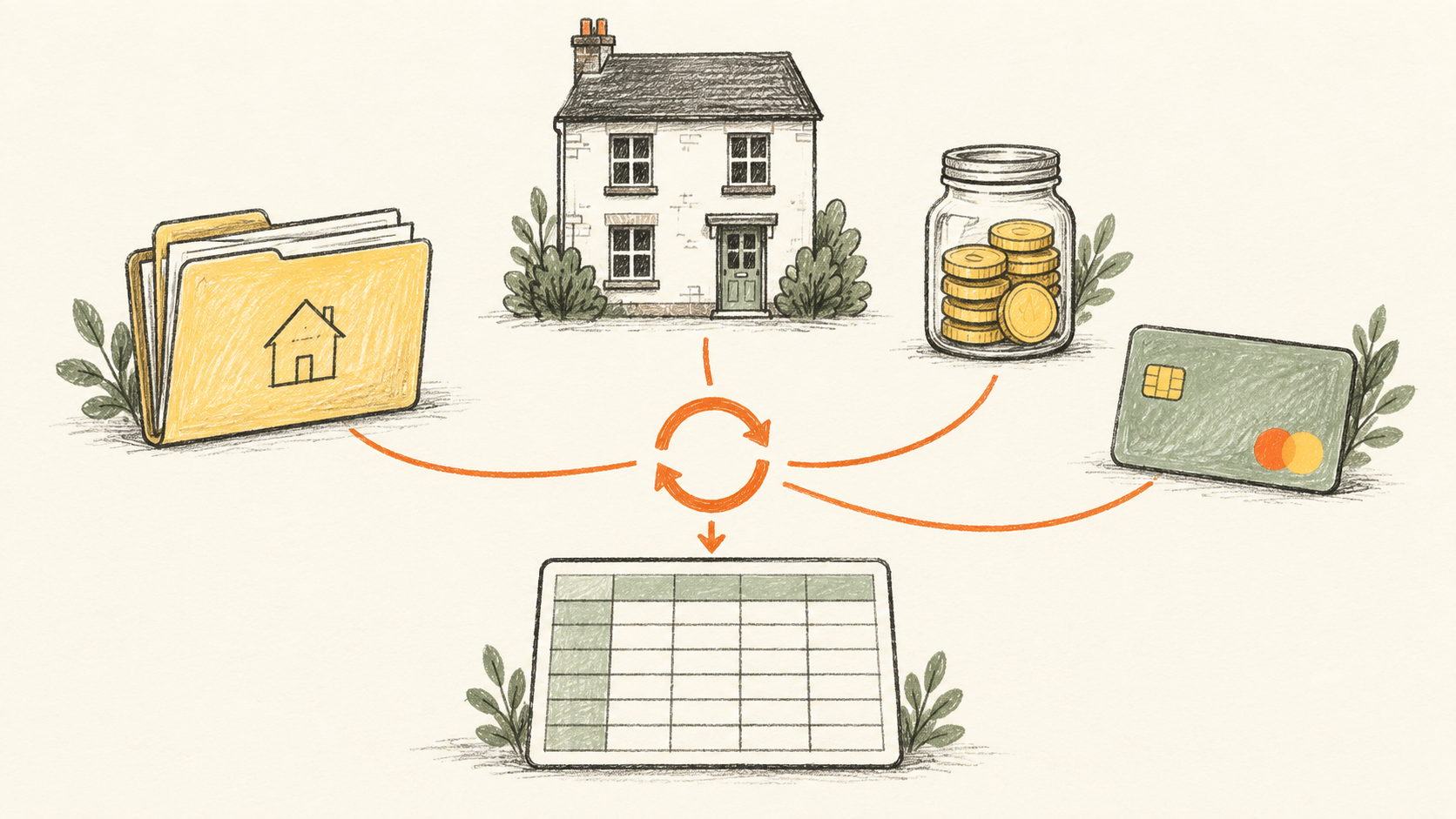
Bring supported mortgage, rent and credit-card account activity into one landlord spreadsheet, while keeping each property, account and review task visible.
Read guideKeep the spreadsheet your team knows. Use BankSync for authorised UK bank data, then use your chosen HMRC-recognised bridging tool for the filing workflow.
Read guide
Got an HMRC letter and need to catch up? Connect supported UK bank accounts, bring available transaction history into the spreadsheet you already use, and keep it current without CSV exports.
Read guide
Choose the right workbook, separate incoming bank rows from reports, and make an Excel bank feed easier to maintain for your household or business.
Read guide
Match the Stripe payments, fees and refunds behind one payout to the deposit in your business current account, with a worked GBP example and Excel formulas.
Read guide
Trace a missing UK transaction from bank status to Excel destination, with a practical checklist that avoids unnecessary duplicate imports.
Read guide
Separate purchases, card repayments and account transfers in a bank-fed Excel budget, with a worked example and BankSync Transfer Matcher setup.
Read guide
YNAB already supports selected UK banks. Learn how to investigate a missing connection and when BankSync’s early-access YNAB feed may fit your GBP plan.
Read guide
Check whether your Excel bank feed is complete using a statement cutoff, signed movements and an exception list before trusting your spending reports.
Read guide
See which household returns still need chasing. Match a retailer’s refund promise to posted UK bank credits in Notion, including part-refunds and reversals.
Read guide
Use a bank-fed Excel ledger to separate household purchases, each person’s share, and reimbursements without counting the same expense twice.
Read guide
Plan around the days your household gets paid, using UK bank transactions, a bills calendar and a running cash balance between paydays.
Read guide
A transfer into an offset can make a good month look better than it was. Build a dated balance chart in Google Sheets and keep household spending separate.
Read guide
Combine a UK bank feed with a separate commitments sheet to see when cash may run short, test late payments, and keep forecasts distinct from actuals.
Read guide
Use YNAB with Australian bank accounts: understand the Direct Import gap, check BankSync early access, and set up a posted-transaction feed through CDR.
Read guide
Build a cash-flow review with linked Transactions and Receipts tables, missing-evidence views, and dashboard widgets that show what needs attention.
Read guide
Build a UK small-business cash flow dashboard from connected bank actuals, controlled forecast assumptions, transfer-aware classifications, alerts and a repeatable review process.
Read guide
Connect a supported UK bank to Microsoft Excel through read-only Open Banking, then automate transactions into a OneDrive or SharePoint workbook with controlled mapping and scheduling.
Read guideConnect a supported UK bank through Open Banking and automatically export transactions to Google Sheets with stable columns, enrichment, scheduling and consent controls.
Read guide
Connect UK current, savings and supported credit accounts to Claude through BankSync, Salt Edge and Open Banking, including the consent and renewal flow.
Read guide
ChatGPT Finances is not yet available for Canadian accounts. Learn the BankSync MCP route for eligible workspaces, including CAD/USD and brokerage handling.
Read guide
Build a group cash dashboard across legal entities while preserving ownership, currencies, restrictions and intercompany transfers.
Read guide
Create explainable alerts for large payments, new merchants, amount spikes, bursts and stale financial feeds.
Read guide
ChatGPT Finances is not available for Australian banks, and BankSync CDR data is not exposed through MCP. Use the supported destination-based analysis route.
Read guide
Set up a shared Google Sheet that receives scheduled bank transactions, gives your accountant controlled access and keeps review notes separate from source data.
Read guide
Build a Google Sheets cash-flow tracker that combines automatically synced bank transactions with a 13-week forecast, low-cash alerts and a practical weekly review.
Read guide
Build a bank fee tracker that classifies service charges, watches fee creep and preserves the transactions behind every total.
Read guide
Connect an Australian bank account to Claude through BankSync MCP using regulated CDR consent, a scoped API key and read-only finance tools.
Read guide
Create a vendor spend dashboard for concentration, recurring costs, budgets, category analysis and drill-down transactions.
Read guide
Connect Canadian chequing, savings, credit and supported investment accounts to Claude through BankSync and Plaid, including CAD/USD account handling.
Read guide
Build an accounts payable and invoice tracker with relational Tables, status views, due-date calendars and bank-payment evidence.
Read guide
Create a budget versus actual dashboard that aligns plan and bank activity by period, category, department and entity.
Read guide
ChatGPT Finances is not yet available in the UK. Learn the current BankSync MCP route for eligible workspaces, plus Open Banking consent and renewal details.
Read guide
Detect recurring charges, price increases and missed payments from bank data, then organise subscriptions in a searchable dashboard.
Read guide
Connect a US bank account to ChatGPT using Finances or BankSync MCP, with setup steps, a route comparison, account limits and security guidance.
Read guide
Build an investment portfolio tracker for holdings, allocation, cash and trades while keeping brokerage data and performance assumptions separate.
Read guide
Build an automatic net worth tracker that combines live balances, investments, loans and manual assets without hiding valuation assumptions.
Read guide
Connect US bank accounts, cards, loans and supported investments to Claude through BankSync and Plaid, with setup steps, limits and security guidance.
Read guide
A practical guide for Australian accounting firms using client portals and CDR bank feeds to keep Excel working papers updated without chasing statements or sharing credentials.
Read guide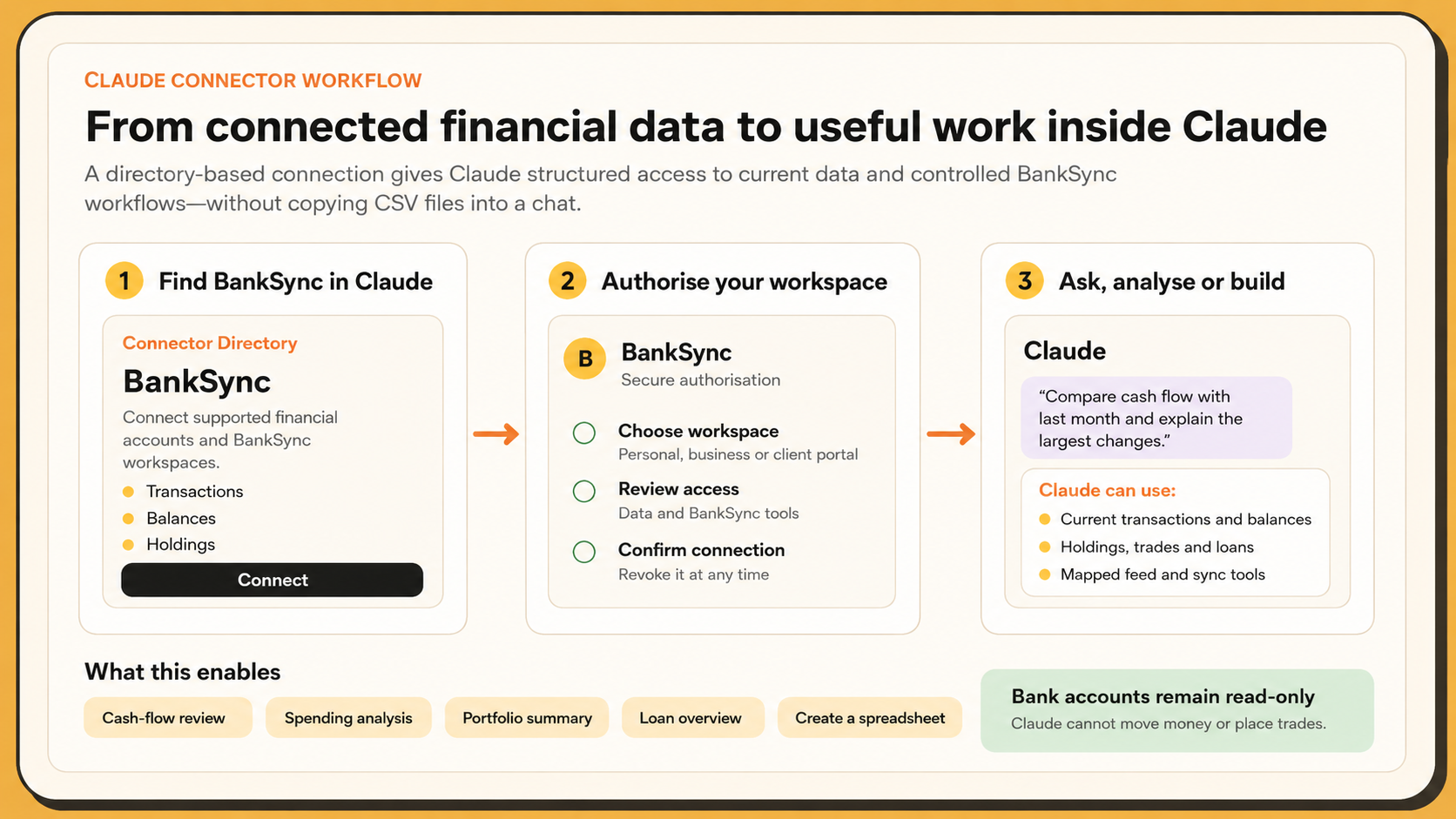
Connect Claude to supported bank, card, brokerage and loan data through BankSync’s official directory connector—without uploading CSV files or editing JSON.
Read guide
A practical framework for venture capital firms to combine live bank actuals with fund assumptions, capital-call planning and scenario-based treasury forecasts.
Read guide
Build a startup cash runway dashboard from bank balances, burn-rate assumptions, recurring costs and scenario-ready metrics.
Read guide
A practical architecture for a hobbyist bank-sync app: token claim, secure storage, account mapping, idempotent imports and scheduling.
Read guide
Design a multi-bank treasury dashboard for cash position, concentration, liquidity and transfer visibility without losing account-level evidence.
Read guide
Connect a brokerage account and automatically sync holdings, trades, balances and settled cash to Google Sheets—without repeated CSV exports.
Read guide
Connect MoneyMatter’s self-hosted or cloud app to BankSync through SimpleFIN and verify multi-currency accounts, investments and MCP access.
Read guideBuild a practical business cash flow dashboard from live bank feeds, structured transaction data, enrichment rules and decision-ready charts.
Read guide
Learn how to sync Australian bank transactions to Google Sheets or Excel through the Consumer Data Right, with setup steps, security details and practical limitations.
Read guide
Configure Sparky Budget’s SimpleFIN token, Docker environment and saved access URL for reliable BankSync-powered imports.
Read guide
Connect supported bank accounts to the Buckets desktop app through BankSync and SimpleFIN, then reconcile and backfill safely.
Read guideImport bank transactions into Excel automatically after Money in Excel: compare CSV imports, Power Query, add-ins and scheduled bank feeds.
Read guide
Configure Firefly III’s separate Data Importer for a BankSync SimpleFIN connection, account mapping, automation and deduplication.
Read guide
Build a self-updating budget spreadsheet in Google Sheets or Excel using automatic bank feeds, transaction categorisation, live totals and a simple weekly review.
Read guide
Use Sure’s native SimpleFIN provider to connect supported accounts through BankSync and import balances, transactions and holdings safely.
Read guide
A step-by-step guide to securely connecting Australian bank accounts through the Consumer Data Right and automatically syncing transactions and balances to Google Sheets, Excel, Notion, Airtable or your own systems with BankSync.
Read guide
Enable Securo’s SimpleFIN provider, connect BankSync, claim a setup token and verify accounts, balances, transactions and holdings.
Read guide
Set up Actual Budget bank sync through BankSync’s SimpleFIN-compatible connection, map accounts and avoid duplicate or stale imports.
Read guide
Diagnose SimpleFIN setup-token failures, 403s, quotas, stale balances, missing history and duplicates.
Read guide
Implement SimpleFIN setup-token exchange, account sync, history windows, deduplication, errors and secure storage.
Read guide
Replace recurring bank CSV imports with a mapped transaction source in Google Sheets, while keeping duplicates, reports and review under control.
Read guide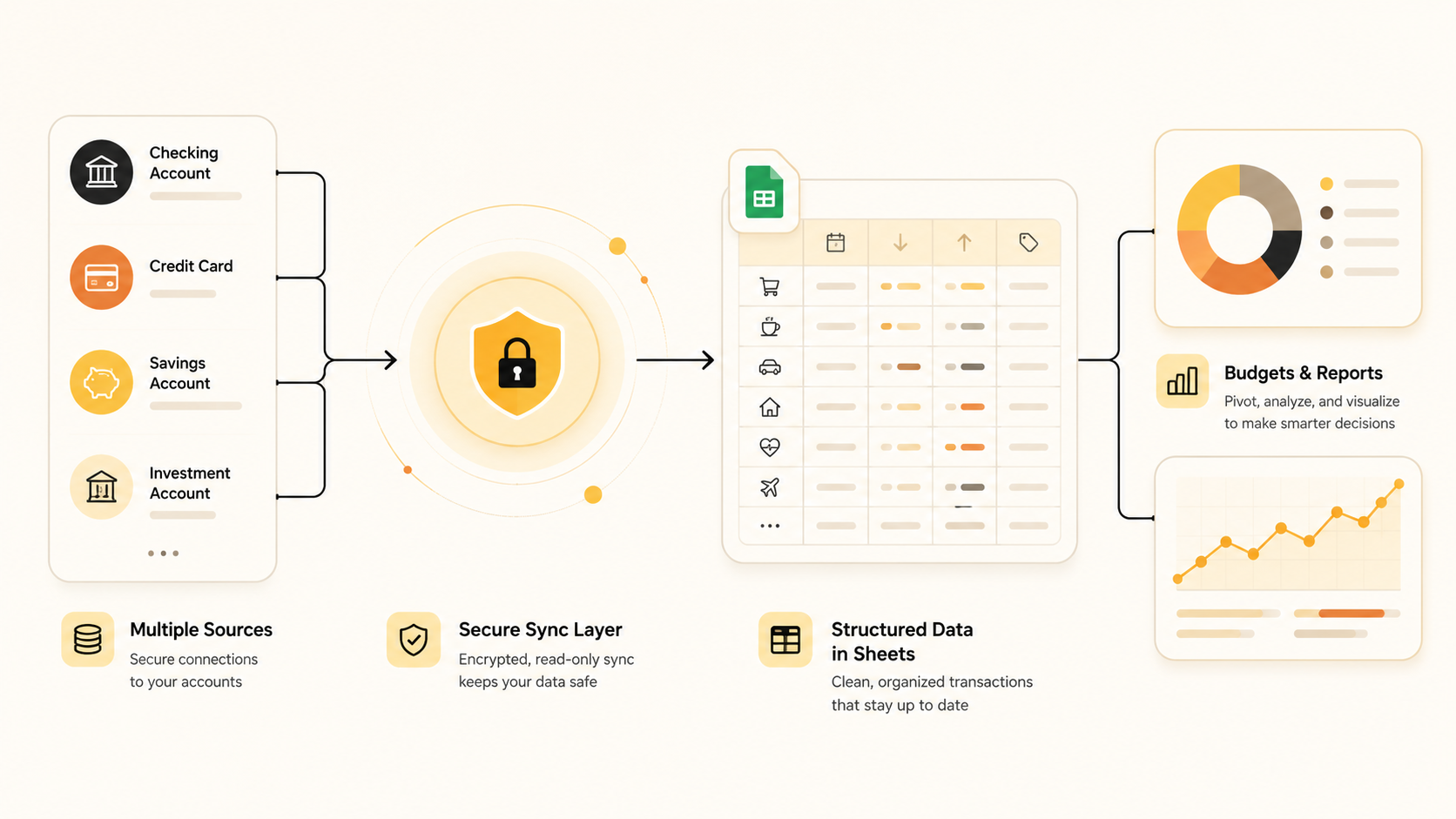
Bring multiple bank and card accounts into one Google Sheets workbook without losing account identity, double-counting transfers or repeating CSV imports.
Read guide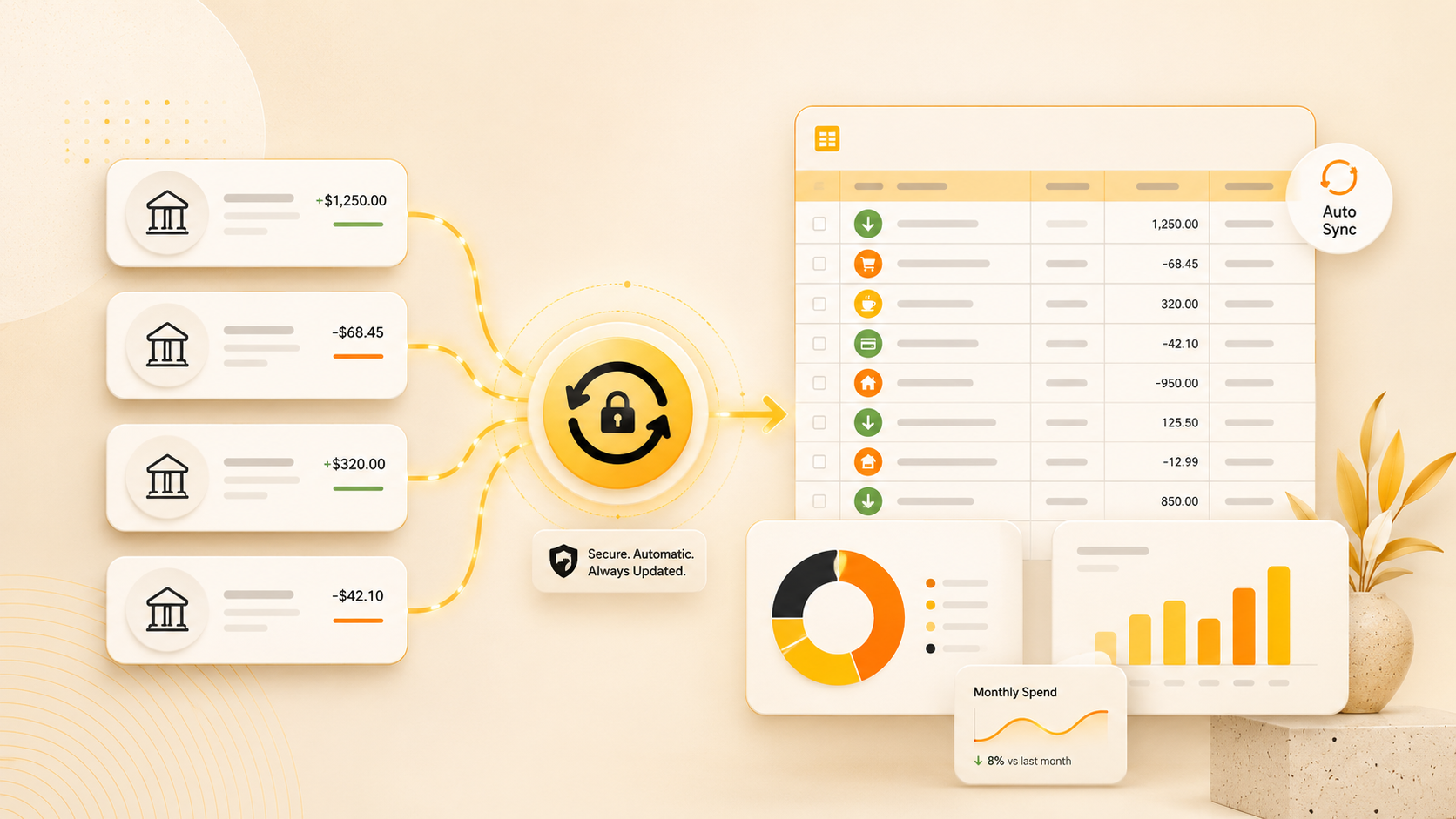
The best way to keep a Google Sheets finance workbook current depends on whether you need a one-off import, a custom build or a recurring bank feed.
Read guide
Need a Home Depot receipt for your tax audit or expense report? Learn how to find in-store and online purchase receipts, then automate future receipt collection so you never have to search again.
Read guideGoogle Sheets bookkeeping templates are great, but they still require manual data entry. Learn how to automate receipt extraction and transaction syncing to transform your static template into a living financial dashboard.
Read guide
Construction cost code errors kill project profitability. Learn how AI-powered receipt extraction automatically assigns receipts to the correct cost codes in Airtable, eliminating manual errors and bridging the field-to-office gap.
Read guide
Need to find an Amazon receipt for your tax audit or expense report? Learn how to retrieve Amazon Business receipts, download VAT-compliant invoices, and automate future receipt collection.
Read guide
Create a powerful expense management system in Airtable with automated receipt extraction. Link expenses to projects, track budgets in real-time, and eliminate manual data entry forever.
Read guide
Stop manually entering receipts into Notion. Learn how to automate your receipt tracking with AI-powered OCR that syncs directly to your Notion database, eliminating hours of data entry.
Read guide