
Your MTD workflow does not necessarily need a new ledger. It needs a dependable way to get the right transaction data into the spreadsheet you already understand.
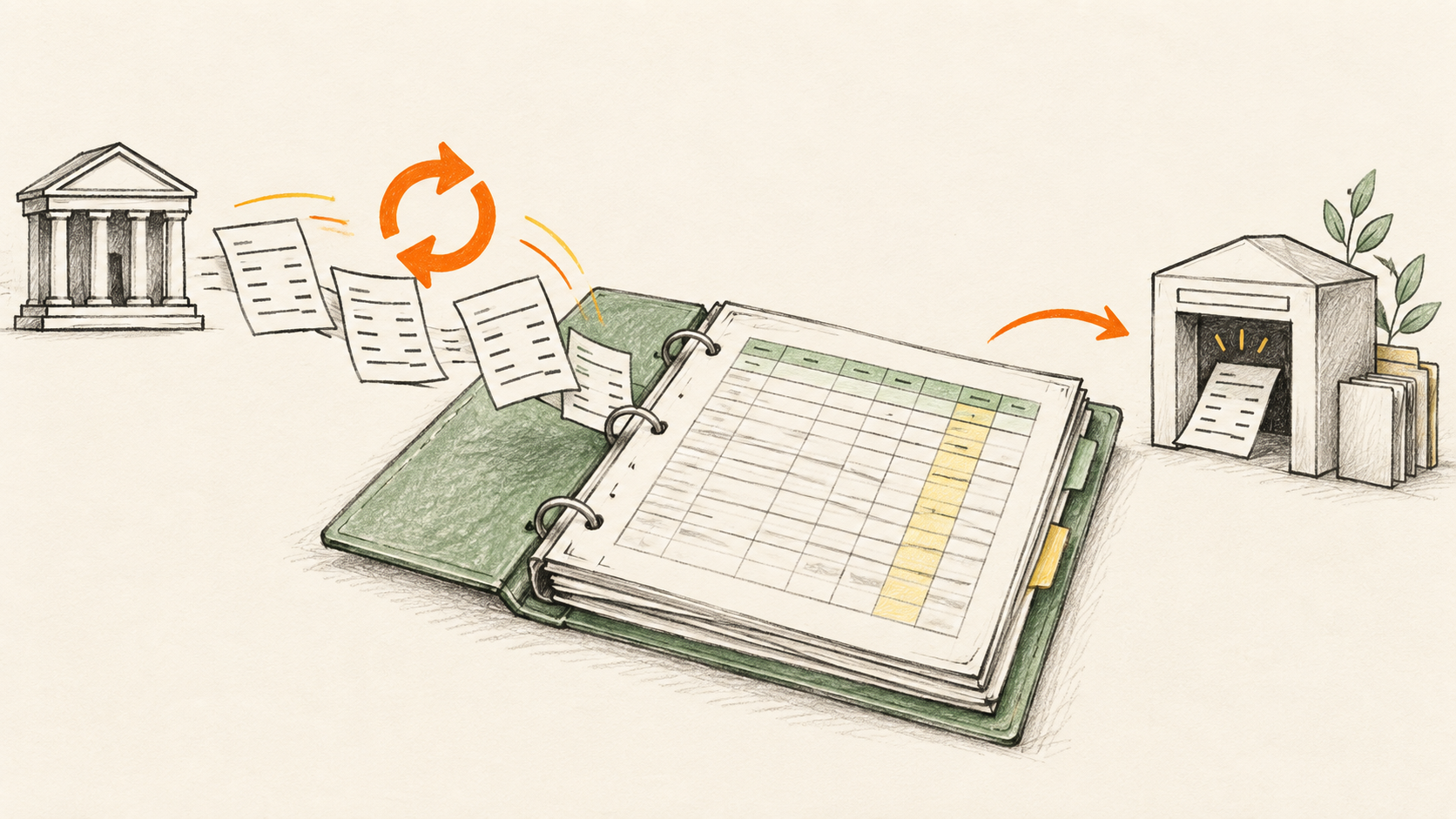
BankSync gives an Excel or Google Sheets workbook a recurring feed of authorised transactions from supported UK bank accounts. Your compatible MTD software remains responsible for creating quarterly updates and submitting a tax return. That separation is useful: source data stays traceable, calculations stay in the spreadsheet, and filing stays in the product built for it.
A bank feed is the data layer, not the filing layer. BankSync does not decide a transaction's tax treatment, create an HMRC submission or replace the compatible software used for Making Tax Digital.
If Making Tax Digital for Income Tax applies to you
Making Tax Digital for Income Tax is being introduced for eligible sole traders and landlords in stages. HMRC's current timetable says that people whose 2024 to 2025 Self Assessment return showed qualifying income above £50,000 start from 6 April 2026. The threshold then reduces to more than £30,000 from 6 April 2027 and more than £20,000 from 6 April 2028. Qualifying income is turnover from self-employment and property income before expenses—not profit.
You can check HMRC's current timetable and eligibility guidance. It is worth doing before changing a working process: MTD rules, exemptions and individual circumstances matter.
If you do need MTD for Income Tax, your software needs digital records of self-employment and property income and expenses, plus a quarterly-update and tax-return workflow. A spreadsheet can remain part of that process. HMRC says that people who keep their records in spreadsheets still need software that links to those spreadsheets—often called bridging software—to send quarterly updates and submit the return.
Split the job into three clear layers
- Bank feed: brings authorised bank transactions into a raw tab on a schedule. Preserve the original date, description, amount, account and transaction ID.
- Spreadsheet review: adds categories, VAT or income-tax treatment, notes, invoice references and exception flags. Protect your formulas, mappings and audit trail.
- Compatible MTD software: uses the records to create quarterly updates and complete the final submission process. Follow the current requirements and filing controls of the software you choose.
The arrangement is deliberately simple. A fresh sync should not overwrite the formulas that classify transactions, and a change in your workbook should not alter the original bank description or transaction identifier.
What to put in the source tab
Think of the source tab as evidence rather than an accounting report. Give it stable columns such as:
- bank date;
- description as supplied by the bank;
- signed amount and currency;
- account name or account ID;
- transaction ID; and
- an optional sync timestamp.
Keep categorisation, document links, business-use notes and correction flags in separate columns or a separate review tab. That makes it possible to refresh the feed without losing the decisions that sit around it.
A practical setup for a spreadsheet you already use
- Create one append-oriented transaction tab. Do not place the feed directly into a quarterly summary or filing range. Keep the source table boring and consistent.
- Map the fields once. Send date, description, amount, currency, account and transaction ID to the columns your workbook expects.
- Connect the relevant accounts. The account holder completes a read-only Open Banking consent flow for the supported UK accounts that belong in the workbook.
- Review the first history load. Check the date window, duplicate handling, transfers between your own accounts and any missing account activity before relying on it.
- Build the digital route to your MTD software. Confirm with the software provider that the workbook, digital links and submission workflow meet its current requirements. Do not treat manual copy-and-paste as a substitute for the process your software requires.
A bank feed saves collection time—not review time
The feed can make the spreadsheet more current, but it cannot tell you everything a return needs. Bank data may not show the correct income or expense category, a tax point, whether a cost is partly private, or whether you hold an invoice that supports a claim. You may also need to account for cash, payroll, invoices, adjustments, financing activity and items that never appear as ordinary bank transactions.
Make a short weekly review part of the workflow. Look for uncategorised rows, unusual amounts, transfers, refunds, duplicate-looking records and transactions that need supporting documents. Then use the appropriate compatible software for the MTD work itself.
Frequently asked questions
Can I keep using Excel or Google Sheets for MTD?
Yes—HMRC's guidance says that people using spreadsheets for records can continue to do so, but they will still need software that links to the spreadsheet for quarterly updates and tax-return submission. Check the provider's current compatibility requirements before filing.
Does BankSync make my spreadsheet MTD-compatible?
No. BankSync supplies authorised bank data to the spreadsheet. MTD compatibility and filing depend on the software and workflow you choose, as well as your circumstances.
Is the transaction feed enough to complete my records?
Usually not. It can reduce the time spent collecting bank activity, but invoices, receipts, adjustments, categories and professional review can still be necessary.
Keep the spreadsheet. Improve the source data.
If your spreadsheet already holds the structure that works for you, a live bank feed is often the smallest useful upgrade. Connect the raw transaction layer, keep your calculations and review workflow intact, and use the compatible MTD software that handles the submission route.