Our Security Promise
Your financial data deserves the best protection. Here's how we ensure it.
"At BankSync, we take a boundary-first approach to financial data security: pass-through by default, stored only for features you enable, and protected carefully while it is inside systems we control."
Penny checks the fence line
Our 8-Point Security Approach
%22%3E%3Cpath%20fill%3D%22%23004aad%22%20d%3D%22M%2026.875%2027.496094%20L%2026.875%2058.460938%20L%2058.703125%2058.460938%20L%2058.703125%2027.496094%20Z%20M%2059.945312%2027.496094%20L%2059.945312%2058.460938%20L%2090.914062%2058.460938%20L%2090.914062%2027.496094%20Z%20M%2092.15625%2027.496094%20L%2092.15625%2058.460938%20L%20123.125%2058.460938%20L%20123.125%2027.496094%20Z%20M%2092.15625%2027.496094%20%22%20fill-opacity%3D%221%22%20fill-rule%3D%22nonzero%22%2F%3E%3C%2Fg%3E%3Cg%20clip-path%3D%22url(%230e300f1137)%22%3E%3Cpath%20fill%3D%22%2338b6ff%22%20d%3D%22M%2026.875%2059.703125%20L%2026.875%2090.445312%20L%2058.703125%2090.445312%20L%2058.703125%2059.703125%20Z%20M%2059.945312%2059.703125%20L%2059.945312%2090.445312%20L%2090.914062%2090.445312%20L%2090.914062%2059.703125%20Z%20M%2092.15625%2059.703125%20L%2092.15625%2090.445312%20L%20123.125%2090.445312%20L%20123.125%2059.703125%20Z%20M%2026.875%2091.6875%20L%2026.875%20122.429688%20L%2058.703125%20122.429688%20L%2058.703125%2091.6875%20Z%20M%2059.945312%2091.6875%20L%2059.945312%20122.429688%20L%2090.914062%20122.429688%20L%2090.914062%2091.6875%20Z%20M%2092.15625%2091.6875%20L%2092.15625%20122.429688%20L%20123.125%20122.429688%20L%20123.125%2091.6875%20Z%20M%2092.15625%2091.6875%20%22%20fill-opacity%3D%221%22%20fill-rule%3D%22nonzero%22%2F%3E%3C%2Fg%3E%3Cpath%20stroke-linecap%3D%22butt%22%20transform%3D%22matrix(0.00000000130833%2C%200.74962%2C%20-0.74962%2C%200.00000000130833%2C%2077.621024%2C%2042.078294)%22%20fill%3D%22none%22%20stroke-linejoin%3D%22miter%22%20d%3D%22M%20-0.000224904%203.50168%20L%2068.492791%203.501681%20%22%20stroke%3D%22%23737373%22%20stroke-width%3D%227%22%20stroke-opacity%3D%221%22%20stroke-miterlimit%3D%224%22%2F%3E%3Cpath%20stroke-linecap%3D%22round%22%20transform%3D%22matrix(0.00000000130833%2C%200.74962%2C%20-0.74962%2C%200.00000000130833%2C%2077.621024%2C%2042.078294)%22%20fill-opacity%3D%221%22%20fill%3D%22%23737373%22%20fill-rule%3D%22nonzero%22%20stroke-linejoin%3D%22round%22%20d%3D%22M%2070.243678%20-6.998428%20L%2084.240349%203.501681%20L%2070.243678%2014.001789%20Z%20M%2070.243678%20-6.998428%20%22%20stroke%3D%22%23737373%22%20stroke-width%3D%227%22%20stroke-opacity%3D%221%22%20stroke-miterlimit%3D%224%22%2F%3E%3C%2Fsvg%3E)
Pass-through by default
Data moves to your destination; we store only what a feature needs.

Read-only access
We can never move money, change settings or trade.

Regulated open banking
CDR, PSD2, OBIE and bank-approved APIs. No shared logins.

Encrypted, end to end
TLS 1.2+ in transit, AES-256 at rest, MFA on your account.
you control what is shared
Pass-Through by Default
BankSync is designed to move authorised financial data from your provider to the destination you choose. By default, full banking datasets are processed transiently. We retain financial data only when a feature you enable requires storage, such as a future BankSync Tables feature or another managed destination, or where needed for support, security, compliance, backups, or legal requirements.
This means: we minimise what sits inside the BankSync Boundary, protect stored feature data with the same security discipline as the rest of our platform, and treat customer destinations and independent providers as separate environments with their own controls.
Enterprise-Grade Data Providers
BankSync partners with industry-leading open banking and financial data providers trusted by major banks and financial institutions worldwide, and complies with the highest security standards.
Bank-level encryption
Secure Stack
Regular security audits
Strictly Read-Only Access
BankSync can only read your financial data, never modify it. We cannot:
- Move money or initiate transfers
- Change account settings or passwords
- Access investment trading features
- Apply for financial products
This read-only approach is a fundamental security feature that protects your accounts even in worst-case scenarios.
Global Open Banking Standards
We support regulated open banking standards across multiple regions, allowing you to connect to your bank without sharing login credentials. Open banking uses bank-approved APIs rather than passwords, the most secure connection method available.
🇺🇸 United States & Canada
🇬🇧 United Kingdom & 🇪🇺 Europe
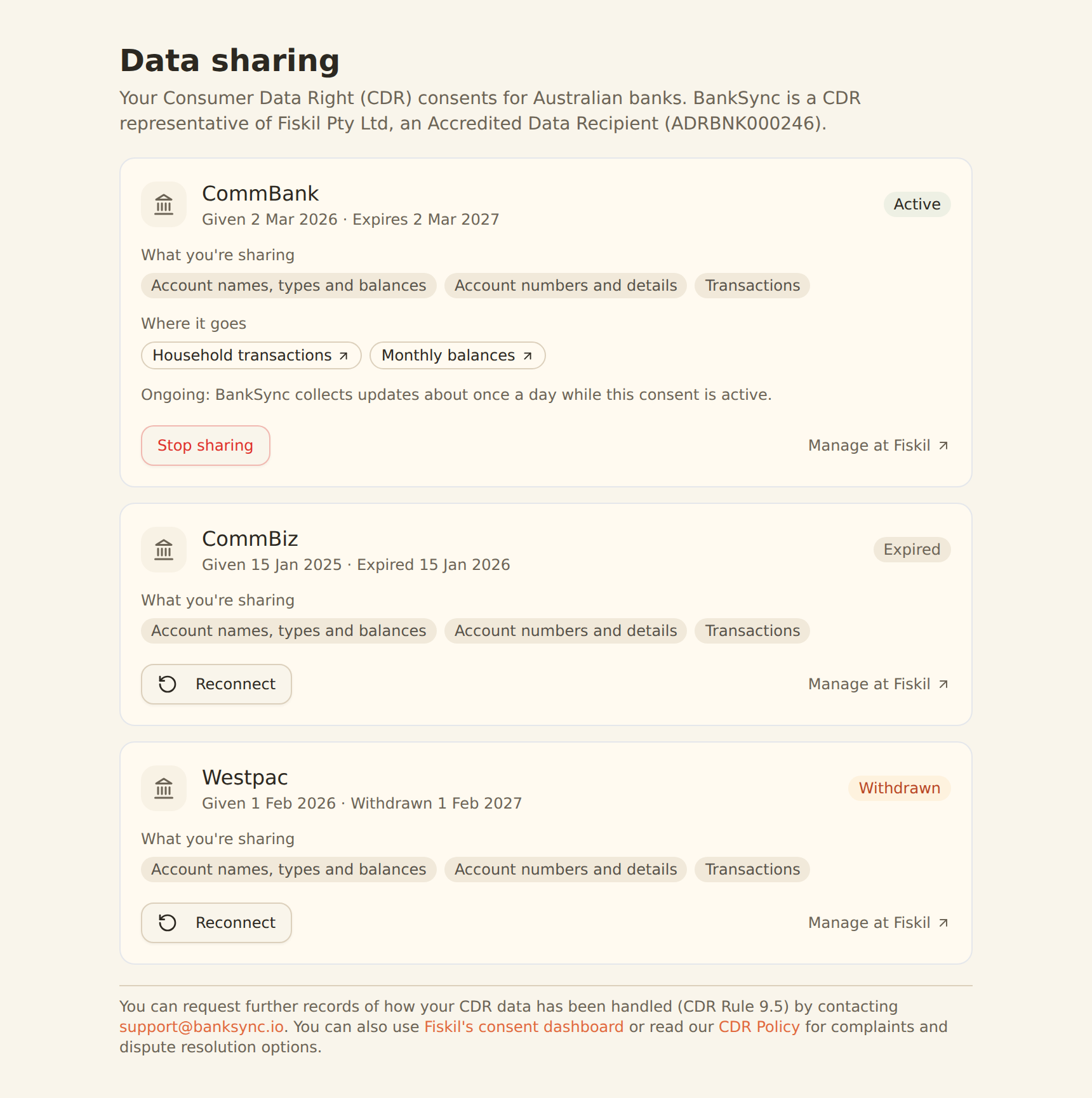
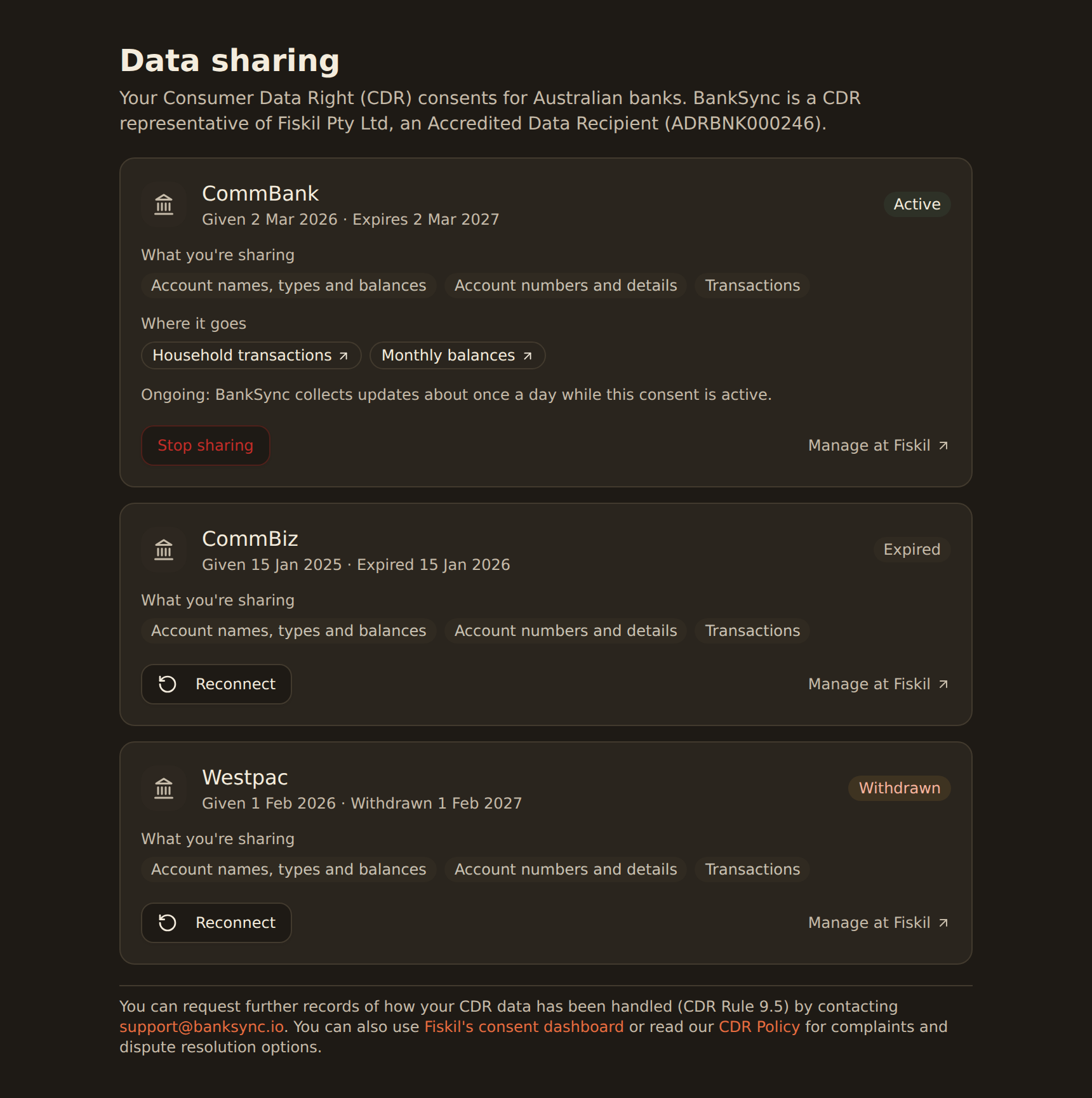
🇦🇺 Australia
Transient Data Architecture
For pass-through syncs, financial data is processed in short-lived worker environments and forwarded to the destination you configure. For managed features, including future BankSync Tables, stored financial data remains inside the BankSync Boundary until you export, share, sync, or otherwise send it elsewhere.
Technical detail: Pass-through data retrieved from your bank passes through a short-lived sync workflow step, is checkpointed by the workflow engine only for the life of that run, and is not retained after forwarding to your destination. Stored feature data, operational metadata, encrypted tokens, logs, and backups are handled under our access controls and retention practices.
BankSync also retains operational metadata such as feed configuration, sync timestamps, and error logs so the service can run, recover, audit, and support your account.
Encryption in Transit and at Rest
All communication between your bank, BankSync, and your destination tools (like Notion) is encrypted using industry-standard TLS (Transport Layer Security) protocols. Data stored inside the BankSync Boundary is encrypted at rest.
Technical detail: We use 256-bit AES encryption and TLS 1.2+ for all data transmission, the same security standards used by major financial institutions worldwide.
Strong Authentication
BankSync leverages secure authentication methods and supports multi-factor authentication (MFA) to ensure only authorized users can access your BankSync account and configure connections.
We recommend enabling two-factor authentication on your BankSync account for an additional layer of security.
Our Business Is You, Not Your Data
BankSync's business model is straightforward: we charge a subscription fee for our service, not for your data. Within the BankSync Boundary, we don't sell your banking data, use it for advertising or data brokerage, disclose identifiable banking data for another party's independent commercial exploitation, or use customer banking data to train AI or machine-learning models.
You are our customer, not our product. Our success depends on providing a secure, reliable service that you trust with your financial connections.
What Happens When You Cancel?
When you cancel your BankSync subscription:
- ✓
All your data remains in your tools: Any data previously synced to Notion or other destinations remains intact and under your control.
- ✓
Bank connections are severed: We immediately disconnect from your financial institutions, ending all data access.
- ✓
We delete your account: Your BankSync account data is removed from active systems subject to backup, legal, compliance, security, billing, and dispute-retention requirements.
You can request complete deletion of your account and data at any time by contacting our support team.
Secure by Design, Transparent by Choice
We built BankSync with security as our foundation, not as an afterthought. We're always happy to answer any questions about our security practices.
Contact Us With Security QuestionsReady to Securely Connect Your Accounts?
Start your 14-day free trial with BankSync and experience secure financial data syncing.
14-day free trial • Cancel anytime