Fix your data before it lands.
16 enrichment types run inside every sync: they categorize, map and split records, keep duplicates and noise out, watch budgets, subscriptions, fees and feed health, and let Memory and AI fill whatever is left.
Auto-categorize and enrich every transaction on sync.
Your data, your rules.
Stop fixing the same rows every month. Enrichments do the sorting, the filtering and the watching while you get on with the work.
Transform data
Set field values as records sync, so categories and codes arrive already filled.
Guard data
Decide which rows reach your destination at all, before anything is written.
Watch
Notify without touching a value — on records, on feeds, and on whole periods.
AI & learning
Fill what nothing else could, gated by confidence, with a review queue behind it.
16 enrichments, one pipeline
Every type is created from the same dialog, scoped to the feeds you choose, previewed against real records, and reported on in job history.
Transform data
Set field values as records sync, so categories and codes arrive already filled.
Guard data
Decide which rows reach your destination at all, before anything is written.


Watch
Notify without touching a value — on records, on feeds, and on whole periods.


AI & learning
Fill what nothing else could, gated by confidence, with a review queue behind it.

Stages run in a fixed order
However you arrange the grid, the outcome is predictable: guards decide what continues, fills happen from most explicit to least, and watchers only ever read the final result.
Guard
Filter, Duplicate Screen, Transfer Matcher and Split decide which records continue. A suppressed record never teaches Memory and never fires an alert.
Memory
Fills fields that are still empty from what you have corrected before, using exact patterns and fuzzy merchant matching.
Lookup
Lookup tables apply their mapping early, so your own rules can still override them.
Rules
Your rulesets apply. Later rules win over earlier ones, so the most specific rule goes first.
AI fill
The AI Categorizer and Merchant Cleanup fill only what is still empty, and only above your confidence threshold. The rest goes to the Review Queue.
Observe
Alerts, budgets, fee and subscription tallies, and anomaly scoring read the final records. They notify and count; they never change a value.
Watch types that look at feed health or a whole period — Feed Monitor, Budget, Fee Ledger, Digest, and the recurring and anomaly alerts — are also re-checked on a scheduled hourly pass, so they fire between syncs.
Powerful enrichment features
Visual condition builder
Nested AND/OR, field-aware operators, regex and is-any-of lists.
Live Preview, before you sync
Run real records through the pipeline without writing anything.
A predictable pipeline
Guards, then Memory, lookups, your rules, then AI fills the rest.
Per-feed or workspace-wide
Different rules for personal, business or each client.
Execution summaries
Every job records what fired, how many rows, and what was delivered.
A review queue, not a guess
Low-confidence suggestions wait for you — and teach Memory.
Between syncs, too
Budgets, fees, subscriptions and feed health re-check hourly.
Email, Slack, webhook
Notifications where you already work, JSON to your own endpoint.
Never breaks a sync
Enrichments fail open — the sync still runs, the summary says why.
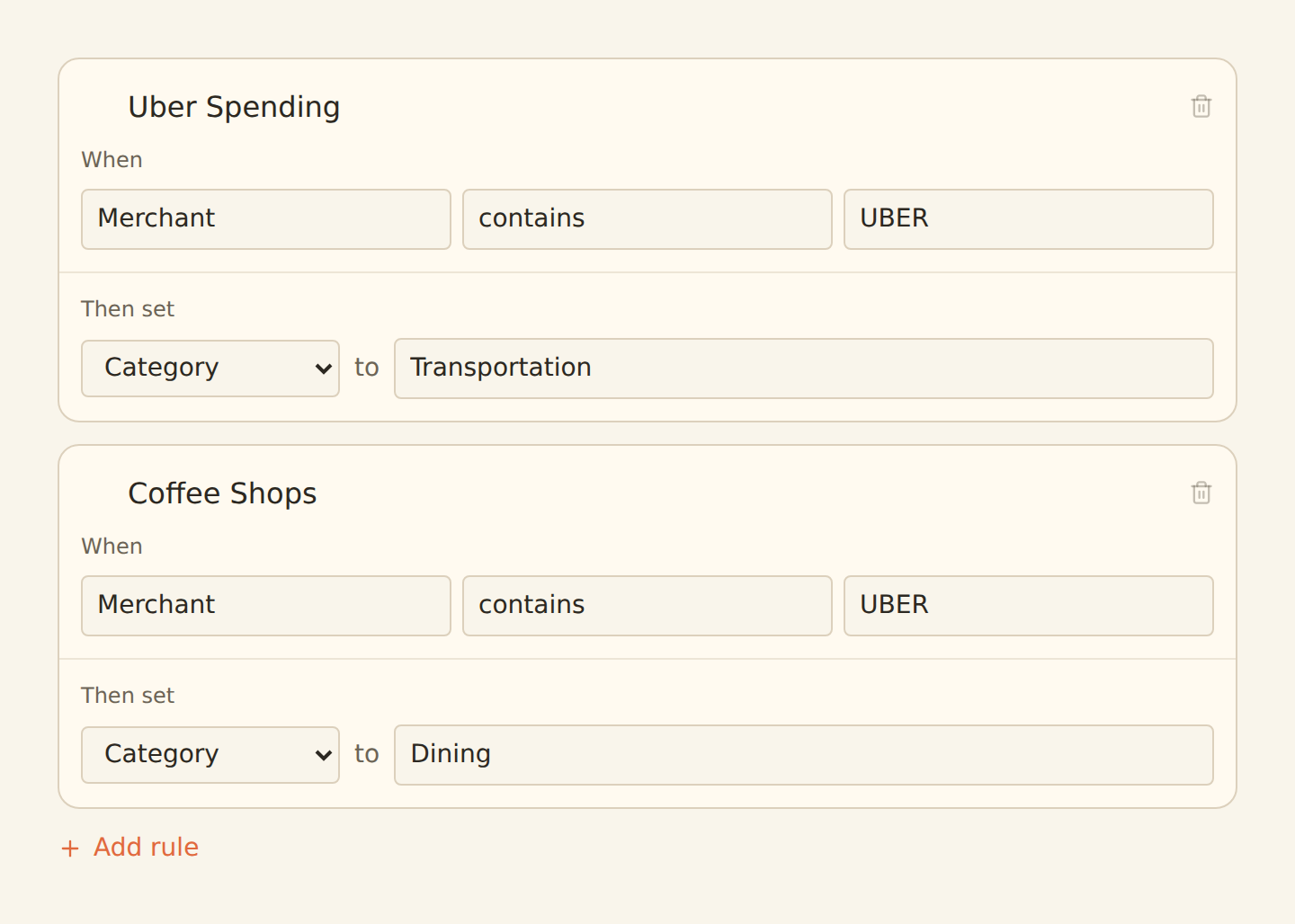
preview it before it writes
Raw rows in. Clean books out.
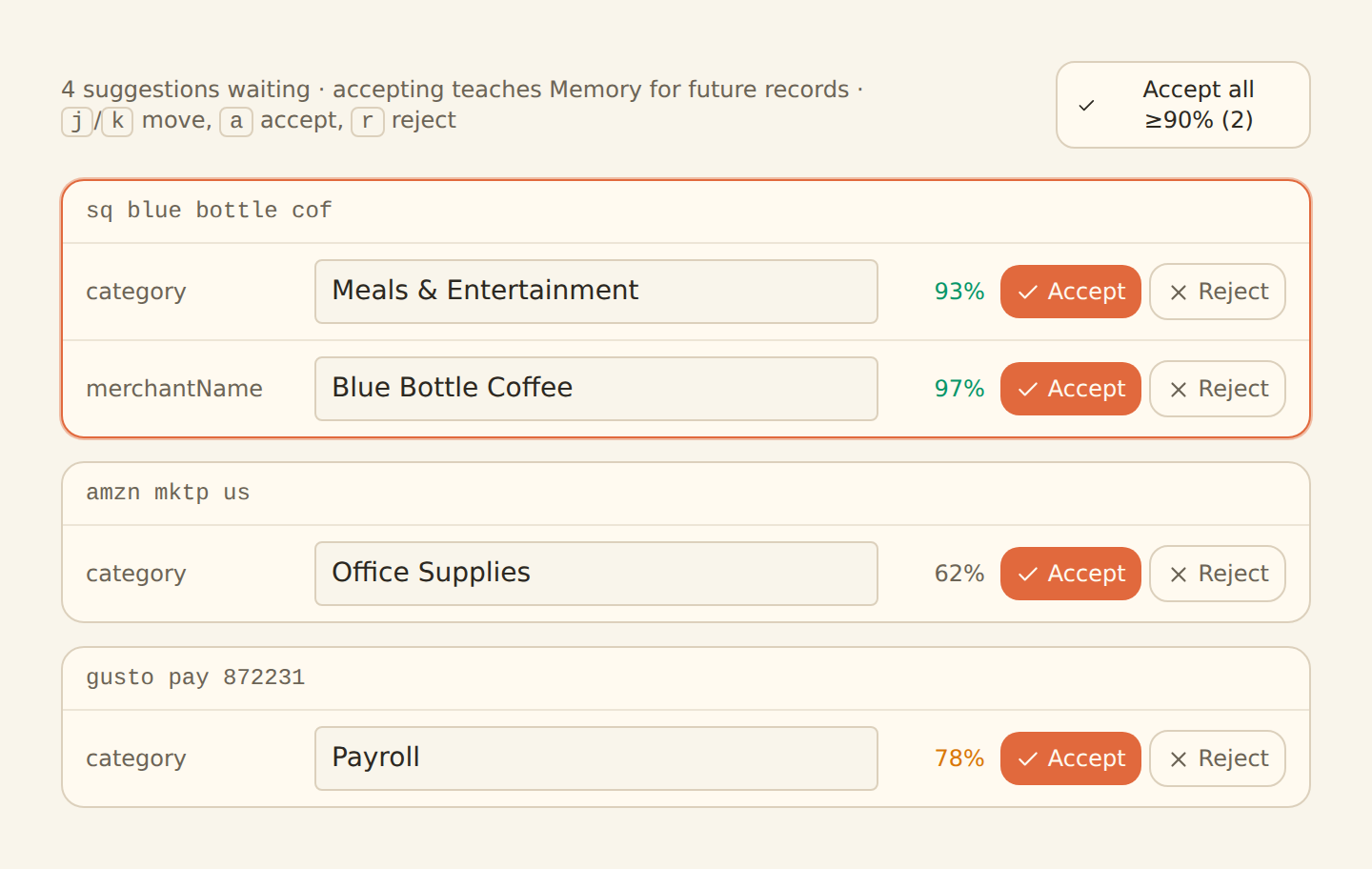
anything unsure waits for you
- 1
Pick a type
Search or browse Transform, Guard, Watch and AI in one dialog.


- 2
Configure it
Conditions, thresholds or a pasted table, in a visual builder.
AND / ORRegexis-any-of - 3
Scope and preview it
One feed or all of them, checked against your real records first.
 Live Preview
 - 4
Enable it
Every sync runs it, and the job summary reports what it did.

what people fix with it
Start on the basics, grow into the rest
Every paid plan can categorize, filter, remember and alert. Higher tiers unlock the advanced guards, the watchers, and AI.
Free & Starter
The basics
Ruleset, Alert, Memory, Filter, Feed Monitor
Standard
Advanced
Everything above, plus Lookup Table, Split, Transfer Matcher, Duplicate Screen, Budget, Recurring Registry, Fee Ledger, Anomaly Detector and Digest
Professional & up
Everything
All 16, including the AI Categorizer and Merchant Cleanup — which do not draw down your Ask Penny credits
Enrich your bank feed data automatically
Enrichments pair perfectly with Bank Feeds and Document Extractor. Categorize synced transactions, and clean up extracted receipts with the same rulesets, lookups and filters.
Frequently asked questions
What are enrichments in BankSync?
Enrichments are processing steps that run while a feed syncs, before anything is written to your sheet, database or table. There are 16 types in four groups: Transform (Ruleset, Lookup Table) sets field values; Guard (Filter, Split, Transfer Matcher, Duplicate Screen) decides which rows land; Watch (Alert, Feed Monitor, Budget, Recurring Registry, Fee Ledger, Anomaly Detector, Digest) notifies without changing data; and AI & learning (Memory, AI Categorizer, Merchant Cleanup) fills whatever is still empty.
How do rulesets work?
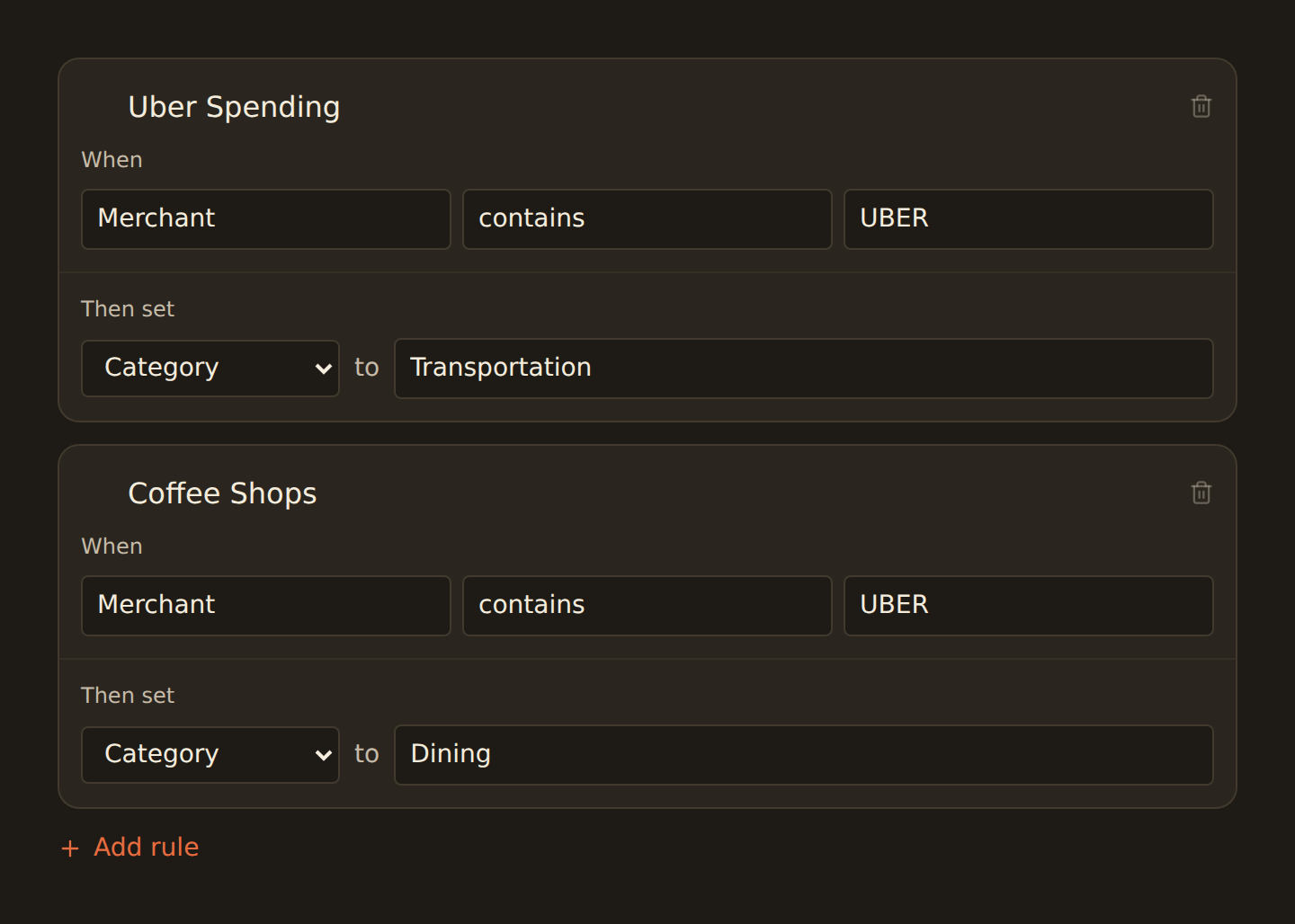
A ruleset is a list of rules read as "when these conditions match, then set this field to this value" — for example, when the description contains UBER, set Category to Transport. Conditions support nested AND/OR groups, field-aware operators, does-not-start-with, ends-with, matches-regex, and is-any-of / is-none-of lists. Rules run in the order you drag them, so the most specific rule goes first.
In what order do enrichments run?
By stage, not by grid position. Guards run first and decide which records continue; a suppressed record never teaches Memory and never fires an alert. Then Memory fills empty fields, then lookup tables, then your rulesets (later rules win), then AI fills only what is still empty, and finally the watchers — alerts, budgets, fee and subscription tallies, anomaly scoring — read the final records without changing them. Your drag-and-drop order controls sequence within a stage.
Can enrichments stop bad rows from reaching my spreadsheet?
Yes — that is what the Guard group is for. A Filter keeps matching records out entirely, a Duplicate Screen flags or suppresses look-alike duplicates within a window, the Transfer Matcher pairs money moving between your own accounts so it is not counted as income and spend, and a Split replaces one record with several lines that add up exactly. The feed Live Preview strikes through any row that would be excluded and names the enrichment responsible.
What can BankSync watch for me between syncs?
Feed Monitor alerts when a feed stops syncing or silently stops producing records. Budget alerts when spend, income, transaction count or a balance crosses a threshold for a period. The Recurring Registry tracks subscriptions and flags price increases, new charges and missed ones. The Fee Ledger tracks bank fees and interest and catches fee creep. The Anomaly Detector flags big first-time merchants, amount spikes and transaction bursts. A Digest emails a scheduled summary of all of it. These are re-evaluated on a scheduled hourly pass, so they fire between syncs too.
How does the AI categorization work, and does it use my AI credits?
The AI Categorizer fills categories that your rules and Memory left empty, and Merchant Cleanup turns raw bank descriptors into canonical merchant names. Both are confidence-gated: anything below your threshold goes to the Review Queue instead of being written, and your decision there teaches Memory. They are included on the plans that carry AI (Professional and above) and do NOT draw down your Ask Penny credits. There is no model to choose — one managed model serves every workspace — and results are cached, so the same merchant pattern is not re-billed on every page of a backfill.
What is the Review Queue?
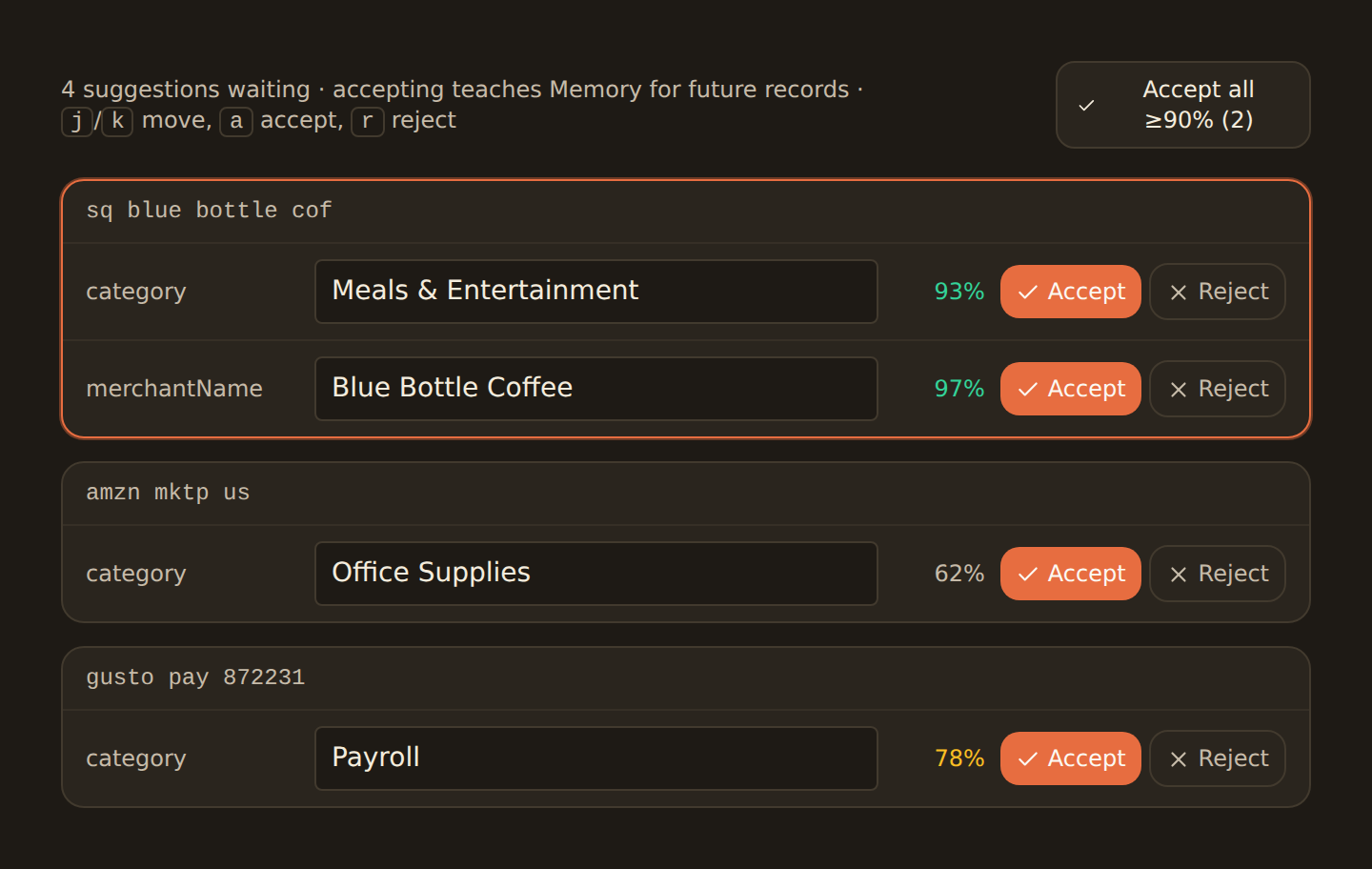
It is the inbox for AI suggestions that fell below your confidence threshold. Each item shows the record, the suggested value and the confidence. Accept it, edit it, or reject it — accepting teaches Memory so the pattern is applied automatically next time, and rejecting suppresses that suggested value for the pattern.
Which notification channels do alerts support?
Email, Slack (via an incoming-webhook URL) and generic webhooks that post JSON to your own endpoint. A cooldown setting prevents repeated notifications from becoming noise. Webhook and Slack URLs are treated as secrets and masked in API responses.
Can I preview an enrichment before it touches my data?
Yes. Every feed has a Live Preview that runs your real records through the whole pipeline without writing anything. The Data tab shows the rows as your destination will receive them with enrichment-changed cells highlighted, excluded rows struck through, and split children indented under their parent; alerts show as "would fire (dry run)". The Enrichments tab shows each enrichment with the number of records it matched.
Can I apply enrichments to specific bank feeds?
Yes. Each enrichment is scoped to specific feeds or to all feeds in the workspace, from its Dependencies tab or from the feed’s own Enrichments subtab. That is how you run different categorization for personal and business accounts, or different alert thresholds per client. Types that watch feed health or whole-workspace totals — Feed Monitor, Budget, Fee Ledger, Digest — have no data type at all and contribute from every feed you attach them to.
Which plan do I need for each enrichment type?
Free and Starter include Ruleset, Alert, Memory, Filter and Feed Monitor. Standard adds Lookup Table, Split, Transfer Matcher, Duplicate Screen, Budget, Recurring Registry, Fee Ledger, Anomaly Detector and Digest. Professional and above add the AI types. Types your plan does not carry show as locked in the New Enrichment dialog, and a workspace can hold up to 100 enrichments in total.
Can a broken enrichment break my sync?
No. Each enrichment is isolated: a malformed configuration or a failing step is skipped and reported in the job summary rather than failing the run, and the AI step fails open — if the model is slow or unavailable, records sync without the AI fill. Regex patterns are safety-checked when you save, so a pathological pattern can never stall a sync.
Start enriching your financial data today
Set up your first ruleset, filter or alert in minutes, preview it against real records, and let every sync do the rest. No code required.