Sync Your Brokerage to Any Spreadsheet
Connect Schwab, Fidelity, Robinhood, Vanguard, E*TRADE, Interactive Brokers and the rest. Holdings, trades and dividends land in Google Sheets, Notion, Airtable or Excel automatically.
14-day free trial. Cancel anytime.
Sync holdings and trades from every brokerage.
Every Major US Brokerage
Plus the robo-advisors. Connect once, sync forever.
Don't see yours? Ask us about coverage.
The Detail Real Investors Need
Not just balances. Cost basis, dividend dates, lot detail, and a clean schema your formulas can rely on.

Holdings, refreshed nightly
Ticker, units, cost basis, average price and market value.

Full trade history
Buys, sells, reinvestments, splits and corporate actions.

Cost basis you can trust
Lot-level where the brokerage exposes it, so 1099 math lines up.

Multi-account roll-up
Taxable, IRA, Roth, joint, 401(k) — one portfolio view.

Dividends and income
Cash and reinvested, with ex-date, pay-date and currency.

OAuth, no credentials stored
You sign in at the brokerage. We hold short-lived tokens.
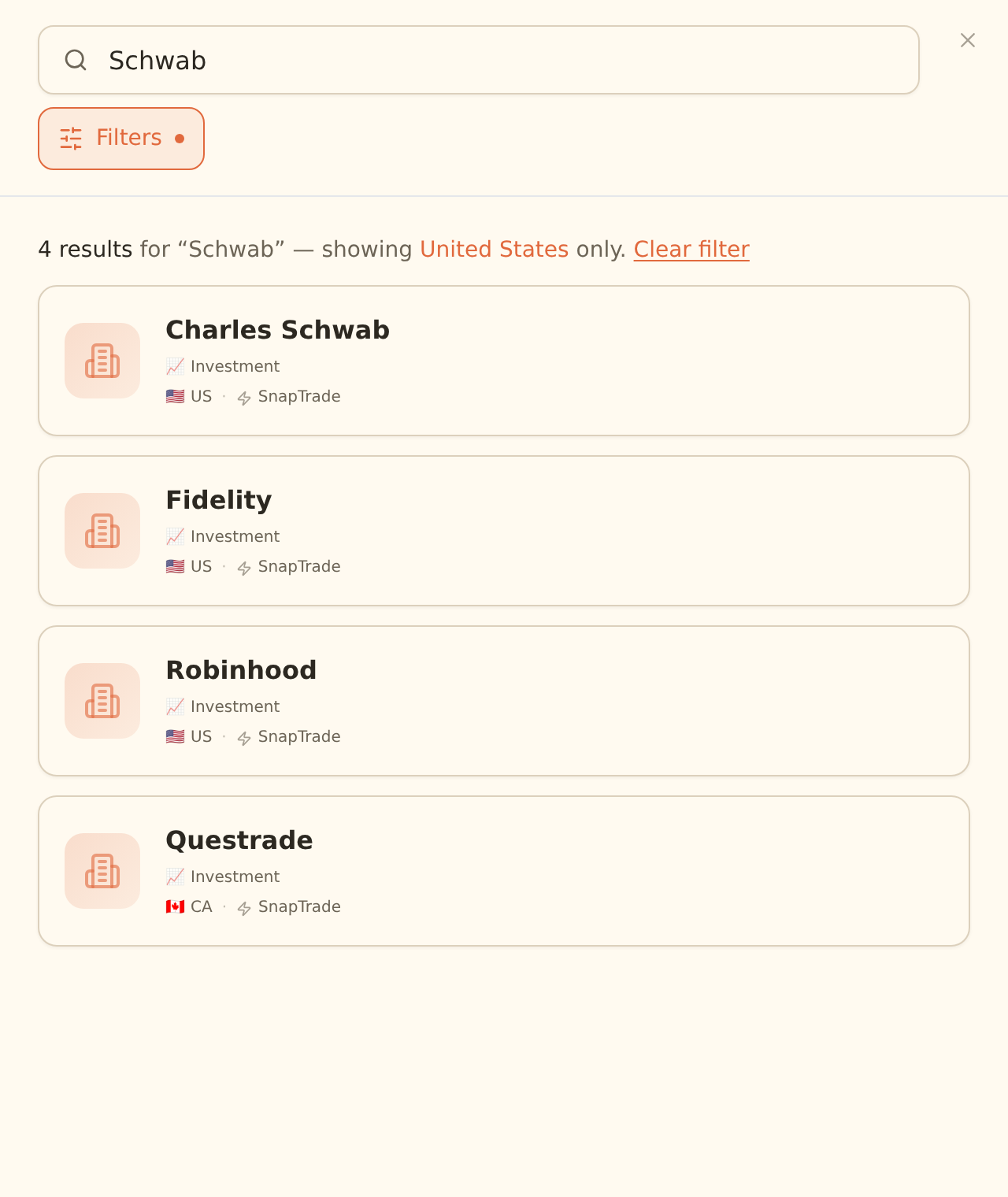
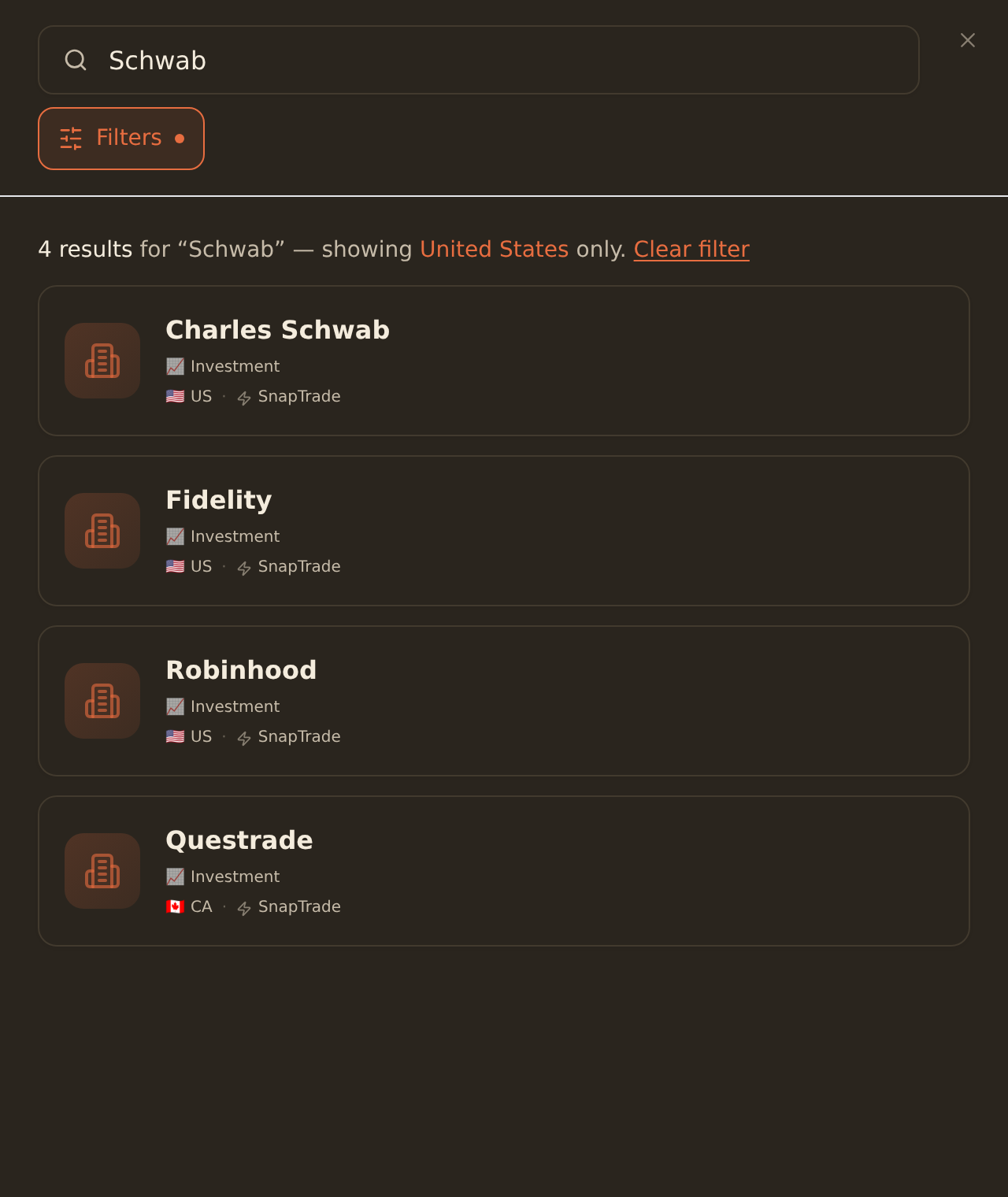
sign in at the brokerage
Pick Your Destination




What People Build
Portfolio tracker
One sheet showing every position across every account, with allocation and gain.
See template →Dividend tracker
Cash income by ticker, month and account. Forecast next year's payouts.
See template →Net worth tracker
Combine investment, bank and loan balances for a single net-worth chart.
See template →Brokerage Sync FAQ
Which brokerages does BankSync support?+
BankSync connects to every major US brokerage including Charles Schwab, Fidelity, Robinhood, Vanguard, E*TRADE, Interactive Brokers, TD Ameritrade, Merrill Edge, M1 Finance, Public and Webull. Robo-advisors like Wealthfront, Betterment and Acorns are also supported.
Can I sync my Robinhood account to Google Sheets?+
Where supported, connect Robinhood through BankSync, pick Google Sheets as the destination, and sync available holdings, trades, and dividends. Schedule hourly, daily, or weekly depending on your plan.
How do I export Schwab or Fidelity to Excel?+
Sign in to BankSync, link your Schwab or Fidelity account through the secure OAuth flow, and choose Excel as the destination. Holdings and trade history land in your workbook on each sync; the file refreshes when you open it.
Do you sync cost basis and lot-level data?+
Where the brokerage exposes lot-level cost basis through its open finance API, BankSync syncs it. Otherwise we sync the average cost basis the brokerage reports. This matches what you see on your 1099 in most cases.
What about retirement accounts like IRAs and 401(k)s?+
Yes. Brokerage IRAs (Roth, traditional, rollover) sync the same way as taxable accounts. 401(k) coverage depends on the plan administrator; the major plan providers are supported.
How often does brokerage data refresh?+
BankSync can run hourly on eligible plans. Brokerages typically post end-of-day prices and trade settlement once per business day, so for most use cases a daily schedule is enough.
Connect Your Brokerage
Schwab, Fidelity, Robinhood, Vanguard, E*TRADE and more. Holdings, trades and dividends in your spreadsheet, automatically.
14-day free trial • Cancel anytime