Track Stocks, ETFs & Crypto in One Sheet
Sync holdings, trades, dividends and balances from 10,000+ brokerages and crypto exchanges into Google Sheets, Notion, Airtable or Excel. On a schedule you choose.
14-day free trial. Cancel anytime.
Track holdings and trades across every account.
Every Field a Portfolio Tracker Needs
BankSync normalises data from every brokerage and crypto exchange into one schema, so your spreadsheet formulas keep working when you add a new account.
Holdings
Ticker, units, cost basis, market value, unrealised gain.
Trades
Buys and sells with date, price, fees and settlement.

Dividends & income
Cash and reinvested dividends, interest, distributions.
Balances
Account cash and total value, refreshed every sync.

Asset allocation
Stocks, ETFs, funds, options, bonds and crypto in one schema.

Multi-account roll-up
Retirement, taxable, brokerage and crypto in one portfolio.
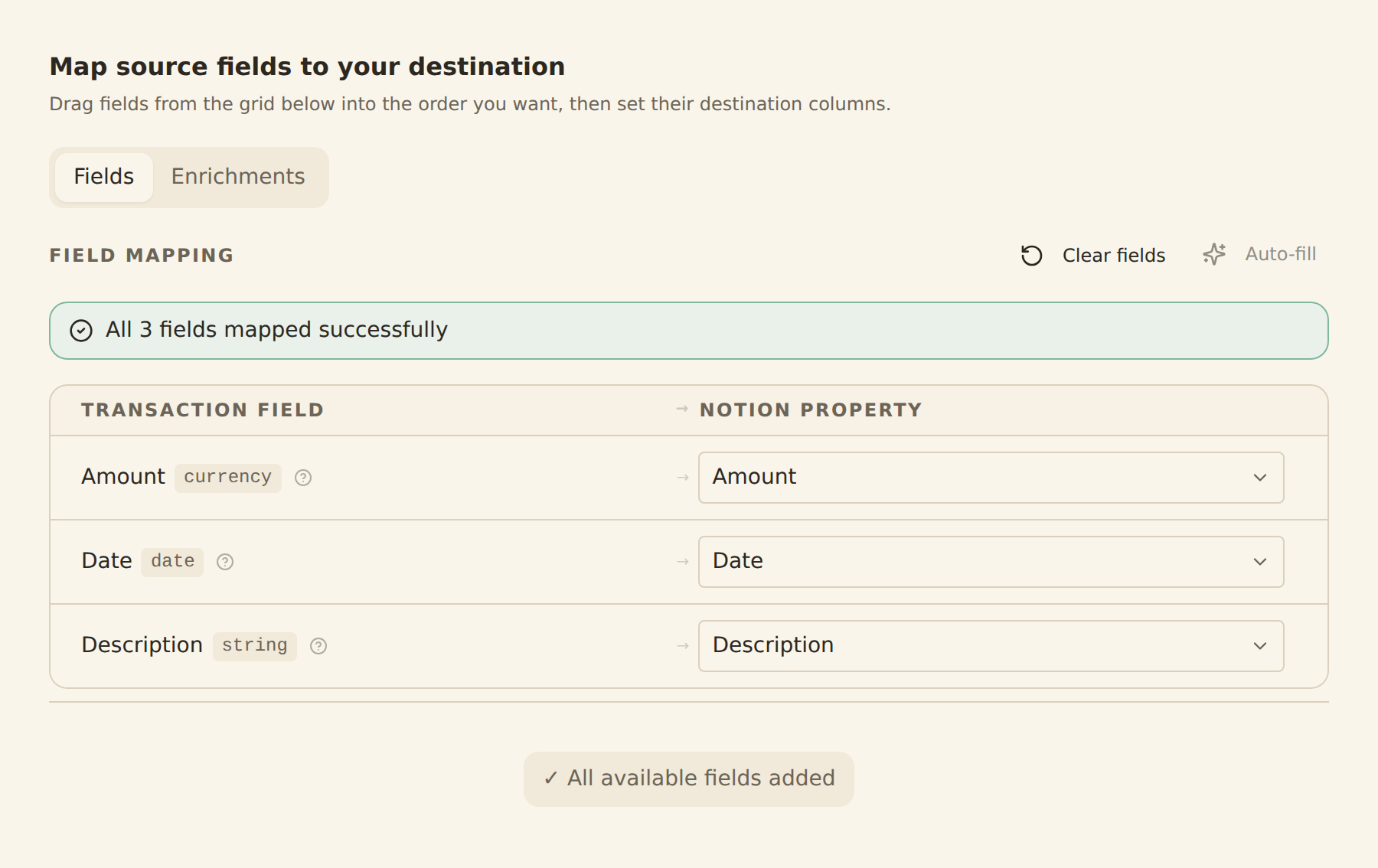
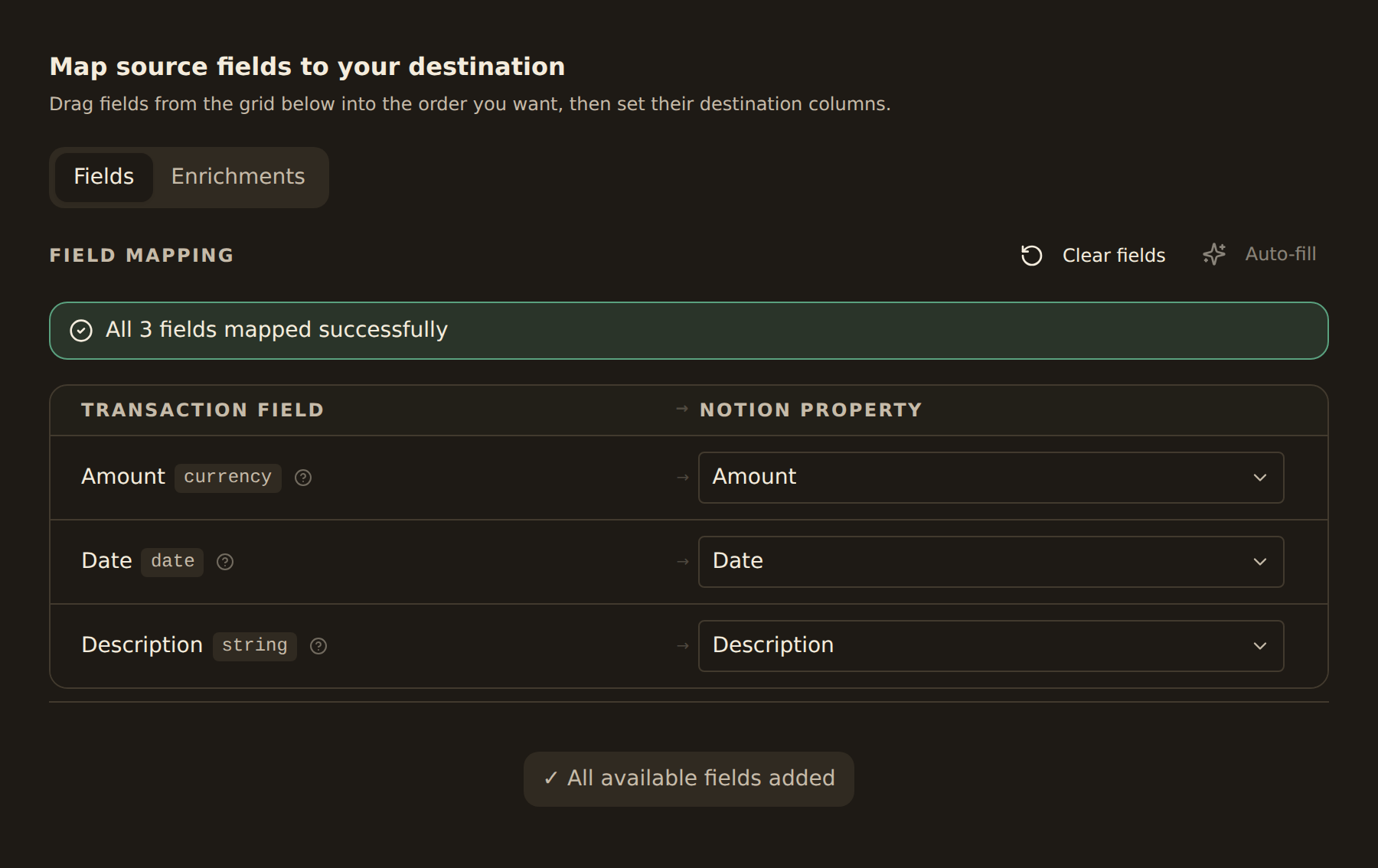
one schema, every brokerage
Send Your Portfolio Anywhere
Pick a destination, map fields once, and let BankSync keep your portfolio data in sync.



Built for the Brokerages and Exchanges You Use
Coverage spans US brokerages, robo-advisors, retirement accounts and the major crypto exchanges, with new providers added through our open finance partners every month.
Specialised Coverage
Need detail on a specific asset class? Explore our brokerage and crypto hubs.
From Brokerage to Spreadsheet in Three Steps
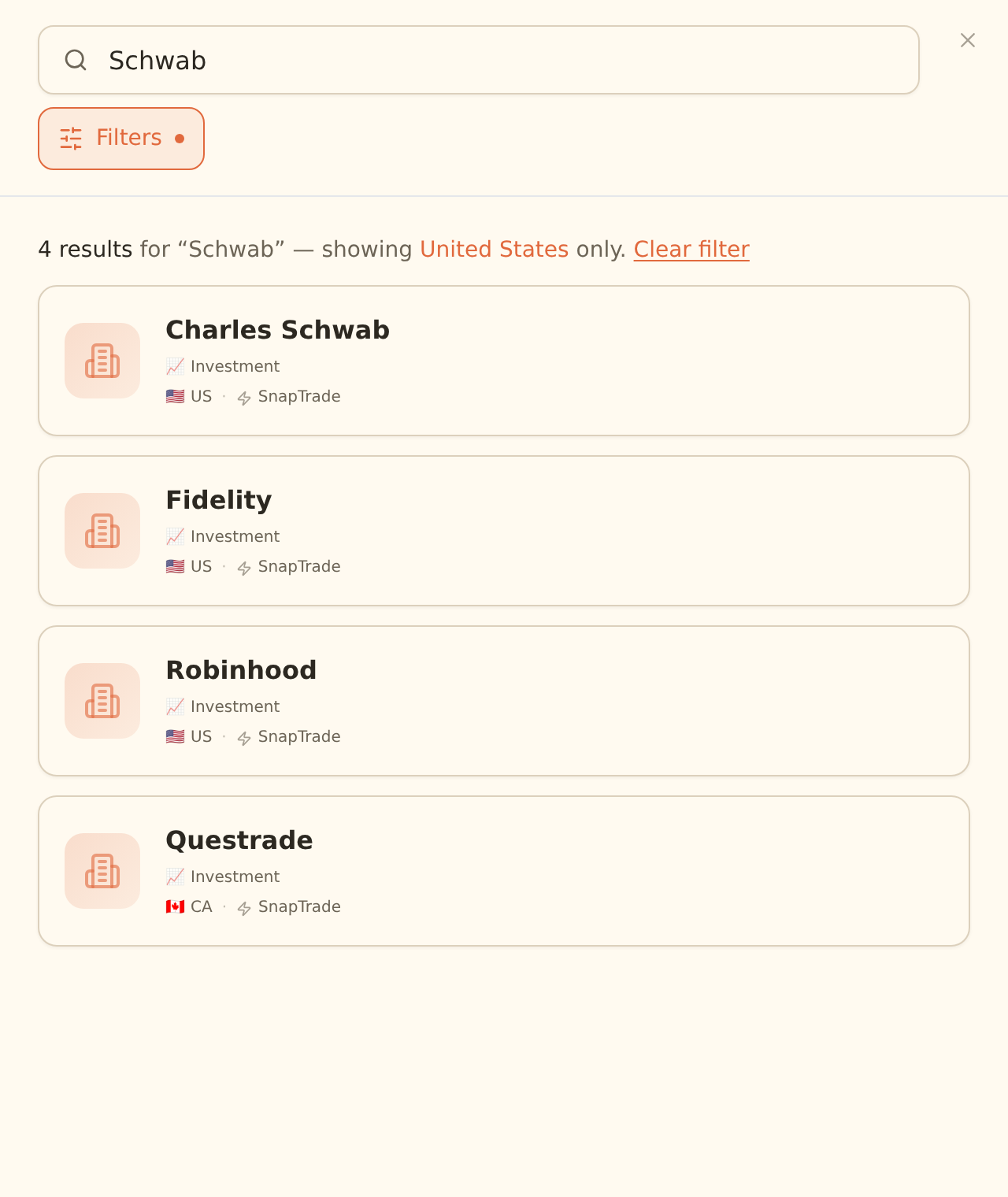
10,000+ brokerages & exchanges
- 1
Connect investment accounts
Secure OAuth sign-in. BankSync never sees your password.


 & more
 - 2
Map fields and pick data types
Holdings, trades, dividends or balances, onto your own schema.


- 3
Schedule and forget
Your portfolio is current before you open the sheet.
HourlyDailyWeekly
Investment Tracking FAQ
Which brokerages can I sync to a spreadsheet?+
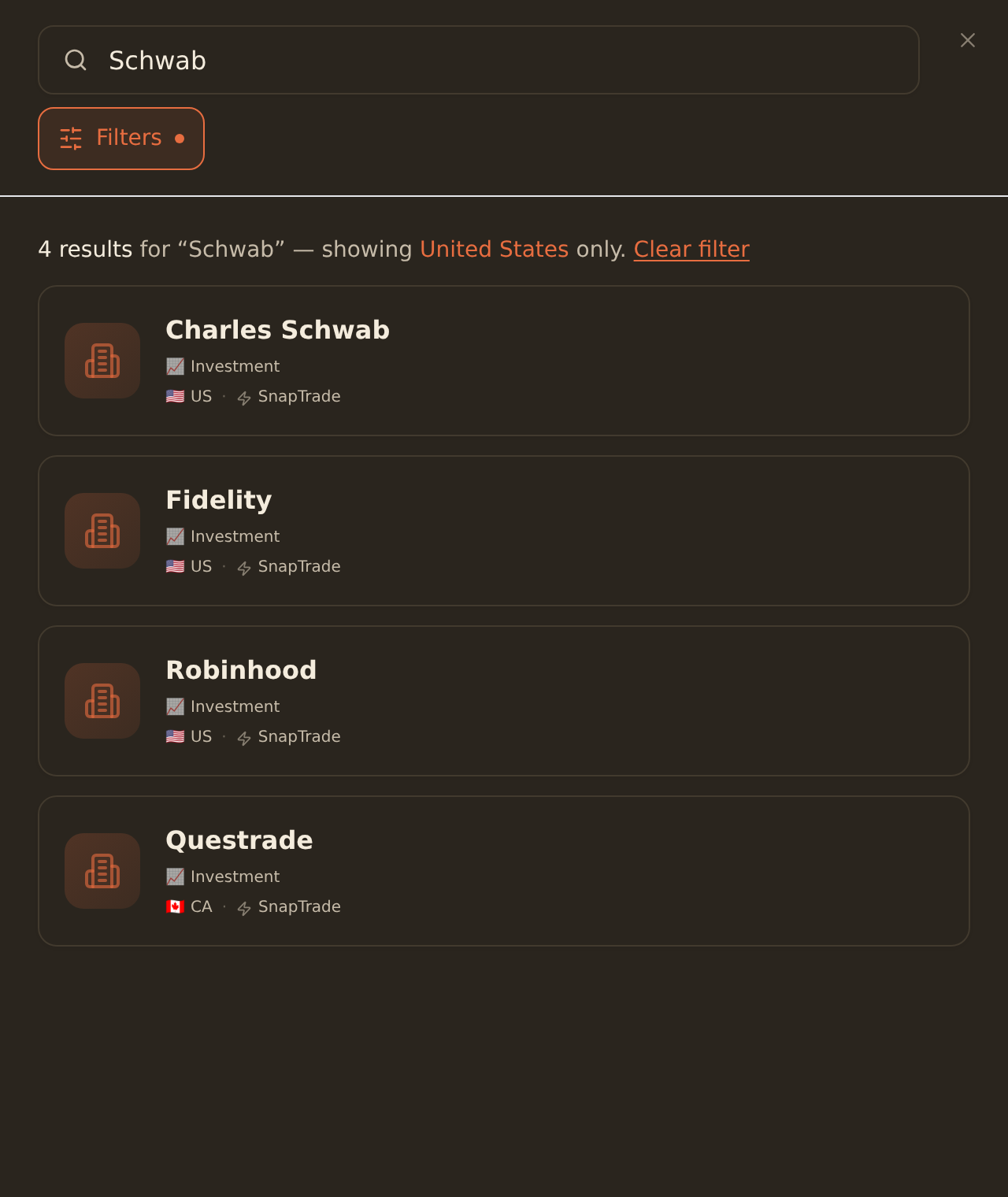
BankSync connects to 11,000+ investment accounts including Charles Schwab, Fidelity, Robinhood, Vanguard, E*TRADE, Interactive Brokers, TD Ameritrade, Merrill, Wealthfront and Betterment. Holdings, trades and dividends sync into Google Sheets, Notion, Airtable or Excel on a schedule you choose.
Can I sync crypto holdings alongside stocks?+
Yes. BankSync syncs crypto exchange accounts (Coinbase, Kraken, Gemini, Binance and others) into the same destination as your brokerage data. Stocks, ETFs, options, bonds, mutual funds and crypto land in one consistent schema so you can chart total portfolio value and allocation.
What investment data fields does BankSync sync?+
For each holding: ticker, name, asset class, units, cost basis, average price, market value and unrealized gain. For each trade: date, action (buy or sell), units, price, fees and settlement. For dividends: ex-date, pay-date, amount, currency and reinvestment flag. Balances and account metadata sync alongside.
How often do investment accounts refresh?+
Supported investment data syncs hourly, daily, or weekly depending on the plan. You can also trigger a sync on demand. Brokerage providers typically post end-of-day prices once daily; intraday market value uses the latest value supplied by the provider.
Do you store my brokerage credentials?+
No. BankSync uses regulated open finance providers and OAuth flows. Credentials are exchanged directly with the brokerage; only short-lived access tokens reach our pipeline. You can revoke access from the brokerage or from BankSync at any time.
Can I export historical trades to a CSV or spreadsheet?+
Yes. On first sync BankSync backfills available trade history (lookback varies by brokerage, typically 12 to 24 months). Trades land in your destination as rows you can filter, pivot and export to CSV.
Track Your Whole Portfolio
One schema for stocks, ETFs, crypto and dividends. 10,000+ brokerages and exchanges. 14-day free trial.
14-day free trial • Cancel anytime