Sync Crypto Holdings to Your Spreadsheet
Connect Coinbase, Kraken, Gemini, Binance and more. Holdings, trades and balances flow into Google Sheets, Notion, Airtable or Excel automatically.
Read-only API keys. We never request withdrawal access.
Sync balances and holdings from every exchange.
The Exchanges Crypto Investors Use
Aggregate every wallet you have into a single portfolio view.
Need a different exchange? Tell us which one.
Built for Crypto, Not Bolted On
Tax-ready trade history, stablecoin handling and a schema that aggregates with your brokerage data.

Holdings across every wallet
Asset, units, average cost, price and market value per exchange.

Trade history with fees
Buys, sells, conversions and staking, with exchange-side fees.

Tax-friendly schema
Cost basis, proceeds and acquisition dates, ready for a 1099.

Stable token coverage
USDC, USDT, DAI and friends, same fields as any position.

Aggregate with stocks
Crypto and brokerage share one schema, so totals just work.

API key auth
Read-only exchange keys. No withdrawal permission, ever.
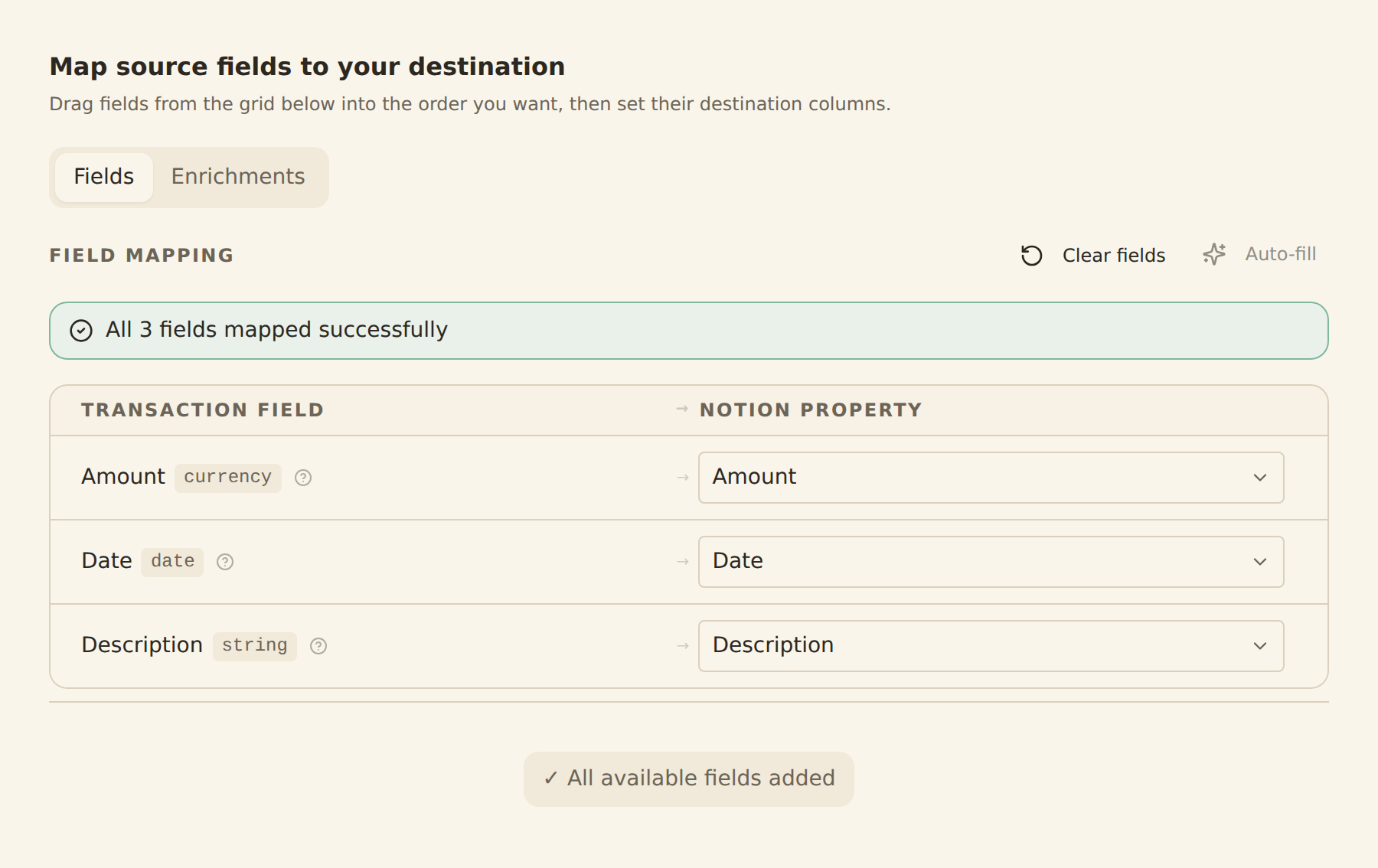
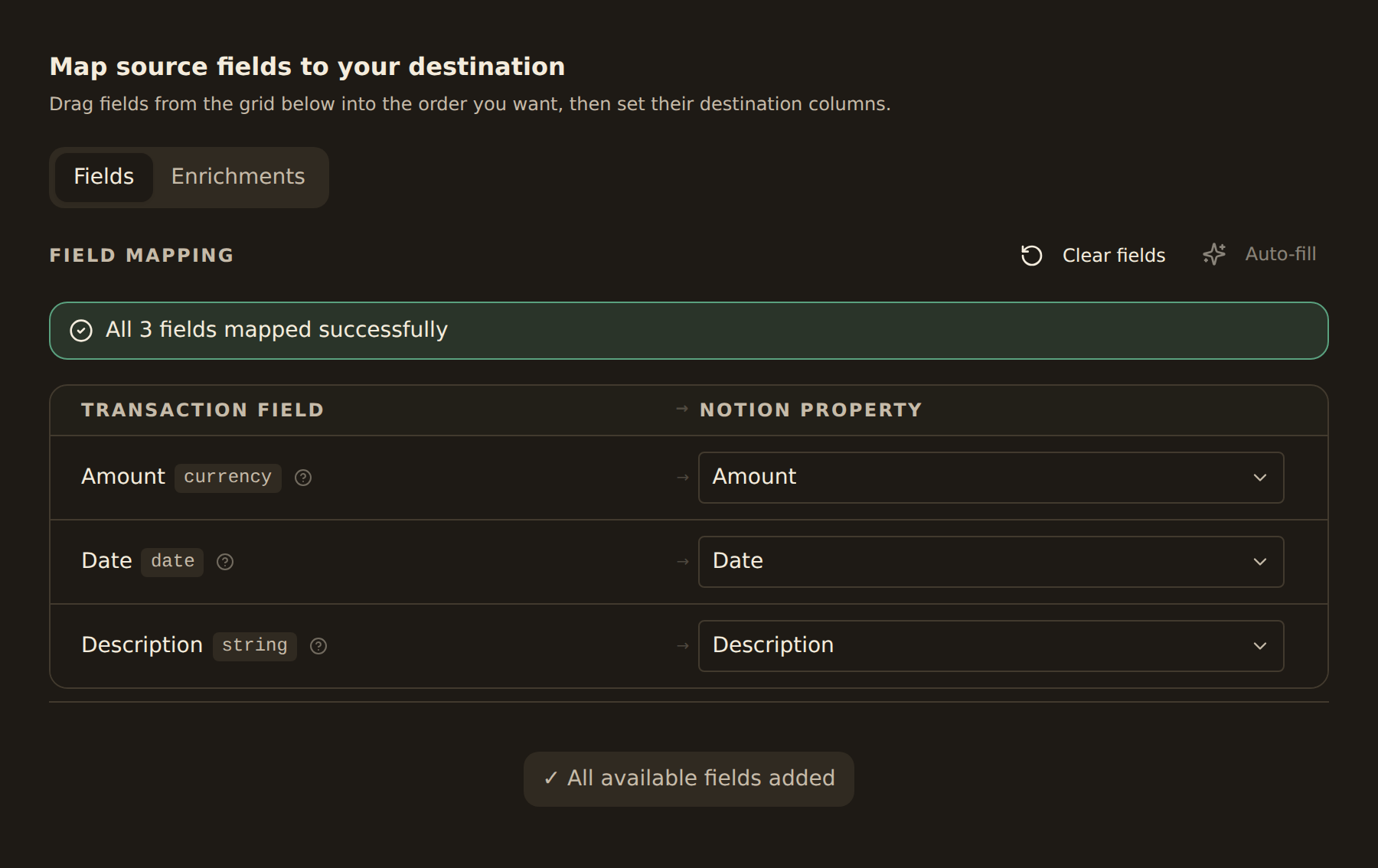
one schema for every exchange
Send Crypto Data Anywhere



Tax Season, Without the Spreadsheet Surgery
Every trade with timestamp, price and fees lands in your sheet, ready to drop into your accountant's template or a crypto tax tool. No CSV downloads from five exchanges, no reconciliation by hand.
- One schema across every exchange
- Trade and conversion history backfilled
- Staking and reward income captured
- Drop into CoinTracker, Koinly or your own template
Crypto Sync FAQ
Which crypto exchanges does BankSync support?+
BankSync supports Coinbase, Coinbase Advanced, Kraken, Gemini, Binance, Binance.US, Crypto.com, KuCoin, Bitstamp and Bitfinex. Coverage continues to grow; reach out if you need a specific exchange.
How do I sync Coinbase to Google Sheets?+
Sign in to BankSync, connect Coinbase through OAuth or a read-only API key, choose Google Sheets as the destination, and pick a schedule. Holdings, trades and balances sync into your spreadsheet on every run.
Can I track crypto and stocks in the same spreadsheet?+
Yes. BankSync uses one schema for crypto and brokerage holdings, so a single sheet shows BTC, ETH, USDC alongside stocks and ETFs. Total portfolio value, allocation and gain calculations work without any custom mapping.
Does BankSync handle staking, conversions and stablecoins?+
Yes. Staking rewards land as income events. Conversions (for example USD to USDC, or BTC to ETH) appear as paired trade rows. Stablecoins use the same fields as any other asset.
What about crypto tax reporting?+
BankSync syncs the raw data needed for tax reporting: trade timestamps, price, fees and units. Drop the trade history into your accountant's template or a tool like CoinTracker or Koinly. We do not file taxes for you.
Is connecting an exchange API key safe?+
BankSync only requests read-only scopes. Where the exchange supports IP allow-listing, we provide a static IP range to lock the key down. We never request withdrawal or trading permissions.
Sync Every Exchange You Use
Coinbase, Kraken, Gemini, Binance and more. Holdings, trades and balances in your spreadsheet, on your schedule.
14-day free trial • Cancel anytime