Ask Penny about your money.
Ask anything about your finances and get an answer with charts. Penny is built into BankSync, reads your live accounts, renders insight widgets inline, and can build dashboards and configure feeds for you. No setup, no exports.

Let agents query balances, holdings, and transactions.
Ask. See. Act.
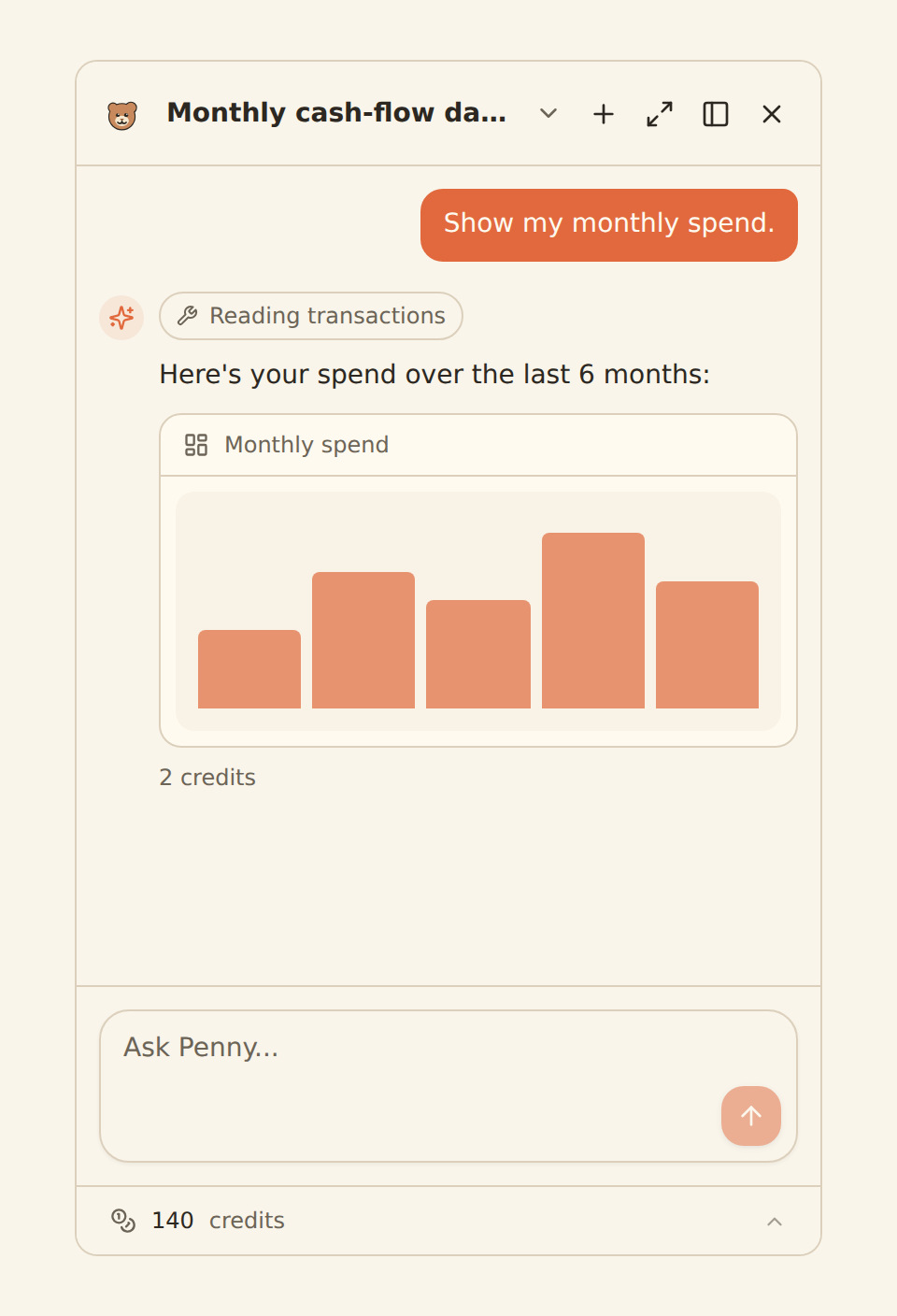
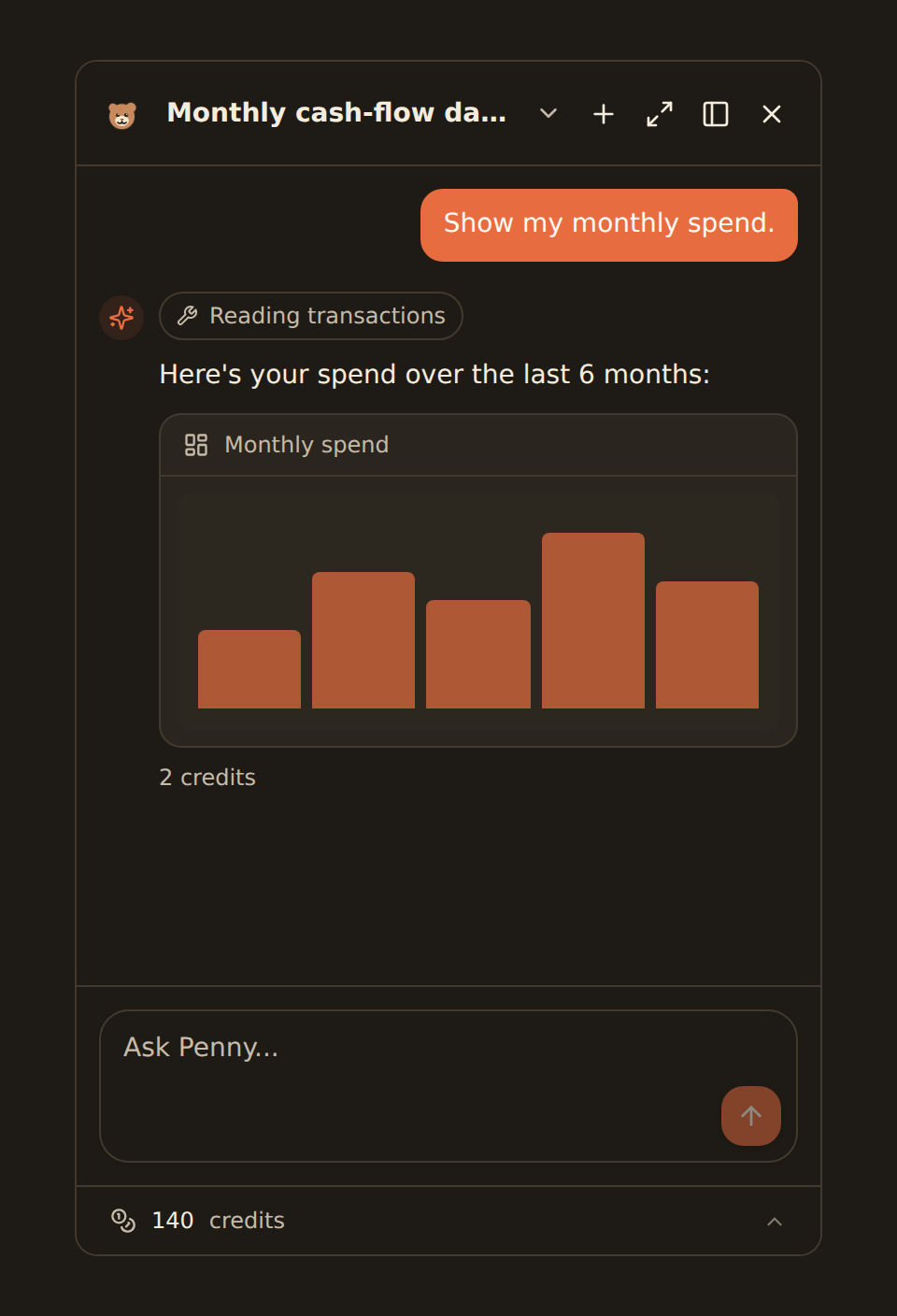
ask, and the chart comes back

Ask — answers from your real data
Spending, balances, cash flow, subscriptions, portfolio. In plain English.
Show — widgets rendered inline
The right chart in the conversation, not a wall of text.
Act — builds dashboards & feeds
Pins widgets, sets up syncs, categorises batches — after asking you.
Just say what you want
“What were my five biggest expenses last month?”
“Show my net worth trend for the past year.”
“How much am I spending on subscriptions, by month?”
“Build me a cash-flow dashboard for my business accounts.”
“Categorize all my Amazon transactions as Shopping.”
“Which of my holdings dropped the most this quarter?”
Ask Penny or bring your own agent
Ask Penny
Built into BankSync
- Nothing to install — open Penny and ask
- Renders charts and widgets inline
- Builds dashboards and configures feeds for you
- Credits included; bring-your-own-key on Pro & Business
API & MCP Server
Bring your own agent
- Connect Claude, ChatGPT, Cursor, VS Code & more
- Use your data from outside BankSync
- Same API key powers the REST API
- Great for developers and custom workflows
From question to answer in seconds
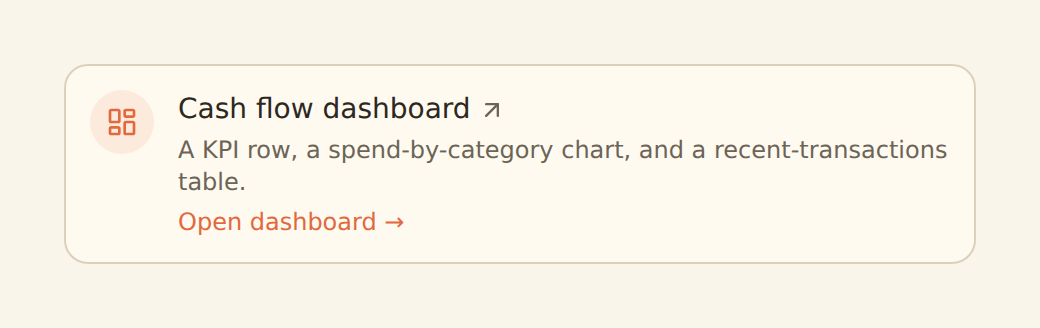
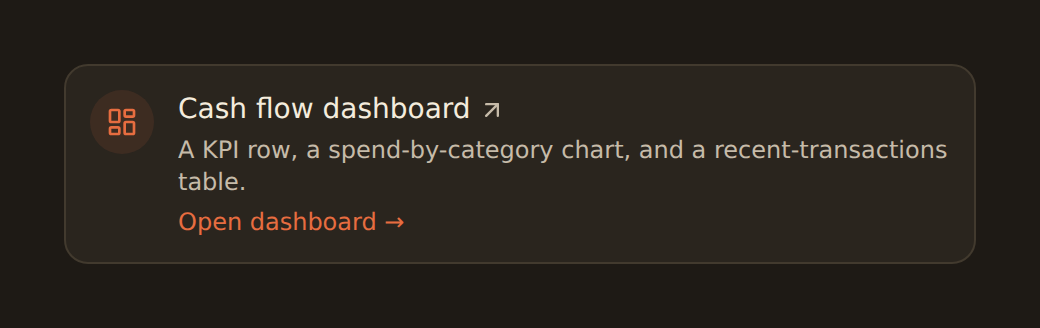
the answer, as a widget
- 1
Connect your accounts
Penny reads the same live data BankSync already syncs.


- 2
Open Ask Penny
A dockable sidebar anywhere in the app. Just type the question.
No SQLNo exports - 3
Get answers, widgets & actions
Read it, see the chart, let her pin it — with confirmation first.


Frequently asked questions
What is Ask Penny?
Ask Penny is the built-in AI assistant inside the BankSync app. Penny reads your live bank, brokerage and crypto data, answers questions in natural language, renders insight widgets inline, and can take actions like building dashboards and configuring sync feeds — with your confirmation before anything changes.
How is this different from connecting my own AI agent with the MCP server?
Ask Penny is the assistant built into BankSync — nothing to install, and it can render widgets and drive the app directly. The MCP server is for bringing your own agent (Claude, ChatGPT, Cursor, VS Code) and connecting it to your BankSync data from outside. They share the same secure data layer; use Penny for an out-of-the-box experience, and MCP when you want to use your own AI tools.
Can the AI take actions, or only answer questions?
Both. Beyond answering, Penny can pin widgets to dashboards, create and edit sync feeds, and apply enrichments. Actions that change your workspace ask for confirmation first, and every action is recorded in an audit trail.
What does it cost? Can I use my own API key?
Ask Penny is available on Standard plans and above and is metered with credits included in your plan. On Pro and Business you can bring your own model key (BYOK) to use your own AI provider account instead of credits.
Is my financial data private when I use Ask Penny?
Yes. Penny is scoped to your workspace, uses the same access controls as the rest of BankSync, and only reads the data you have connected. BankSync never stores your banking credentials, and your data is not used to train models.
Which AI models power Ask Penny?
Ask Penny runs on leading frontier models, including Claude. With bring-your-own-key on Pro and Business plans, you can connect your own provider account and choose the model you prefer.
Talk to your money
Connect your accounts and ask your first question. Penny does the querying, charting and building for you.