One dashboard for every client's bank data.
Invite your clients to connect their own bank, brokerage, or crypto accounts. Isolated workspaces per client, one Stripe subscription, granular permissions, full audit trail. Built for accountants, bookkeepers, financial advisors, and tax preparers.

Send a link; clients connect their own bank.
Stop managing logins. Start managing clients.
Every client-services firm currently picks one of these three bad options. Portals replace all of them.
Chasing PDFs
Email client. Wait. Client downloads statement. Emails it back. You re-key into your software. Repeat every month, for every client. Tax season makes it ten times worse.
- ✗Hours per client per month
- ✗Manual re-keying = errors
- ✗PDFs lose categorization, merchants, balances
Shared workspace
Add every client as a member of your workspace. They can see each other's data. Removing one means surgically deleting their banks. One careless click and a client sees another client's transactions.
- ✗Zero data isolation
- ✗Confidentiality breach waiting to happen
- ✗Revoking access is manual surgery
Separate subscriptions
Make each client buy their own BankSync subscription, then add yourself as a member. You manage 30 logins, 30 billing portals, 30 places things can go wrong.
- ✗30 separate invoices to chase
- ✗Friction onboarding non-technical clients
- ✗Lose a client → they delete the workspace
Client Portals
Each client gets their own isolated workspace under your account. You manage everything. They only see their own data. One subscription. Done.
How Client Portals work
From "I have a new client" to "their transactions are in my dashboard" in under five minutes.
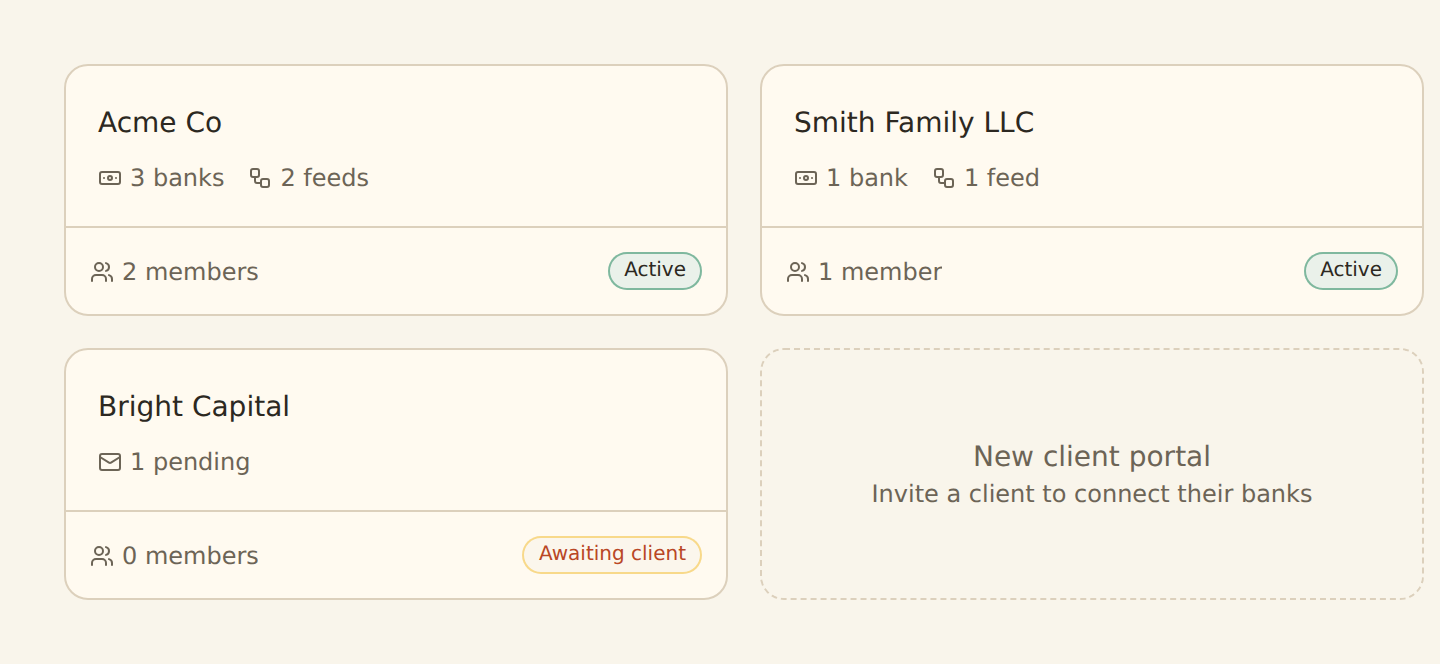
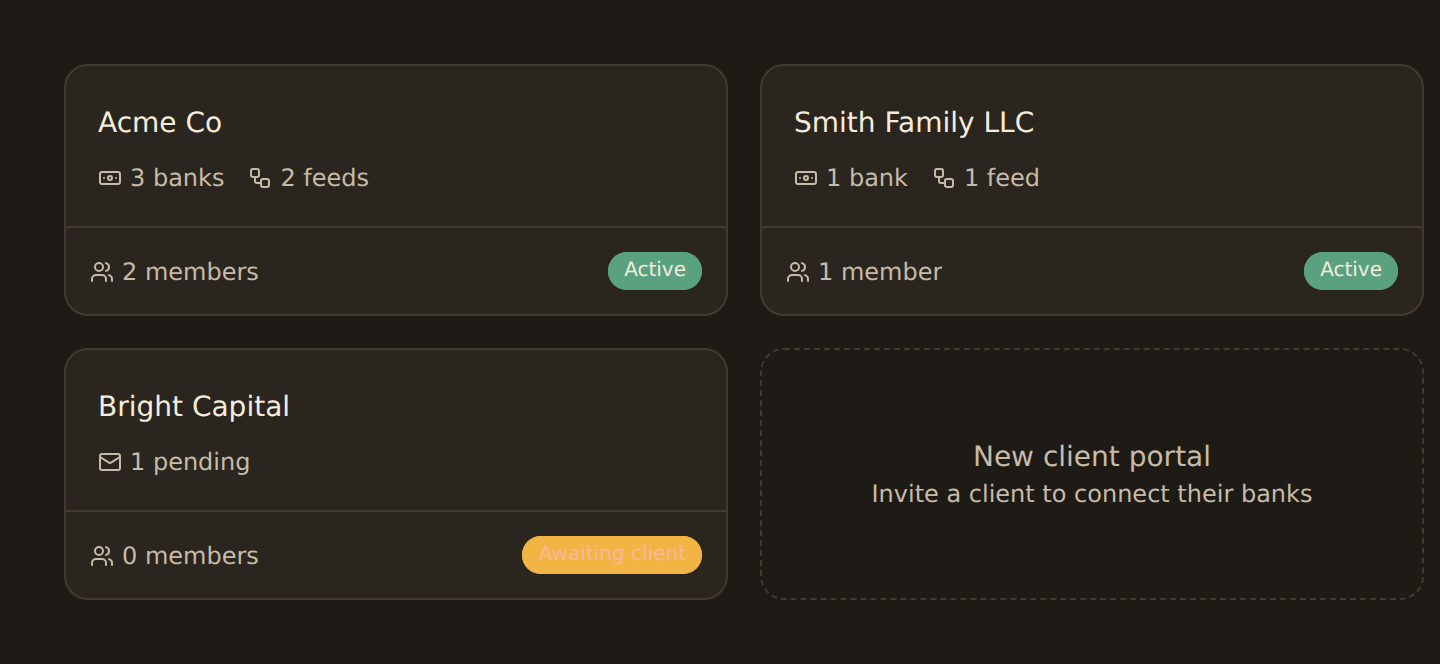
every client, one list
- 1
Create a portal
Name it, pick an icon, add your client’s email.
Under a minute - 2
Send the invite
A branded email naming your firm lands in their inbox.

- 3
They connect their bank
The same regulated flow — CDR, PSD2 or OBIE. Their tokens, not yours.


- 4
It rolls up to you
Tagged with the portal chip in your unified Banks list.

Built like a real product, not a feature flag
Portals are full workspaces, not tags, not labels, not filters on a shared table. That means everything that works for your workspace works for your client's.
Truly isolated workspaces
Own tokens, members and audit trail. Revoke one, keep the rest.
%22%3E%3Cpath%20fill%3D%22%23004aad%22%20d%3D%22M%2026.875%2027.496094%20L%2026.875%2058.460938%20L%2058.703125%2058.460938%20L%2058.703125%2027.496094%20Z%20M%2059.945312%2027.496094%20L%2059.945312%2058.460938%20L%2090.914062%2058.460938%20L%2090.914062%2027.496094%20Z%20M%2092.15625%2027.496094%20L%2092.15625%2058.460938%20L%20123.125%2058.460938%20L%20123.125%2027.496094%20Z%20M%2092.15625%2027.496094%20%22%20fill-opacity%3D%221%22%20fill-rule%3D%22nonzero%22%2F%3E%3C%2Fg%3E%3Cg%20clip-path%3D%22url(%230e300f1137)%22%3E%3Cpath%20fill%3D%22%2338b6ff%22%20d%3D%22M%2026.875%2059.703125%20L%2026.875%2090.445312%20L%2058.703125%2090.445312%20L%2058.703125%2059.703125%20Z%20M%2059.945312%2059.703125%20L%2059.945312%2090.445312%20L%2090.914062%2090.445312%20L%2090.914062%2059.703125%20Z%20M%2092.15625%2059.703125%20L%2092.15625%2090.445312%20L%20123.125%2090.445312%20L%20123.125%2059.703125%20Z%20M%2026.875%2091.6875%20L%2026.875%20122.429688%20L%2058.703125%20122.429688%20L%2058.703125%2091.6875%20Z%20M%2059.945312%2091.6875%20L%2059.945312%20122.429688%20L%2090.914062%20122.429688%20L%2090.914062%2091.6875%20Z%20M%2092.15625%2091.6875%20L%2092.15625%20122.429688%20L%20123.125%20122.429688%20L%20123.125%2091.6875%20Z%20M%2092.15625%2091.6875%20%22%20fill-opacity%3D%221%22%20fill-rule%3D%22nonzero%22%2F%3E%3C%2Fg%3E%3Cpath%20stroke-linecap%3D%22butt%22%20transform%3D%22matrix(0.00000000130833%2C%200.74962%2C%20-0.74962%2C%200.00000000130833%2C%2077.621024%2C%2042.078294)%22%20fill%3D%22none%22%20stroke-linejoin%3D%22miter%22%20d%3D%22M%20-0.000224904%203.50168%20L%2068.492791%203.501681%20%22%20stroke%3D%22%23737373%22%20stroke-width%3D%227%22%20stroke-opacity%3D%221%22%20stroke-miterlimit%3D%224%22%2F%3E%3Cpath%20stroke-linecap%3D%22round%22%20transform%3D%22matrix(0.00000000130833%2C%200.74962%2C%20-0.74962%2C%200.00000000130833%2C%2077.621024%2C%2042.078294)%22%20fill-opacity%3D%221%22%20fill%3D%22%23737373%22%20fill-rule%3D%22nonzero%22%20stroke-linejoin%3D%22round%22%20d%3D%22M%2070.243678%20-6.998428%20L%2084.240349%203.501681%20L%2070.243678%2014.001789%20Z%20M%2070.243678%20-6.998428%20%22%20stroke%3D%22%23737373%22%20stroke-width%3D%227%22%20stroke-opacity%3D%221%22%20stroke-miterlimit%3D%224%22%2F%3E%3C%2Fsvg%3E)
Granular per-client permissions
Who can connect banks, build feeds or invite teammates — per portal.

One subscription, family quota
Bank limits pool across the family. No per-seat, no per-client invoice.
Unified family dashboard
Every client bank in one list, tagged by portal, filterable.

Status pills & lifecycle tracking
Active, Awaiting client, Lapsed, Suspended — at a glance.

AI agents query across portals
One API key, scope=family, every client visible to your agent.
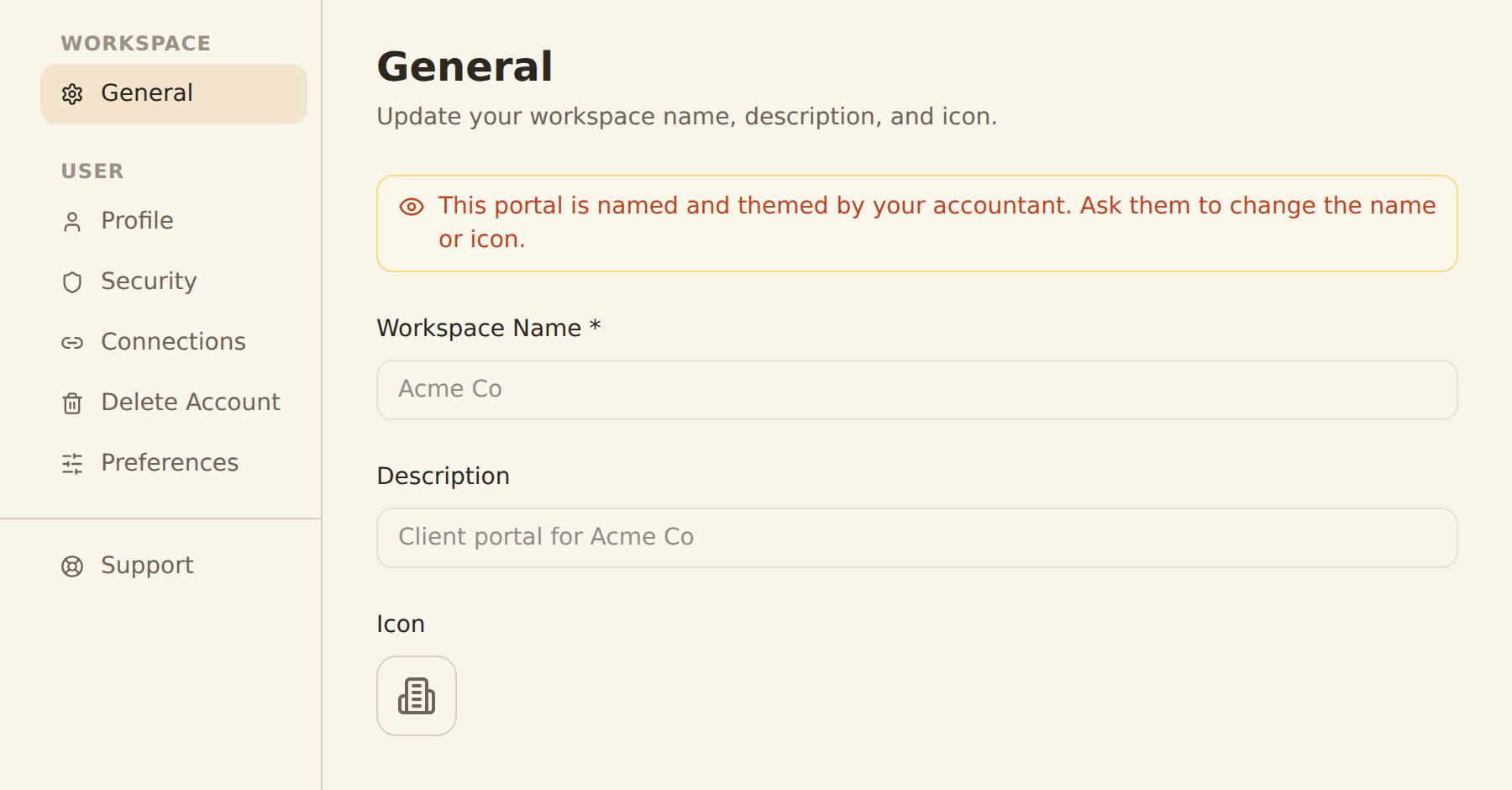
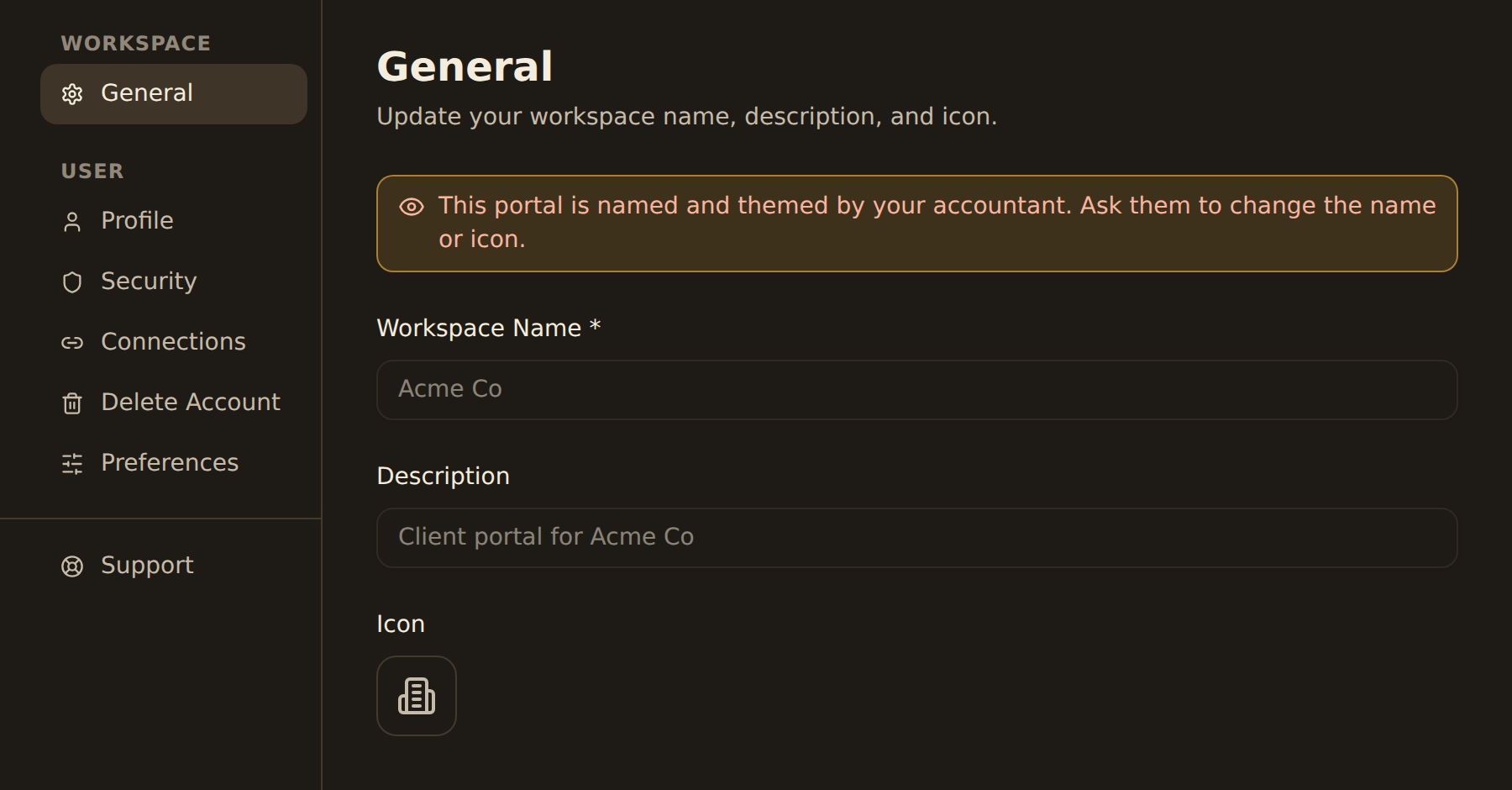
what your client sees
Built for every client-services workflow
Wherever you are in the finance world, if you manage other people's money data, Portals fit your workflow.
For Accountants
Stop chasing PDFs across 40 clients. Send a portal link, watch them connect their bank, see every transaction roll up to your dashboard.
See the accountants workflow →For Bookkeepers
Run a 10-client practice from one workspace. Per-client portal caps mean no client can accidentally rack up your bank quota.
See the bookkeepers workflow →For Financial Advisors
See every client's holdings, trades, balances, and loans in one consolidated view, without asking them to share their portfolio screen again.
See the financial advisors workflow →For Tax Preparers
Seasonal? Portals are perfect. Onboard 80 clients in a week, sync their year's transactions to your sheet, archive the portal when filing's done.
See the tax preparers workflow →Portals vs. how you do it today
A side-by-side of the three legacy options and what Portals replace them with.
| Job to be done | Chasing PDFs | Shared workspace | Client Portals |
|---|---|---|---|
| Client onboarding | Email them a PDF request | Add them to your workspace | Email a portal invite; they sign up in 2 minutes |
| Bank credentials | You re-key from statements | Client shares login (✗ never do this) | Client authorizes via regulated open banking |
| Data isolation | No structured data | Client sees your other clients | Cryptographic per-portal isolation |
| Billing | Free, but you pay in hours | Pay per seat, per client | One plan covers every client |
| Revoke a client | Just stop emailing them | Manual surgery on shared data | Delete portal → cascade in 30 days |
| AI agents (Claude, ChatGPT) | Not possible without manual export | Per-workspace, no aggregation | One API key sees all clients with scope=family |
Your plan covers every client, with no per-seat charges.
Your Stripe subscription pays for the parent workspace and every portal under it. Your bank quota pools across the family; set per-portal caps if you want to limit any one client.
View pricing →Query across every client with one API key
Add scope=family to any list endpoint and your parent-workspace API key returns rows from every portal, each tagged with which client they came from. Perfect for AI bookkeeping workflows that need to reason across clients.
{
  "success": true,
  "data": [
    {
      "id": "bnk_abc",
      "name": "Chase Checking",
      "workspaceId": "ws_parent",
      "portal": null
    },
    {
      "id": "bnk_xyz",
      "name": "Acme Co Operating",
      "workspaceId": "ws_acme_portal",
      "portal": {
        "id": "ws_acme_portal",
        "name": "Acme Co",
        "icon": "🏢"
      }
    }
  ]
}Frequently asked questions
What is a Client Portal in BankSync?
Who is the Client Portals feature for?
How is a Client Portal different from sharing my workspace with my client?
How is billing handled for Client Portals?
Can my clients invite their own team members to their portal?
What if a client wants to leave?
Can I see all my clients' bank data in one view?
Do Client Portals work with AI agents like Claude or ChatGPT?
How secure are Client Portals?
Which regions are supported for Client Portals?
How do I get started with Client Portals?
Is there a limit on how many portals I can create?
Onboard your first client in five minutes
Sign up, create a portal, send the invite. We'll handle the open-banking flow, the isolation, the audit trail, and the rollup. You handle the client work.