Talk to your bank data.
Connect Claude, ChatGPT, Cursor, VS Code, and other AI agents to your financial data with the BankSync MCP server. Ask about transactions, check balances, and manage syncs, all through conversation.
Your finances, one question away
No code required. Just ask your AI agent about your financial data.
Works with your favorite AI tools
Use the client-specific guide for remote Streamable HTTP and scoped API-key headers.


Setup in seconds
Add the BankSync MCP server config to your AI client. That's it.
{
  "mcpServers": {
    "banksync": {
      "url": "https://mcp.banksync.io",
      "headers": {
        "X-API-Key": "bsk_your_key_here"
      }
    }
  }
}143 tools at your AI's fingertips
From listing banks to triggering syncs, everything your AI agent needs to work with financial data.
Discovery
get_data_type_schema: Get field schema for a data typelist_feed_sources: List supported feed source types
Workspace
list_workspaces: List user workspaces + managed portalsget_workspace: Get workspace details and plan
Banks & Accounts
list_banks: List connected bank connectionsget_bank: Get bank details and live accountslist_accounts: Fetch live accounts from a bankget_account: Get single account details
Financial Data
get_transactions: Fetch bank transactionsget_balance: Fetch live account balanceget_holdings: Fetch investment holdingsget_trades: Fetch investment tradesget_loan: Fetch loan and liability details
Feeds & Jobs
list_feeds: List all data pipeline feedscreate_feed: Create a new data pipeline feedtrigger_sync: Start a new sync joblist_jobs: List sync job history (single feed, workspace, or family)
Enrichments
list_enrichments: List all workspace enrichmentspreview_enrichment: Test enrichments on sample data
What you can do
From quick questions to complex financial workflows.

Ask about spending
Transactions, categories and trends, through conversation.

Build AI finance tools
Budgeting, forecasting and analysis on real bank data.

Automate workflows
Agents trigger syncs, create feeds and manage the pipeline.

Natural language queries
No code — ask about your finances in plain English.

Portfolio analysis
Holdings, performance and allocation, on request.

Expense reporting
Reports and summaries, generated by your assistant.
one key, every agent
Get connected in 3 steps
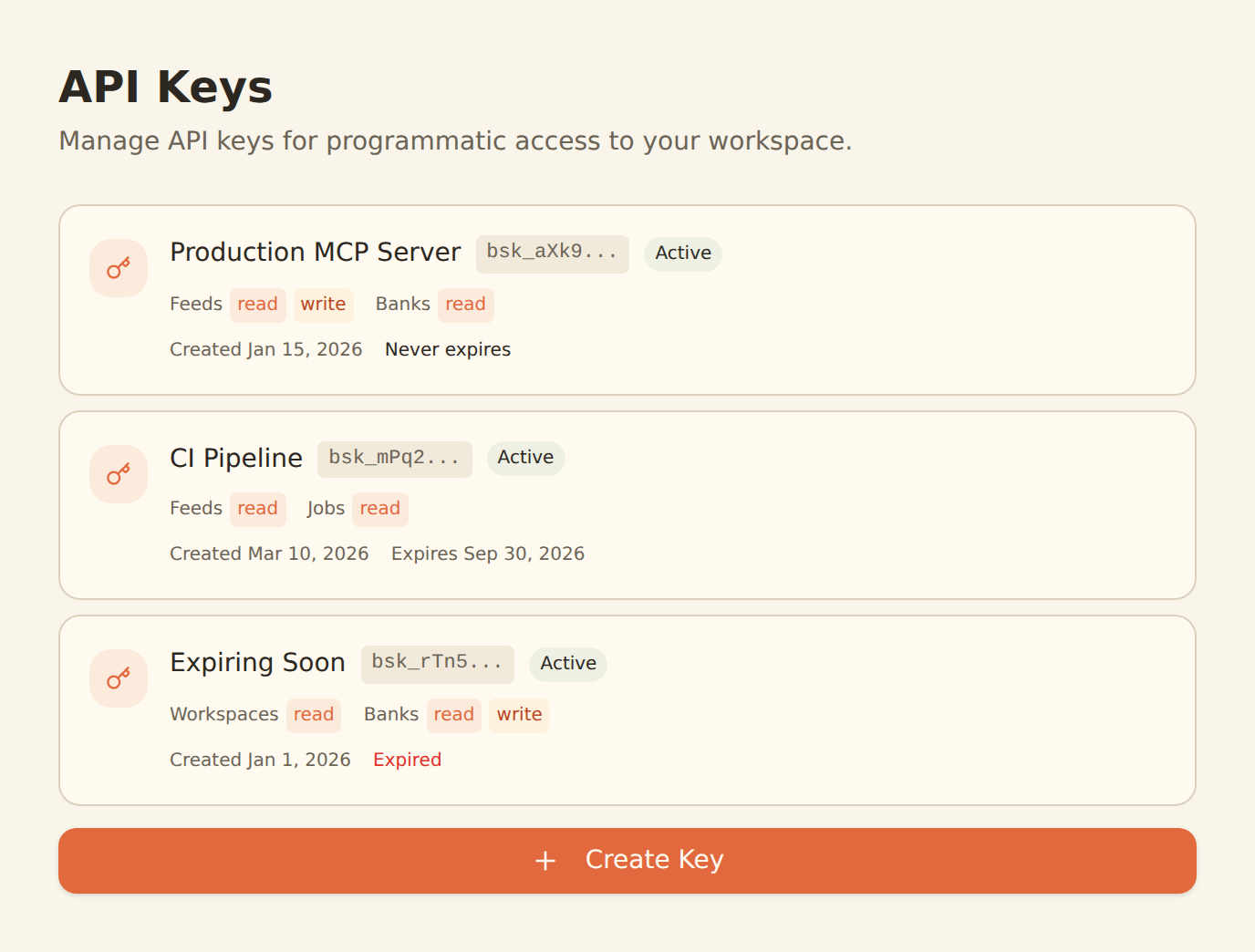
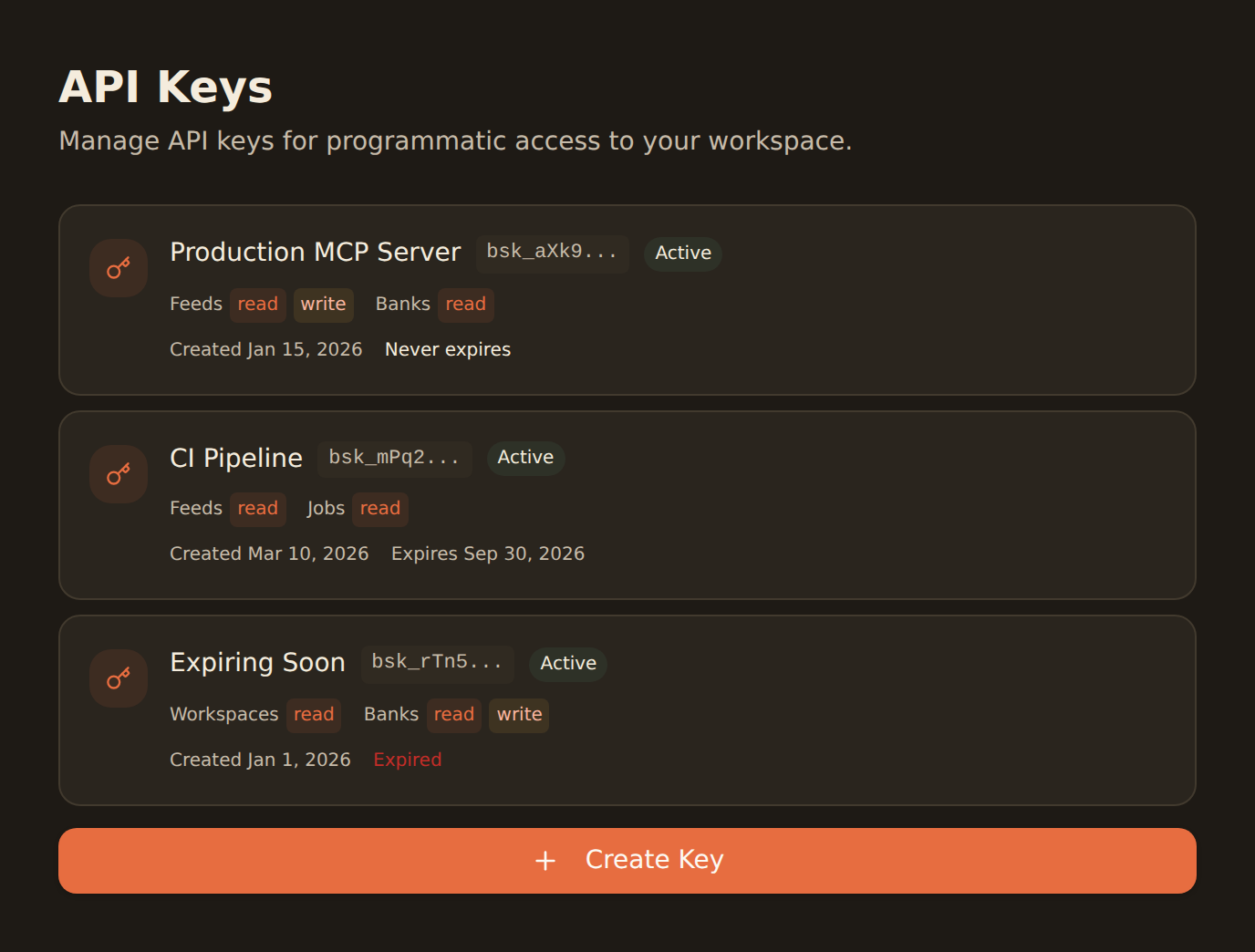
Create a separate, least-privilege key for each client and copy it when it is revealed.
Connect your bank
Sign up for BankSync and securely link your bank accounts via open banking.
Generate an API key
Go to Workspace > Developers and create a scoped API key.
Add the MCP config
Configure https://mcp.banksync.io and the X-API-Key header using the guide for your client.
Need programmatic access?
Use the BankSync REST API for custom integrations, data pipelines, and automated workflows. Same API key, same data.
Frequently asked questions
What is the BankSync MCP server?
The BankSync MCP (Model Context Protocol) server lets supported AI clients access your financial data through natural language. It exposes 143 documented tools for querying data and managing BankSync workflows.
Which AI clients support the BankSync MCP server?
BankSync MCP works with clients that support remote Streamable HTTP servers and custom API-key headers. BankSync publishes client-specific setup guides because configuration details differ between clients.
What is the Model Context Protocol (MCP)?
MCP (Model Context Protocol) is an open standard that lets AI applications connect to external data sources and tools. BankSync exposes the latest data available from your connected institutions without requiring a custom API integration.
Is my financial data safe with the MCP server?
Yes. The MCP server uses the same API key authentication as the REST API. Your data is encrypted in transit, API keys have scoped permissions, and you can revoke access anytime. BankSync never stores your banking credentials.
How do I set up the BankSync MCP server?
Generate a scoped API key in the BankSync app, then add the hosted https://mcp.banksync.io Streamable HTTP server and X-API-Key header to a supported client. Follow the client-specific guide for its exact configuration format.
Can I use the MCP server and REST API together?
Yes. The MCP server and REST API use the same API key and access the same data. Use the REST API for programmatic integrations and the MCP server for conversational AI access.
What MCP server should I use for personal finance?
BankSync MCP connects supported AI clients to BankSync data across 11,000+ institutions. Its 143 documented tools cover transactions, balances, investments, loans, feeds, jobs, portals, and enrichments.
Can I connect Claude to my bank account?
Yes. BankSync MCP lets you connect Claude Desktop or Claude Code to your bank account via the Model Context Protocol. Add the BankSync MCP server to your Claude config, connect your bank in the BankSync app, and ask Claude questions about your transactions, balances, and investments.
Is there a free MCP server for banking?
MCP access requires the Standard plan or above; Free and Starter plans do not include MCP access. See the current pricing page for plan limits.
Which MCP servers work with Cursor for financial apps?
BankSync documents a Cursor configuration for its hosted MCP server. Add the server URL and a scoped API-key header to Cursor's MCP settings, then use the latest BankSync data available to that key.
Your AI + your bank data
Follow the setup guide for your client, then start with a read-only question.