Memory: Auto-Learn Your Categorizations
Turn on the Memory enrichment so BankSync learns how you categorize records in your sheet or database and auto-fills those values on future syncs.
2 min read
Memory is the enrichment that learns from you. When you correct a synced record in your connected sheet, database, or table (say, you re-categorize a merchant), Memory remembers that choice and fills the same value in automatically the next time a matching record syncs. Build your rules of thumb once by hand; Memory applies them forever after.
There is exactly one Memory per workspace: it acts as a single learning layer rather than a stack of competing rules, and the New Enrichment dialog disables the Memory option once yours exists.

How Memory works#
You correct
You change a field on a synced row in your sheet, table, or database, for example setting Category on a transaction.
Memory learns
BankSync associates that value with the record's pattern (by default, its description), so similar records are recognized later.
Future syncs auto-fill
When a matching record syncs, the learned value is filled in automatically. Your own edits always win over learned values.
If you clear a value Memory filled in, it learns that too and stops filling that field for the pattern.
Learning is private
Setting up Memory#
Create it
On the Enrichments tab, click "Add an enrichment" and choose Memory (🧠). If the option is disabled with "Only one Memory per workspace", you already have one; open it instead.
Pick the pattern source field
This is the field that identifies similar records. For transactions, the default (description) is almost always right: it is how Memory recognizes the same merchant again.
Choose the fields to learn
Tick which fields Memory may auto-fill based on learned patterns, for example Category. Only enrichable fields are offered.
Attach and enable
In the Dependencies tab, choose which feeds Memory applies to, then flip the switch at the bottom to Enabled.
What Memory knows#
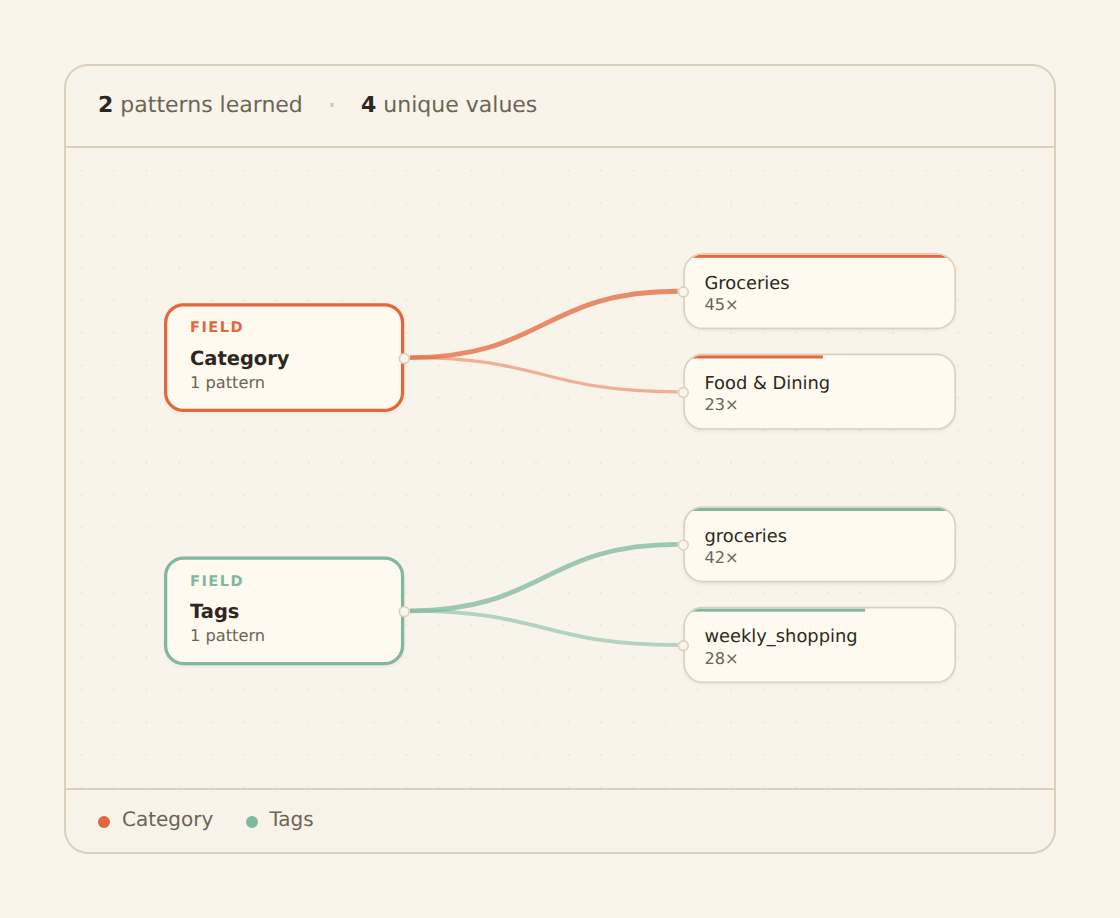
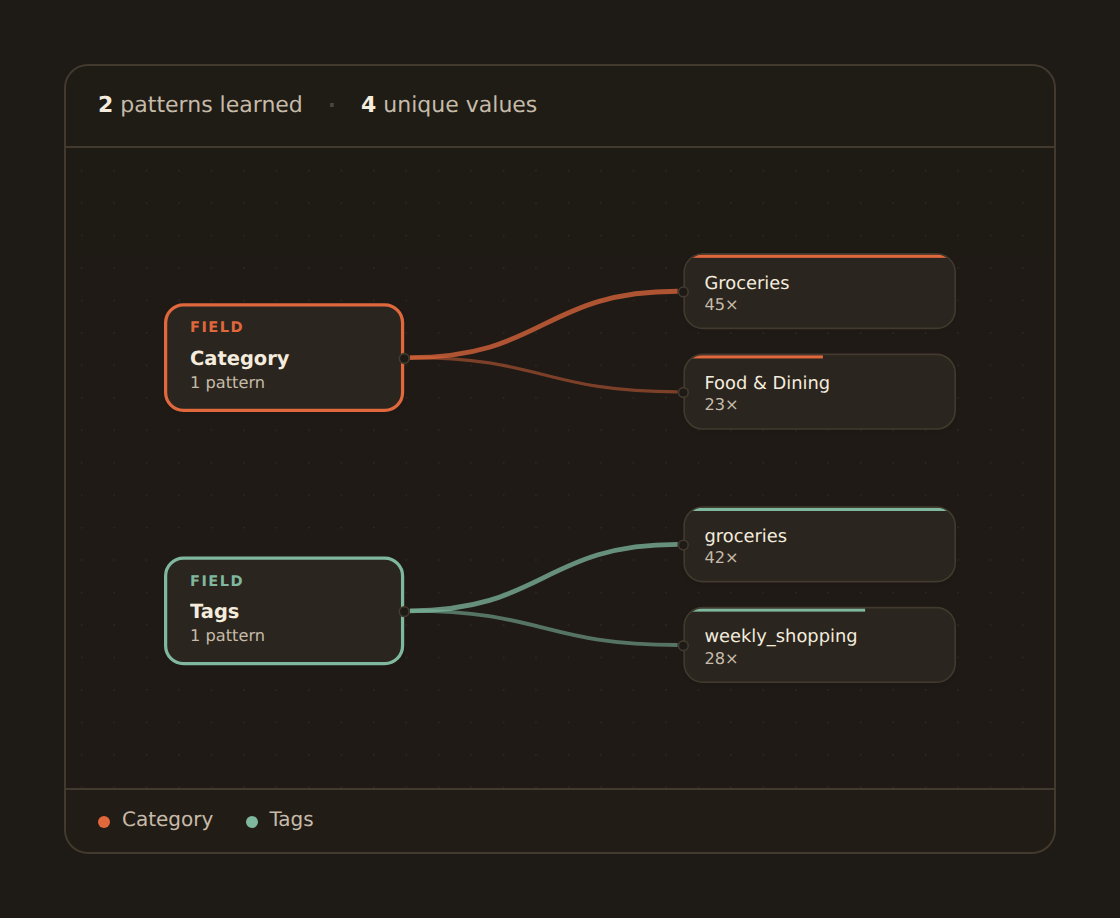
Once at least one learn field is selected, the configuration pane shows a What Memory knows panel: a small knowledge graph of what has been learned so far. Field nodes on the left connect to the values they have learned on the right, with a stats line like "12 patterns learned · 7 unique values". Thicker, more opaque connections mean a value has been seen more often, and each field shows its top values (up to six).
If it says "Nothing learned yet", run a sync and make a few corrections in your sheet or table: patterns appear as Memory observes your edits.
Memory vs. Rulesets#
Ruleset: explicit
You write the conditions and values by hand. Predictable and reviewable; great for clear-cut, high-volume patterns like "AMZN means Shopping".
Memory: implicit
You just keep correcting data the way you always have, and the long tail of one-off merchants gets handled automatically over time.
They stack well: use a Ruleset for your big obvious categories and let Memory pick up everything you fix by hand afterwards.
Related guides#
- Creating Enrichments: the Ruleset guide and the shared enrichment workflow.
- Alert enrichments: get emailed when matching records sync.
- Configuring field mappings: make sure the fields Memory learns are mapped to columns.
Use this page with your AI assistant
Every BankSync doc is available as plain Markdown for agents and LLMs.