
Review Queue: Decide on AI Suggestions
Work the Review Queue — where below-threshold AI category and merchant-name suggestions wait for you to accept, edit, or reject, with every decision teaching Memory.
3 min read
On this page
The Review Queue is where AI suggestions that were not confident enough to apply automatically wait for a human decision. When the AI Categorizer or Merchant Cleanup scores a suggestion below the confidence bar, the field is left empty and the suggestion lands here instead — the AI never guesses quietly into your books.
Open it from the Enrichments page — the Review Queue link, at …/enrichments/review.

How the queue is organized#
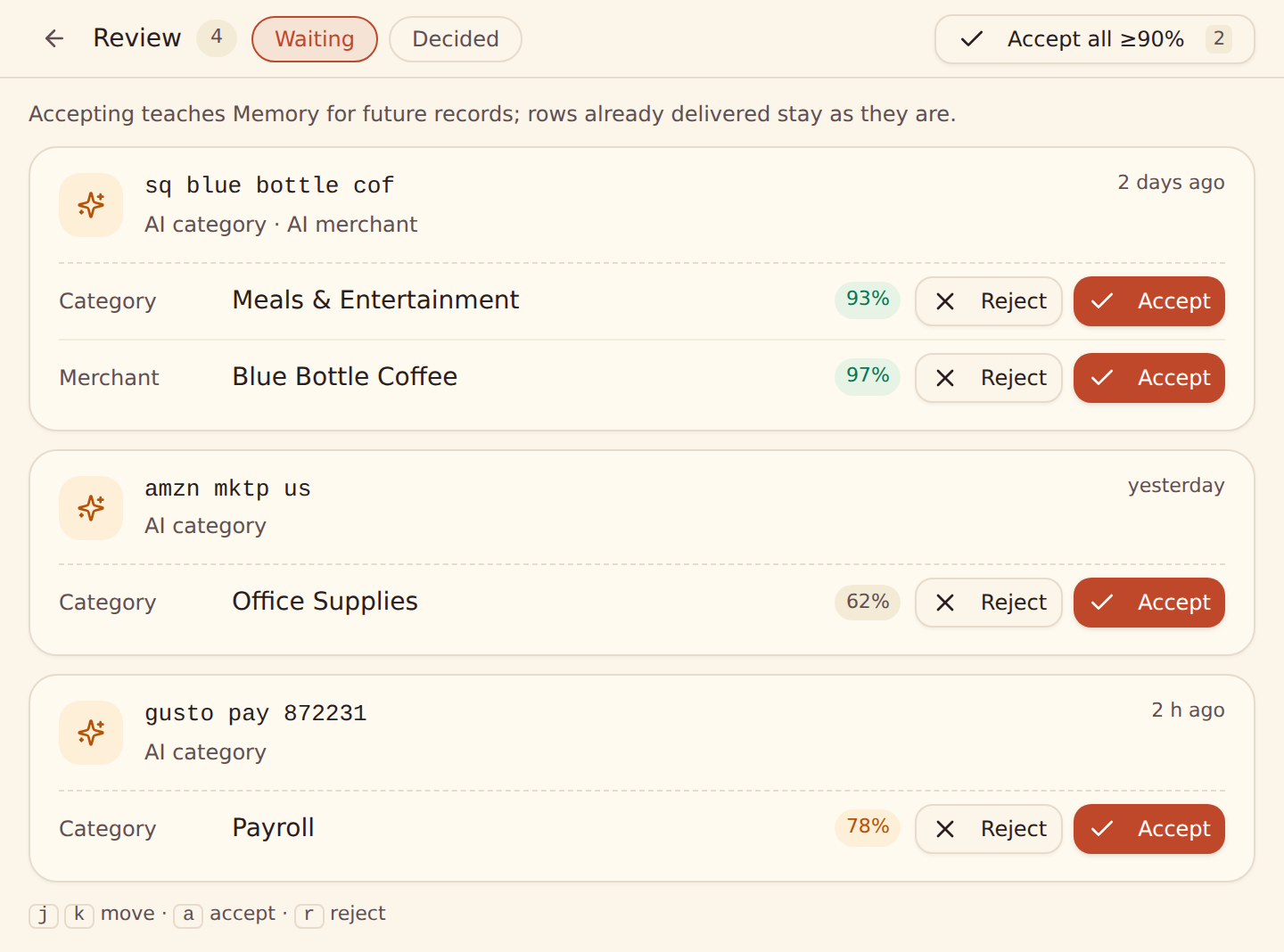
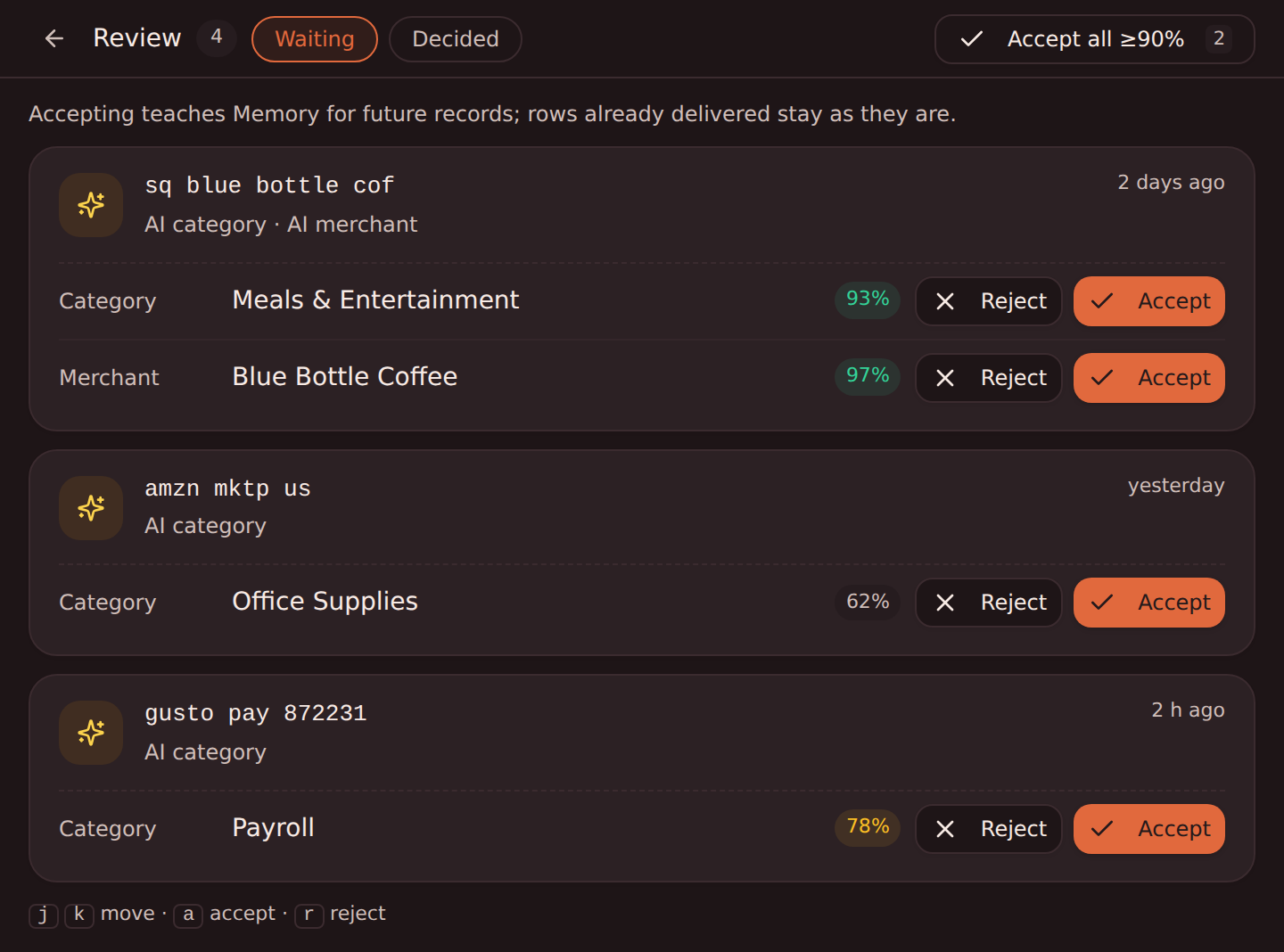
Suggestions are grouped by merchant pattern, because that is the unit a decision actually covers: accepting "starbucks → Dining" resolves the pattern, and every future record matching it fills automatically. Each row shows:
- the normalized merchant pattern the suggestion is about,
- the target field (for example Category or Merchant),
- the suggested value, editable inline before you accept,
- the model's confidence as a percentage, in a color-coded pill,
- Accept and Reject actions (on a narrow screen, Accept shows as a check mark).
Keyboard shortcuts are listed under the queue: j and k move between groups, a accepts and r rejects the focused group.
What accept and reject actually do#
Accept
The value (or your inline edit of it) is taught to Memory with full user-edit credit — it applies to matching records immediately, starting with the next sync. One accept covers every future record with that pattern.
Reject
The pattern is suppressed for that field: the AI stops suggesting it, and nothing is ever auto-filled for it. Rejection is how you say "leave this one to me".
Both decisions teach Memory — the queue is a teaching surface, not just a to-do list. If your workspace does not have a Memory enrichment yet, your first accept creates it automatically: resolving a suggestion is a request for learning.
Decisions apply to future records only
Bulk accept#
The Accept all ≥90% button resolves every open suggestion at or above 90% confidence in one pass — the fastest way to clear a backlog after a big first sync, leaving only the genuinely uncertain rows for your eyes. Inline edits you have made are honored by the bulk accept.
Housekeeping#
You do not need to keep the queue at zero for correctness — unresolved suggestions simply mean the field stays empty:
- Open entries expire after 90 days, and the queue is capped at 2,000 open entries per workspace — it cannot grow without bound.
- A resolved entry never reappears: once accepted or rejected, the same suggestion is not re-queued even if the AI encounters the pattern again.
- The queue count appears in your Digest, so a growing backlog surfaces on its own.
The queue shrinks itself over time
Related guides#
- AI Categorizer: the confidence threshold that decides what lands here.
- Merchant Cleanup: the other source of suggestions in the queue.
- Memory: auto-learn: where accepted decisions live and how learning works.
Use this page with your AI assistant
Every BankSync doc is available as plain Markdown for agents and LLMs.