
Feed Monitor: Know When Data Stops Arriving
Turn on the Feed Monitor to get alerted when a feed stops syncing, or keeps syncing successfully but silently stops producing records.
3 min read
The Feed Monitor watches sync health rather than record content: it tells you when data stops arriving. That failure comes in two distinct shapes, and the monitor has a check for each — a feed that stops syncing, and the sneakier one: a feed that keeps syncing "successfully" while the bank connection quietly produces nothing.
You can create as many Feed Monitors as you need — each instance targets its own feeds via its Dependencies tab. A common setup is two: a tight stale-sync threshold on business-critical feeds, and a relaxed one (or none) for experimental feeds. Each instance alerts and cools down independently.
Because the monitor watches sync health rather than record content, it has no data type: any feed is a valid target — transactions, balances, holdings, invoices — and the editor shows no data-type selector.

The two checks#
Stale sync
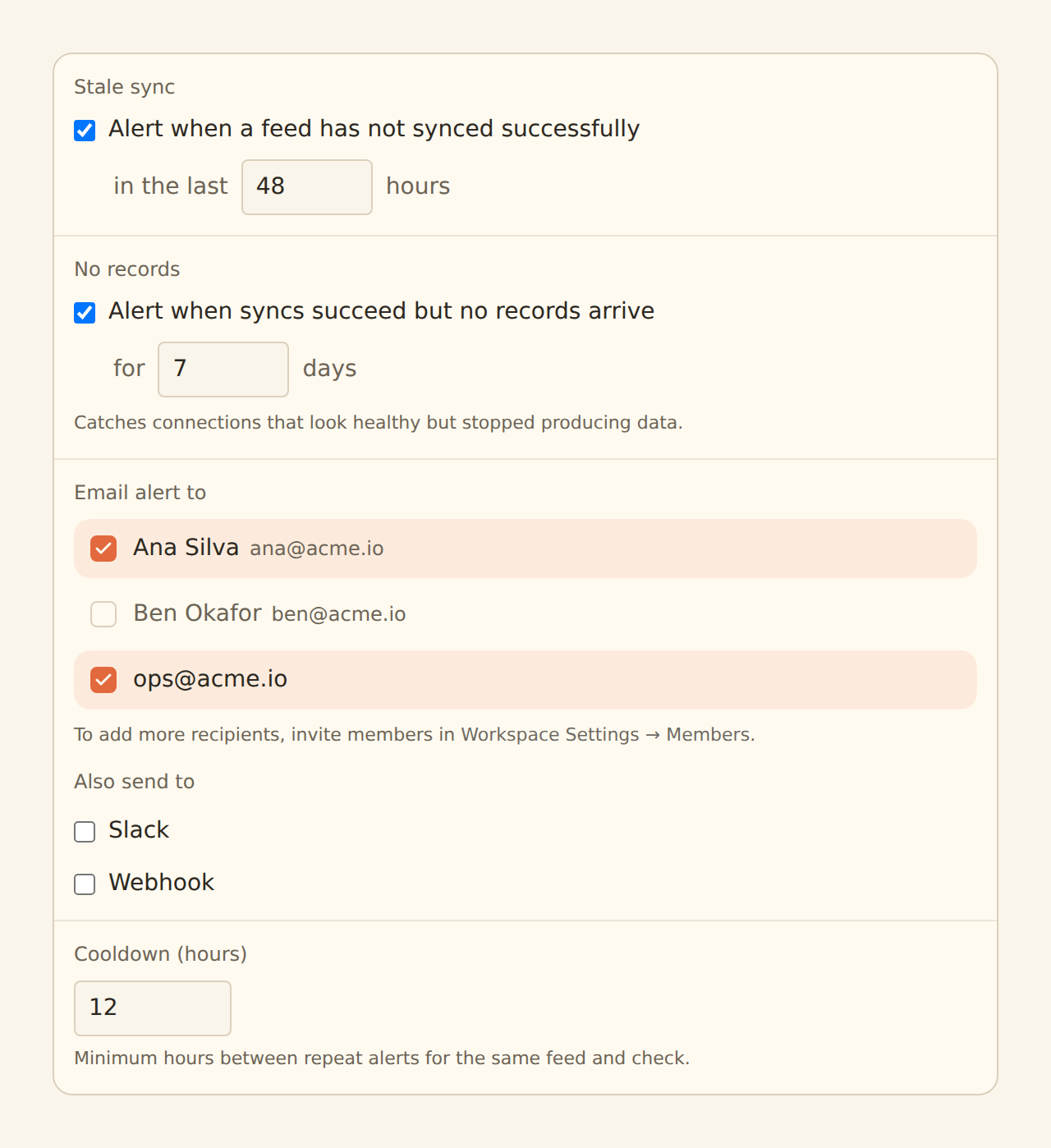
No successful sync in N hours. Catches outright failures, broken connections, and schedules that silently stopped running. Set the threshold comfortably above your sync cadence — 24 hours works well for daily feeds.
Silent no-records
Syncs keep succeeding but produce zero records. Everything looks healthy on the surface — green sync jobs, no errors — while the provider has stopped delivering data. This is the failure that otherwise goes unnoticed for weeks.
Enable either check or both; each has its own threshold. When a feed trips the stale-sync check, the no-records check is skipped for it — a feed that is not syncing trivially produces no records, and one clear alert beats two overlapping ones.
The no-records check uses a rolling window rather than consecutive quiet days, so a card you simply did not use over the weekend does not page you on Monday. Two exemptions keep it honest:
- Feeds that have never produced records are exempt — a newly connected or genuinely quiet account is an onboarding state, not an outage.
- Paused feeds and feeds that have never synced are skipped entirely.
Balances feeds: read the alert carefully
How it runs#
The monitor is evaluated on a schedule by BankSync itself, not during your syncs. That distinction matters: a stalled feed never runs its own pipeline, which is precisely when you need the alert. The monitor looks at each targeted feed's sync history from the outside, so it fires even when nothing else is running.
Setting it up#
Create it
On the Enrichments tab, click "Add an enrichment" and choose Feed Monitor in the Watch group.
Enable the checks
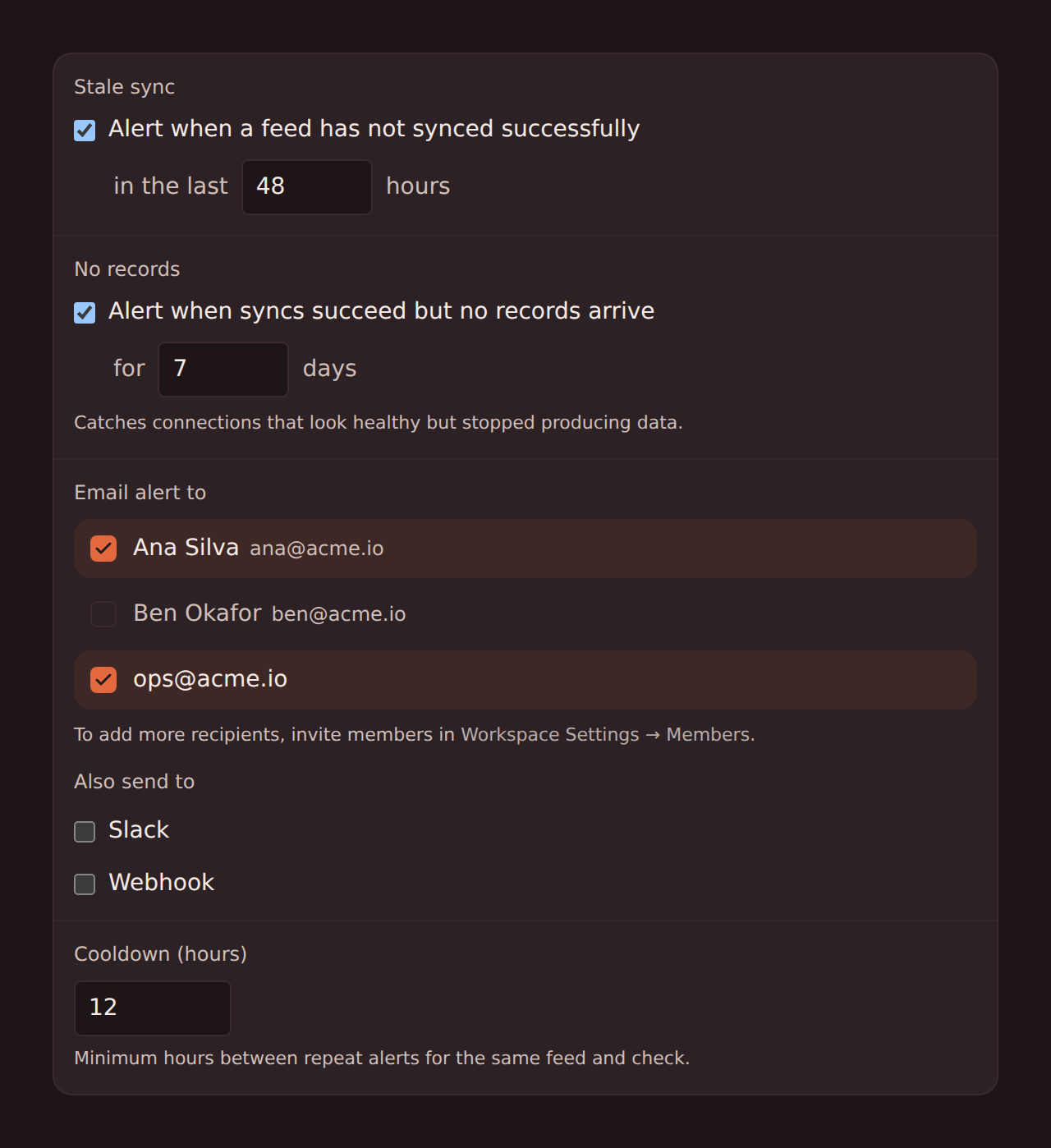
Toggle stale-sync and/or silent-no-records and set each threshold. At least one check must be on.
Choose where alerts go
Pick the delivery channels — email recipients, a Slack channel via incoming webhook, or a webhook endpoint of your own. These are the same alert channels Alert enrichments use.
Set the cooldown
The cooldown (default 24 hours) is the minimum time between repeat alerts for the same feed and check, so an outage that lasts three days does not page you every evaluation.
Target the feeds
In the Dependencies tab, tick the feeds to watch (or leave it applying to all), then flip the switch to Enabled.
What the alert contains#
The alert names the feed and the check that fired — for example, that a feed has not synced successfully in 26 hours, or that it has been syncing without producing records for 3 or more days — so you know immediately whether you are looking at a broken connection or a quiet provider.
When a no-records alert fires
Related guides#
- Alert enrichments: condition-based alerts on record content, using the same delivery channels.
- Setting up scheduled feeds: sync cadence determines sensible stale-sync thresholds.
- Troubleshooting guide: what to do once the monitor has pointed at a feed.
Use this page with your AI assistant
Every BankSync doc is available as plain Markdown for agents and LLMs.