
Merchant Cleanup: Canonical Names from Raw Descriptors
Turn raw bank descriptors like SQ *BLUE BTL COF 0442 OAK into clean canonical merchant names with the Merchant Cleanup enrichment — near-zero setup, confidence-gated, never invented.
2 min read
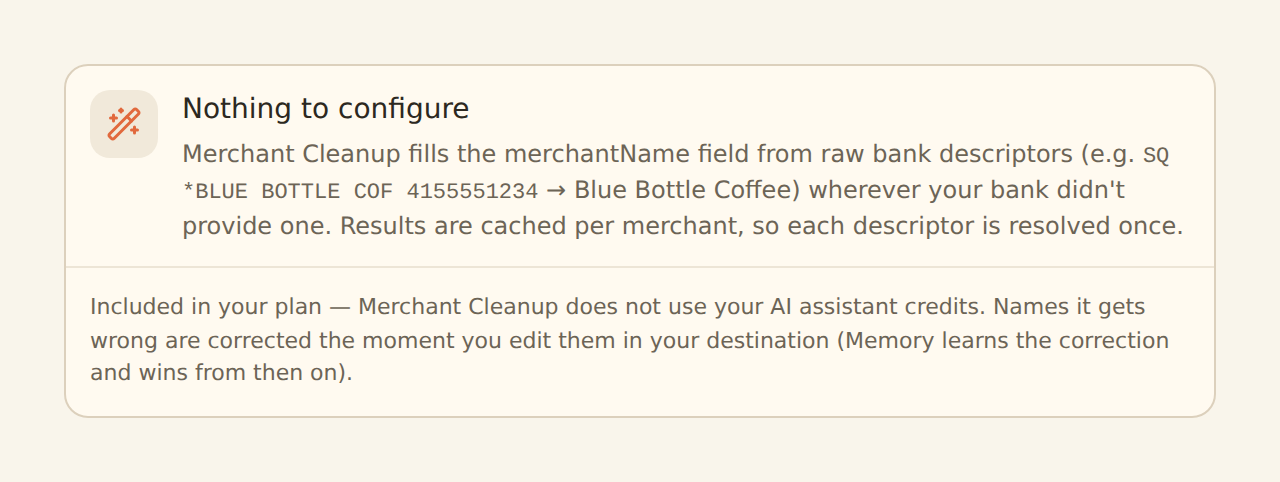
Merchant Cleanup fills the Merchant Name field from raw bank descriptors where your bank left it blank — SQ *BLUE BTL COF 0442 OAK becomes Blue Bottle Coffee. It is the near-zero-configuration member of the AI & learning group: create it, attach feeds, enable, done.
Like every AI fill, it only touches fields that are still empty after Memory, lookups, and your rules have run — a merchant name your provider supplied, or one you have taught Memory, is never overwritten.

The output contract#
The model is held to a fixed contract: return the canonical merchant name — title-cased, no store numbers, no city suffixes — or nothing.
- It never invents a brand. If the merchant cannot be identified from the descriptor, the field stays empty rather than guessing.
- Confident names are written; uncertain ones are queued. Cleanups apply when the model clears a confidence bar of 0.5 — deliberately lower than the AI Categorizer's 0.8 default, because a slightly-off name is cheap to correct and the correction loop absorbs it. Below the bar, the suggestion goes to the Review Queue for your decision instead.
- Your corrections win permanently. Fix a name in your connected sheet, database, or table and Memory learns it; Memory fills before AI, so the model never argues with you about a merchant you have named.
Shared machinery with the AI Categorizer#
Merchant Cleanup runs on the same engine as the AI Categorizer, and everything documented there about the engine applies here too:
- Caching: results are cached per merchant pattern, per workspace — a thousand rides from one rideshare cost one cleanup, and usage tracks new merchants, not transaction volume.
- Nothing to configure, nothing to meter: no model choice (one managed model serves every workspace), no threshold (fixed at 0.5), no target field (always Merchant Name). It is included in AI-carrying plans and does not draw down your AI assistant credits.
- Per-sync cap: at most 500 new (uncached) patterns go to the model per sync; a huge backfill spreads across syncs instead of burning credits at once.
- Fail-open: a model outage never blocks a sync — affected names stay empty and are retried next sync.
- Privacy: only normalized merchant patterns are sent to the model — never amounts, dates, account details, or raw statement lines — and the cache is never shared across workspaces.
Setting it up#
Create it
On the Enrichments tab, click "Add an enrichment" and choose Merchant Cleanup in the AI and learning group.
Optionally pick the model
Fast (the default) or balanced. Fast is right for almost everyone.
Attach and enable
In the Dependencies tab, tick the transaction feeds, then flip the switch to Enabled.
Map the Merchant Name column
Make sure Merchant Name is mapped in your feed's field mappings, or the cleaned names have nowhere to land in your destination.
Related guides#
- AI Categorizer: the sibling enrichment and the full story on credits, caching, and privacy.
- Review Queue: where below-threshold name suggestions wait for your decision.
- Memory: auto-learn: the learning layer that makes your corrections permanent.
- Configuring field mappings: map the Merchant Name column.
Use this page with your AI assistant
Every BankSync doc is available as plain Markdown for agents and LLMs.