
An HMRC letter is an unpleasant way to discover that six months of transactions are still sitting across banking apps, card statements and downloaded CSVs.
The good news: you can keep the spreadsheet that already holds your categories, formulas and accountant notes. The fastest path is usually to make its transaction tab a clean source layer, connect the relevant accounts through BankSync, map the fields once, and let the existing workbook do the rest.
This is a catch-up workflow—not tax advice and not a substitute for checking deadlines, records or a filing with your accountant. It is designed to get the transaction evidence into one place quickly, without a manual export marathon.
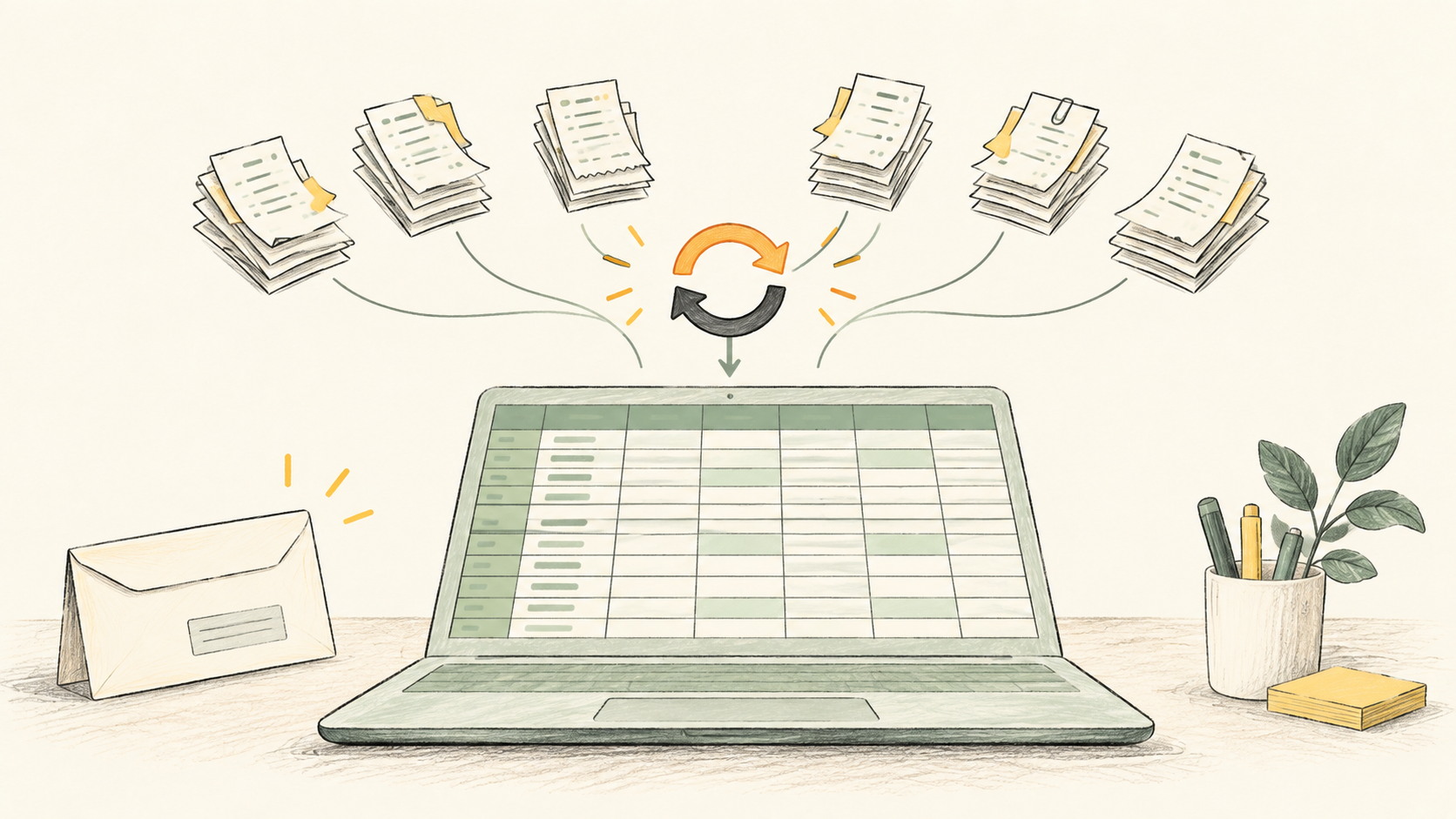
Get six months of transactions into the spreadsheet
Make a safe copy of the workbook
Preserve the original, then work in a copy. Create a dedicated raw-data tab such as Bank_Transactions; keep dashboards, VAT calculations, notes and formulas elsewhere.
Connect the relevant UK accounts
In BankSync, choose the exact institution and complete its provider-hosted Open Banking consent flow. Select only the business, personal or card accounts needed for the period. The connection is read-only.
Check the initial available history
Run the first retrieval and inspect its earliest and latest transactions. Bank history varies by institution, product and consent route, so do not assume six months will be available until you can see it.
Map fields into the columns your sheet already expects
Map date, description, amount, currency, account and a stable transaction ID. If your spreadsheet has a preferred naming convention, adapt the field mapping instead of rebuilding the workbook.
Run a test and reconcile the edges
Compare the opening and closing dates, a few material entries and account balances with the bank. Look for pending-versus-posted items, transfers, duplicates and missing accounts before using totals.
Keep the feed on after the catch-up
Set an available weekly, daily or hourly schedule. Your spreadsheet remains your working system; BankSync keeps new source rows flowing into it.
Keep the spreadsheet structure that already works
The raw transaction range should be deliberately boring. It is evidence: bank date, source description, signed amount, currency, account, institution and transaction ID.
Put the interesting work around it:
- Mappings for merchant names, categories and VAT treatment.
- Review queue for uncategorised or unusual transactions.
- Reports for cash flow, P&L preparation or accountant questions.
- Notes outside the feed-controlled range.
That separation matters. It means a fresh sync does not trample a formula or a manual note, and every number on a report can still be traced back to a source transaction.
The five-minute setup does not replace the review
A quick connection solves data collection. It does not answer accounting questions for you. Before treating the result as complete, check:
- whether the bank supplied the full date range you need;
- transactions that are pending, reversed or posted later than their payment date;
- movements between your own accounts, which can otherwise double-count cash flow;
- cash withdrawals, card repayments and mixed personal/business spending;
- evidence outside the bank feed, such as invoices, receipts and expenses paid from another account.
For a VAT return, tax return or HMRC response, retain the original records and follow the deadline in the letter. Ask an accountant or tax adviser where you need advice on treatment, corrections or filing.
A simple catch-up sheet layout
| Tab | Purpose |
|---|---|
| Bank_Transactions | Feed-controlled source rows; no merged cells, totals or handwritten notes. |
| Mappings | Merchant rules, categories and consistent labels. |
| Review_Queue | Items that need a receipt, split, clarification or accountant review. |
| Summary | Your existing pivots, formulas and reporting—kept outside the import range. |
Use a dedicated import area so the rest of the spreadsheet stays stable.
HMRC letter and transaction catch-up: FAQs
Continue from the spreadsheet you already know
A letter from HMRC is not the moment to adopt a new finance system, rewrite every formula or spend a weekend renaming CSV exports. Get the transaction layer into the spreadsheet you already trust, verify it, then let your normal process—and your accountant—take it from there.
Read our guide to automatically export UK bank transactions to Google Sheets or see how UK accountants and bookkeepers use client portals.