
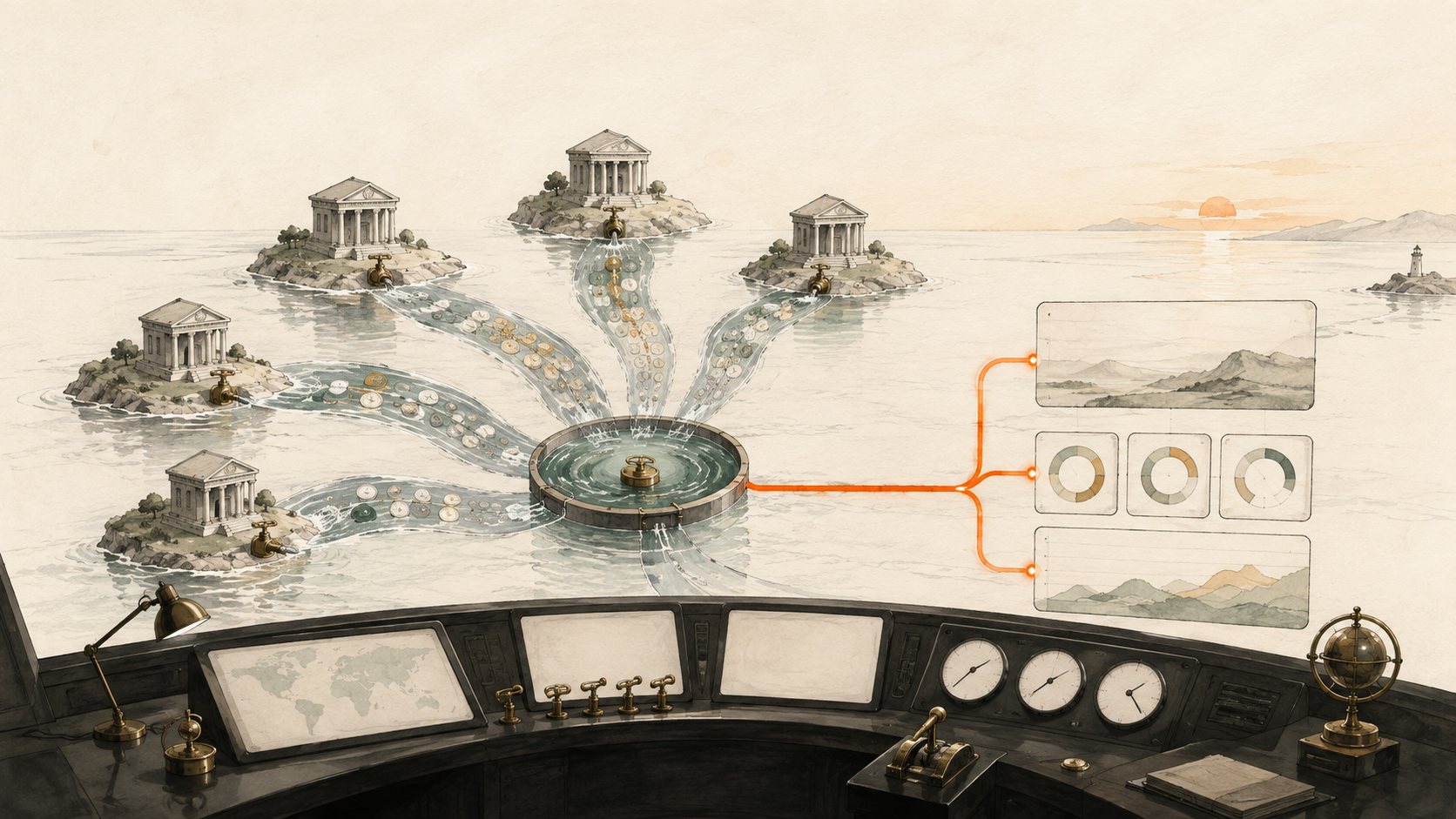
A multi-bank treasury dashboard can combine current balances, movement data and account metadata across institutions while preserving the legal entity, currency and availability of each position.
What this system should answer
It should show current cash by bank, entity and currency; unrestricted versus restricted cash; bank concentration; largest recent movements; internal transfers; and source freshness. A global total should always link to an account-level table.
A reliable build starts below the visual layer. BankSync Feeds collect one data type from selected accounts and send it to one or more destinations. Enrichments transform, guard, watch or learn from records in a defined order. BankSync Tables store typed or custom relational data when you choose a native datastore. Dashboards query that evidence and turn it into KPIs, charts, filters and drill-down tables.
The important design rule is to preserve source truth. Keep original amounts, currencies, account identifiers, dates and provider identifiers intact. Add management classifications and formulas in separate fields. That gives every headline number a route back to the underlying rows.
Design the model before the dashboard
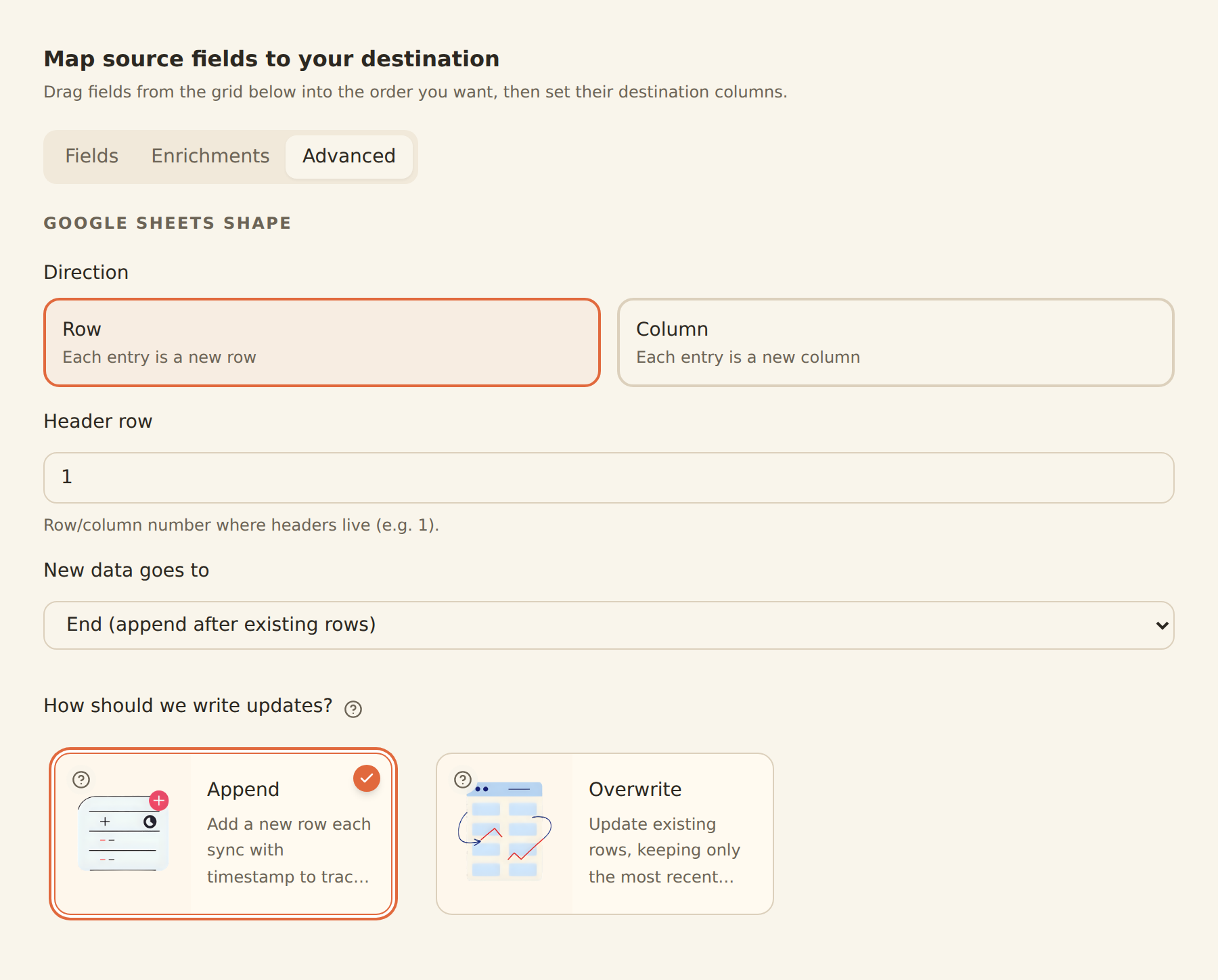
Create a custom Accounts Table with stable account identifier, legal owner, bank, currency, region, purpose, restriction status and minimum operating balance. Relate each balance and transaction row to the correct account. Use lookups for bank and entity labels and rollups for controlled totals. For appended balance history, select only the latest observation per account before calculating current position.
Keep capture, modelling and presentation separate
A feed is a transport definition: source accounts, one data type, destination, mapping and schedule. A BankSync Table is a stored data model with fields, relations, formulas, comments, history and seven layout views. A dashboard Table widget is a presentation surface with formatting, saved views and query results. Treating those as separate layers prevents a convenient chart setting from becoming an undocumented accounting rule.
Choose the right Table view
Grid is the general review surface. Board writes status when a card moves. Calendar and Timeline write date fields when an item moves. Gallery is useful for attachment-led records, List for a calm summary and Form for adding new rows. Views may be shared or personal and store filters, grouping, sorts, visible columns, widths, footer calculations and row colours.
Make aggregation safe
Do not silently add currencies or mix restricted and available cash. Tag equal-and-opposite internal transfers with a shared pair identifier. Exclude matched transfers from external flow metrics while retaining both legs for evidence. BankSync dashboards use strict multi-currency aggregation by default. If reporting currency is necessary, preserve native amount and currency, then store the rate, rate date and converted amount separately.
Position
Available cash by account, entity and currency, plus concentration and the largest recent external movements.
Reliability
Restriction status, source freshness, stable account ownership and a drill-down route from every aggregate.
Build a controlled treasury view
Create the account register
Record ownership, bank, currency, purpose and restriction.
Connect the institutions
Verify every included account.
Create current balance feeds
Use overwrite for current state.
Add balance history only when needed
Append snapshots for trend analysis.
Create transaction feeds
Use them for movement and counterparty analysis.
Relate records to accounts
Use stable identifiers and lookups.
Tag internal transfers
Preserve both legs with a shared pair.
Build liquidity and freshness views
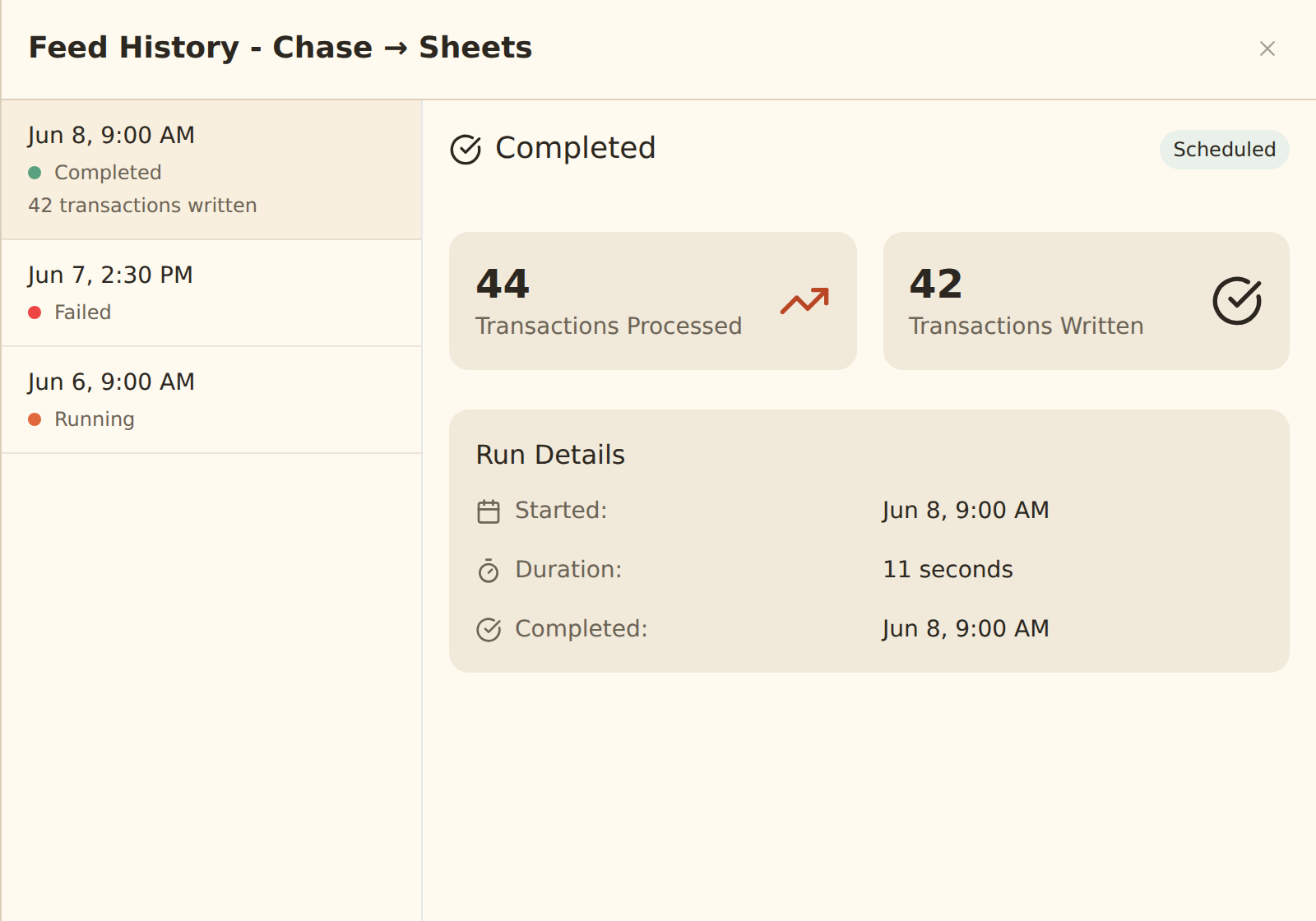
Show the position and whether sources ran.
Build the decision layer
Lead with an account-level cash-position table. Add KPIs for total, available and restricted cash; a bar or treemap for bank concentration; a stacked time series by entity; and a large-movement table. Filters should include entity, bank, account class and currency. Put last-success information alongside the money values.
Source-applied filters are the default because they recompute aggregates correctly. Browser-applied filtering is useful for presentation but is not a security boundary. Where a dashboard is scoped to a client or entity, use a locked source-applied filter that fails closed.
Enrichments and alerts
Transfer Matcher uses equal and opposite amounts across different accounts within a configurable window and tags by default. Alert can watch policy-sized movements. Anomaly Detector can watch a first-time merchant, amount spike or burst. Feed Monitor can identify a feed that is stale or unexpectedly produces no records. Digest can provide a scheduled executive summary without transaction detail.
The enrichment order matters. Guard steps run before Memory, lookup tables and rules; AI fills remaining blanks; watch enrichments observe the final records. Suppressed records do not reach the destination, teach Memory or fire alerts. Always use Live Preview before enabling a hard Filter, Split or suppression action.
Alert freshness follows feed freshness. A daily feed cannot produce a truly real-time transaction warning. Feed Monitor covers a different failure mode: a source that has not succeeded recently or succeeds while producing no records. Cooldowns, batching and daily caps keep watches actionable.
Limitations and controls
Bank data cannot decide whether cash is legally distributable, trapped, pledged or reserved. It also cannot choose the group foreign-exchange policy. Those decisions belong in explicit Table fields and documented formulas. Keep treasury dashboards private or workspace-scoped.
Dashboards are in beta by workspace. Public links, embeds and indexed visibility should be used only for intentional public data. Sensitive finance views should normally remain private or workspace-scoped. External-agent dashboard authoring is a staging workflow; open and review anything it builds in the regular editor.
Operating rhythm
Check feed history before trusting a quiet chart. Review low-confidence categories and exceptions on a regular cadence. Document formulas, filters and classification changes. Use row comments and history when a decision needs an audit trail. A good dashboard is not the one with the most widgets; it is the one whose numbers can be explained and acted on.
Copy this build: the five-account treasury cockpit
Picture a company holding five accounts across three banks and two currencies. The treasury screen opens with available cash by currency, not a misleading blended total. A concentration card shows the share held at the largest bank. A movement table surfaces the five largest external inflows and outflows, while matched transfers remain visible but excluded from operating movement.
Under the headline view, an account register records legal owner, purpose, restriction status and minimum operating balance. A freshness column makes a stale connection obvious. When the user selects an entity or bank, source-applied filters recalculate every chart and table together.
Build the same vertical slice by registering the accounts first, choosing overwrite feeds for current balances, adding transaction feeds for movement analysis and relating both data sets to stable account records. Add conversion only after you have defined the rate source and rate date.
What success looks like after one week
The team can answer “where is the cash, can we use it, and is the number fresh?” in one review. A group total never hides currency or legal ownership, and every concentration or movement metric has an account-level explanation.