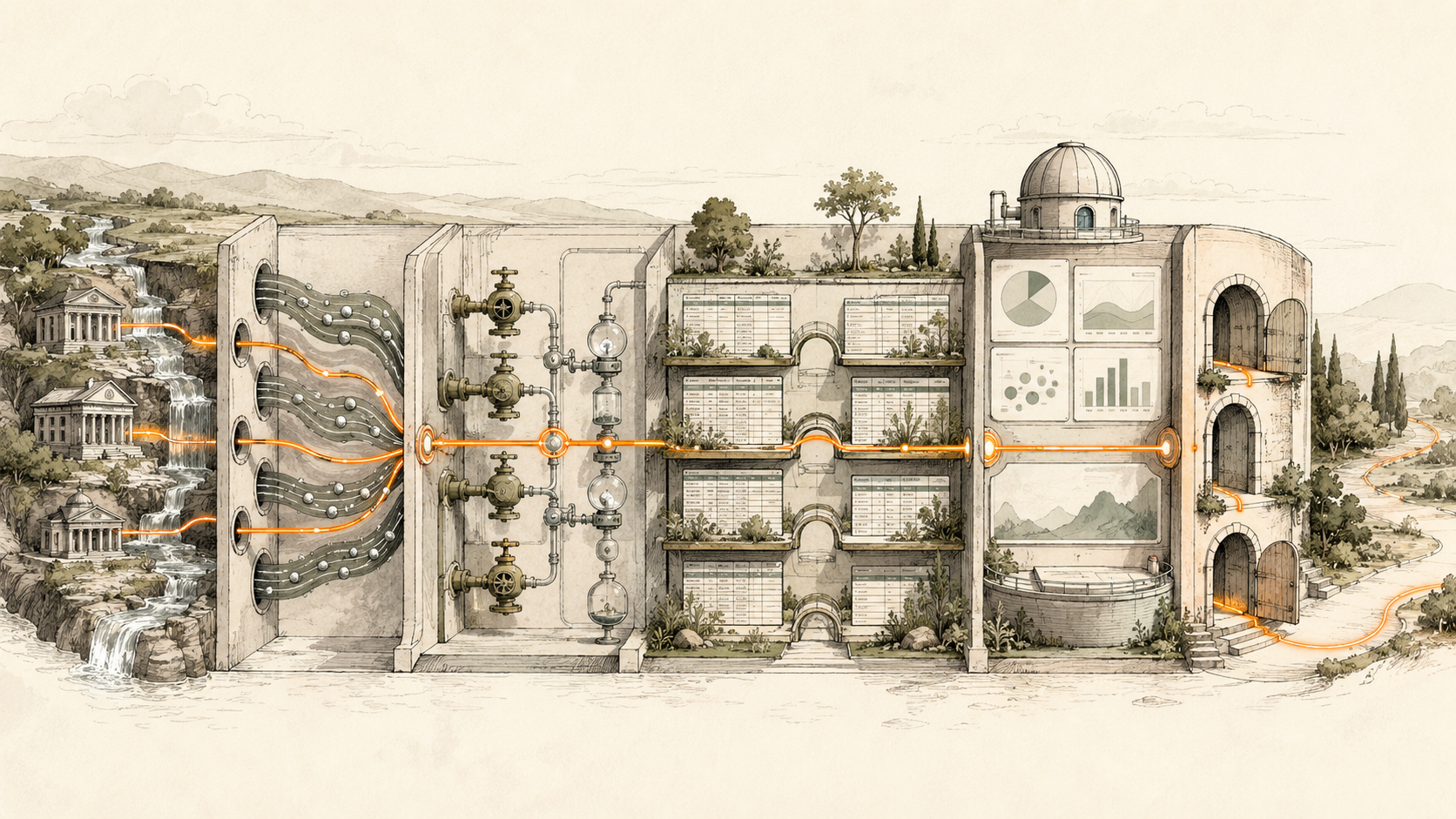
BankSync can be understood as a finance application stack: Feeds move bank and brokerage data; Enrichments clean, guard and watch it; Tables store relational models; Dashboards create decision surfaces; Client Portals isolate firm-client workspaces.
What the system should answer
The stack should help you decide where a rule belongs, when native storage is necessary, how a number remains explainable, which access boundary is appropriate and how the resulting workflow is operated over time.
Build below the chart. A BankSync Feed defines selected source accounts, one data type, destination, mapping and schedule. Enrichments transform, guard, watch or learn from records in a documented order. Tables store typed or custom relational data when you choose native storage. Dashboards query that evidence and present KPIs, charts, filters and detail.
Keep source amount, currency, date, account and provider identifier unchanged. Add management classifications, relationships and formulas in separate fields. A reliable dashboard is explainable from the headline number back to the rows and assumptions.
Model boundaries explicitly
A Feed contains selected accounts, one data type, destination, mapping and schedule. It can write to BankSync Tables and external destinations. Enrichments run in an ordered pipeline: guards, Memory, lookups, rules, AI fill and watches. A Table can be a feed destination, editable grid, dashboard source and API or MCP resource. Dashboards bind sources, shape data and present widgets. Client Portals provide isolated child workspaces, constrained roles and explicit resources.
Relations, lookups, counts, rollups and formulas let a Table become a small finance application without hiding logic in a spreadsheet cell. Stored formula results can be sorted, filtered, charted and queried. Views provide Grid, Board, Calendar, Gallery, Timeline, List and Form layouts; they can be shared or personal.
Aggregate safely
The stack does not erase finance semantics. Transactions, balances, holdings, trades, orders and loans remain separate data types. Current state, history and events require different models. Currency, entity, account ownership, restrictions and transfer treatment stay visible. Strict multi-currency aggregation prevents accidental cross-currency totals. If reporting conversion is required, preserve native amount and currency and add rate, rate date and converted value separately.
Do not confuse Tables
BankSync Tables are the relational datastore. A dashboard Table widget is a presentation surface for query results with rich cell formats and saved presentation views. A stored Table can power every widget kind, not only a table.
Feeds
Move one financial data type on a defined schedule.
Enrichments
Guard, clean, classify, learn from and watch records.
Tables
Store relational models with views, formulas and history.
Dashboards
Turn shaped evidence into decisions and drill-down detail.
Client Portals
Create isolated workspaces with controlled resources.
Choose an architecture
Name the decision
Start with the user and next action.
Select source data types
Keep state and events separate.
Choose storage
Use Tables when the model needs persistence or relations.
Design enrichment order
Guard, learn, transform and watch deliberately.
Create the detail view
Make evidence reviewable before summary widgets.
Build the dashboard
Use only the widgets the decision needs.
Choose an access boundary
Workspace, locked filter or Client Portal.
Assign operations
Own feed health, reviews, retention and change.
Dashboard and watch design
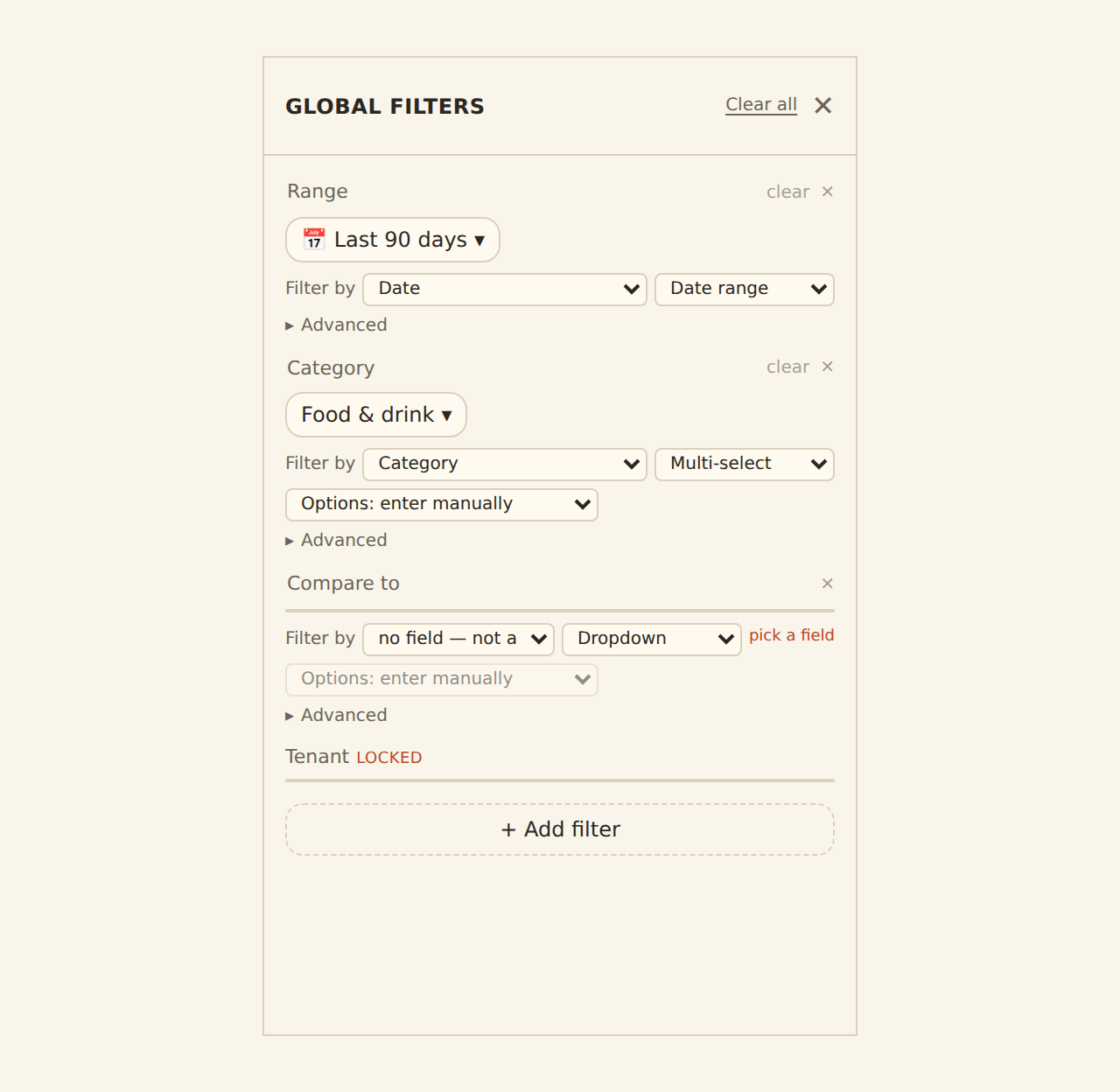
Use the smallest decision surface. KPIs answer one-number questions; charts show pattern or composition; rich tables explain; filters change scope; action controls should be reviewed carefully. Templates provide logical resource slots that bind to local data. Table-backed widgets can use computed fields and exact Table revisions for freshness.
Apply filters at the source when they alter aggregates. Browser filtering is a presentation option, not a security boundary. Locked source filters should fail closed when a dashboard is scoped to an entity or client.
Enrichments and alerts
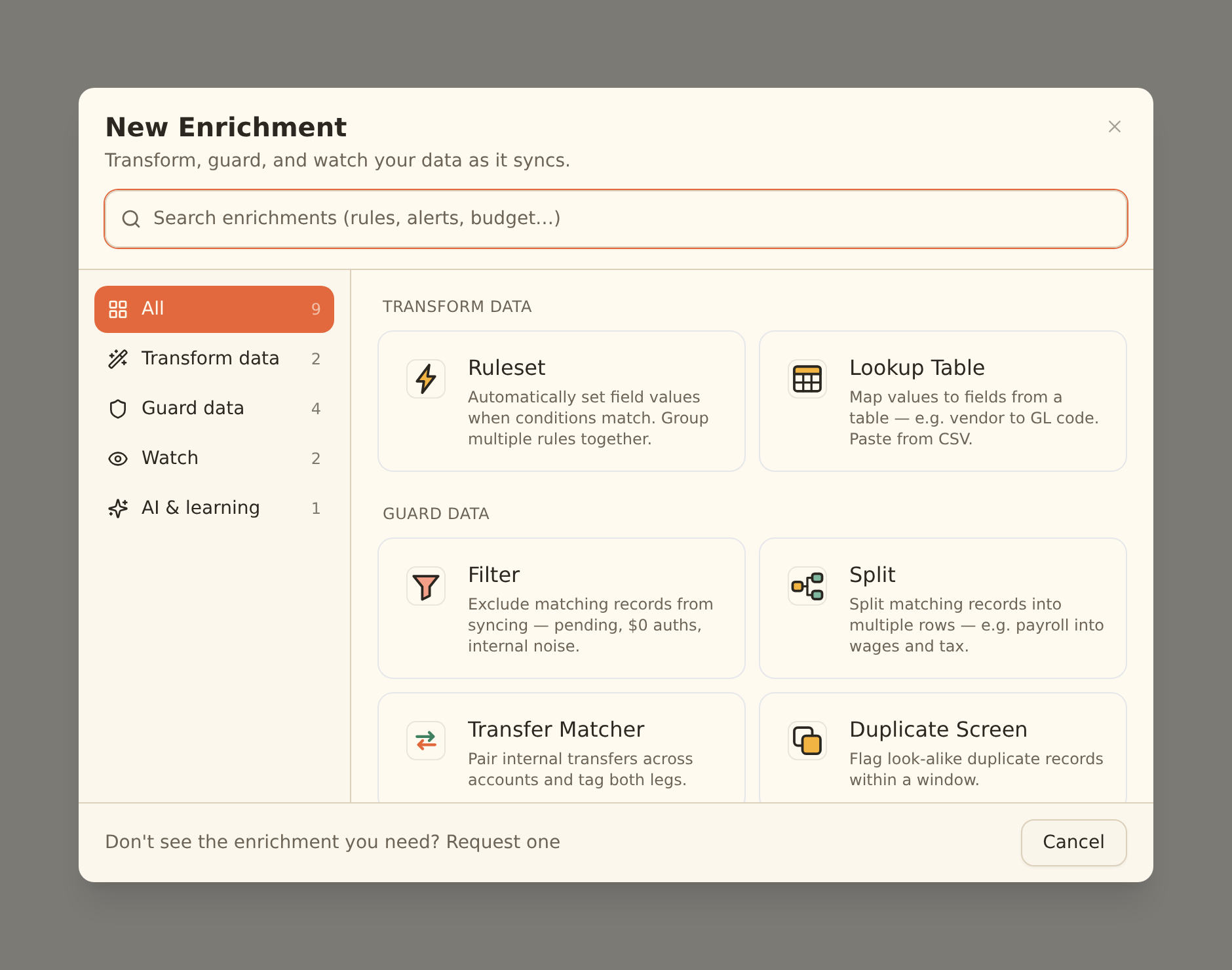
Transform enrichments include rules and lookups; guards include filters, splits, transfer matching and duplicate screening; watches include alerts, monitors, budgets, recurring registry, fee ledger, anomaly detector and digest; learning includes Memory, AI Categorizer and Merchant Cleanup, with Review Queue for uncertain suggestions.
Guard steps run before Memory, lookup tables and rules; AI fills remaining blanks; watch enrichments observe the final rows. Suppressed records do not write, teach Memory or fire alerts. Live Preview is the safety check before hard Filter, Split or suppression behaviour.
Limitations and controls
Not every use case should live entirely in BankSync. Accounting ledgers, payment authorisation, market-data analytics, tax engines and legal consolidation have specialised responsibilities. The point of the stack is to make a useful operating layer without pretending those boundaries disappeared.
Alert freshness follows the feed schedule. Dashboards, public links and some sharing capabilities are beta by workspace. Keep sensitive finance data private or workspace-scoped. External-agent authoring is a staging workflow and should be reviewed in the normal editor.
Operate the system
Check feed history before trusting a quiet chart. Assign owners for review queues, model changes and alert response. Use row comments and history for context. Document formulas and filters. The objective is not a perfect model on day one; it is a controlled system that can be improved without losing evidence.
Copy this build: start with one vertical slice
Do not begin by recreating an entire finance suite. Choose one repeated decision—“Which cash exceptions need attention this morning?” is a good example—and build the thinnest complete path.
Create a transaction Feed for the in-scope accounts. Add only the Enrichments required to clean merchants, tag transfers and mark exceptions. Write to a typed Table when you need persistent review status, comments, relations or history. Build a Dashboard with one exception count, one movement chart and one detail table. If an external client needs an isolated workspace, expose the specific resources through a Client Portal rather than stretching a presentation filter into an access boundary.
That slice teaches the important architecture: capture, transform, model, present and control access. Once it works, extend the same evidence into cash flow, budgets, fees, subscriptions, treasury or client service.
What success looks like after one week
One real user can open the system, understand what changed and complete the next action without assembling a spreadsheet. The headline number links to rows, the rows preserve source truth, and the team can name who owns feed health, review queues and model changes.
Use-case guides
- Business cash flow dashboard
- Multi-bank treasury dashboard
- Startup cash runway dashboard
- Personal finance dashboard
- Automatic net worth tracker
- Investment portfolio tracker
- Automatic subscription tracker
- Budget vs actual dashboard
- Accounts payable tracker
- Vendor spend dashboard
- Accounting client portal
- Bank fee tracker
- Unusual transaction alerts
- Multi-entity treasury dashboard
- Custom alternative to Actual Budget
Primary sources
- Feeds overview
- Enrichments overview
- Tables overview
- Dashboards overview
- Client portal setup
- Dashboard shaping