

An accounts payable tracker can be built with custom Invoices and Vendors Tables, relations for approvals and payments, Board and Calendar views for workflow, and bank feeds for settlement evidence.
What the workflow should answer
It should show invoices by status, due date, vendor and owner; overdue and blocked items; expected cash outflow; payment evidence; and the exceptions preventing approval or reconciliation.
The system is easiest to navigate when each primitive owns one concern. Feeds bring in one financial data type from selected accounts. Enrichments clean, classify, guard and watch the records in an explicit order. BankSync Tables store typed or custom relational rows with views, comments and history. Dashboards query that model and present the result.
Preserve source truth. Original amount, currency, date, account and provider identifier should remain intact. Add workflow status, owner, category, policy and formulas in separate fields. That is what makes an exception traceable.
Model the process in Tables
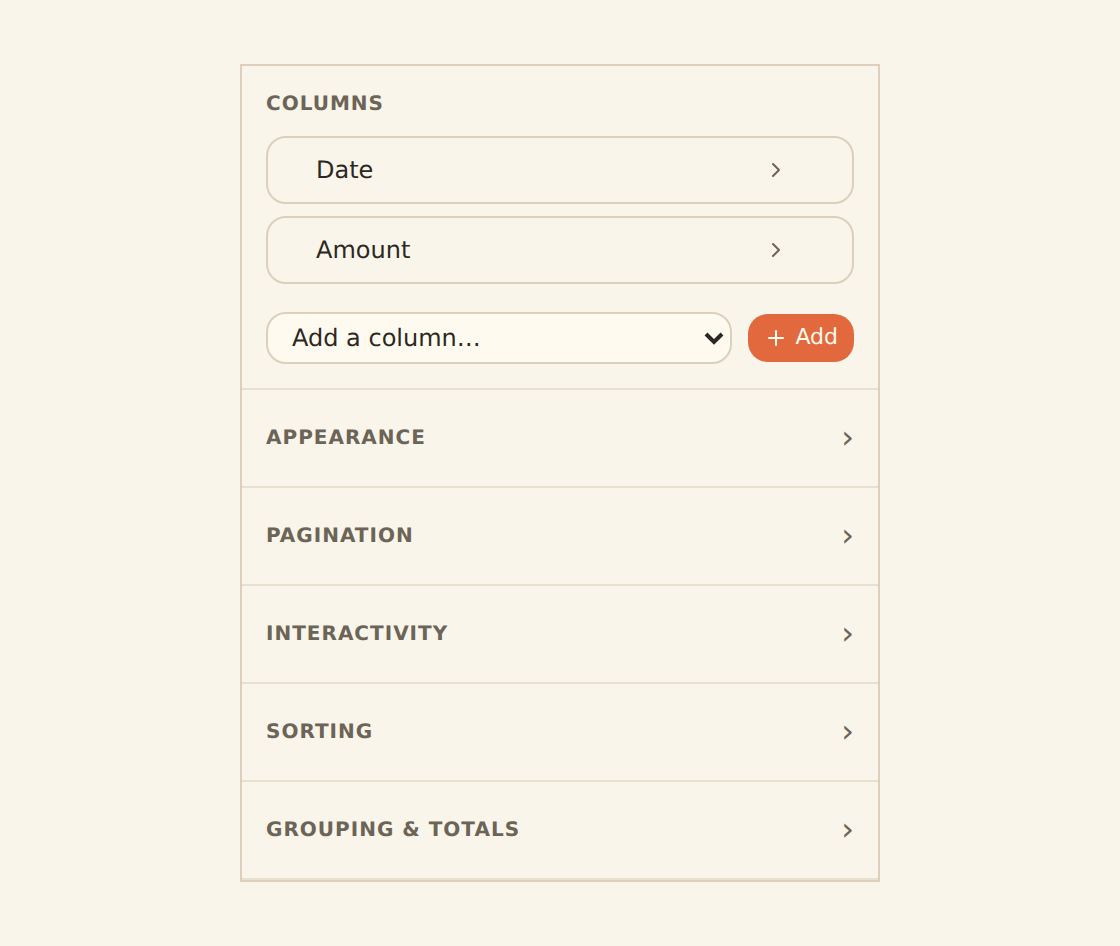
Create Vendors, Invoices and optionally Approval Steps Tables. An invoice row needs vendor relation, invoice date, due date, currency, gross amount, tax, status, owner, source document and payment state. Relate one or more bank transactions to the invoice when paid. A relation is more honest than replacing the invoice amount with a transaction reference. Use attachments for invoice files, comments for review context and history for changes.
Relations connect records without copying labels everywhere. Lookups expose related values; counts and rollups summarise child records; formulas calculate stored results that can be sorted, filtered, charted and read through API or MCP. Immutable field keys make automation safer when a human label changes.
Use the right view for the job
Grid supports detailed review. Board writes a status field when cards move. Calendar and Timeline write date fields when items move. Gallery works for attachment-led records, List for a calm summary and Form for intake. Views can be shared or personal and remember grouping, filters, sorts, columns and row colours.
Aggregate safely
Outstanding payable is the sum of approved, unpaid invoice balances, not all negative bank transactions. Expected cash outflow should use due dates and approval state. Partial payments need a rollup of related settlement amounts and a formula for remaining balance. Strict multi-currency aggregation prevents accidental totals. Any reporting currency needs an explicit rate, date and converted value while native amounts remain available.
Invoice record
Vendor, dates, currency, amounts, attachment and the obligation that must be approved.
Workflow state
Owner, approval status, exception reason and the next person expected to act.
Payment timing
Due date, expected cash impact and Calendar or Timeline placement.
Settlement evidence
Related bank transactions and rollups for partial or completed payment.
Build the payables workflow
Create Vendors
Store stable vendor identity and policy fields.
Create Invoices
Add dates, amounts, status, owner and attachment.
Relate approvals
Model responsibility instead of free-text notes.
Add Board and Calendar views
Operate by status and due date.
Connect payment evidence
Relate bank transactions to settled invoices.
Calculate remaining balance
Roll up partial payments.
Build ageing and exception widgets
Keep detail visible.
Add escalation alerts
Route overdue or material exceptions.
Copy this build: the Friday payables board
Imagine an operations team reviewing twenty supplier invoices each Friday. Files arrive by email, approvals live in chat and the bank payment is checked later. A small relational workflow is enough to make the process visible.
Create Vendors and Invoices Tables. Give every invoice a vendor relation, invoice and due dates, currency, gross amount, tax, owner, status, attachment and exception note. Use a Board view for Draft, Review, Approved, Scheduled and Paid; use Calendar for due dates.
When a payment appears in the bank feed, relate it to the invoice. Roll up related settlement amounts and calculate the remaining balance so partial payments are visible. The dashboard then shows outstanding, overdue, due soon and blocked value with the detailed invoice table underneath.
What success looks like after one week
The Friday review becomes a short movement through visible status columns, and a payment can be traced to the obligation it settled rather than inferred from a similar amount.
Dashboard and watch design
Use KPIs for outstanding, overdue, due soon and blocked value. Add an ageing bar, due-date calendar, vendor concentration and a rich invoice table. A Board view is the operational queue; a dashboard is the management summary. A click from a vendor or status chart should narrow the detail table.
Source-applied filters recalculate aggregates and are the default. Browser filters are for presentation, not access control. Locked source filters should fail closed for client, entity or team-scoped dashboards.
Enrichments and alerts
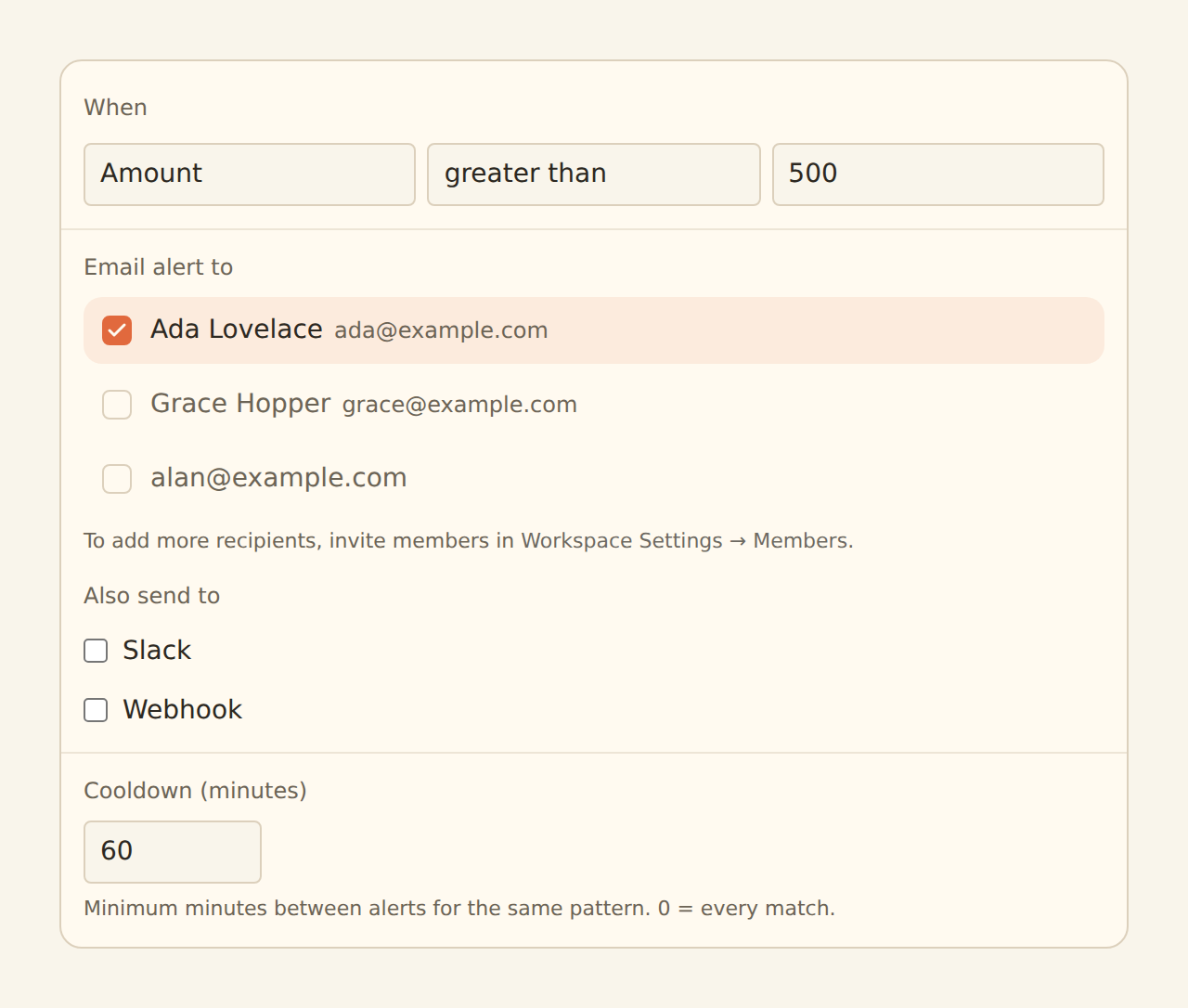
Lookup Tables and Rulesets can map vendors and payment descriptors. Alert can watch invoices or payments above policy thresholds when represented in the feed or model. Feed Monitor protects the settlement evidence. Split is appropriate only for deterministic allocations with one remainder; it is not a substitute for invoice-line modelling.
Guard steps run before Memory, lookups and rules; AI fills remaining blanks; watch enrichments observe the final record. Suppressed records do not write, teach Memory or fire alerts. Use Live Preview before enabling hard Filters, Splits or suppression.
Limits and controls
BankSync does not approve payments or create a statutory AP ledger by itself. Invoice capture, tax validation, three-way matching and payment authorisation may require additional systems and controls. Keep responsibilities explicit.
Alerts are as fresh as the feed schedule. Dashboards are beta by workspace. Sensitive operational data should remain private or workspace-scoped. External-agent authoring is a staging workflow; review any generated dashboard in the regular editor.
Operate the system
Assign an owner for feed health, review queues and model changes. Check sync history before trusting a quiet metric. Use row comments and history for decisions that need context. Review retention and permissions. A useful operations dashboard makes the next action obvious and keeps the evidence one click away.