

You can build a custom alternative to parts of Actual Budget with BankSync, but the right comparison is workflow rather than a feature checklist: Actual provides an opinionated local-first budgeting application; BankSync provides composable banking, data, enrichment and dashboard primitives.
What the system should answer
Decide whether you primarily need envelope allocation and a ready-made budget interface, or whether you need custom bank data flows, relational Tables, multiple views, investments, alerts, client-style sharing and your own dashboard logic.
Build below the chart. A BankSync Feed defines selected source accounts, one data type, destination, mapping and schedule. Enrichments transform, guard, watch or learn from records in a documented order. Tables store typed or custom relational data when you choose native storage. Dashboards query that evidence and present KPIs, charts, filters and detail.
Keep source amount, currency, date, account and provider identifier unchanged. Add management classifications, relationships and formulas in separate fields. A reliable dashboard is explainable from the headline number back to the rows and assumptions.
Model boundaries explicitly
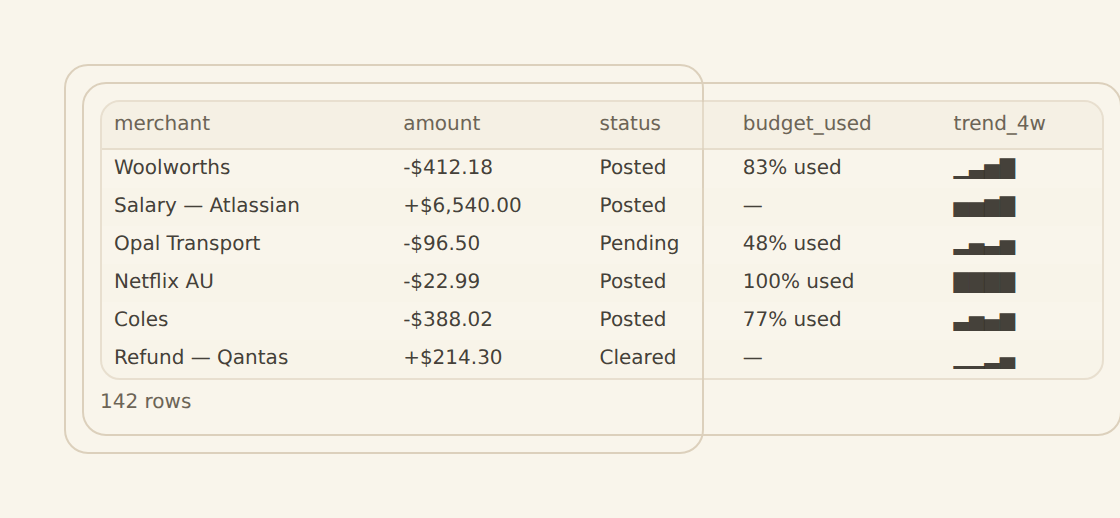
For a BankSync-native build, use Transactions and Balances feeds, Categories and Budgets Tables, relations from transactions to categories, rollups for actual spend and formulas for remaining amounts. Add Transfers, Goals, Assets or Holdings as separate models. Actual Budget already provides accounts, transactions, envelope or tracking budgets, schedules, rules, reports, importers and optional bank sync within its application.
Relations, lookups, counts, rollups and formulas let a Table become a small finance application without hiding logic in a spreadsheet cell. Stored formula results can be sorted, filtered, charted and queried. Views provide Grid, Board, Calendar, Gallery, Timeline, List and Form layouts; they can be shared or personal.
Aggregate safely
Actual’s envelope method assigns available cash to categories; a custom dashboard may instead use category limits, cash-flow reporting or another policy. Do not claim equivalence unless the allocation, overspending, transfers, schedule and reconciliation semantics are deliberately implemented. Strict multi-currency aggregation prevents accidental cross-currency totals. If reporting conversion is required, preserve native amount and currency and add rate, rate date and converted value separately.
Do not confuse Tables
BankSync Tables are the relational datastore. A dashboard Table widget is a presentation surface for query results with rich cell formats and saved presentation views. A stored Table can power every widget kind, not only a table.
Choose the workflow, not the winner
| Feature | Actual Budget | BankSync-native build |
|---|---|---|
| Best fit | ||
| Budget method | Envelope or tracking methods built in | Model the policy you need in Tables |
| Extension point | Rules, schedules, reports and API | Feeds, enrichments, relational Tables and dashboards |
| Trade-off | Less modelling, more prescribed workflow | More flexibility, more ownership |
Decide before you rebuild
Write the non-negotiable workflow
Envelope method, offline use, investments or sharing.
Choose the system of record
Avoid two apps both owning category truth.
Test bank coverage
Verify institutions and data types.
Model transfers and pending activity
Prevent duplicated spending.
Prototype one monthly cycle
Use a narrow account set.
Compare maintenance
A custom model needs ownership.
Document security boundaries
Include tokens, storage and sharing.
Migrate at a clean seam
Avoid overlapping historical imports.
Copy this build: the honest weekend prototype
Imagine a hobbyist who likes Actual Budget’s clarity but wants one custom system for spending, net worth, investments and unusual-transaction alerts. The safest test is not a full migration. Prototype one monthly cycle with one bank account.
In BankSync, create transaction and balance feeds, a small Categories Table and a Budgets Table. Relate transactions, tag transfers and build a monthly budget view plus transaction drill-down. Add one separate net-worth module only after the budget loop works.
Compare the weekly experience, not the feature list. Does the user want Actual’s cohesive envelope method and local-first application, or do they value custom models and broader connected data enough to maintain them? Pick one owner for category truth before importing more history.
What success looks like after one week
The decision is based on a complete review cycle, security boundary and maintenance burden—not a screenshot comparison or a claim that two different methods are interchangeable.
Dashboard and watch design
A custom home screen can combine cash, flow, budget, recurring spend, net worth and investments. Tables can expose personal and shared views; dashboards provide custom widgets and filters. Actual offers a cohesive interface and offline/local-first behaviour. BankSync offers broader composition without requiring you to build the bank connectivity layer.
Apply filters at the source when they alter aggregates. Browser filtering is a presentation option, not a security boundary. Locked source filters should fail closed when a dashboard is scoped to an entity or client.
Enrichments and alerts
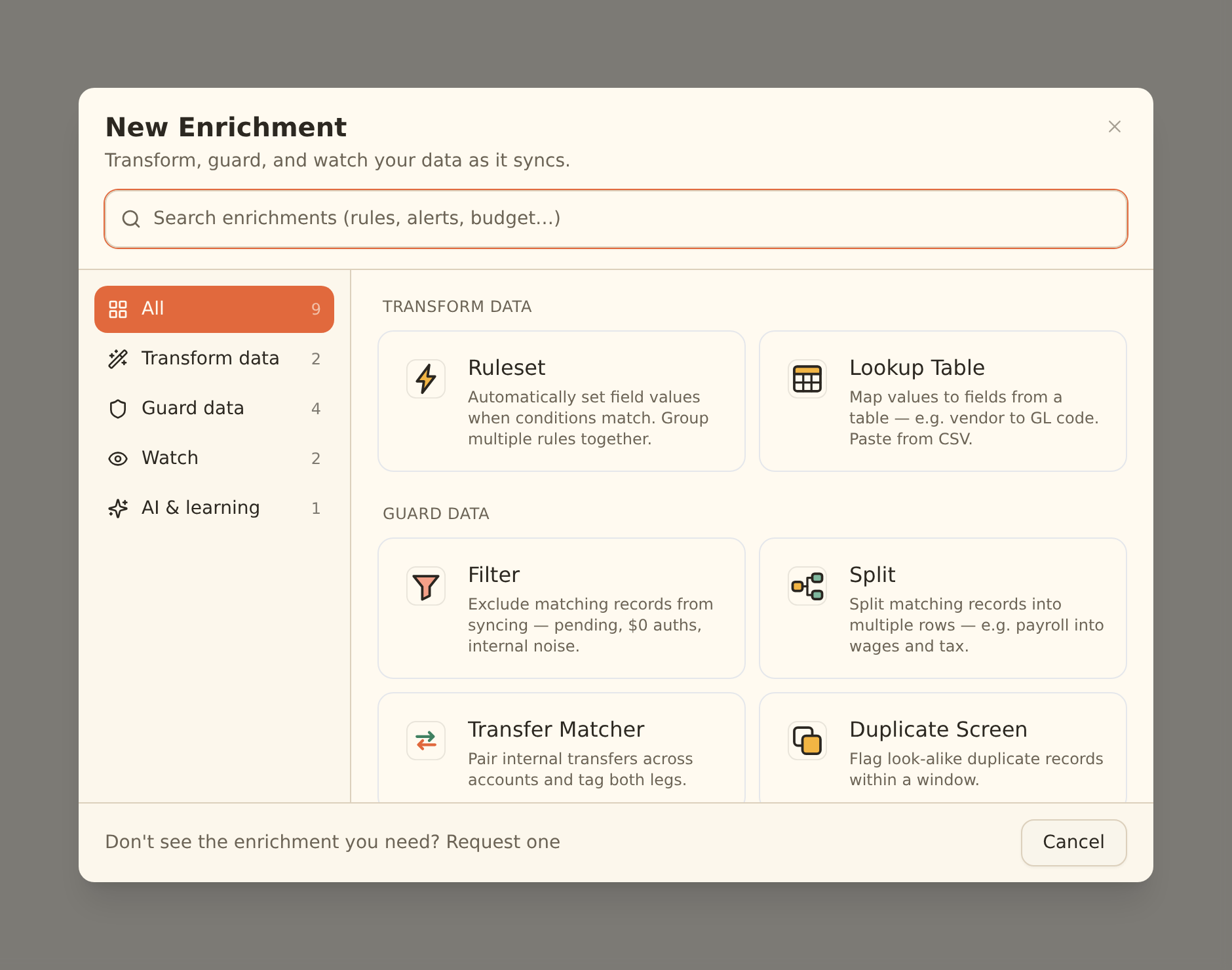
BankSync provides Merchant Cleanup, Memory, lookups, rules, AI categorisation, Review Queue, budgets, recurring watches, fee tracking, anomaly checks and alerts. Actual provides its own rule and schedule system. Compare the current official documentation, because both products evolve.
Guard steps run before Memory, lookup tables and rules; AI fills remaining blanks; watch enrichments observe the final rows. Suppressed records do not write, teach Memory or fire alerts. Live Preview is the safety check before hard Filter, Split or suppression behaviour.
Limitations and controls
This article is not a claim that BankSync is open source or a drop-in replacement. Actual can be self-hosted and supports optional end-to-end encryption for budget data, while bank-sync tokens are stored separately on the server and are not covered by that encryption. BankSync has different hosting, storage and feature boundaries. Choose based on threat model and workflow.
Alert freshness follows the feed schedule. Dashboards, public links and some sharing capabilities are beta by workspace. Keep sensitive finance data private or workspace-scoped. External-agent authoring is a staging workflow and should be reviewed in the normal editor.
Operate the system
Check feed history before trusting a quiet chart. Assign owners for review queues, model changes and alert response. Use row comments and history for context. Document formulas and filters. The objective is not a perfect model on day one; it is a controlled system that can be improved without losing evidence.
Primary sources
- Actual Budget official site
- Actual Budget bank sync
- Actual Budget syncing and encryption
- BankSync enrichments
- BankSync dashboard overview