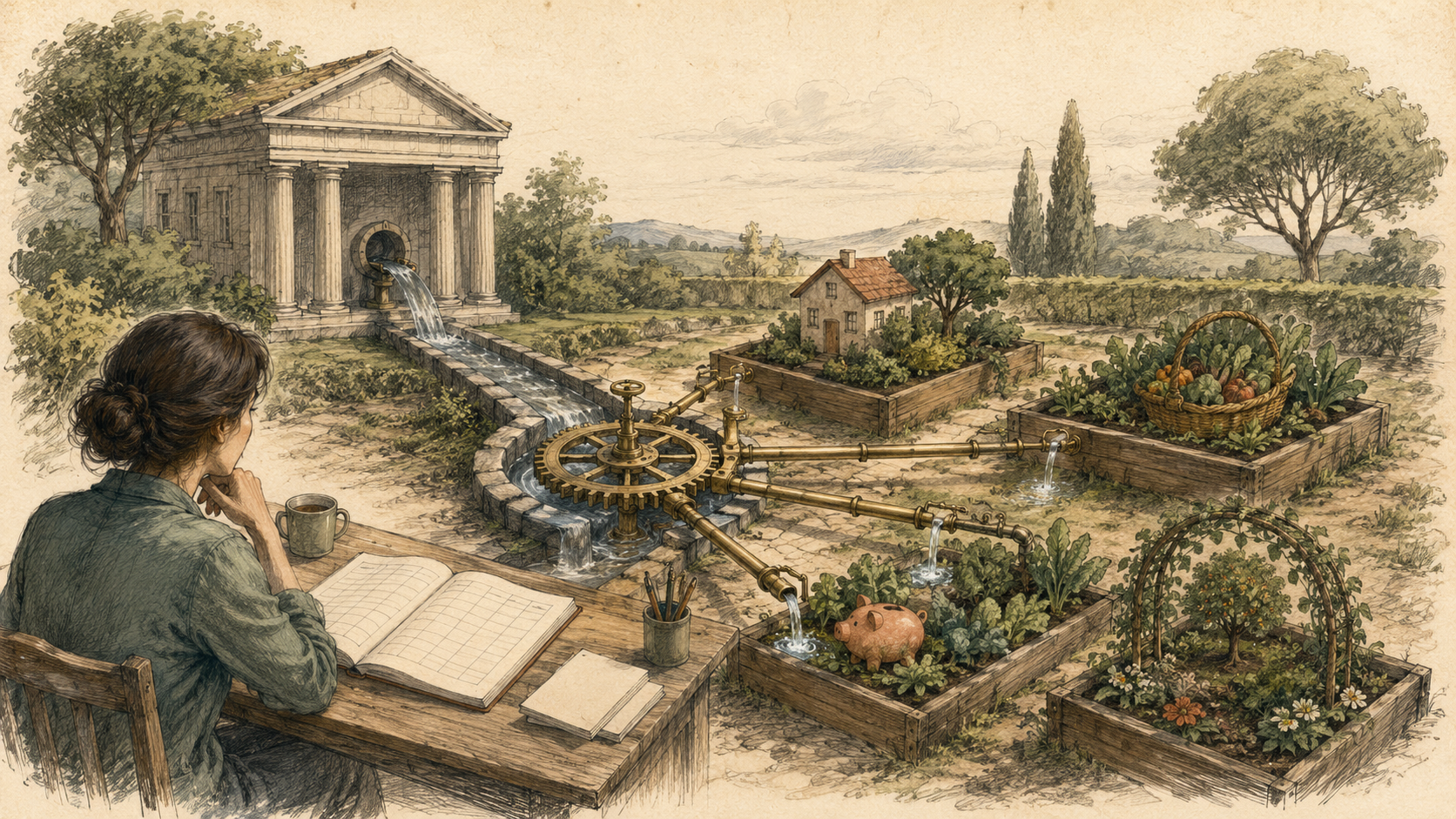
Static budget vs self-updating budget
| Feature | Static template | Self-updating spreadsheet |
|---|---|---|
| Transaction entry | Typed or pasted manually | |
| Categorisation | Assigned row by row | |
| Dashboard freshness | Current only after manual work | |
| Review process | Large clean-up later |
Automatic transaction feed
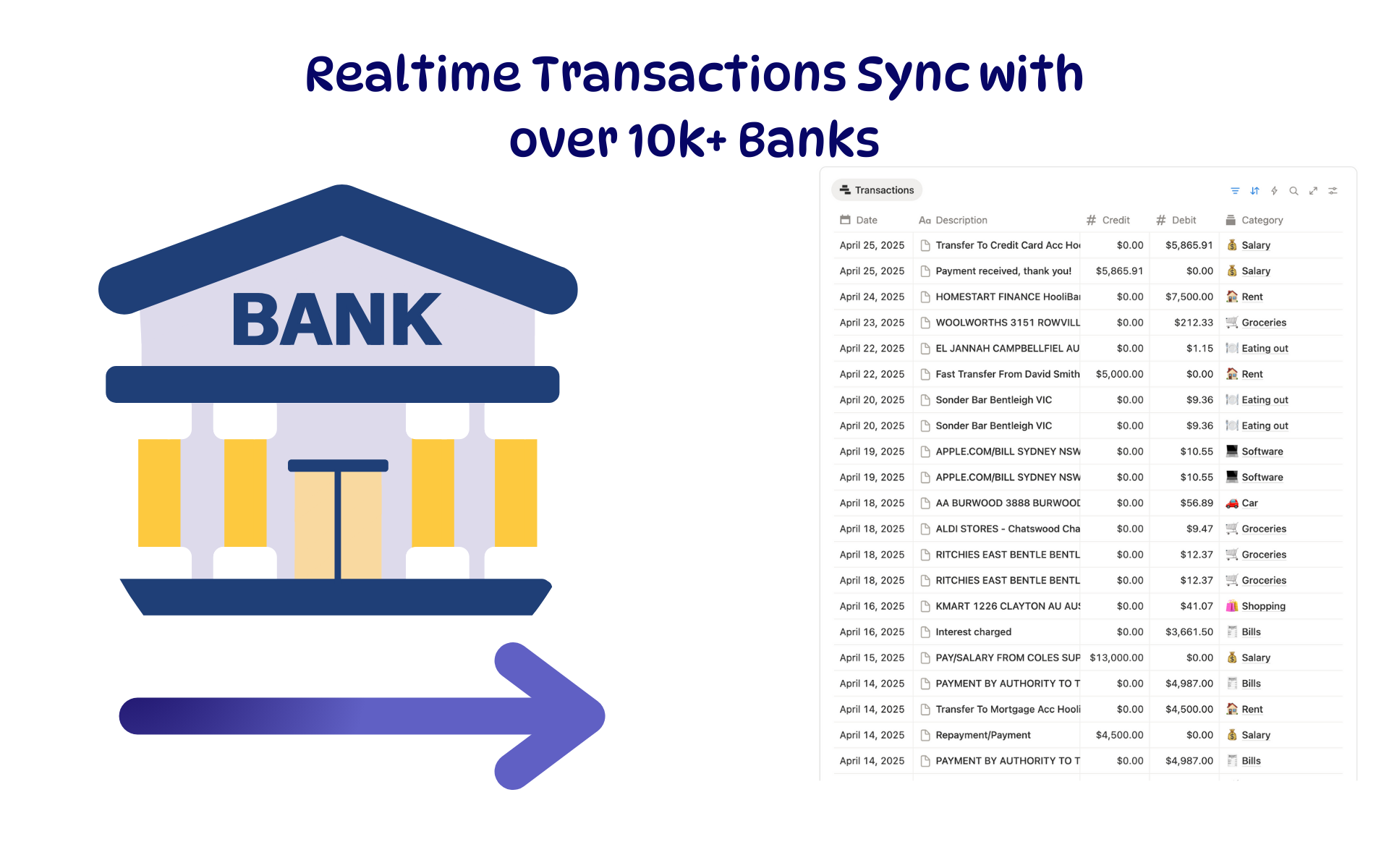
New bank transactions land in one controlled Transactions table.
Rules and review
Repeat merchants are categorised automatically while uncertain items stay visible.
Live budget reporting
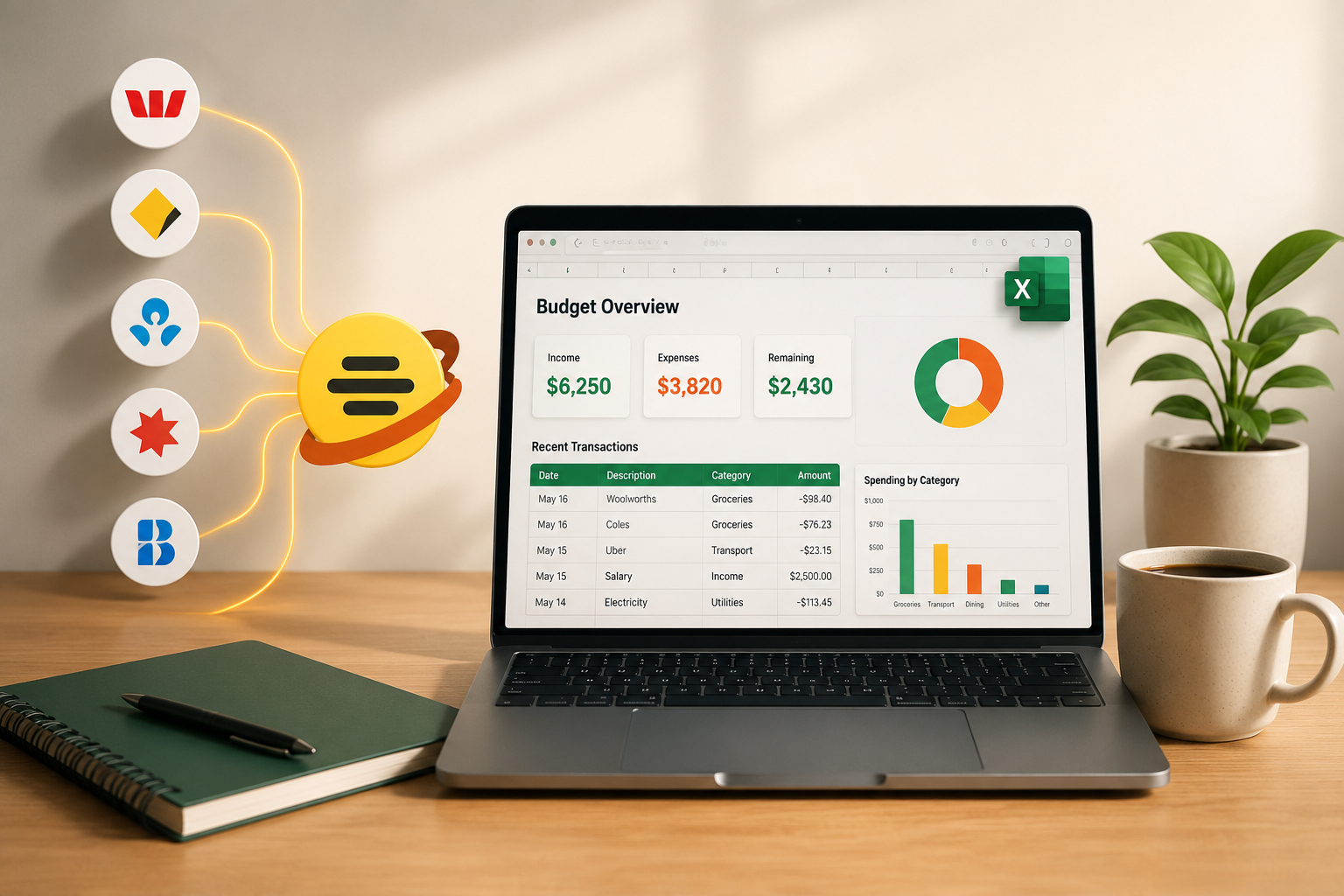
Budget totals, charts and pivots read directly from the growing transaction table.
Choose Google Sheets when
You want easy sharing, browser access, collaborative review and lightweight formulas.
Choose Excel when
You rely on Power Query, Power Pivot, advanced pivot tables, VBA or an existing financial model.
Recommended transaction table
| Column | Example | Purpose |
|---|---|---|
| Transaction ID | tx_9f28… | Prevents duplicates |
| Date | 2026-07-17 | Powers monthly reporting |
| Description | WOOLWORTHS 1234 | Preserves the bank text |
| Merchant | Woolworths | Improves reporting labels |
| Amount | -84.20 | Keeps calculations consistent |
| Category | Groceries | Drives budget reporting |
| Account | Everyday Account | Combines several feeds safely |
| Review | TRUE | Creates an exception queue |
Keep provider-controlled fields separate from your own notes and planning columns.
Set up the automatic bank feed
Create the workspace
Use the workspace that should own the bank connection and destination.
Connect the relevant accounts
Add the bank and credit-card accounts that belong in the budget.
Choose Google Sheets or Excel
Select the spreadsheet and the Transactions tab or table.
Map the fields
Map transaction ID, date, description, merchant, amount, category and account.
Choose a schedule
Daily suits most households; more frequent schedules suit active cash-flow monitoring.
Inspect the first sync
Confirm date formats, signs, account labels and duplicate handling before building reports.
Example categorisation rules
| Description contains | Category |
|---|---|
| Woolworths, Coles, Aldi | Groceries |
| Netflix, Spotify, Disney | Subscriptions |
| Shell, BP, Ampol, Uber | Transport |
| Rent, property manager, mortgage | Housing |
| Salary, payroll | Income |
| Chemist, pharmacy | Health |
A ten-minute weekly review
Review uncertain categories
Correct transactions that landed in Review.
Check unusual transactions
Confirm large, unexpected or duplicated items.
Watch approaching limits
Review categories close to their planned budget.
Improve repeat rules
Adjust rules when the same exception keeps returning.