
A UK small business cash flow dashboard should answer a decision, not merely display attractive charts.
Can the business meet payroll, VAT, supplier and financing commitments? Which expected receipts are late? Which outflows changed? How much of the current balance is genuinely available after near-term obligations? Which bank connection or classification needs attention before the numbers can be trusted?
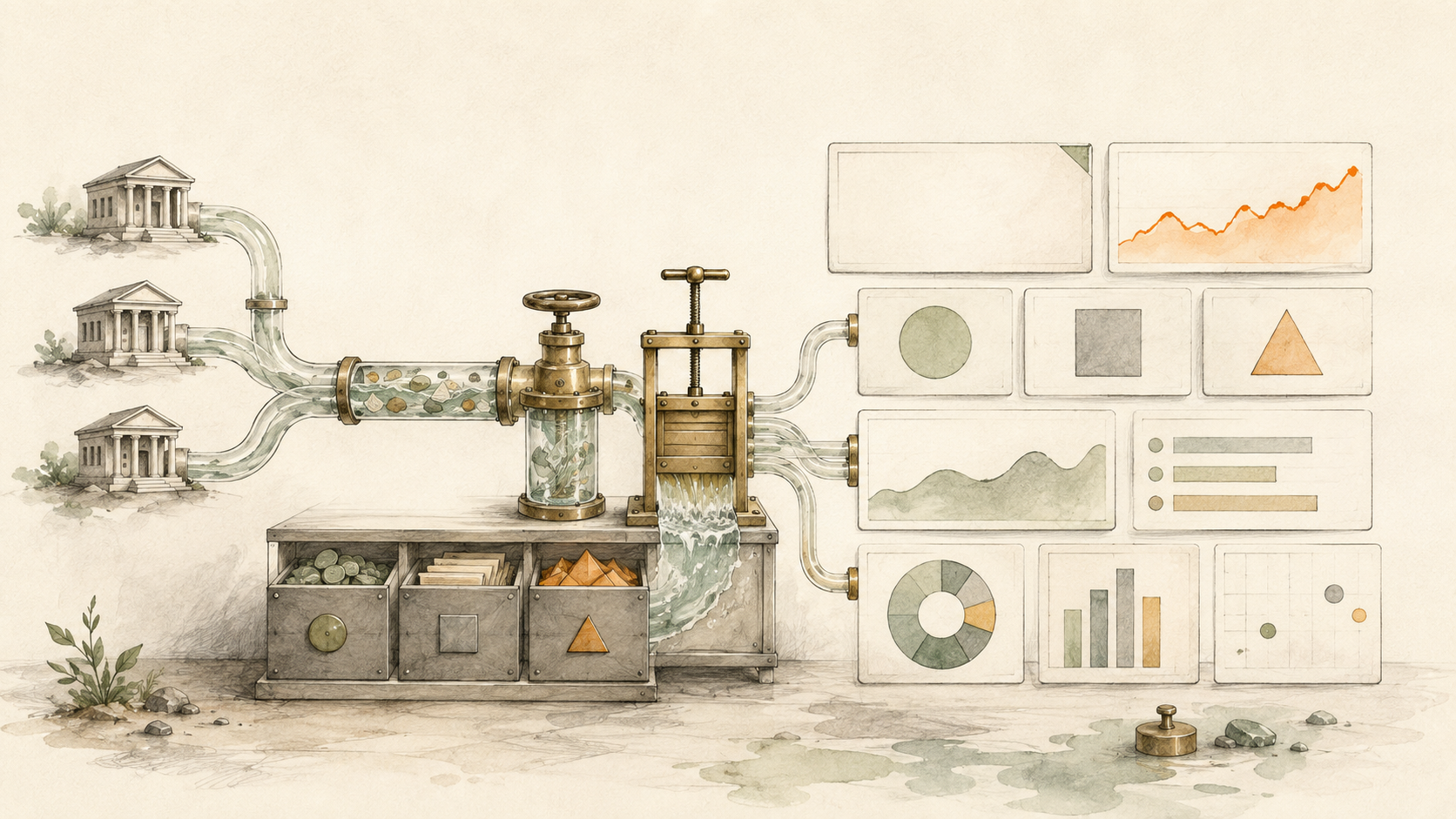
Bank transactions are essential, but they only describe activity the institution has posted. A forward-looking cash forecast also needs assumptions about invoices, direct debits, payroll, tax, supplier payments and one-off commitments. The strongest design keeps those layers separate and makes the source of every number visible.
Automatic bank actuals
Retrieve supported UK balances and posted transactions on the recurring schedule available to the plan and source.
Transfer-aware classification
Clean merchants, classify operating activity and prevent internal movements from distorting consolidated cash flow.
Decision-focused widgets
Show cash position, net movement, runway, upcoming commitments, overdue receipts and exception detail.
Time-window controls
Separate today's balances, completed periods and the next 13 weeks rather than mixing them into one figure.
Visible data quality
Expose stale feeds, consent expiry, uncategorised rows and missing accounts alongside financial metrics.
Choose the reporting surface
Use BankSync Dashboards, Tables, Google Sheets or Excel according to the workflow and workspace availability.
Start with the cash-flow question
Different decisions need different dashboards.
A daily owner view may focus on total available cash, the next seven days of known payments and large unexpected movements. A weekly finance review may use a rolling 13-week forecast, expected customer receipts, payroll, VAT, supplier commitments and scenario variance. A management pack may compare complete months, operating inflows, operating outflows and cash conversion.
Do not force all three into one page. Define the primary user, review cadence and action first. Then include only the widgets and detail rows required for that decision.
The dashboard should also state which accounts, currencies and legal entity it includes. A GBP total is not meaningful if foreign-currency accounts were silently converted at an unknown rate or a second business was mixed into the same workspace.
The three layers of a reliable cash dashboard
| Feature | Layer | What it contains | How it should behave |
|---|---|---|---|
| Bank actuals | Balances and posted transactions from selected UK accounts | Never overwritten by forecast assumptions | |
| Forecast assumptions | Expected receipts, payroll, VAT, suppliers, finance and one-off commitments | Compared with actual outcomes | |
| Exceptions and controls | Stale feeds, expiring consent, uncategorised items, anomalies and overdue receipts | Visible beside the headline numbers |
Build a UK small-business cash flow dashboard
Define the legal entity, accounts and currencies
List the UK current, savings, card and finance accounts that belong in the view. Keep unrelated businesses and personal accounts outside the workspace.
Connect supported UK institutions
Complete read-only Open Banking consent on the bank or provider-hosted pages and select only the accounts required for the cash view.
Create transaction and balance feeds
Use separate feeds for append-oriented transaction history and current or historical balance data. Map institution, account and currency on every record.
Choose the data layer
Write structured records to BankSync Tables for persistent status and relations, or to dedicated source tabs in Google Sheets or Excel for spreadsheet modelling.
Normalise merchants and classifications
Use deterministic rules first, then controlled learning or review for the remainder. Keep original descriptions and source values intact.
Identify transfers and card repayments
Preserve both source rows for reconciliation but exclude internal movements from consolidated operating inflow and outflow.
Add forecast assumptions
Create dated expected receipts and commitments with amount, owner, probability or scenario, status and source. Do not invent future cash from historical transactions alone.
Build the minimum dashboard
Add current cash, near-term low point, rolling inflow and outflow, upcoming commitments, overdue receipts and an exception table before adding secondary charts.
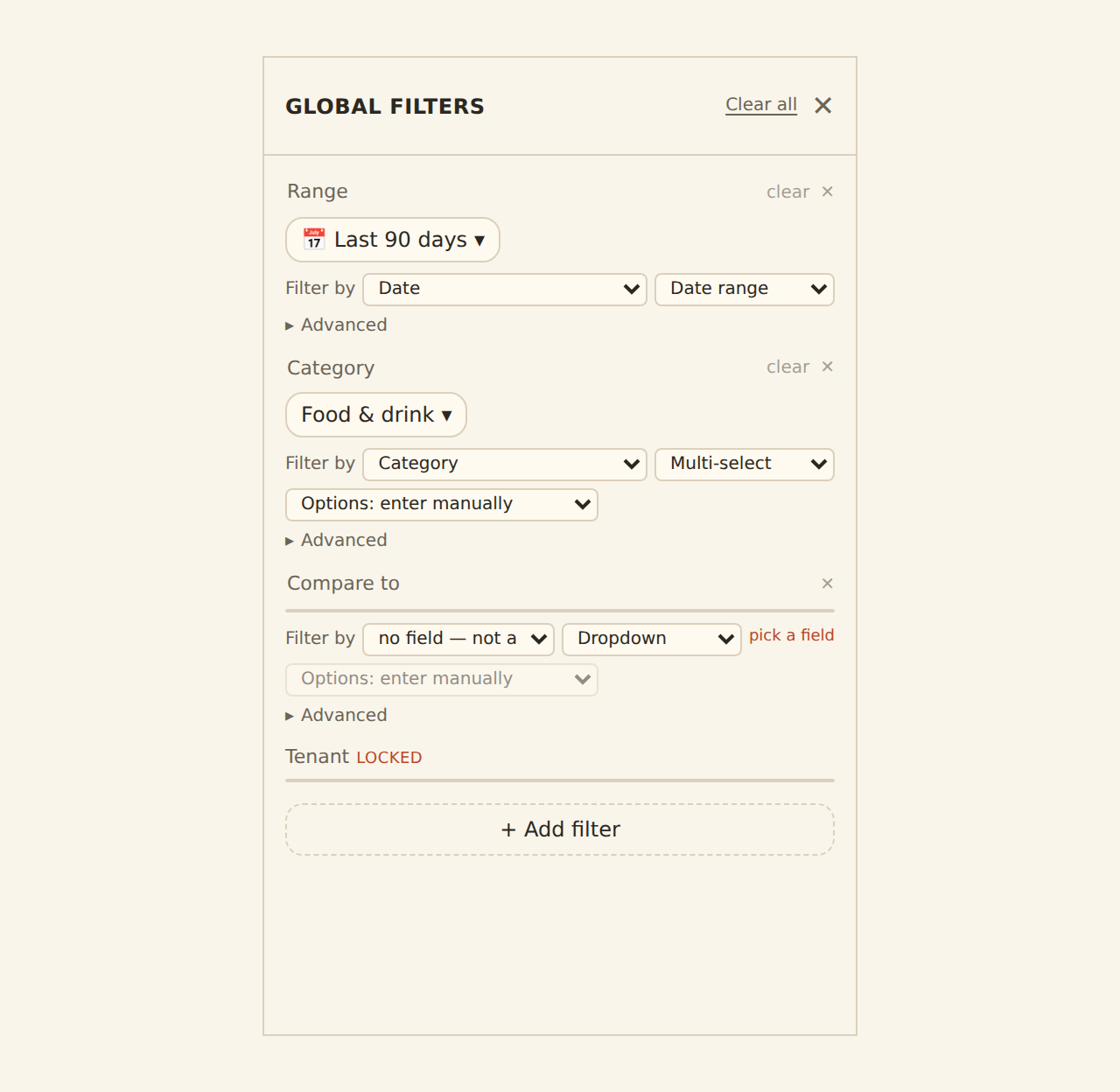
Configure filters and drill-down
Allow entity, account, currency, period, category and status filters. Every headline KPI should lead to the records behind it.
Set the review cadence and controls
Schedule the available feed cadence, assign consent renewal and exception owners, then run a weekly cash meeting from the same definitions.
A practical cash-flow data model
| Dataset | Core fields | Primary use |
|---|---|---|
| Transactions | Date, description, merchant, amount, currency, account, institution, category, transaction ID, transfer flag | Actual inflow, outflow and variance analysis |
| Balances | Snapshot time, current balance, available balance where supplied, currency, account, institution | Cash position and balance history |
| Forecast items | Expected date, amount, direction, category, counterparty, owner, confidence, scenario, status | Rolling 13-week forecast and commitment planning |
| Invoices or expected receipts | Customer, due date, expected receipt date, amount, status, probability, reference | Collections and receipt timing |
| Exceptions | Type, record link, severity, owner, due date, status, resolution | Action queue and data-quality control |
| Accounts | Entity, account, institution, currency, inclusion rule, owner, consent state | Scope, filtering and connection oversight |
Use separate records for actual transactions, balances, forecast items and exceptions. Do not force forecasts into bank-transaction rows.
Choose widgets that lead to action
A small-business dashboard does not need dozens of charts. It needs a small set of numbers that trigger the next decision.
Current cash position should show the selected accounts, currency treatment and timestamp. Keep current and available balance separate when the institution provides both.
Near-term minimum cash should show the lowest forecast balance inside the chosen window, not just the closing balance at week 13. A business can finish the period positive and still run short in week four.
Operating inflow and outflow should exclude movements between owned accounts and avoid double-counting card purchases and later card repayments.
Upcoming commitments should list the next material payments with date, category, amount and owner. A chart alone is not enough.
Expected receipts and overdue items should separate invoice value from the amount and date the business genuinely expects to collect.
Exceptions should expose uncategorised transactions, unusual movements, expired consent, failing feeds and missing account coverage. A data-quality problem should not look like a quiet week.
A focused first dashboard
Cash position
Current and available GBP balances by selected account, with a visible timestamp.
Next 14 days
Expected receipts and commitments, grouped by day and confidence.
13-week trajectory
Opening cash, forecast inflow, forecast outflow and the minimum projected balance.
Operating movement
Actual inflow and outflow with transfers and card repayments treated explicitly.
Collections queue
Overdue and high-value expected receipts with owner and next action.
Exceptions
Connection, consent, classification and anomaly items that can invalidate the view.
Use Enrichments as the operating layer
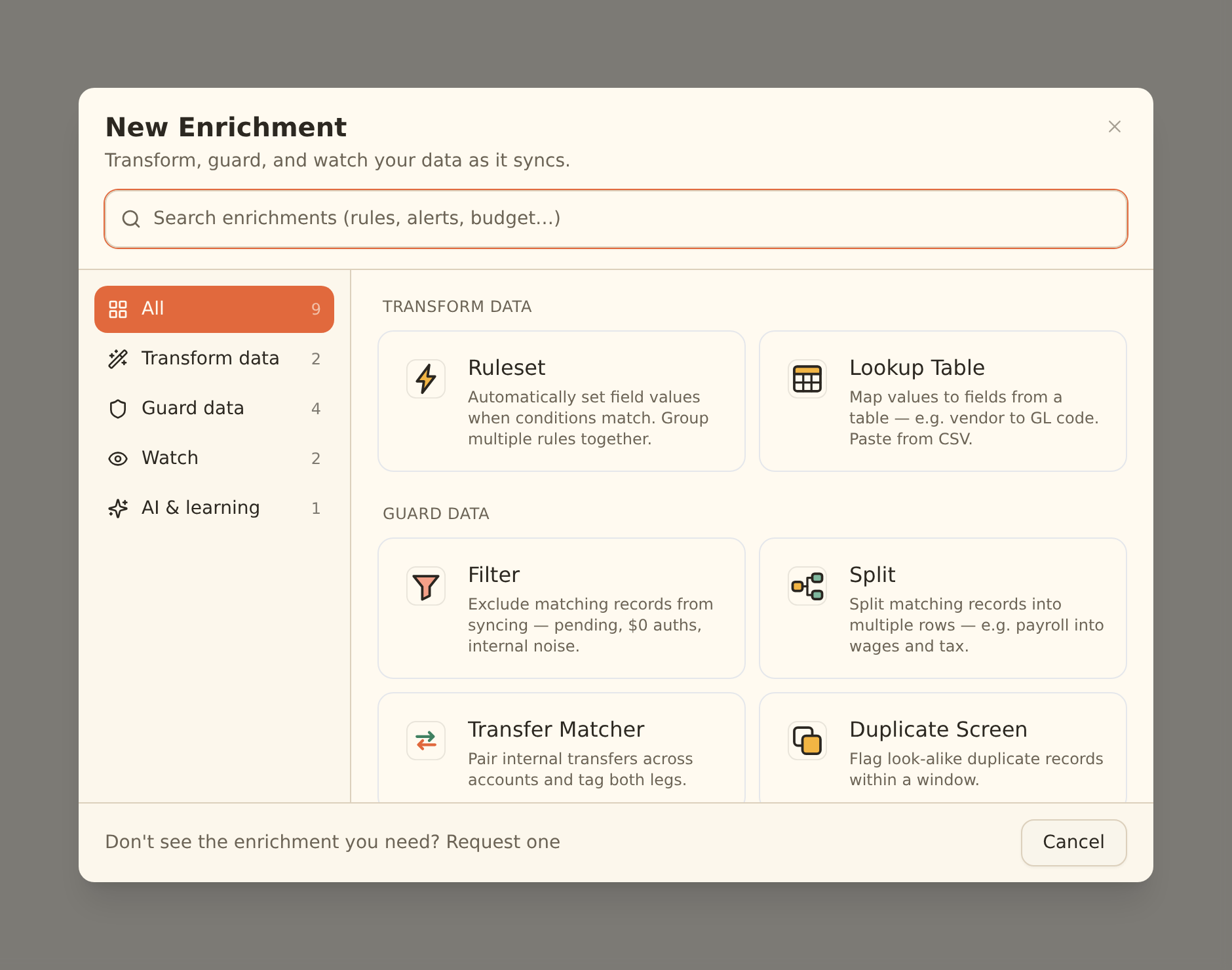
Raw bank descriptions are rarely ready for management reporting. BankSync Enrichments can turn repeated cleanup and control logic into a shared pipeline.
Use Rules and Lookup Tables for known suppliers, customers, departments and cash-flow classes. Use Merchant Cleanup to normalise inconsistent names. Use Transfer Matcher to mark movements between owned accounts. Use Duplicate Screen as a guard. Use Recurring Registry to identify expected direct debits and subscriptions. Use Fee Ledger to track bank charges. Use anomaly detection and alerts for unusual transactions. Use Feed Monitor to surface stale or failing data.
Memory or AI Categorizer can help with the remainder, but uncertain classifications should go to Review Queue rather than silently changing a management figure. User corrections can improve future suggestions while the original bank evidence remains available.
The pipeline order matters. Hard guards run before learning. Watch steps observe the final rows. A filtered-out transaction cannot write to the destination, teach the model or trigger a downstream alert, so preview destructive filters before enabling them.
Scheduled feeds and live dashboard sources
BankSync Feeds can run weekly, daily or hourly depending on plan and source. A schedule asks for newly available records; it cannot control when an institution posts a transaction.
BankSync Dashboards can use feed-backed data, and some widgets can use live bank sources to request fresher information. That does not make every number real-time. The institution, connection state, consent and widget source still determine freshness. Display the timestamp and source beside important cash figures.
Dashboard creation and sharing can vary by workspace while the feature continues to roll out. The same architecture works with Google Sheets or Excel: use a dedicated source layer, stable mappings, explicit forecast records and separate reporting tabs.
A repeatable weekly cash review
Run and check feeds
Confirm every required account is connected, consent is active and scheduled jobs completed. Resolve data failures before discussing the numbers.
Reconcile opening cash
Compare selected balances and material transactions with the institutions and accounting record.
Roll actuals into the forecast
Replace completed forecast items with actual transactions and explain material timing or amount differences.
Update the next 13 weeks
Revise expected receipts, payroll, VAT, suppliers, finance and one-off commitments using named owners and dates.
Review the low point and scenarios
Identify the minimum projected balance, downside assumptions and the date by which action is required.
Assign actions and exceptions
Give every overdue receipt, uncertain classification, unusual movement and connection issue an owner and due date.
Controls that keep the dashboard trustworthy
Keep entities separated
Do not combine unrelated businesses, clients or personal accounts for convenience.
State currency treatment
Show whether non-GBP balances are excluded, kept separate or converted using a documented rate.
Preserve source evidence
Every KPI should drill to account, transaction, forecast or exception records.
Show freshness
Display source and timestamp so an old figure cannot masquerade as a current one.
Protect dashboard access
Review viewers, editors, shared links and client boundaries as carefully as the bank connection.
Verify high-stakes decisions
Reconcile material figures and seek appropriate accounting, tax or finance advice where required.
UK small-business cash flow dashboards: FAQs
Sources and related UK guides
- BankSync Dashboards overview
- Build and edit dashboard widgets
- Connect UK banks
- Manage UK Open Banking consent
- Create and manage feeds
- Feed scheduling
- BankSync Enrichments
- Ask Penny
Read the BankSync UK launch announcement, then choose the implementation guide for Google Sheets or Microsoft Excel. Accounting firms can use the companion guide to Open Banking Client Portals for UK accountants.