
Authentication
Learn how to authenticate with the BankSync API using API keys or bearer tokens. Understand scopes and permissions.
6 min read
On this page
The BankSync API and MCP server support two authentication methods. Choose the one that fits your use case.

API Key Authentication#
The recommended method for server-side integrations, scripts, and MCP clients. Pass your API key in the X-API-Key header with every request.
X-API-Key: bsk_your_key_hereCreating an API Key#
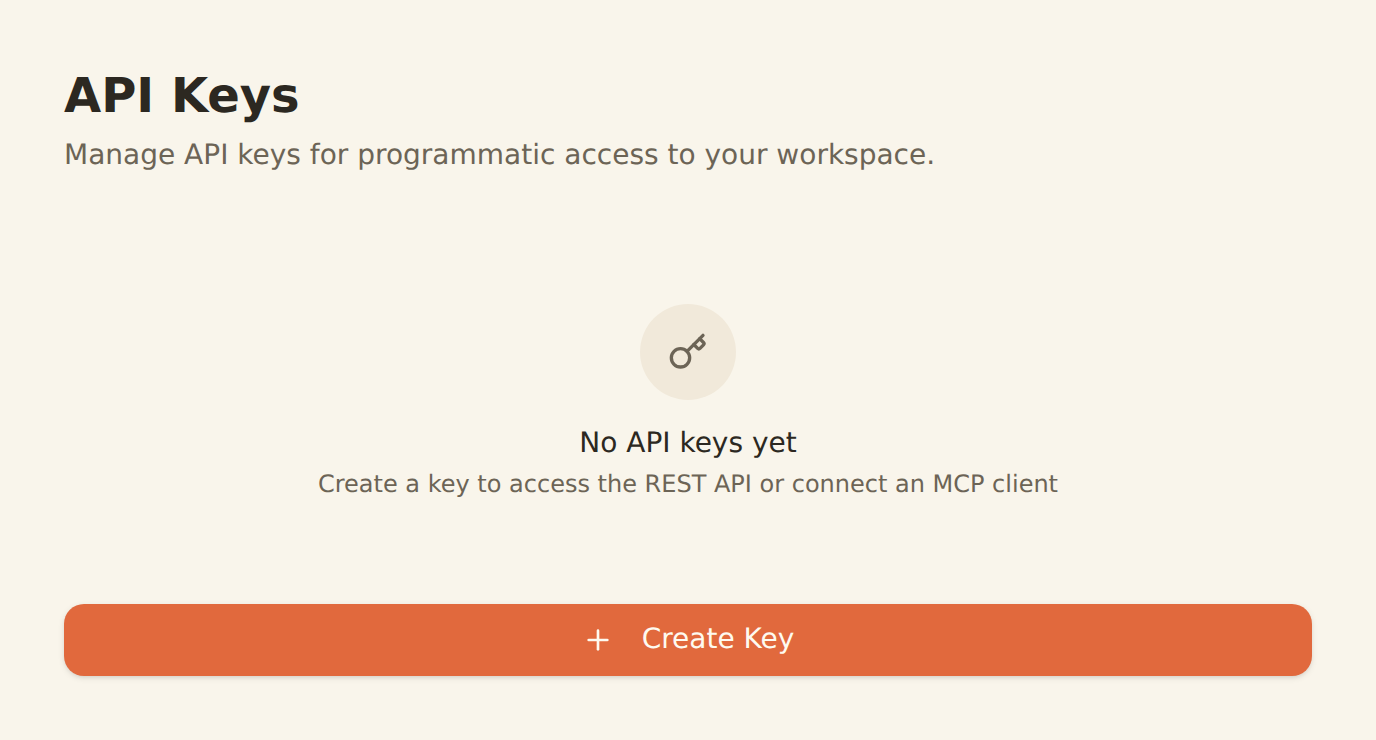
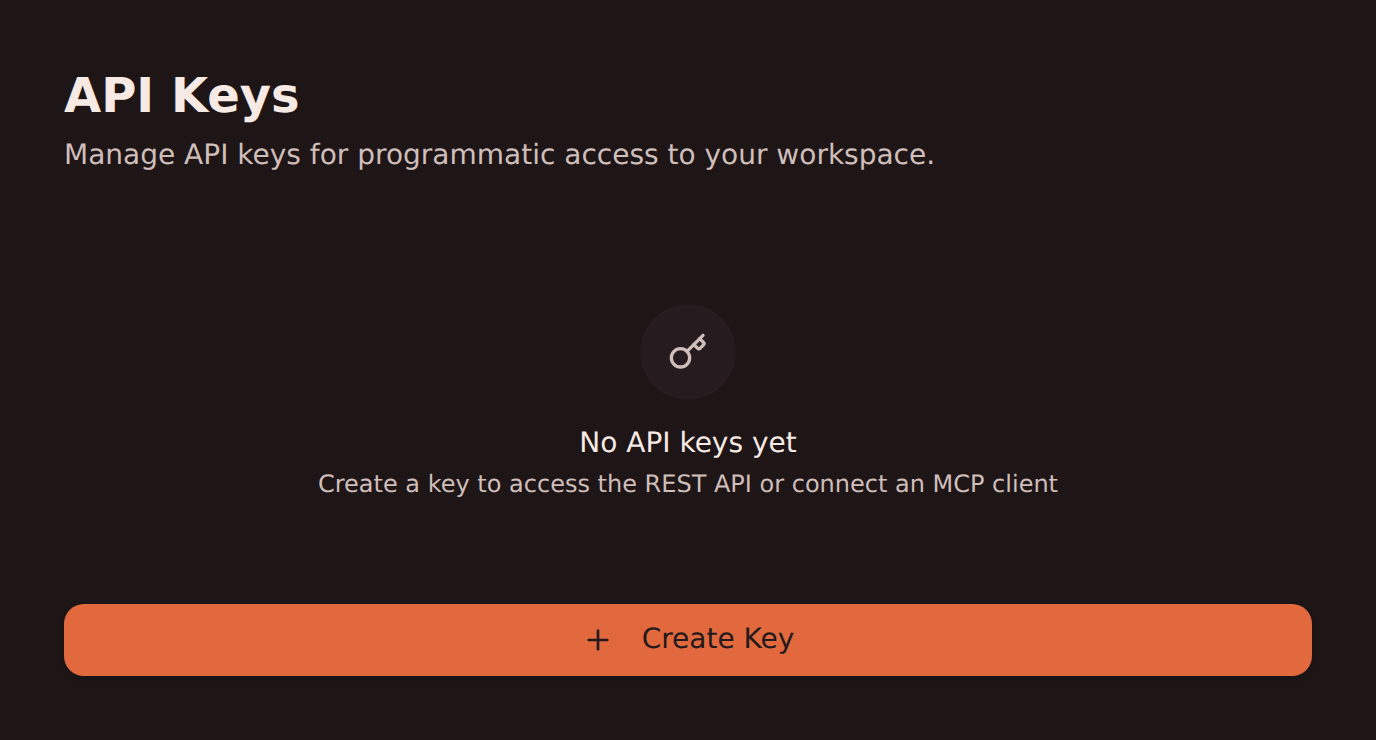
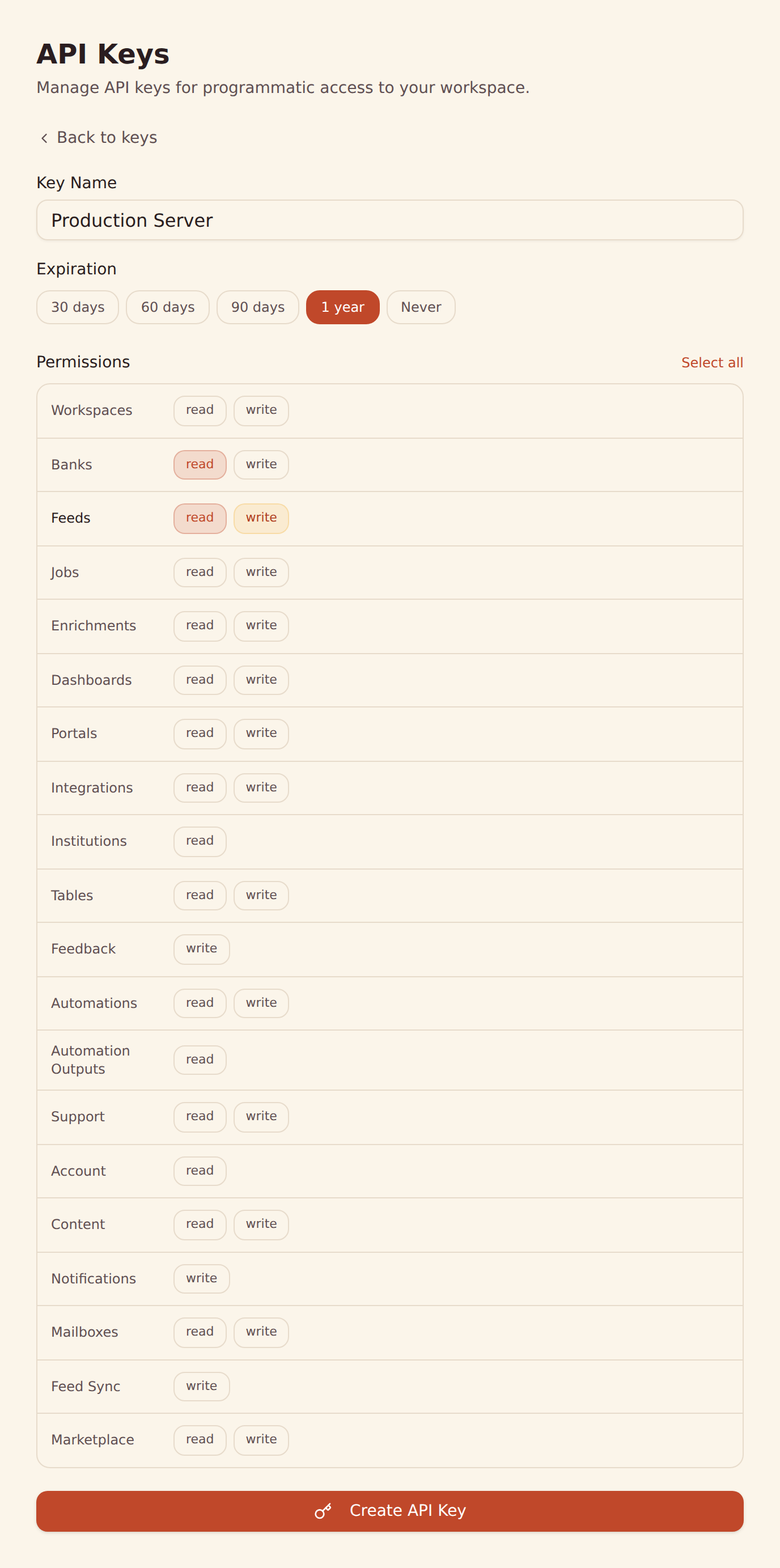
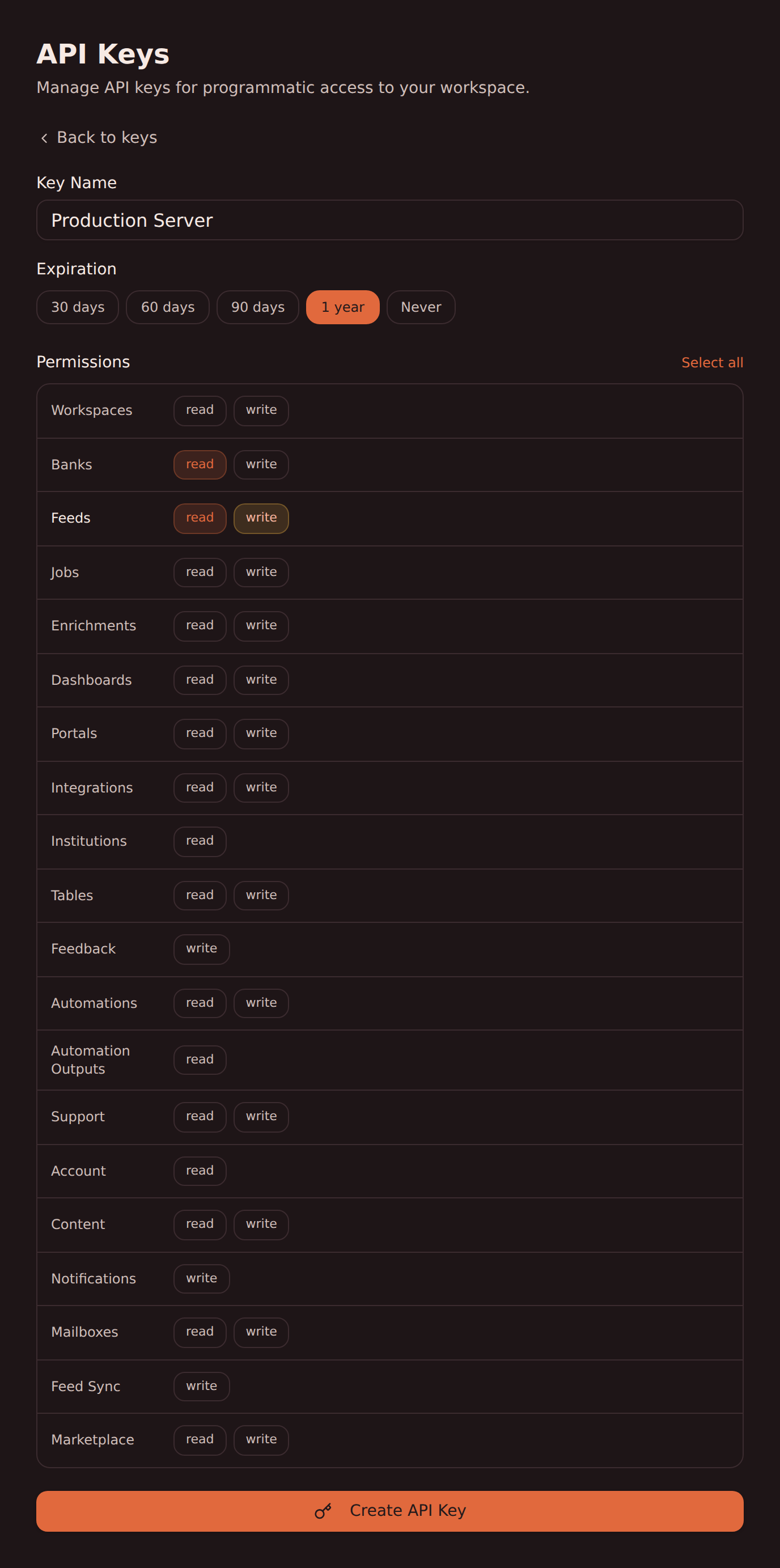
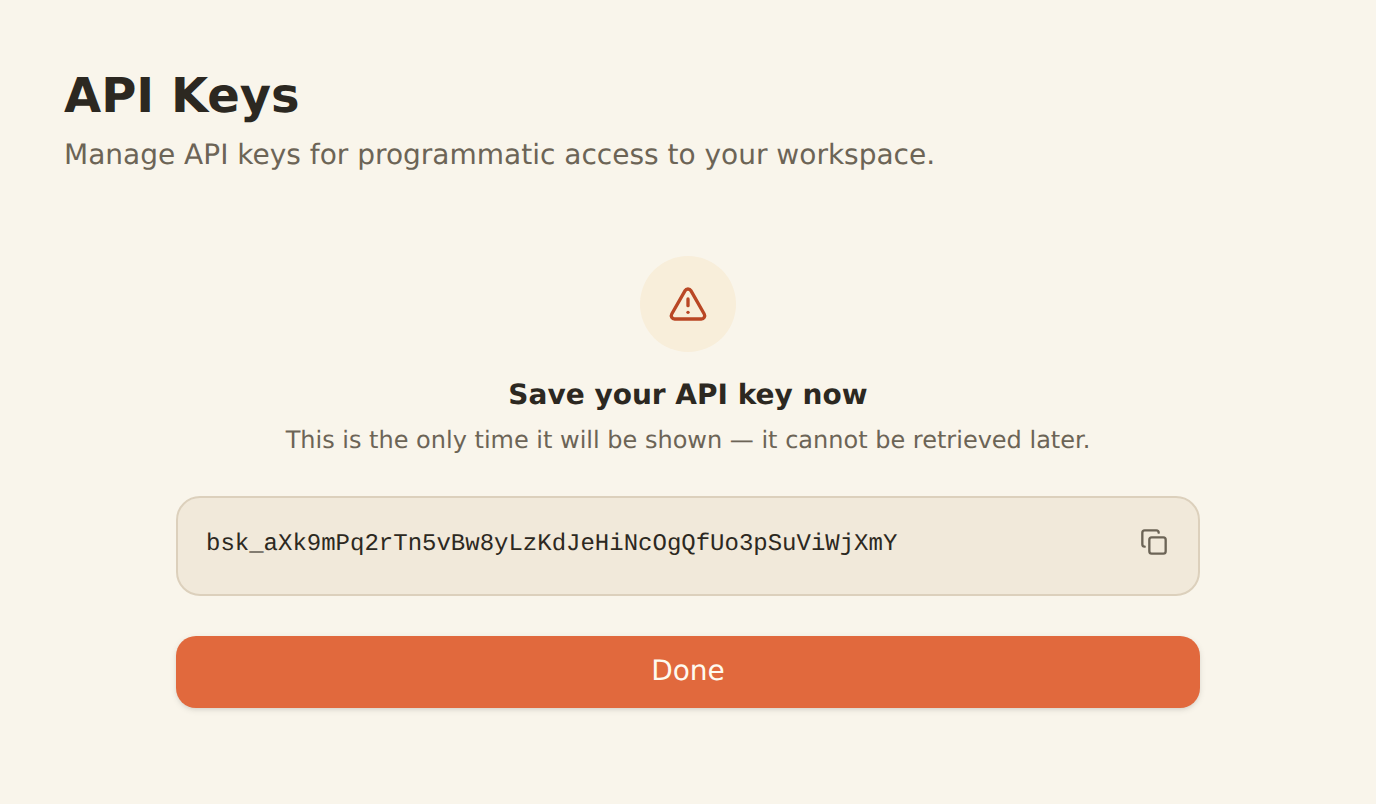
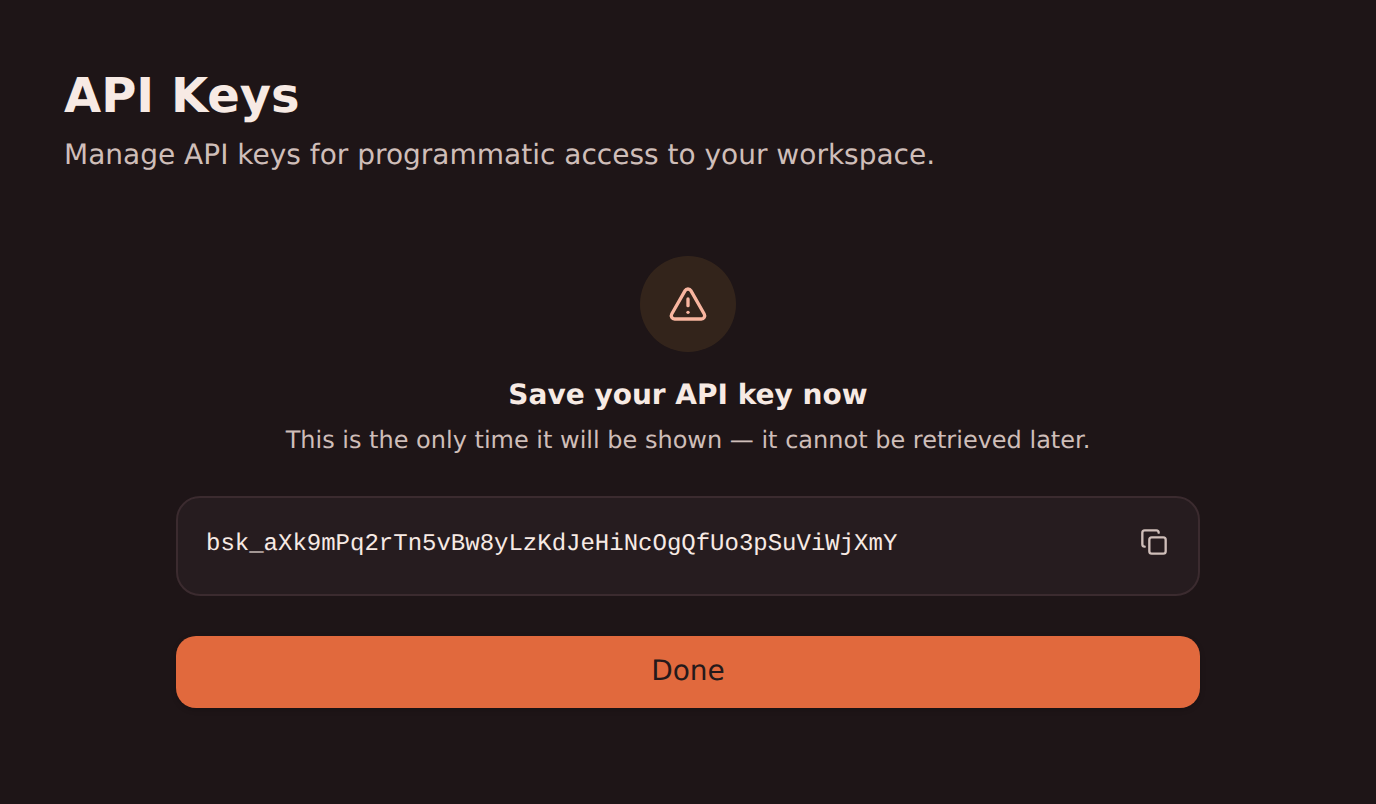
To create an API key, open the BankSync app, click your workspace menu, and select Developers. From there you can name your key, choose which permission scopes it should have, and create it.
Key Format#
All BankSync API keys begin with the bsk_ prefix followed by 44 random characters. For example:
bsk_a1B2c3D4e5F6g7H8i9J0k1L2m3N4o5P6q7R8s9T0u1V2Code Example#
curl -X GET "https://api.banksync.io/v1/banks" \ -H "X-API-Key: bsk_your_api_key_here" \ -H "Content-Type: application/json"const response = await fetch('https://api.banksync.io/v1/banks', { headers: { 'X-API-Key': process.env.BANKSYNC_API_KEY, 'Content-Type': 'application/json', },})import osimport requests
response = requests.get( "https://api.banksync.io/v1/banks", headers={ "X-API-Key": os.environ["BANKSYNC_API_KEY"], "Content-Type": "application/json", })Security Best Practices
- Store API keys in environment variables, never in source code
- Never commit API keys to version control
- Rotate keys regularly and revoke any that may be compromised
- Use the minimum scopes required for your use case
Bearer Token Authentication#
For web app integrations where the user is already signed in to BankSync, you can use a session token as a bearer token. This method is primarily used by the BankSync web application itself.
Authorization: Bearer <session_token>X-Workspace-ID: <workspace_id>When using bearer token authentication, you must also include the X-Workspace-ID header to specify which workspace you are operating on. The signed-in user must be a member of that workspace (or an owner or admin of the parent workspace, for a client you cover, a portal in the API): naming any other workspace is refused before the request reaches a plan check or a rate budget.
When to Use
Bearer token auth is best for browser-based apps where the user is already signed in to BankSync. For server-side scripts, CLI tools, and MCP clients, use API key authentication instead.
Scopes & Permissions#
API keys are scoped to specific permissions. When creating a key, select only the scopes you need.
| Scope | Resource | Action | Access |
|---|---|---|---|
account:read | account | read | See whether two-step verification is on for your BankSync login, whether a recovery key was saved or used, and your recent security activity. |
automation_outputs:read | automation_outputs | read | Read what an automation run produced, when the credential also holds every permission the run’s grant held. Every read is audited. |
automations:read | automations | read | View automations, their drafts, revisions, grants and approvals, and the status of their runs. Never what a run carried. |
automations:write | automations | write | Create, edit, publish, activate and delete automations, bind them to tables, banks and feeds, request or revoke their grants, and start, cancel, pause and resume their runs. Approving a grant or an approval stays a person’s decision. |
banks:read | banks | read | View bank connections, accounts, transactions, balances, and holdings |
banks:write | banks | write | Connect, modify, and disconnect bank connections. Permanent removal is a signed-in member’s action: neither a key nor an installed app can do it. |
content:read | content | read | View the workspace’s folders and where each automation sits in them, with their names and icons, what is in trash, and your own stars. |
content:write | content | write | Create folders, rename items and set their icons, move them between folders, move them to trash and restore them, and star them for yourself. It creates, edits and runs no automation. |
dashboards:read | dashboards | read | View dashboards, widgets, queries, folders, and their query results over feed data. Not available to installed apps. |
dashboards:write | dashboards | write | Create, modify, and delete dashboards, widgets, queries, and folders. Not available to installed apps. |
enrichments:read | enrichments | read | View enrichment rules. An installed app sees only the rules it created. |
enrichments:write | enrichments | write | Create, modify, and delete enrichment rules. An installed app reaches only the rules it created, and cannot write a rule that runs on every feed. |
feed_sync:write | feed_sync | write | Sync bank changes to a destination from an automation: write, update and remove the rows the automation delivered there. Never a feed’s settings. |
feedback:write | feedback | write | Send BankSync product feedback, bug reports, and feature requests as you. Reads nothing back and changes nothing in your workspace. |
feeds:read | feeds | read | View sync feed configurations. An installed app sees only the feeds it created. |
feeds:write | feeds | write | Create, modify, and delete sync feeds. An installed app reaches only the feeds it created. |
institutions:read | institutions | read | Search banks and see which providers can connect them. Reference data about institutions — never your accounts or transactions |
integrations:read | integrations | read | View connected destination integrations |
integrations:write | integrations | write | Connect and remove destination integrations. An installed app can connect one but cannot remove any. |
jobs:read | jobs | read | View sync history and job status. An installed app sees only the feeds it created. |
jobs:write | jobs | write | Trigger manual syncs and cancel running jobs. An installed app reaches only the feeds it created. |
mailboxes:read | mailboxes | read | Read the messages that reached a mailbox and the files attached to them. Never a mailbox’s settings, and never sends anything. |
mailboxes:write | mailboxes | write | Release held mail, allow or block a sender, give a mailbox another address, mark a message, send, reply and forward within the mailbox’s sending rules, and file a message’s attachments as table rows. |
marketplace:read | marketplace | read | Search the public marketplace, read the workspace’s saved templates, export workspace resources as a template, plan an install, and see the workspace’s installs and what each one created. It changes nothing. |
marketplace:write | marketplace | write | Save, edit, delete and restore the workspace’s saved templates, and install a template into the workspace, update, rename or remove an install. Installing creates dashboards, tables, feeds, enrichments and switched-off automations in the workspace. It never publishes a listing. |
notifications:write | notifications | write | Raise a notification in the workspace’s in-app tray, for every member or for its owners and admins. It sends no email. |
portals:read | portals | read | View client portals and their membership. Not available to installed apps. |
portals:write | portals | write | Create, modify, and delete client portals. Not available to installed apps. |
support:read | support | read | View your support cases with BankSync and the cases raised about this workspace, with their messages. |
support:write | support | write | Open support cases with BankSync, reply on cases, and close the cases you raised, as you. |
tables:read | tables | read | View your tables, their fields, and the rows stored in them. An installed app sees only the tables it created. |
tables:write | tables | write | Create and delete tables, change fields, and add, edit, or remove rows. An installed app reaches only the tables it created. |
workspaces:read | workspaces | read | View workspace metadata, membership, and connected integrations |
workspaces:write | workspaces | write | Modify workspace settings, members, and integrations |
Note: Each operation enforces the exact scopes shown in its API reference. Grant both read and write only when a workflow performs both kinds of operation.
Note: API key management (creating and revoking keys) requires an authenticated session. API keys cannot self-manage: you must use the BankSync web app to create or revoke keys.
Use this page with your AI assistant
Every BankSync doc is available as plain Markdown for agents and LLMs.