A bank row tells you money moved. A receipt helps explain the purchase. Putting the receipt reference beside the transaction makes an expense review faster, but matching on amount alone can attach the wrong evidence.
This workflow uses a reviewed transaction key and Excel's XLOOKUP to bring a receipt reference into your transaction review. It also shows where a simple lookup stops being sufficient.
The result is deliberately modest: a reviewer can find the intended document, see missing evidence and investigate duplicate keys. The formula does not decide whether an expense is allowable or whether a receipt is genuine.
Reviewed on 1 November 2026. The example records and identifiers are fictional.
Two tables, one deliberate link
| Transactions table | Receipts table | Connection |
|---|---|---|
| TransactionKey: UK01-T104 | TransactionKey: UK01-T104 | Reviewed exact key |
| Amount: −£84 | Receipt total: £84 | Comparison, not identity |
| Merchant: Example Stationery | ReceiptRef: R-021 | Reference returned to reviewer |
| Date: 10 September | Document link in receipt record | Open and inspect evidence |
1. Create a key you can trust
Where your bank feed exposes a stable source identity, retain it and the account identity. If you create your own transaction key, keep it stable after review and document how it was assigned.
Do not concatenate only date and amount and assume uniqueness. Two £12 payments can occur on the same day. A date, merchant and amount combination is useful for finding candidates, but it is not proof that two records describe the same purchase.
In the receipt table, assign the transaction key only after checking the account, merchant, currency, amount and plausible dates. A purchase date and bank posting date can differ. Split payments, tips, currency conversion and refunds need an explanation rather than a forced exact match.
Prepare the lookup
Keep incoming rows intact
Use BankSync's Excel integration for the source transaction worksheet, with your review fields clearly separated.
Create a receipt index
Use columns called TransactionKey, ReceiptRef and DocumentLink in a table named Receipts.
Review the match
Assign each receipt's TransactionKey after inspecting the bank row and document.
Enforce the simple case
For this formula, allow exactly one receipt-index row for each transaction key.
Return the reference
Add the exact-match lookup to your transaction review table and inspect the results.
2. Return the receipt reference
The following formula assumes your current Excel table contains a TransactionKey column and your receipt index is an Excel table named Receipts. Those are names you create; BankSync does not automatically create this receipt relationship.
=XLOOKUP([@TransactionKey],Receipts[TransactionKey],Receipts[ReceiptRef],"Needs review",0)
For UK01-T104, the expected result is R-021. For an unlinked key, the expected result is “Needs review”. The final zero makes the intended exact-match mode explicit.
Microsoft's XLOOKUP documentation confirms the syntax, exact-match behaviour and default first-match search. It also notes that XLOOKUP is unavailable in Excel 2016 and Excel 2019. Use a supported version before building this workflow around it.
Formula argument separators can vary with your Excel locale. Keep both referenced columns the same length, as they are when drawn from the same table.
Test the lookup before using real totals
| Case | Expected behaviour | Reviewer action |
|---|---|---|
| One key, one receipt | Returns the intended reference | Open the document and confirm |
| No receipt key | Needs review | Find evidence or record an exception |
| Repeated receipt key | Returns only the first match | Resolve duplicate or redesign the relationship |
| Blank receipt reference | May produce an unhelpful blank/zero result | Require a nonblank reference |
| Same amount, different purchase | No automatic identity match | Do not assign a key by amount alone |
3. Make missing evidence visible
Create a review view or filter for “Needs review” and for blank receipt references. Keep a separate reason field for exceptions: receipt requested, document unavailable, multiple documents, or not a purchase.
Do not interpret the count of linked receipts as a count of valid expenses. A linked document may still be unreadable, unrelated or incomplete. The useful control is that a reviewer can trace the decision.
If you use BankSync's Document Extractor, check extracted merchant, date, currency and totals against the document before assigning the transaction key. Extraction can reduce typing; it is not a substitute for matching.
Keep the original document location in the index rather than pasting sensitive documents into publicly shared workbook views. Check that the intended reviewer can open the link with their own authorised account.
4. Know when to use relations instead
Suppose one bank payment covers three receipts. A single XLOOKUP returning one reference will not describe the whole set. Similarly, one invoice paid in two instalments needs payment allocation rather than one unqualified link.
You can build a separate allocation table in Excel, but the model needs explicit rows for each connection and, where relevant, an allocated amount. Do not repeat the full bank amount on every evidence row and then sum it.
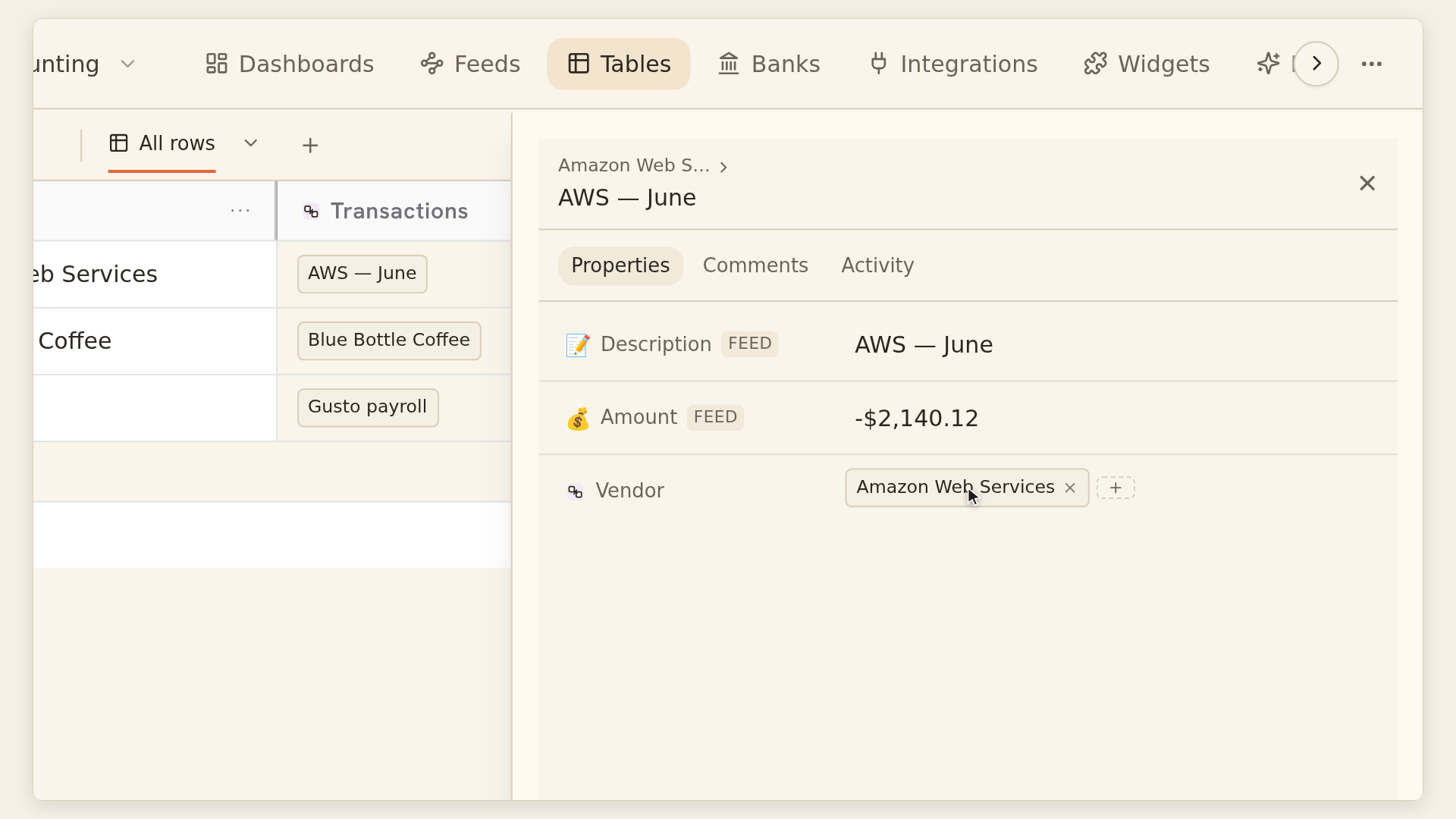
BankSync Tables relations provide an alternative for linking existing rows within a workspace. A relation can hold one or multiple links; lookups and rollups then expose related information. These are BankSync Table fields, not Excel XLOOKUP formulas, and matching still needs an intentional process.
The linked cash-flow and receipt guide walks through that native-table design.