

A weekly cash meeting should end with clear follow-up actions. It should not spend most of its time deciding which spreadsheet is current.
Build the review around three questions: what cash position have we verified, what commitments are coming, and what uncertainty needs an owner? BankSync Tables can hold the working records, while dashboard widgets present a focused view.
This is a suggested dashboard design for a small UK business. It supports a cash discussion; it does not authorise payments or replace your accounting and payroll systems.
Product documentation reviewed on 1 November 2026. Examples are illustrative.
A compact review dashboard
| Panel | Suggested source | Question it answers |
|---|---|---|
| Cash by account | Verified balance records with dates | What position are we starting from? |
| Next two weeks of commitments | Maintained commitments table | What planned outflows are approaching? |
| Expected receipts | Reviewed invoice or receipt plan | What money is expected, and when? |
| Exceptions | Transactions or review table | Which records need investigation? |
| Review notes | Owned action list | Who will resolve each open question? |
Keep actuals and commitments separate
A bank transaction records a movement that has occurred. A supplier invoice, payroll run or planned purchase can create a future cash requirement before a bank transaction exists.
Store those commitments separately, with an expected payment date, amount, currency, owner and status. Use your authorised payroll and accounting outputs as the inputs for those obligations. This guide does not calculate payroll or decide which obligations can be deferred.
When a payment posts, reference the bank record and mark the corresponding commitment as paid or reduce its remaining amount. Otherwise the same item can appear as both a completed outflow and an outstanding forecast outflow.
For expected receipts, record the remaining amount and the current expected date. Keep uncertain assumptions visible rather than presenting every invoice as guaranteed cash next week.
Choose BankSync's primitives for distinct jobs
A feed delivers source data. A table stores rows you intend to work with inside BankSync. A relation connects existing rows. A widget asks a defined question of a source. A dashboard arranges the answers for a review.
The Tables overview explains native storage and workspace availability. Tables are beta and enabled per workspace; verify your plan and available table capacity before designing several related tables.
Use the table-destination guide to deliver transactions into a matching typed table. A table-backed design stores data in BankSync, so describe it as such when documenting your workflow.
Build one useful widget at a time
Choose the review scope
Start with the business's intended GBP accounts and a clearly defined date range.
Populate the working tables
Deliver bank records and maintain commitments as separate record types.
Add the transaction table to a dashboard
Use Add to dashboard from the table, or choose Tables in a widget's source picker.
Configure a focused measure
For example, count unresolved records or sum a reviewed amount for a defined period.
Keep detail beside totals
Add the underlying exception rows so someone can investigate the headline number.
Test before the meeting
Compare the widget result with a small known set and inspect completeness and freshness.
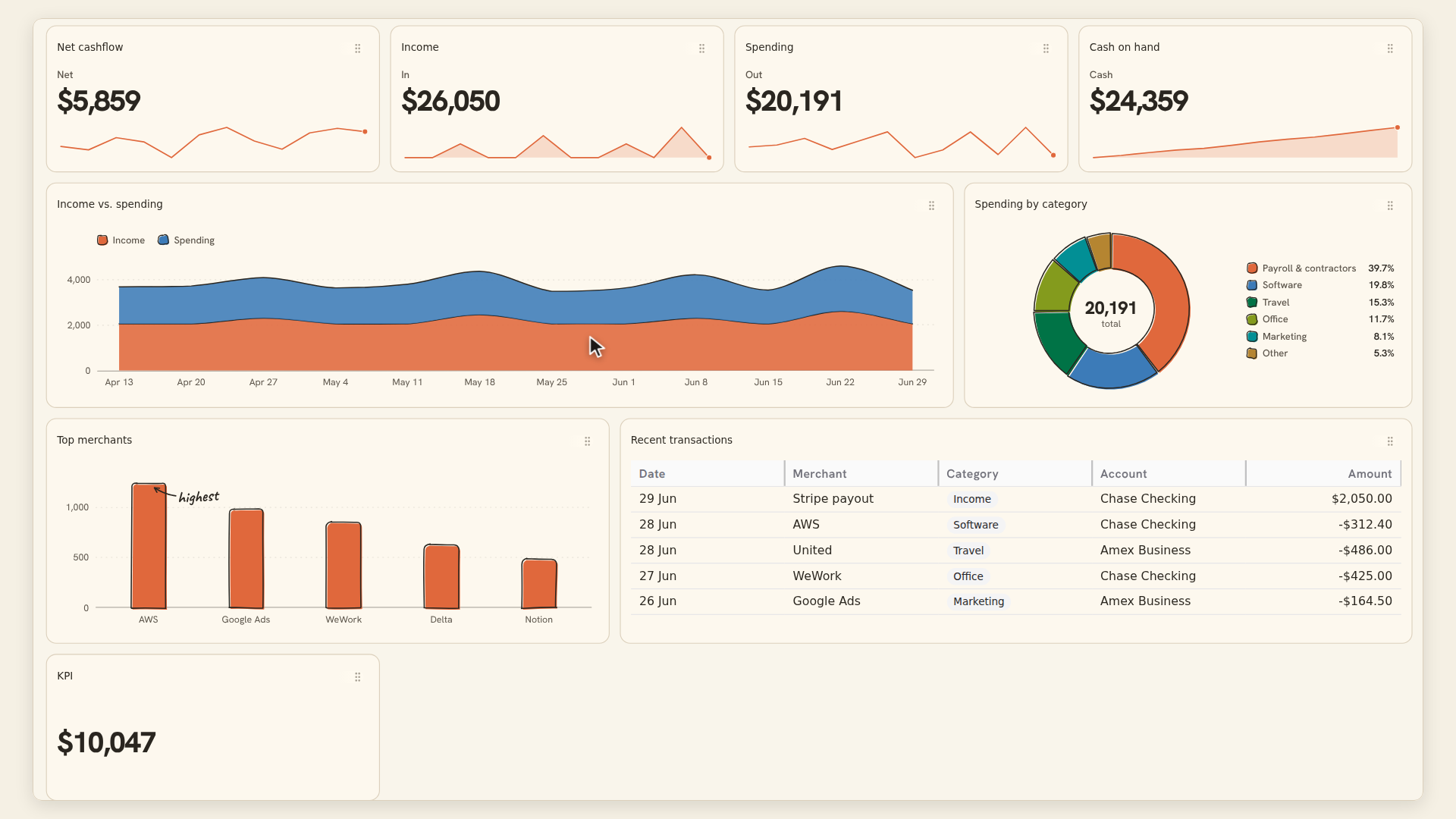
The table-widget guide documents filtering and aggregation. Filters apply before the calculation. Choose Count when asking how many unresolved records exist and Sum when asking about their monetary value.
Do not sum snapshots from different dates as though they were separate piles of cash. For a balance view, define one relevant balance per account and a comparable review point.
Keep currencies separate unless you have an explicit converted amount and rate method. An attractive single KPI is not worth a misleading mixed-currency total.
A worked cash discussion
| Input | Illustrative amount | Interpretation |
|---|---|---|
| Verified opening cash | £8,000 | Starting point for selected accounts |
| Expected receipts | £3,000 | Assumption, subject to timing |
| Upcoming commitments | £7,500 | Planned outflows |
| Projected ending cash | £3,500 | £8,000 + £3,000 − £7,500 |
| If receipts are delayed | £500 | Same outflows, no receipts in this horizon |
Put data quality before the headline
BankSync's dashboard overview distinguishes source freshness: feed-backed widgets read the last delivered copy, bank sources can reuse a result within a freshness window, and table sources follow table revisions.
That means a freshly rendered widget is not automatically evidence of a freshly updated bank. Check both the source and its latest data.
A Partial badge means some rows were omitted. Do not use that total as a complete business position. Numeric aggregates also skip missing or nonnumeric values; a sum of the available amounts does not prove every record had an amount.
For the weekly meeting, label the period, account scope, currency and review date. If a source is incomplete, put the limitation next to the figure that depends on it.
Run the meeting from exceptions to actions
First confirm the source state. Then review the cash scenario and any movement in expected receipt dates. Finally, work through unresolved transactions and commitments.
Give each action one owner and a next check date. “Confirm the £900 client receipt date” is more useful than “monitor cash”. Keep decisions separate from bank facts so a note does not look like a payment instruction.
At the next meeting, revisit the prior actions before adding new ones. If the dashboard grows too crowded, remove panels that do not support a decision.
For the underlying forecast model, use the 13-week Excel guide. For evidence linked to bank movements, see the transaction-and-receipt workflow.