Violin
Density per category. What the violin is for, the data it needs and every option it has.
4 min read
On this page
Density per category. It sits in the Distribution group of the widget library.
When to use it#
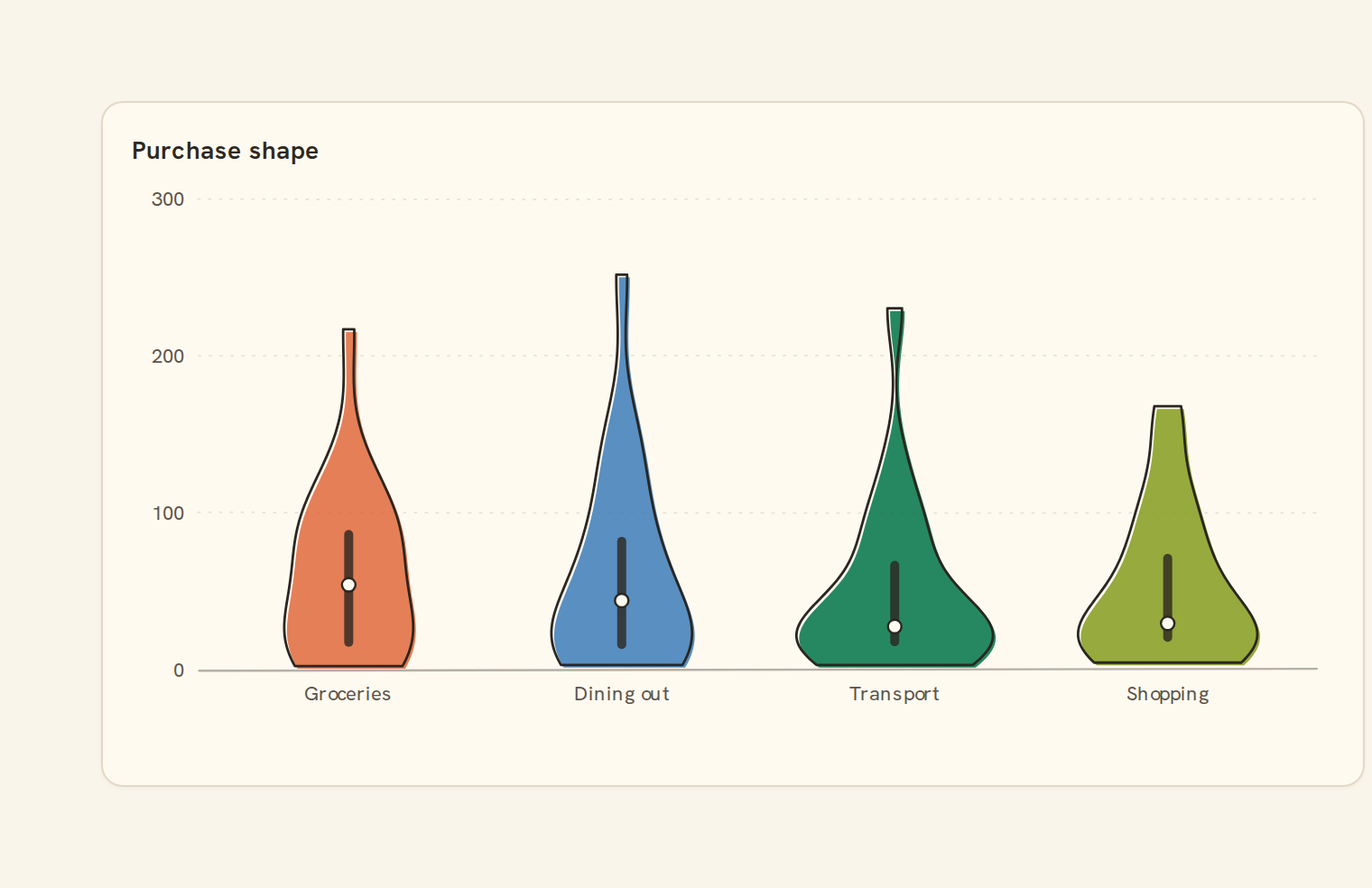
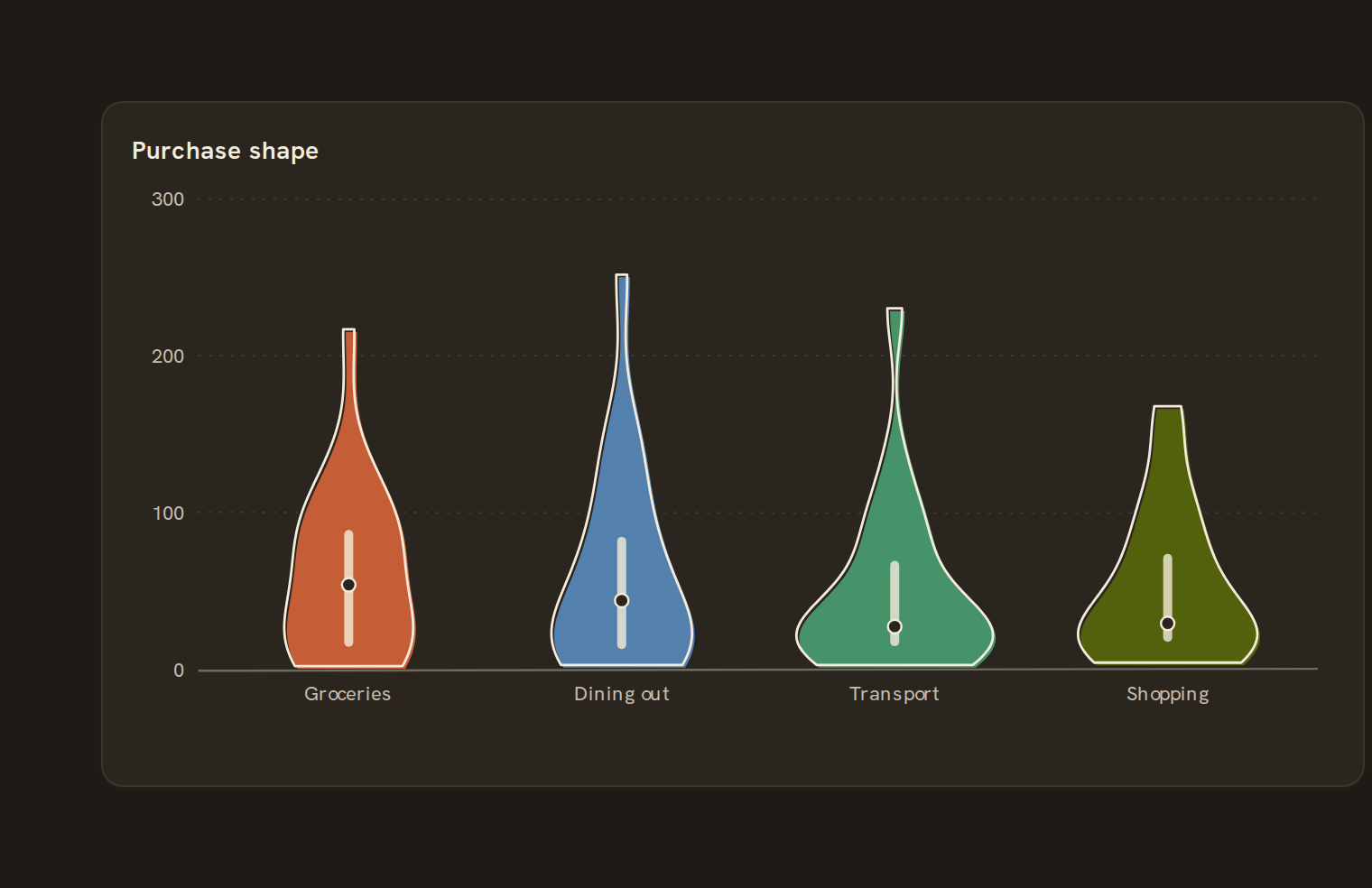
Use a violin to compare the shape of amounts across groups: where values bunch up, and whether a group has two clusters. Each violin is a smoothed outline of one group's values, with a small box and median dot inside. For example, compare card purchase sizes by merchant category to spot a category with many small purchases and a few large ones.
When to pick something else#
- Your readers want medians and ranges they can read at a glance? Use a Box plot.
- Only a handful of values per group? A Strip plot or Beeswarm shows each one honestly.
- Many groups stacked in a tall card? Try a Ridgeline.
The data it needs#
Pick these in the Data tab of the inspector. BankSync suggests a column for each when your source has an obvious match.
| Field | Needed | Pick | Notes |
|---|---|---|---|
| Category | Optional | a category | |
| Value | Yes | a number | |
| Series | Optional | a category |
Each row is drawn as it is, so shape the rows first if you need totals. See Shaping data.
Violin options#
Set these on the Style tab of the inspector. "Automatic" means BankSync picks a value from the chart's size and data.
| Option | What it does | Values | New charts start with |
|---|---|---|---|
| Smoothing | How much the shape is smoothed, in the units of the data. Larger values give a smoother outline; leave empty for automatic. | Number, 0 or more | Automatic |
| Show box | Draw a slim box plot inside each violin. On by default. | On or off | Automatic |
| Show median | Mark the median of each group. On by default. | On or off | Automatic |
| Smoothing shape | The curve used to smooth the values into a shape. Gaussian is the smoothest; the others give sharper edges. | Gaussian, Epanechnikov, Uniform, Triangular | Automatic |
Needs history#
Show a note instead of the chart until the rows cover enough periods, so a first week never reads as a trend.
| Option | What it does | Values | New charts start with |
|---|---|---|---|
| Date field | The date column whose distinct periods are counted. | Text | Automatic |
| Period | What counts as one period: a day, week, month, quarter or year. | Day, Week, Month, Quarter, Year | Automatic |
| Periods needed | How many distinct periods the rows must cover before the chart draws (2 to 60). | Whole number, 2 to 60 | Automatic |
| Waiting message | Shown until there is enough history. Leave empty for a message naming the periods. | Text, up to 120 characters | Automatic |
Shared chart styling#
Every chart also has the shared styling options. These apply to this one:
- Legend: position, layout and which series show.
- Axes: titles, tick labels and number format.
- Grid, title, padding and background.
- Value labels on the marks.
- Categories and labels: top N with "Other", sort order, readable labels, the handwritten callout.
- Style: corner radius, line width, opacity and animation.
- Tooltip on hover.
- Click to filter: clicking a mark can filter the rest of the dashboard. See Filters and cross-filtering.
- Colours: follow the dashboard palette or pick one for this chart.
Messy data#
- Blank or non-numeric values are skipped, not treated as zero. With none left you see "No numbers to show".
- Each violin covers only its own group's range. A group where every value is the same draws a small lens around that value.
- With only a few values per group the outline looks confident but says little.
- Groups beyond what the width can hold fold into "Other (n)", keeping the groups with the most values.
On a phone#
Full-width on phones, it fits around a dozen violins, but each gets narrow and the shapes flatten. For two or three groups it reads well; beyond that a Box plot is clearer on a small screen.
Related charts#
- Scatter plot: Two measures on x/y
- Histogram: Distribution of one measure
- Box plot: Quartiles with whiskers
- Beeswarm: Non-overlapping dot plot
- Density: Kernel-smoothed distribution
- Ridgeline: Stacked distributions
- Strip plot: Each value as a tick
- Jitter plot: Scattered dots per category
Use this page with your AI assistant
Every BankSync doc is available as plain Markdown for agents and LLMs.