Bubble chart
Scatter sized by a field. What the bubble chart is for, the data it needs and every option it has.
2 min read
On this page
Scatter sized by a field. It sits in the Correlation group of the widget library.
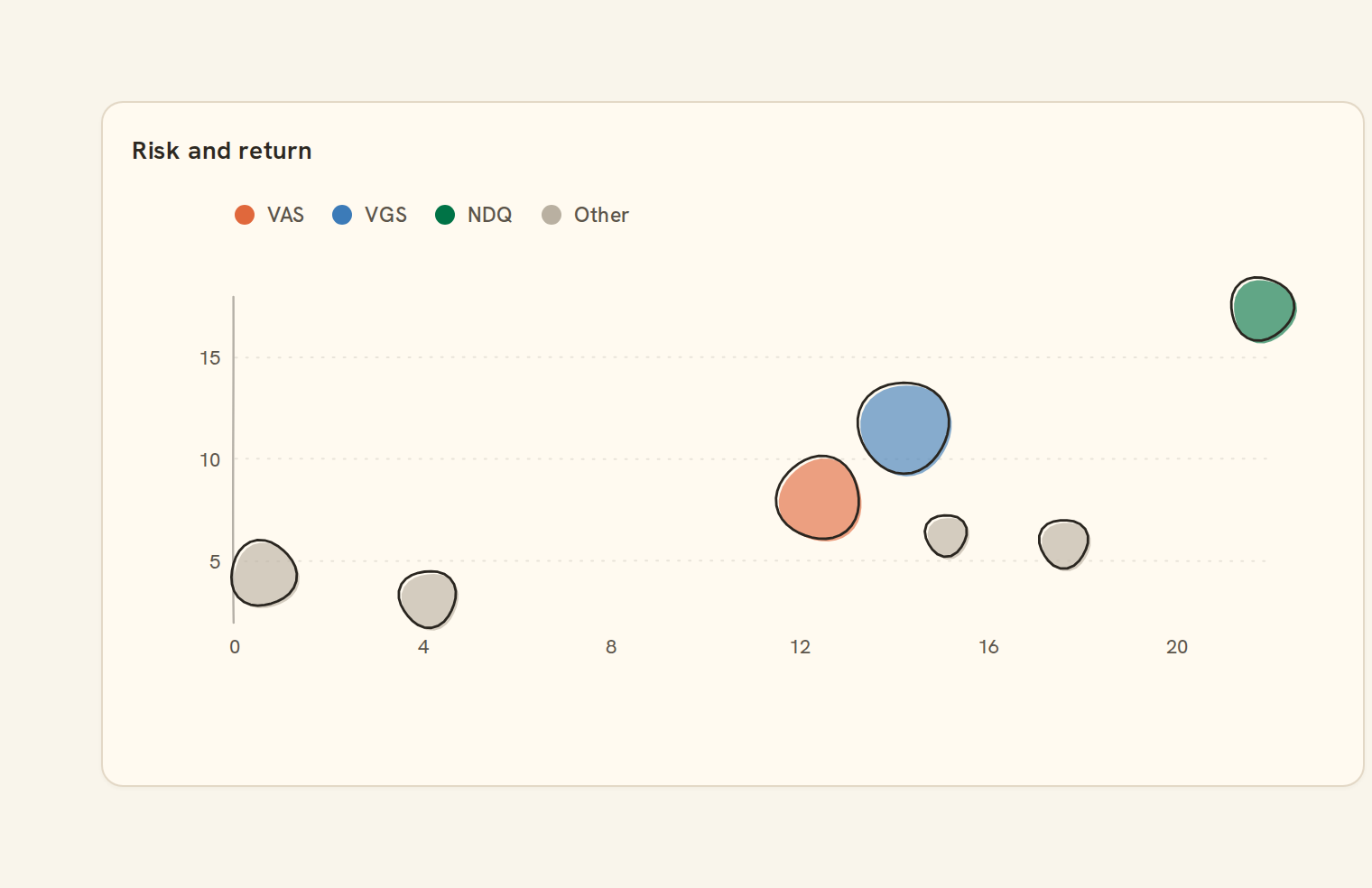
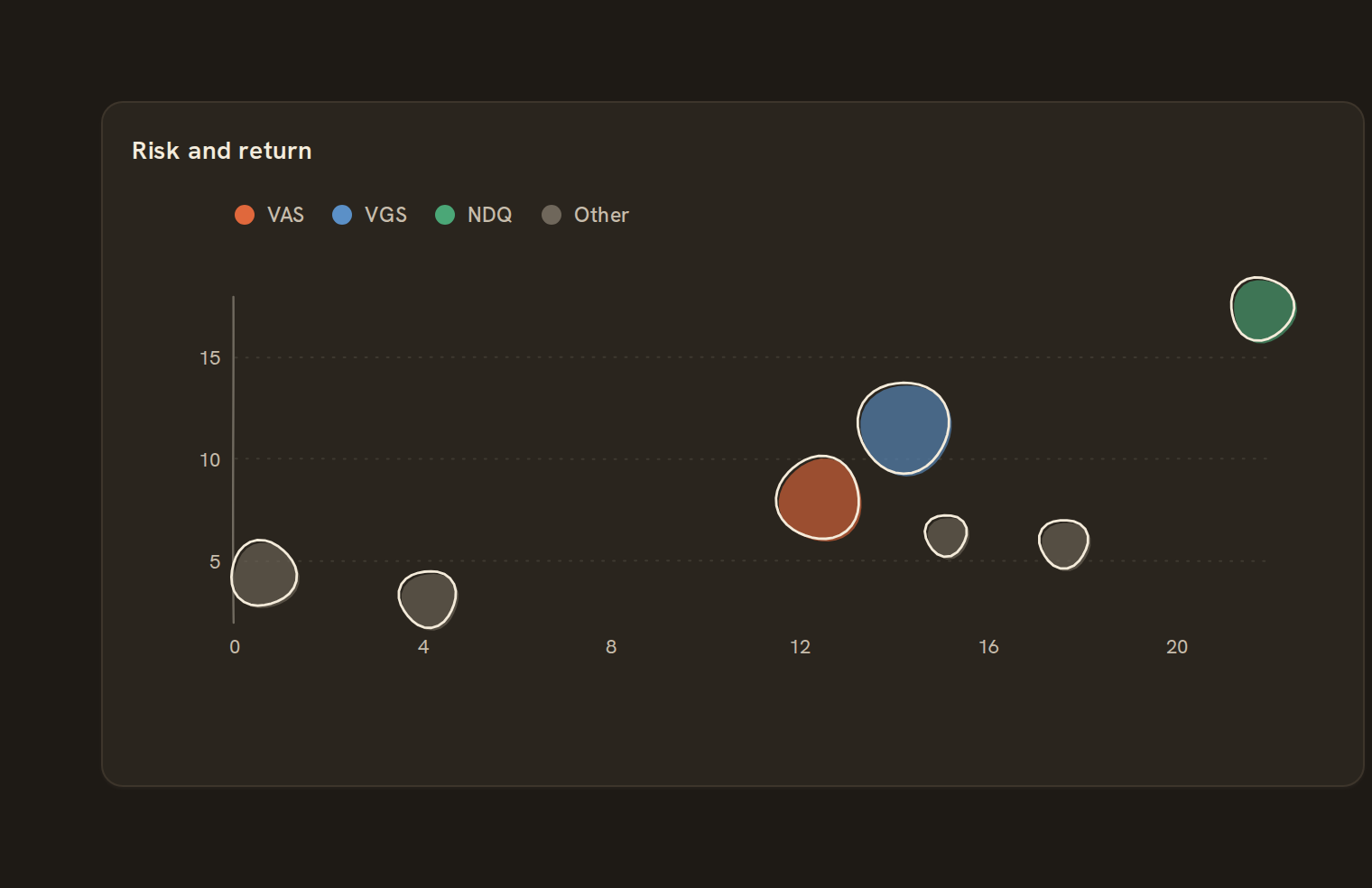
When to use it#
Use a bubble chart to compare items on three numbers at once: position across, position up, and bubble size. For example, plot merchants by number of transactions against average amount, sized by total spend. It suits spotting outliers, not reading exact values.
When to pick something else#
- Only two numbers? Use a Scatter plot.
- Thousands of points piling on top of each other? Use a Hexbin or Contour.
- Ranking items by one total? Use a Bar chart.
The data it needs#
Pick these in the Data tab of the inspector. BankSync suggests a column for each when your source has an obvious match.
| Field | Needed | Pick | Notes |
|---|---|---|---|
| X axis | Yes | a number | |
| Y axis | Yes | a number | |
| Size | Optional | a number | |
| Color | Optional | a category |
Each row is drawn as it is, so shape the rows first if you need totals. See Shaping data.
Bubble chart options#
This chart has no options of its own; everything on its Style tab is the shared chart styling below.
Shared chart styling#
Every chart also has the shared styling options. These apply to this one:
- Legend: position, layout and which series show.
- Axes: titles, tick labels and number format.
- Grid, title, padding and background.
- Value labels on the marks.
- Categories and labels: top N with "Other", sort order, readable labels, the handwritten callout.
- Style: corner radius, line width, opacity and animation.
- Tooltip on hover.
- Click to filter: clicking a mark can filter the rest of the dashboard. See Filters and cross-filtering.
- Colours: follow the dashboard palette or pick one for this chart.
Messy data#
- Each row is its own bubble, so a table of raw transactions draws one bubble per transaction. Summarise to one row per item first.
- Rows missing an x, a y or a size are left out. If none remain you see "No points to show".
- Negative sizes are drawn as the smallest bubble. Largest bubbles draw first so small ones stay visible.
- Past 2,000 rows, the chart samples evenly.
- With more than four colour groups, the three most common keep their colours and the rest turn grey as "Other".
On a phone#
On a phone the maximum bubble size shrinks with the card, so small differences in size get hard to see. Limit the chart to a few dozen items for phone viewing.
Related charts#
- Hexbin: Binned 2D density
- Contour: 2D density contours
- Parallel coordinates: Multi-dimensional comparison
Use this page with your AI assistant
Every BankSync doc is available as plain Markdown for agents and LLMs.