Table
Sortable, filterable data grid. What the table is for, the data it needs and every option it has.
4 min read
On this page
Sortable, filterable data grid. It sits in the Numbers and tables group of the widget library.
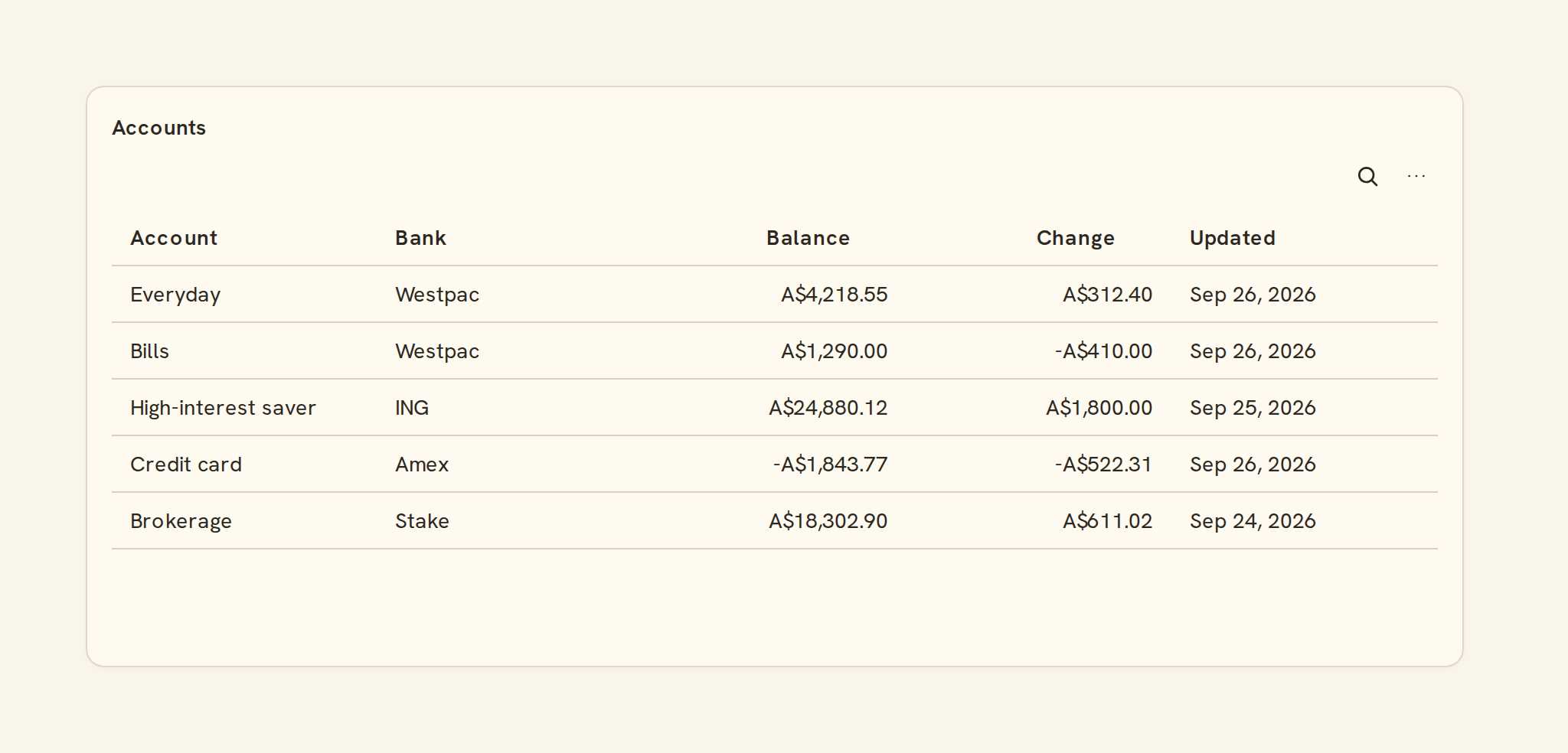
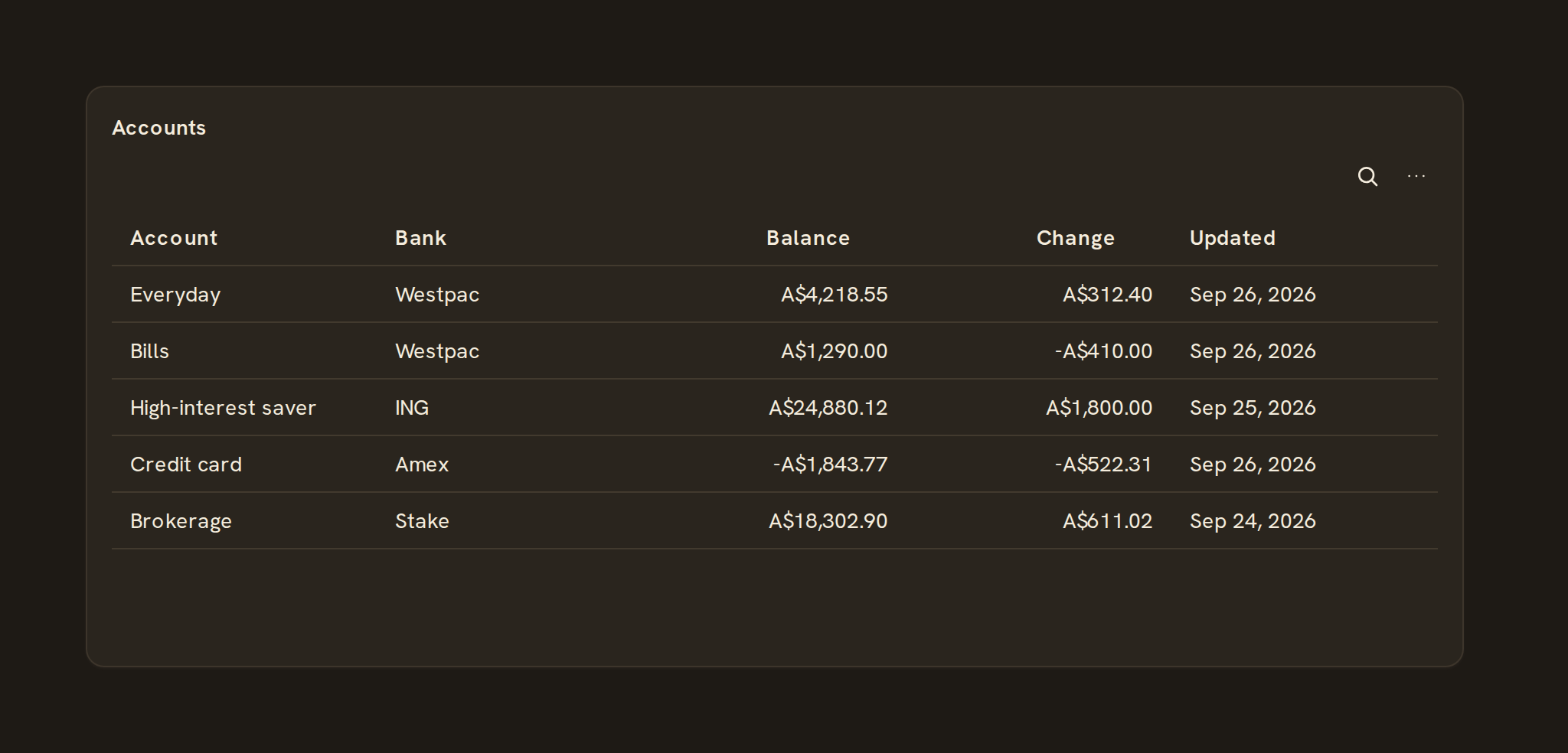
When to use it#
Use a table when people need the exact rows or values rather than a picture: recent transactions, balances by account, or a monthly summary with totals. Tables can sort, filter, group, show a totals row and export.
When to pick something else#
- One headline number? Use a KPI.
- A comparison across categories? Use a Bar chart.
- A change over time? Use a Line chart.
- Values across two dimensions, such as category by month? Use a Heatmap.
The data it needs#
Pick a source in the Data tab of the inspector; this kind reads its columns directly.
Table options#
Set these on the Style tab of the inspector. "Automatic" means BankSync picks a value from the chart's size and data.
| Option | What it does | Values | New charts start with |
|---|---|---|---|
| Rows per page | How many rows each page shows when pagination is set to paged. | Whole number, 0 to 9007199254740991 | 25 |
| Pagination | Paged splits rows into pages; Virtualized scrolls through every row smoothly; None shows all rows (large tables scroll smoothly anyway). | Paged, Virtualized, None | Paged |
| Fill the card | Rows: show as many whole rows as fit the card, with no pager. The card lines up with the cards beside it, from three rows to every row. | Rows | Automatic |
| Show header | Show the row of column names at the top. | On or off | On |
| Show row numbers | Add a numbered column on the left. | On or off | Off |
| Row density | How much space each row takes: comfortable, compact or tight. | Comfortable, Compact, Tight | Comfortable |
| Striped rows | Shade every other row to make long rows easier to follow. | On or off | Off |
| Cell borders | Which lines separate cells: none, between rows, between columns, or all. | None, Horizontal, Vertical, All | Horizontal |
| Sticky header | Keep the column names visible while you scroll down. | On or off | On |
| Sticky first column | Keep the first visible column in place while you scroll sideways. | On or off | Automatic |
| Wrap text | Let long text wrap onto several lines instead of cutting it off. | On or off | Automatic |
| Row height | Height of each row, in pixels. Overrides the row density. | Number, 0 or more | Automatic |
| Header height | Height of the header row, in pixels. | Number, 0 or more | Automatic |
| Highlight on hover | Shade the row under the pointer, even when clicking a row does nothing. | On or off | Automatic |
| Empty message | Text shown when the table has no rows. | Text | Automatic |
| Column filters | Let viewers filter each column from its header menu. | On or off | On |
| Row pinning | Let viewers pin rows to the top or bottom. Pins last for the session and are not saved. | On or off | Automatic |
| Selection | Row selects rows by click, Checkbox adds a checkbox column, Range selects cell ranges you can copy. | None, Row, Checkbox, Range | Automatic |
| Expand groups | Start with every row group open when the table is grouped. | On or off | Automatic |
| Totals row | Pin a row of totals at the top or bottom, for columns that have a total set. | Top, Bottom, None | Automatic |
Toolbar#
Tools shown above the table for viewers. Nothing shows when all are off.
| Option | What it does | Values | New charts start with |
|---|---|---|---|
| Search | Add a search box that filters rows across every column. | On or off | On |
| Density switch | Let viewers switch the row density. | On or off | Automatic |
| Column picker | Let viewers show and hide columns. | On or off | On |
| CSV export | Let viewers download the rows as a CSV file. | On or off | On |
Default sort#
How rows are sorted when the table loads. Later entries break ties; viewers can re-sort from the header. Add as many as you need; each one has:
| Option | What it does | Values | New charts start with |
|---|---|---|---|
| Column | The column to sort by. | Text | Automatic |
| Direction | Ascending (A to Z, low to high) or descending. | Asc, Desc | Automatic |
Messy data#
- With no rows you see "No rows" unless you write your own empty message.
- Missing values sort to the bottom, whichever way you sort.
- Long results scroll inside the widget, and you can turn on pages instead.
- Wide tables scroll sideways; pin the first column so the row name stays in view.
On a phone#
Tables are given 4 to 7 rows of height on phones, so they scroll rather than growing. Keep the columns to the few that matter on a phone, pin the first column, and use a KPI for any single figure people check most.
Related charts#
- KPI: Single headline metric with delta/sparkline
Use this page with your AI assistant
Every BankSync doc is available as plain Markdown for agents and LLMs.