Beeswarm
Non-overlapping dot plot. What the beeswarm is for, the data it needs and every option it has.
3 min read
On this page
Non-overlapping dot plot. It sits in the Distribution group of the widget library.
When to use it#
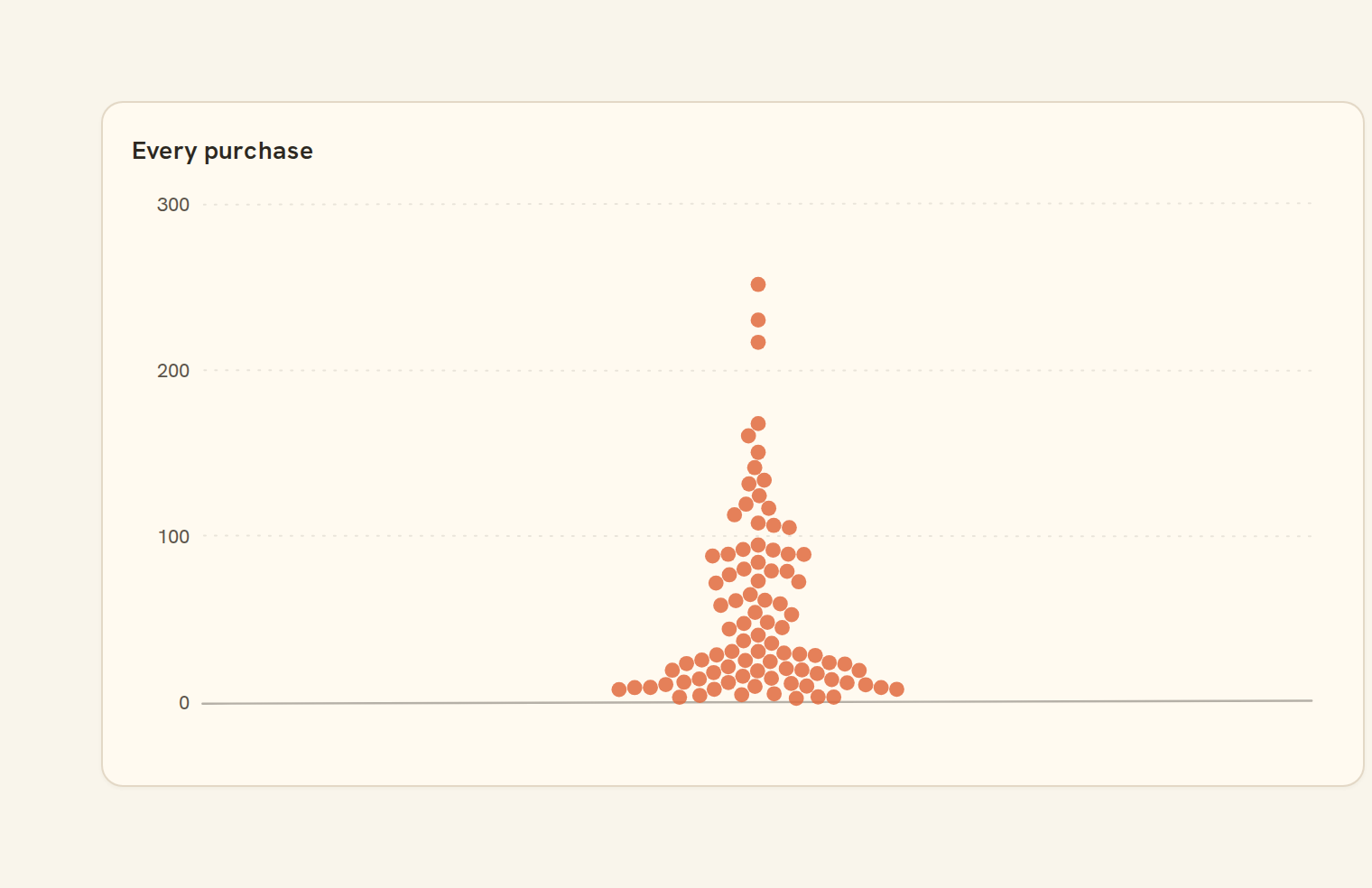
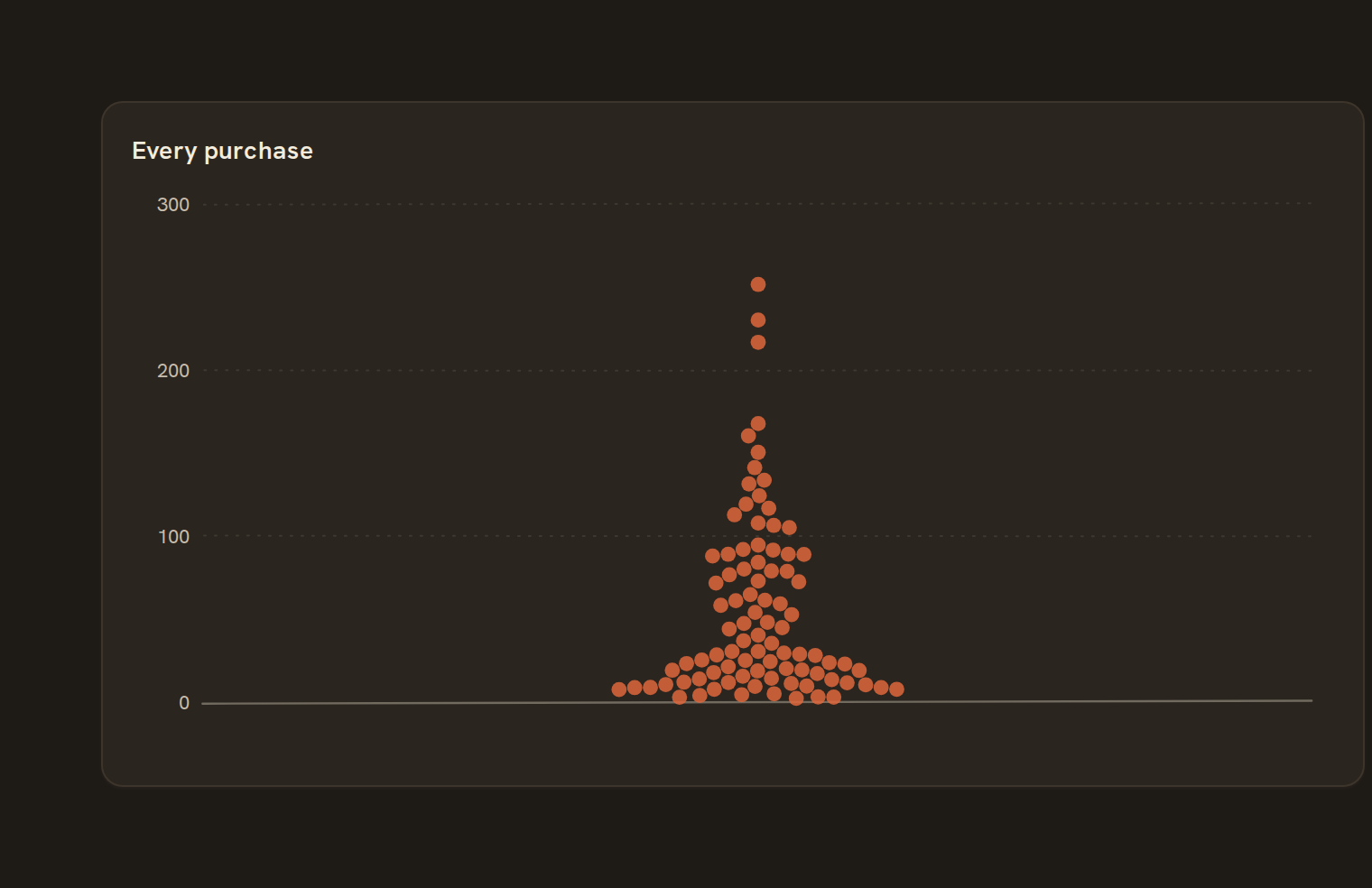
Use a beeswarm to show every individual value in a group without dots hiding each other. Dots stack sideways around each group's centre line, so dense areas look wide. For example, plot each subscription charge by account to see which accounts carry many small charges and which carry a few big ones.
When to pick something else#
- Thousands of values? A Box plot or Violin summarises them better.
- Very narrow columns and you just need positions? Use a Strip plot.
- One field with no groups and lots of data? Use a Histogram.
The data it needs#
Pick these in the Data tab of the inspector. BankSync suggests a column for each when your source has an obvious match.
| Field | Needed | Pick | Notes |
|---|---|---|---|
| Category | Optional | a category | |
| Value | Yes | a number | |
| Series | Optional | a category |
Each row is drawn as it is, so shape the rows first if you need totals. See Shaping data.
Beeswarm options#
Set these on the Style tab of the inspector. "Automatic" means BankSync picks a value from the chart's size and data.
Needs history#
Show a note instead of the chart until the rows cover enough periods, so a first week never reads as a trend.
| Option | What it does | Values | New charts start with |
|---|---|---|---|
| Date field | The date column whose distinct periods are counted. | Text | Automatic |
| Period | What counts as one period: a day, week, month, quarter or year. | Day, Week, Month, Quarter, Year | Automatic |
| Periods needed | How many distinct periods the rows must cover before the chart draws (2 to 60). | Whole number, 2 to 60 | Automatic |
| Waiting message | Shown until there is enough history. Leave empty for a message naming the periods. | Text, up to 120 characters | Automatic |
Shared chart styling#
Every chart also has the shared styling options. These apply to this one:
- Legend: position, layout and which series show.
- Axes: titles, tick labels and number format.
- Grid, title, padding and background.
- Value labels on the marks.
- Categories and labels: top N with "Other", sort order, readable labels, the handwritten callout.
- Style: corner radius, line width, opacity and animation.
- Tooltip on hover.
- Click to filter: clicking a mark can filter the rest of the dashboard. See Filters and cross-filtering.
- Colours: follow the dashboard palette or pick one for this chart.
Messy data#
- Blank or non-numeric values are skipped, not plotted at zero. With none left you see "No numbers to show".
- Above 2,000 values the chart samples evenly and notes "Showing 2,000 of …" in the corner.
- Above 800 dots shown, the neat side-by-side packing gives way to random scatter, so the shape is less exact.
- Dots shrink to keep a crowded group inside its column; identical values form a tight, even column.
- Too many groups for the width fold into "Other (n)", keeping the groups with the most values.
On a phone#
On a full-width phone card the columns are narrow, so dots shrink and busy groups blur into a band. Keep it to a few groups, or switch to a Box plot when space is tight.
Related charts#
- Scatter plot: Two measures on x/y
- Histogram: Distribution of one measure
- Box plot: Quartiles with whiskers
- Violin: Density per category
- Density: Kernel-smoothed distribution
- Ridgeline: Stacked distributions
- Strip plot: Each value as a tick
- Jitter plot: Scattered dots per category
Use this page with your AI assistant
Every BankSync doc is available as plain Markdown for agents and LLMs.