Correlation
Field-by-field correlation. What the correlation is for, the data it needs and every option it has.
2 min read
On this page
Field-by-field correlation. It sits in the Matrix group of the widget library.
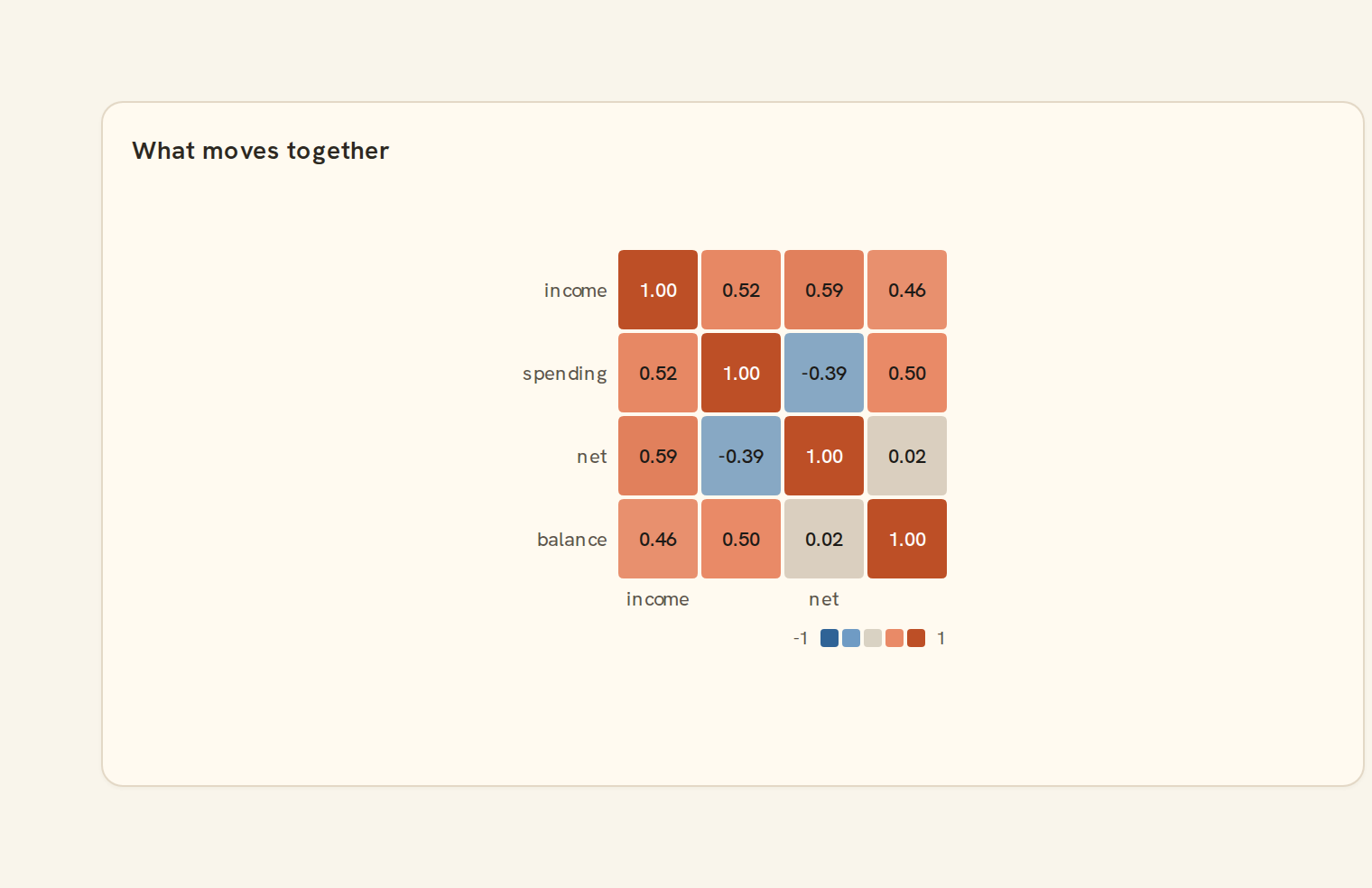
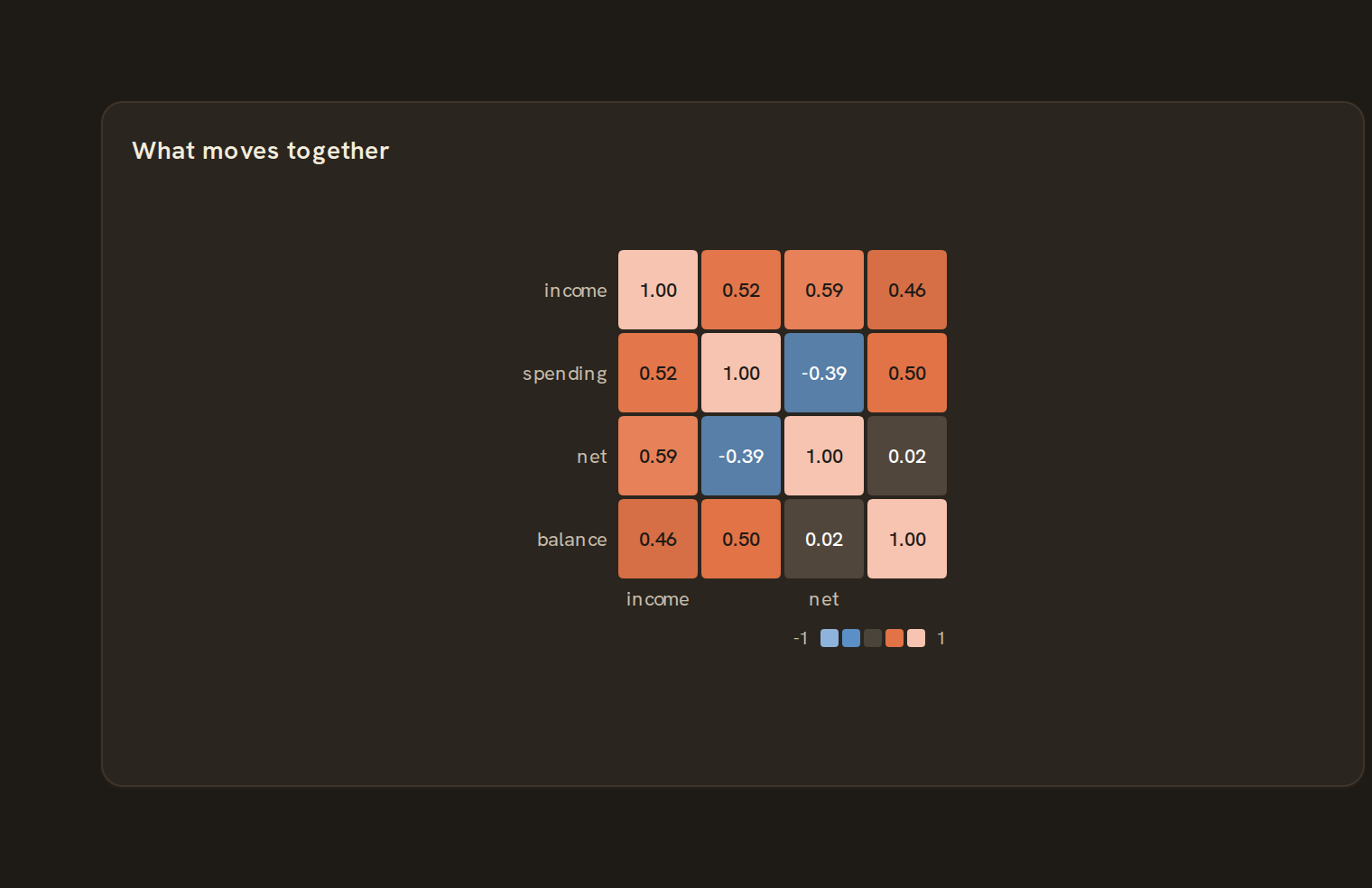
When to use it#
Use a correlation matrix to see which number columns tend to move together. Each cell shows a score from -1 to 1 for a pair of columns: near 1 they rise together, near -1 one rises as the other falls, near 0 there is no clear link. For example, check whether spending, income and balance move together month to month.
When to pick something else#
- Want to see the actual points behind one pair? Use a Scatter plot.
- Want to follow individual rows across several numbers? Use Parallel coordinates.
- Comparing a value across two categories, not two numbers? Use a Heatmap.
The data it needs#
Pick these in the Data tab of the inspector. BankSync suggests a column for each when your source has an obvious match.
| Field | Needed | Pick | Notes |
|---|---|---|---|
| Group | Optional | a category |
Each row is drawn as it is, so shape the rows first if you need totals. See Shaping data.
Correlation options#
This chart has no options of its own; everything on its Style tab is the shared chart styling below.
Shared chart styling#
Every chart also has the shared styling options. These apply to this one:
- Legend: position, layout and which series show.
- Axes: titles, tick labels and number format.
- Grid, title, padding and background.
- Value labels on the marks.
- Categories and labels: top N with "Other", sort order, readable labels, the handwritten callout.
- Style: corner radius, line width, opacity and animation.
- Tooltip on hover.
- Colours: follow the dashboard palette or pick one for this chart.
Messy data#
- It uses every column that holds only numbers, up to 24. Text that looks like a number does not count. With fewer than two you see "Choose at least two number columns".
- Each pair uses only the rows where both columns have a value, so one gap does not throw off the rest.
- A pair with fewer than three shared rows, or a column that never changes, shows "n/a"; the tooltip says which.
- A few extreme rows can drive a strong score.
On a phone#
On a full-width phone card five or six columns stay readable with scores printed in cells. With more, the scores drop out and you rely on colour, so limit the columns in the query.
Related charts#
- Heatmap matrix: X/Y categorical heat
- Calendar heatmap: GitHub-style year grid
- Punchcard: Dot intensity grid
- Heatmap: Color-coded grid
Use this page with your AI assistant
Every BankSync doc is available as plain Markdown for agents and LLMs.