Heatmap matrix
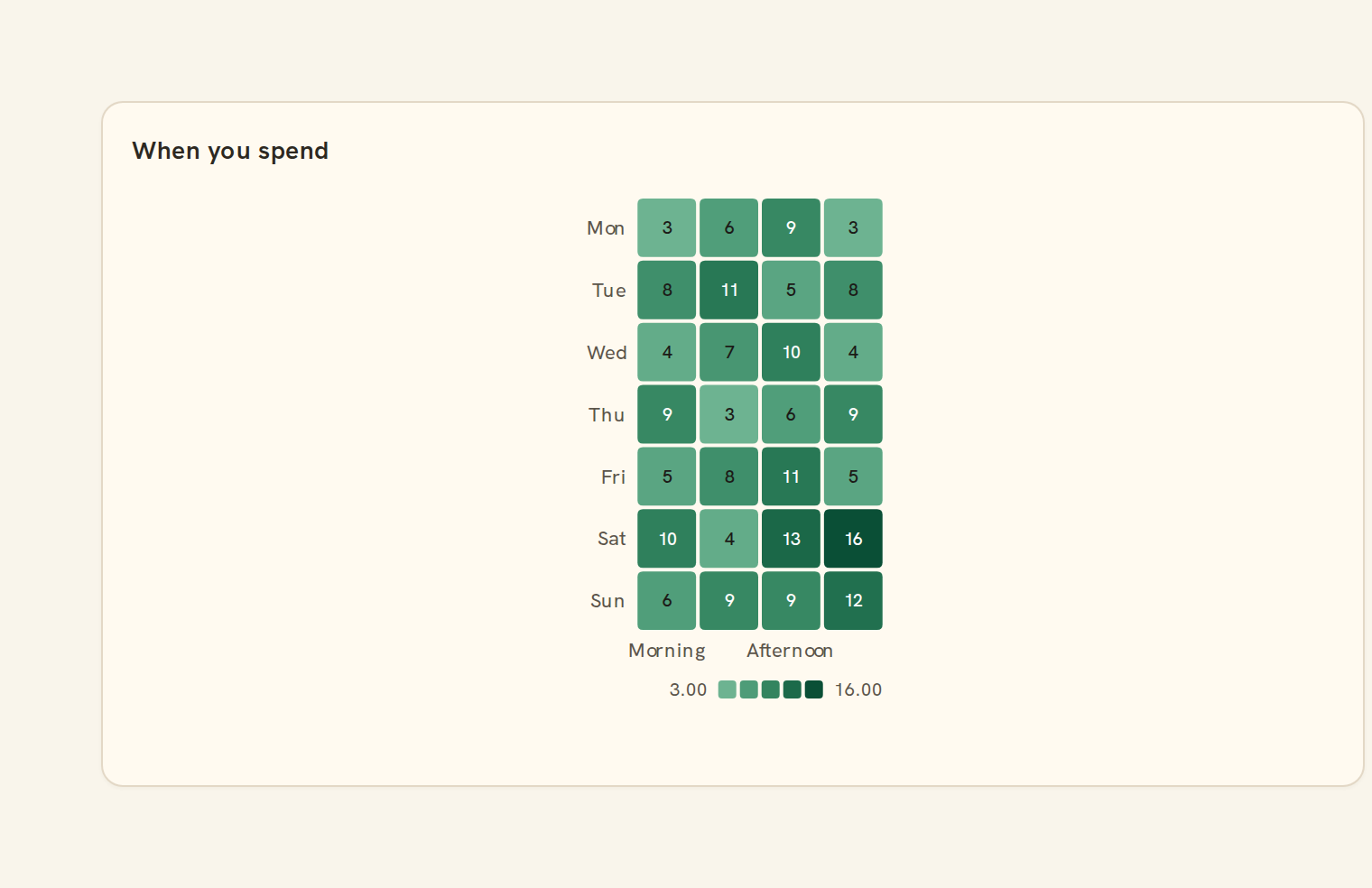
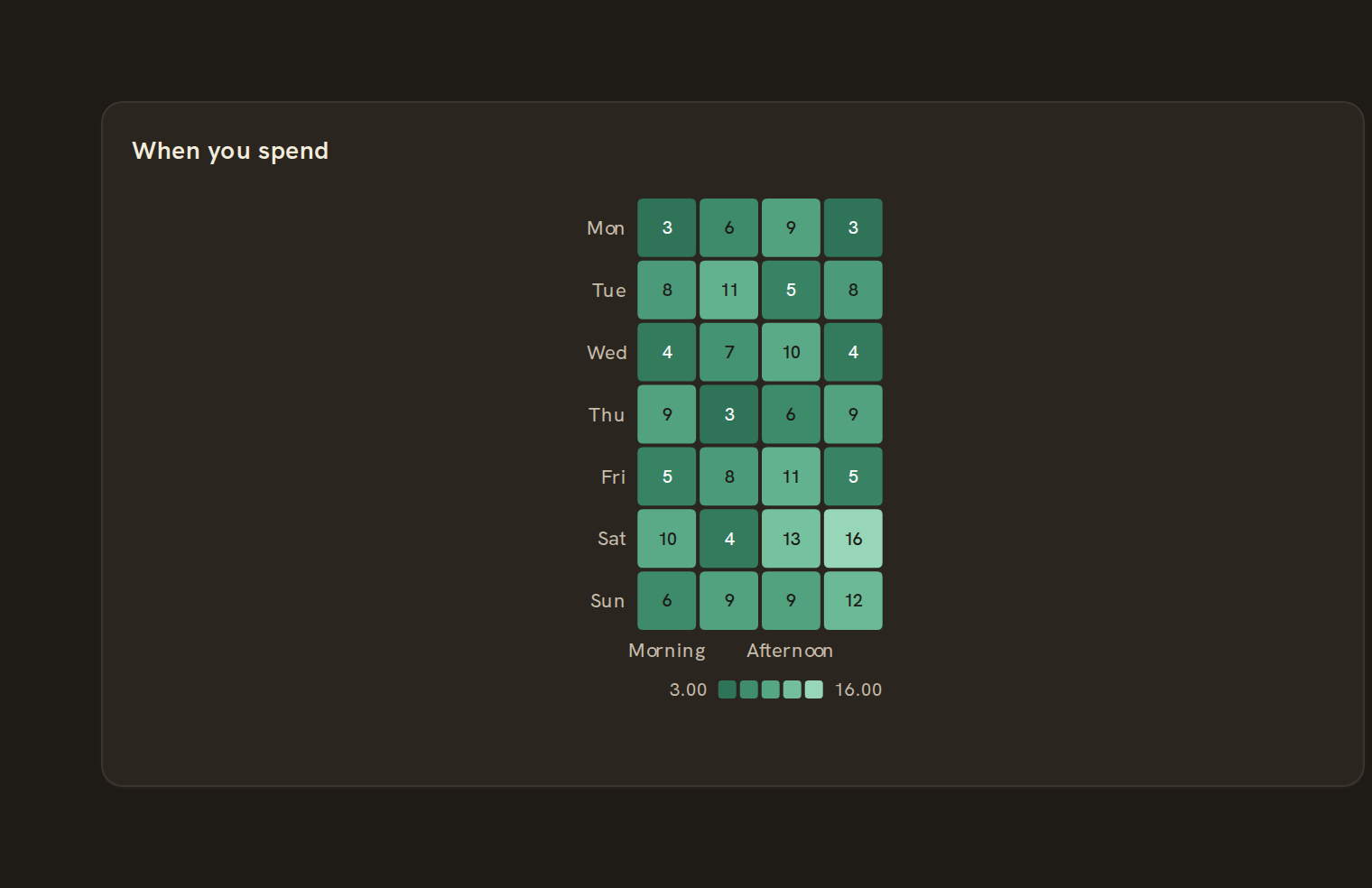
X/Y categorical heat. What the heatmap matrix is for, the data it needs and every option it has.
4 min read
On this page
X/Y categorical heat. It sits in the Matrix group of the widget library.
When to use it#
Use a heatmap matrix to show a value for every pairing of two lists, with the number printed in each cell where it fits. It works best when both axes share the same items, such as transfers between your own accounts (from account by to account), where the diagonal and the mirror image carry meaning.
When to pick something else#
- The two axes are different things, like category by month? Use a Heatmap.
- You want to follow money from one account to another? Use a Sankey or Chord diagram.
- Need exact figures to copy or sort? Use a Table.
The data it needs#
Pick these in the Data tab of the inspector. BankSync suggests a column for each when your source has an obvious match.
| Field | Needed | Pick | Notes |
|---|---|---|---|
| X axis | Yes | a category or a date | |
| Y axis | Yes | a category | |
| Value | Yes | a number |
Rows that share a category are combined before drawing: choose Sum, Average, Count, Min or Max on the value field. See Binding data.
Heatmap matrix options#
Set these on the Style tab of the inspector. "Automatic" means BankSync picks a value from the chart's size and data.
| Option | What it does | Values | New charts start with |
|---|---|---|---|
| Colour scale | Continuous shades from low to high (two-sided when values go below zero), Diverging shades out from zero, Categorical gives each distinct value its own colour. | Continuous, Diverging, Categorical | Continuous |
| Cell corner radius | Rounds the corners of each cell, in pixels. | Number, 0 or more | Automatic |
| Cell gap | Space between cells, in pixels. | Number, 0 or more | Automatic |
| Show values | Write each cell’s value inside it when there is room. On by default. | On or off | Automatic |
| Value size | Text size of the values inside the cells, in pixels. | Number | Automatic |
Needs history#
Show a note instead of the chart until the rows cover enough periods, so a first week never reads as a trend.
| Option | What it does | Values | New charts start with |
|---|---|---|---|
| Date field | The date column whose distinct periods are counted. | Text | Automatic |
| Period | What counts as one period: a day, week, month, quarter or year. | Day, Week, Month, Quarter, Year | Automatic |
| Periods needed | How many distinct periods the rows must cover before the chart draws (2 to 60). | Whole number, 2 to 60 | Automatic |
| Waiting message | Shown until there is enough history. Leave empty for a message naming the periods. | Text, up to 120 characters | Automatic |
Colour settings#
Fine-tune the colours used for cell values and their legend.
| Option | What it does | Values | New charts start with |
|---|---|---|---|
| Scale type | Overrides the colour scale above: continuous, diverging around zero, or one colour per distinct value. | Continuous, Diverging, Categorical | Automatic |
| Colour scheme | A palette name, or your own colours separated by commas, running from low to high. | Text | Automatic |
| Reverse colours | Flip the colour scale so the low end uses the high colour. | On or off | Automatic |
| Show colour legend | Show the bar that explains which colour means which value. | On or off | Automatic |
| Colour steps | Group values into this many distinct shades instead of a smooth blend. 0 keeps the blend. | Whole number, 0 to 9007199254740991 | Automatic |
Shared chart styling#
Every chart also has the shared styling options. These apply to this one:
- Legend: position, layout and which series show.
- Axes: titles, tick labels and number format.
- Grid, title, padding and background.
- Value labels on the marks.
- Categories and labels: top N with "Other", sort order, readable labels, the handwritten callout.
- Style: corner radius, line width, opacity and animation.
- Tooltip on hover.
- Click to filter: clicking a mark can filter the rest of the dashboard. See Filters and cross-filtering.
- Colours: follow the dashboard palette or pick one for this chart.
Messy data#
- Rows with a blank or non-numeric value are left out; with none left you see "No numbers to show".
- Duplicate pairs are added together, and pairs with no data show as faint empty cells so the grid keeps its shape.
- If any value is negative the colours switch to a two-sided scale centred on zero.
- Numbers that do not fit a cell are shortened (for example 12.3K) or left off; hover for the full value.
On a phone#
Cells stay square, so on a full-width phone card a large grid gets small cells and the printed values drop out. Up to about eight items per side stays readable; beyond that use a Table on phones.
Related charts#
- Calendar heatmap: GitHub-style year grid
- Punchcard: Dot intensity grid
- Heatmap: Color-coded grid
- Correlation: Field-by-field correlation
Use this page with your AI assistant
Every BankSync doc is available as plain Markdown for agents and LLMs.