Stream graph
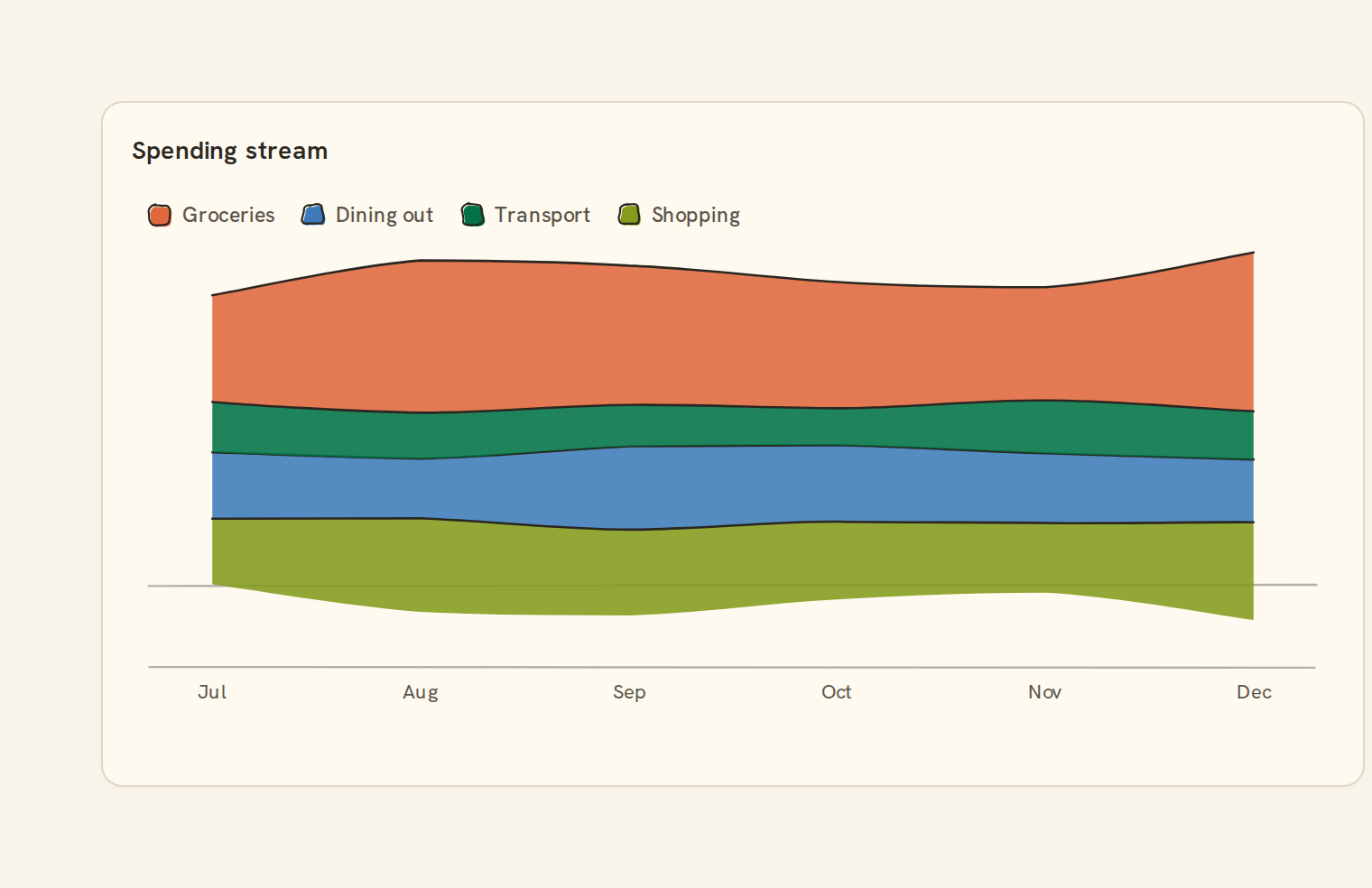
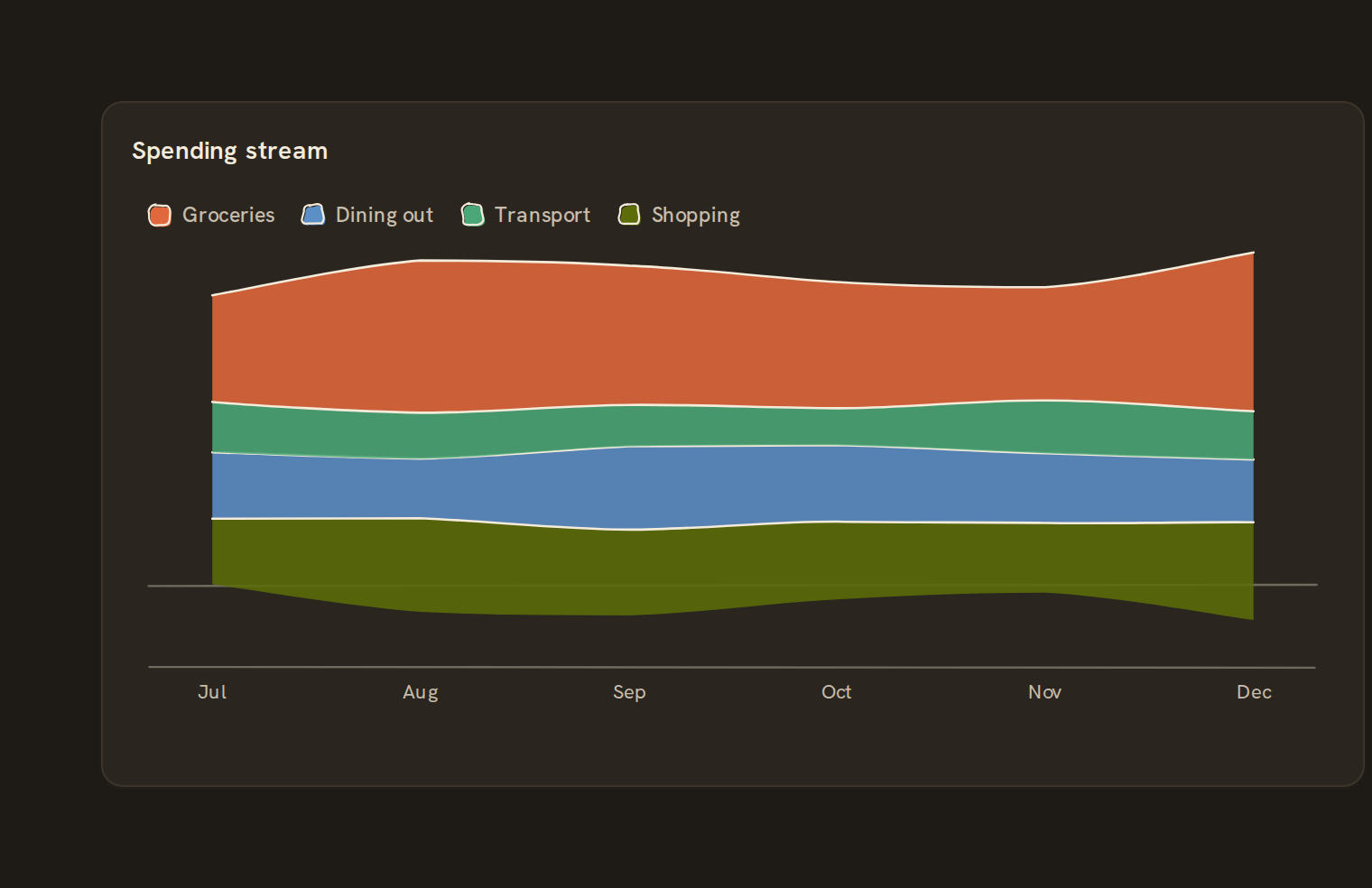
Centered stacked area. What the stream graph is for, the data it needs and every option it has.
2 min read
On this page
Centered stacked area. It sits in the Time series group of the widget library.
When to use it#
Use a stream graph to show the rhythm of many categories over a long period, where shape matters more than exact values: which spending categories swell in which months. Bands flow around a centre line rather than sitting on zero.
When to pick something else#
- Need to read actual amounts? Use a Stacked area; a stream graph has no value axis.
- Comparing a few categories precisely? Use a Line chart or Grouped bar.
- Only one series? It draws as a plain Area chart.
The data it needs#
Pick these in the Data tab of the inspector. BankSync suggests a column for each when your source has an obvious match.
| Field | Needed | Pick | Notes |
|---|---|---|---|
| X axis | Yes | a category or a date | |
| Y axis | Yes | a number | |
| Series | Optional | a category | |
| Color | Optional | a category |
Rows that share a category are combined before drawing: choose Sum, Average, Count, Min or Max on the value field. See Binding data.
Stream graph options#
This chart has no options of its own; everything on its Style tab is the shared chart styling below.
Shared chart styling#
Every chart also has the shared styling options. These apply to this one:
- Legend: position, layout and which series show.
- Axes: titles, tick labels and number format.
- Grid, title, padding and background.
- Value labels on the marks.
- Categories and labels: top N with "Other", sort order, readable labels, the handwritten callout.
- Style: corner radius, line width, opacity and animation.
- Tooltip on hover.
- Click to filter: clicking a mark can filter the rest of the dashboard. See Filters and cross-filtering.
- Colours: follow the dashboard palette or pick one for this chart.
Messy data#
- The value axis is hidden, so readers rely on the tooltip for numbers; it lists each band and a Total.
- A missing value counts as zero, so a band thins to nothing for that date.
- More than 8 series: the 7 largest keep their colour and the rest merge into Other.
- Values on the same date are summed by default.
- Stream graphs are meant for positive amounts such as spending; mixing in negative values makes the shape hard to read.
On a phone#
The shape survives at full phone width, but the legend moves below the chart and many categories get cut to "+N more". On a phone, a Stacked area with fewer categories is usually clearer.
Related charts#
- Line chart: Time series over any field
- Area chart: Stacked or overlaid area
- Sparkline: Tiny inline trend
- Stacked area: Series stacked over time
- Step line: Discrete jumps over time
Use this page with your AI assistant
Every BankSync doc is available as plain Markdown for agents and LLMs.