Heatmap
Color-coded grid. What the heatmap is for, the data it needs and every option it has.
2 min read
On this page
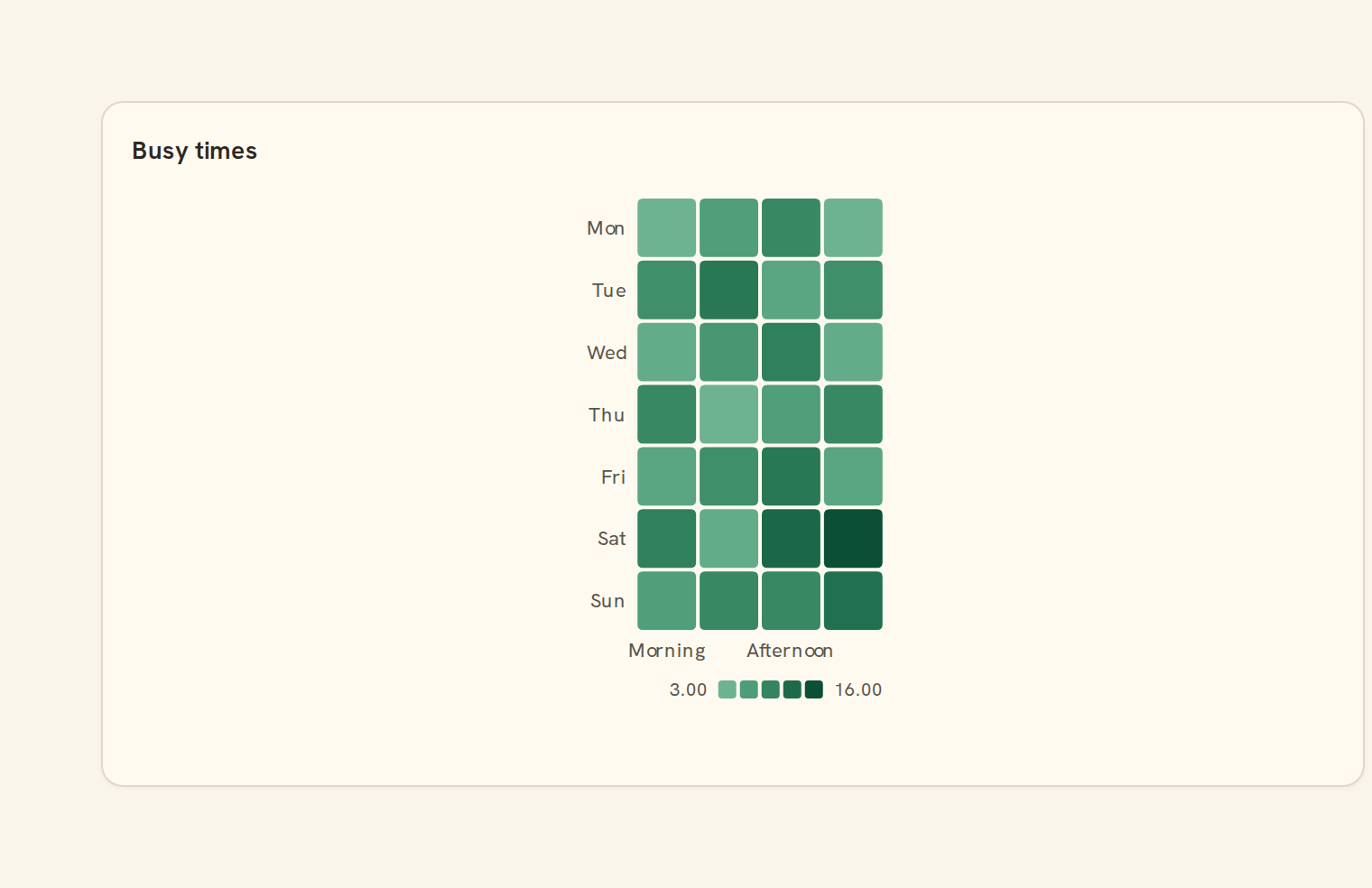
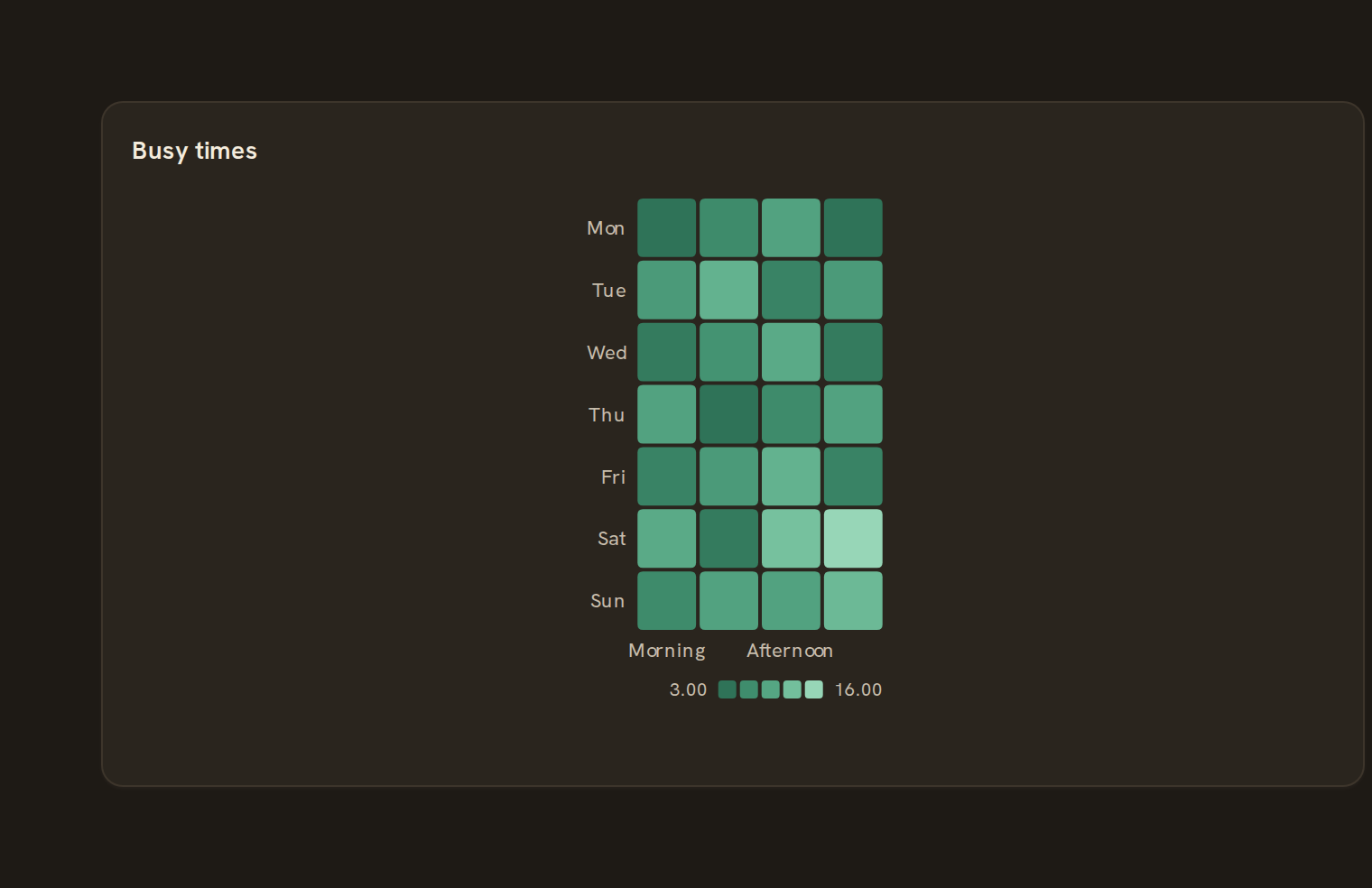
Color-coded grid. It sits in the Matrix group of the widget library.
When to use it#
Use a heatmap to show a value across two categories at once, as a grid of coloured cells. It answers questions like "which categories spike in which months?" or "which account is busiest on which weekday?", where the pattern matters more than exact figures.
When to pick something else#
- The value is tied to real calendar days? Use a Calendar heatmap.
- Want the size of each value to stand out, not just its colour? Use a Punchcard.
- Both axes list the same items and you want numbers in cells? Use a Heatmap matrix.
The data it needs#
Pick these in the Data tab of the inspector. BankSync suggests a column for each when your source has an obvious match.
| Field | Needed | Pick | Notes |
|---|---|---|---|
| X axis | Yes | a category or a date | |
| Y axis | Yes | a category | |
| Value | Yes | a number |
Rows that share a category are combined before drawing: choose Sum, Average, Count, Min or Max on the value field. See Binding data.
Heatmap options#
This chart has no options of its own; everything on its Style tab is the shared chart styling below.
Shared chart styling#
Every chart also has the shared styling options. These apply to this one:
- Legend: position, layout and which series show.
- Axes: titles, tick labels and number format.
- Grid, title, padding and background.
- Value labels on the marks.
- Categories and labels: top N with "Other", sort order, readable labels, the handwritten callout.
- Style: corner radius, line width, opacity and animation.
- Tooltip on hover.
- Click to filter: clicking a mark can filter the rest of the dashboard. See Filters and cross-filtering.
- Colours: follow the dashboard palette or pick one for this chart.
Messy data#
- Rows with a blank or non-numeric value are left out; with none left you see "No numbers to show".
- Duplicate cells are added together. Combinations with no data are drawn faint, so the grid never has holes.
- If any value is negative the colours switch to a two-sided scale centred on zero.
- There is no "Other" fold: every category gets a row or column, so cells shrink as lists grow. When they get too small you see "Make this widget bigger".
On a phone#
Cells stay square and labels are thinned to fit, so on a full-width phone card a year of months by a dozen categories is about the limit. The colour key needs some height and drops out when the card is short.
Related charts#
- Heatmap matrix: X/Y categorical heat
- Calendar heatmap: GitHub-style year grid
- Punchcard: Dot intensity grid
- Correlation: Field-by-field correlation
Use this page with your AI assistant
Every BankSync doc is available as plain Markdown for agents and LLMs.