Dot plot
Discrete category dots. What the dot plot is for, the data it needs and every option it has.
2 min read
On this page
Discrete category dots. It sits in the Comparison group of the widget library.
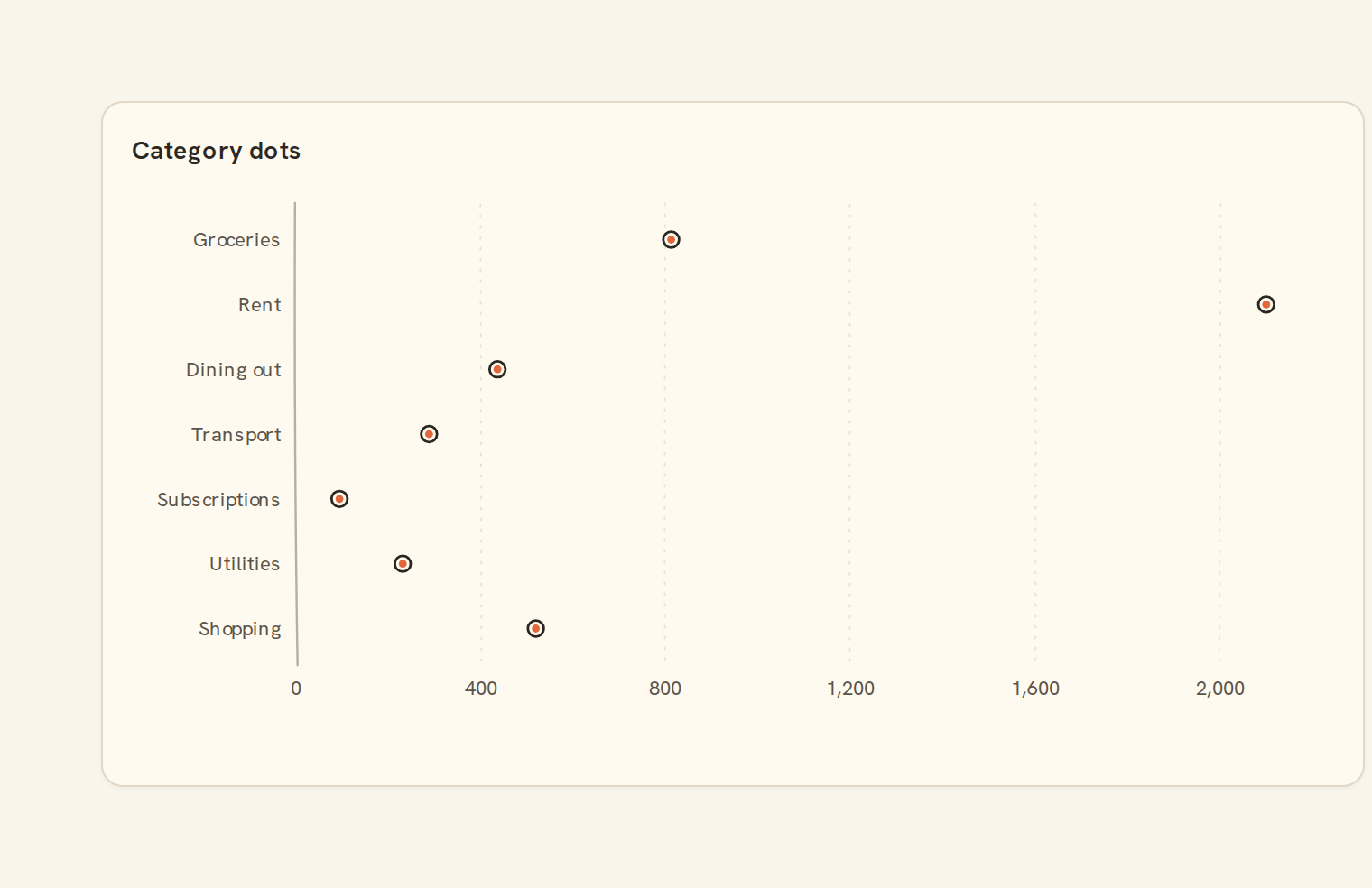
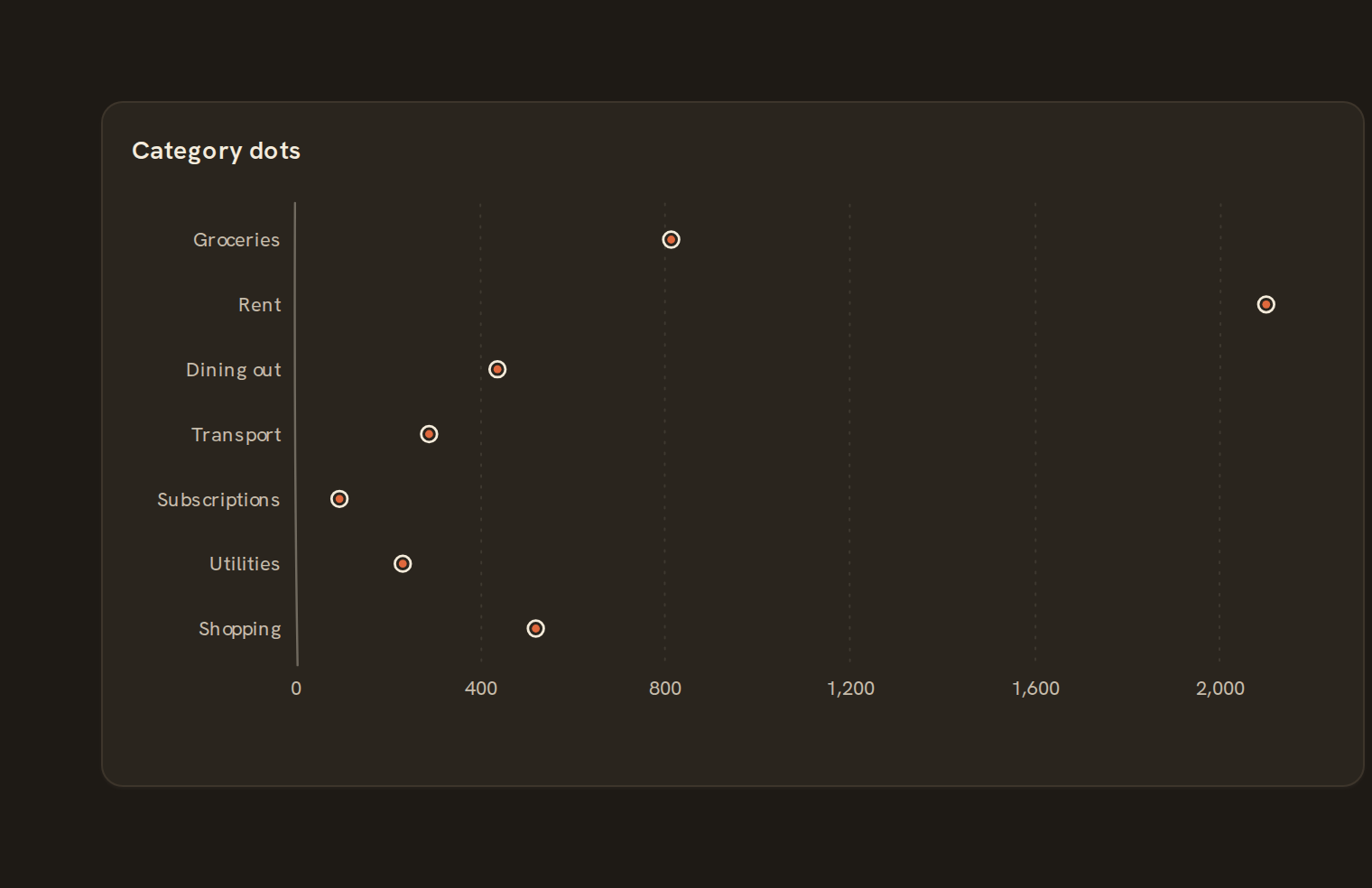
When to use it#
Use a dot plot to compare values across categories where zero is not a meaningful starting point, such as the average transaction size per merchant or the closing balance of each account. The axis fits the data rather than starting at zero, so small differences between categories stay visible. A colour field compares a few groups, such as this year against last.
When to pick something else#
- Totals where the length from zero matters? Use a Column chart or Lollipop.
- Seeing how individual values spread within each category? Use a Strip plot or Beeswarm.
- A trend over time? Use a Line chart.
The data it needs#
Pick these in the Data tab of the inspector. BankSync suggests a column for each when your source has an obvious match.
| Field | Needed | Pick | Notes |
|---|---|---|---|
| X axis | Yes | a category or a date | |
| Y axis | Yes | a number | |
| Series | Optional | a category | |
| Color | Optional | a category |
Rows that share a category are combined before drawing: choose Sum, Average, Count, Min or Max on the value field. See Binding data.
Dot plot options#
This chart has no options of its own; everything on its Style tab is the shared chart styling below.
Shared chart styling#
Every chart also has the shared styling options. These apply to this one:
- Legend: position, layout and which series show.
- Axes: titles, tick labels and number format.
- Grid, title, padding and background.
- Value labels on the marks.
- Categories and labels: top N with "Other", sort order, readable labels, the handwritten callout.
- Style: corner radius, line width, opacity and animation.
- Tooltip on hover.
- Click to filter: clicking a mark can filter the rest of the dashboard. See Filters and cross-filtering.
- Colours: follow the dashboard palette or pick one for this chart.
Messy data#
- By default values in the same category and colour are added together into one dot. Turn aggregation off to plot each row as its own dot.
- Overlapping dots are nudged sideways, never along the value axis.
- Rows without a number are skipped; if none are left you see "No numbers to show".
- Very large tables are thinned evenly to 2,000 dots.
- When categories don't fit, the rarest fold into "Other (n)". More than nine colour groups keep the eight largest and put the rest in "Other".
On a phone#
Long category names switch it to horizontal rows, and more categories fold into "Other".
Related charts#
- Bar chart: Horizontal categorical bars
- Column chart: Vertical categorical bars
- Grouped bar: Side-by-side bars per series
- Stacked bar: Composition per category
- 100% stacked bar: Composition as percentage
- Lollipop: Bars with circle endpoints
- Bullet chart: Single value with target bands
Use this page with your AI assistant
Every BankSync doc is available as plain Markdown for agents and LLMs.