Strip plot
Each value as a tick. What the strip plot is for, the data it needs and every option it has.
2 min read
On this page
Each value as a tick. It sits in the Distribution group of the widget library.
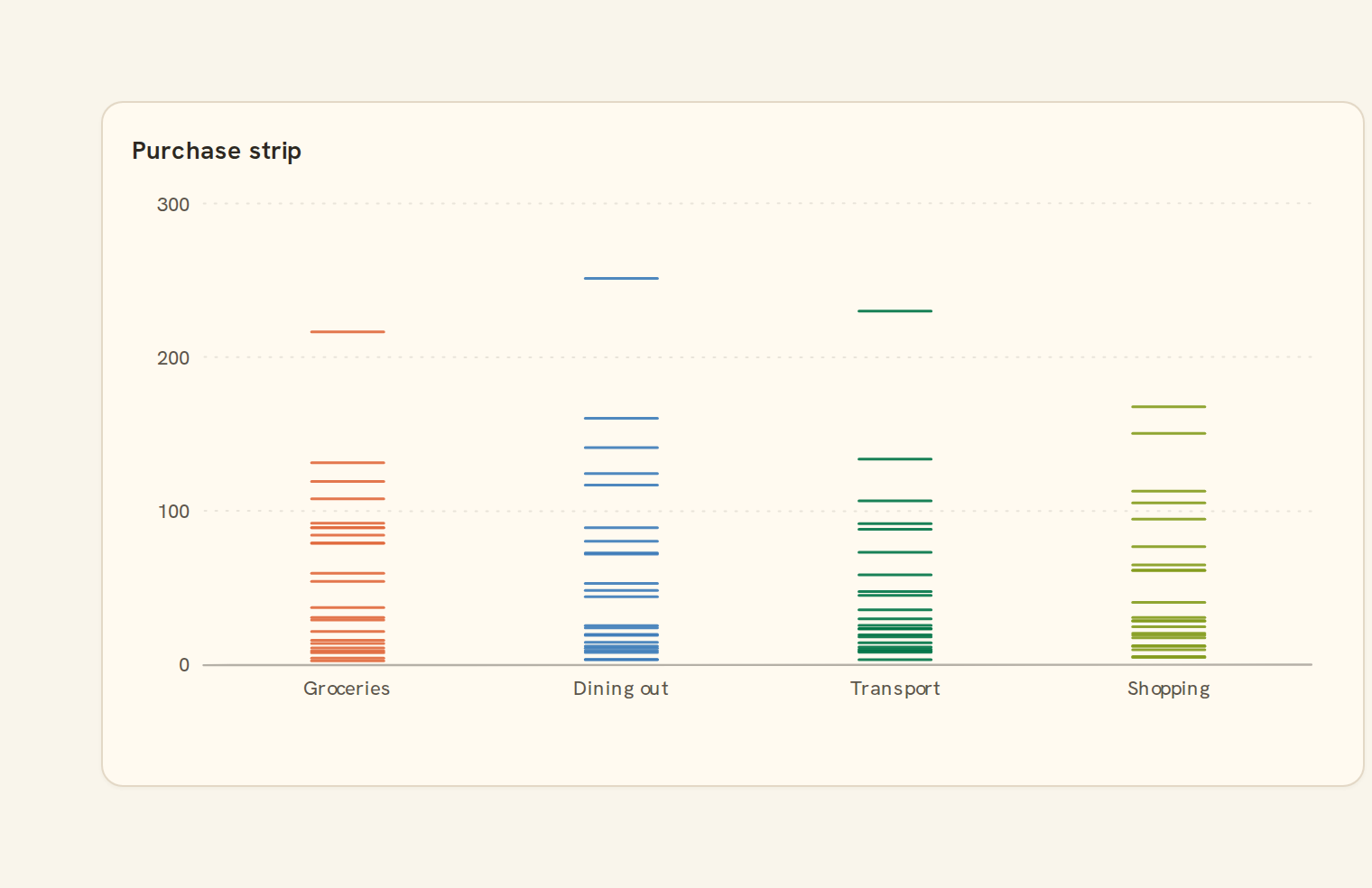
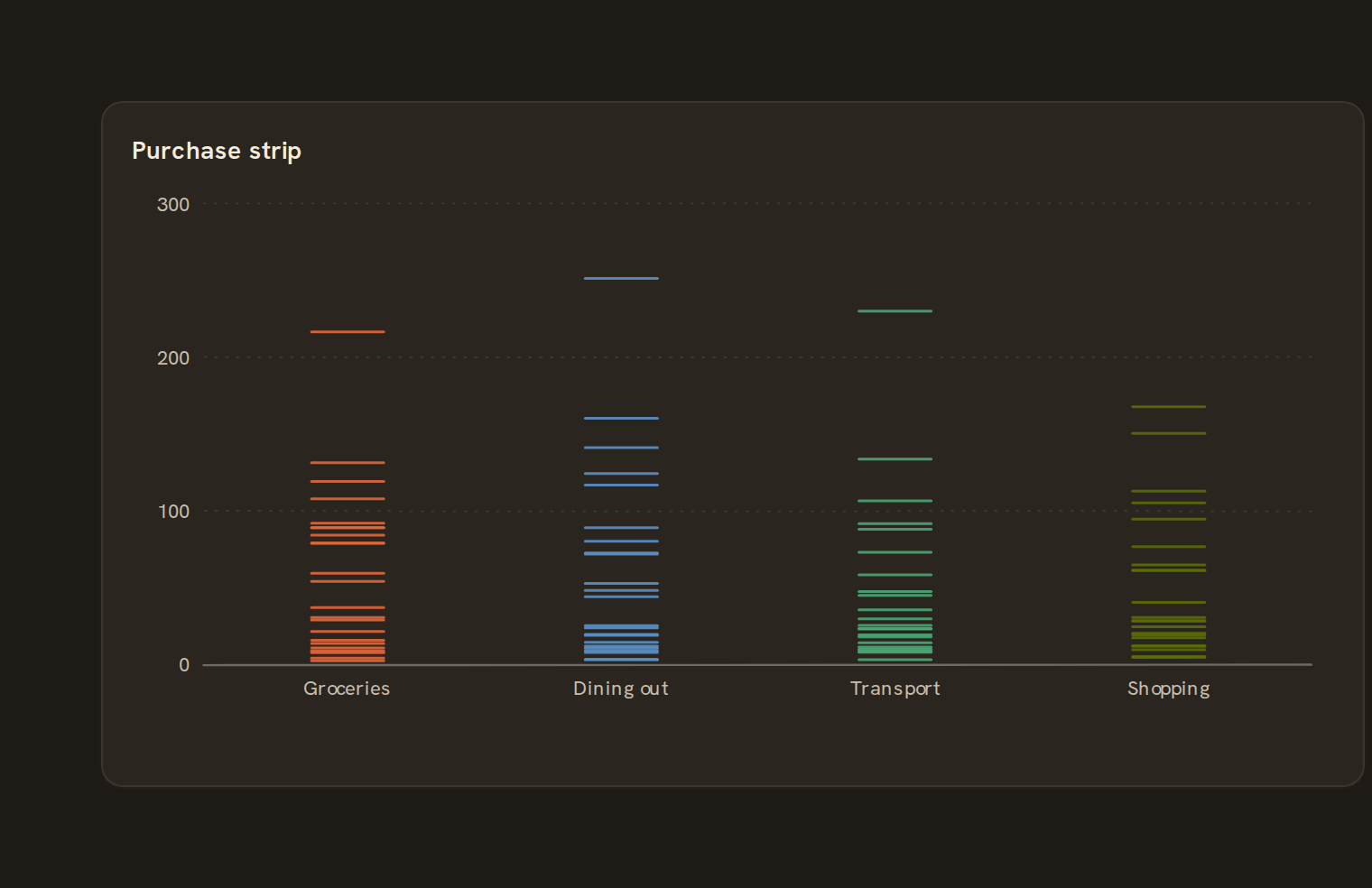
When to use it#
Use a strip plot to show every value in each group as a short tick along a value axis. It is the simplest way to see where individual transactions fall, such as each payment to your top suppliers, while still grouping them.
When to pick something else#
- Ticks with the same value hide each other? Use a Jitter plot or Beeswarm.
- Thousands of values? A Box plot or Violin summarises better.
- One field, no groups? Use a Histogram.
- Comparing totals per group? Use a Column chart.
The data it needs#
Pick these in the Data tab of the inspector. BankSync suggests a column for each when your source has an obvious match.
| Field | Needed | Pick | Notes |
|---|---|---|---|
| Category | Optional | a category | |
| Value | Yes | a number | |
| Series | Optional | a category |
Each row is drawn as it is, so shape the rows first if you need totals. See Shaping data.
Strip plot options#
This chart has no options of its own; everything on its Style tab is the shared chart styling below.
Shared chart styling#
Every chart also has the shared styling options. These apply to this one:
- Legend: position, layout and which series show.
- Axes: titles, tick labels and number format.
- Grid, title, padding and background.
- Value labels on the marks.
- Categories and labels: top N with "Other", sort order, readable labels, the handwritten callout.
- Style: corner radius, line width, opacity and animation.
- Tooltip on hover.
- Click to filter: clicking a mark can filter the rest of the dashboard. See Filters and cross-filtering.
- Colours: follow the dashboard palette or pick one for this chart.
Messy data#
- Blank or non-numeric values are skipped, not drawn at zero. With none left you see "No numbers to show".
- Identical values land on the same tick. Ticks fade as a group grows, so heavy areas look darker rather than hidden.
- Above 2,000 values the chart samples evenly and notes "Showing 2,000 of …".
- Negative values are fine; the axis is not forced to include zero.
- Too many groups for the width fold into "Other (n)", keeping the groups with the most values.
On a phone#
Strip plots hold up well on a narrow phone card because each tick needs little width. Around a dozen groups fit across the full-width card before the rest fold into "Other".
Related charts#
- Scatter plot: Two measures on x/y
- Histogram: Distribution of one measure
- Box plot: Quartiles with whiskers
- Violin: Density per category
- Beeswarm: Non-overlapping dot plot
- Density: Kernel-smoothed distribution
- Ridgeline: Stacked distributions
- Jitter plot: Scattered dots per category
Use this page with your AI assistant
Every BankSync doc is available as plain Markdown for agents and LLMs.