Pyramid
Inverted funnel. What the pyramid is for, the data it needs and every option it has.
2 min read
On this page
Inverted funnel. It sits in the Part-of-whole group of the widget library.
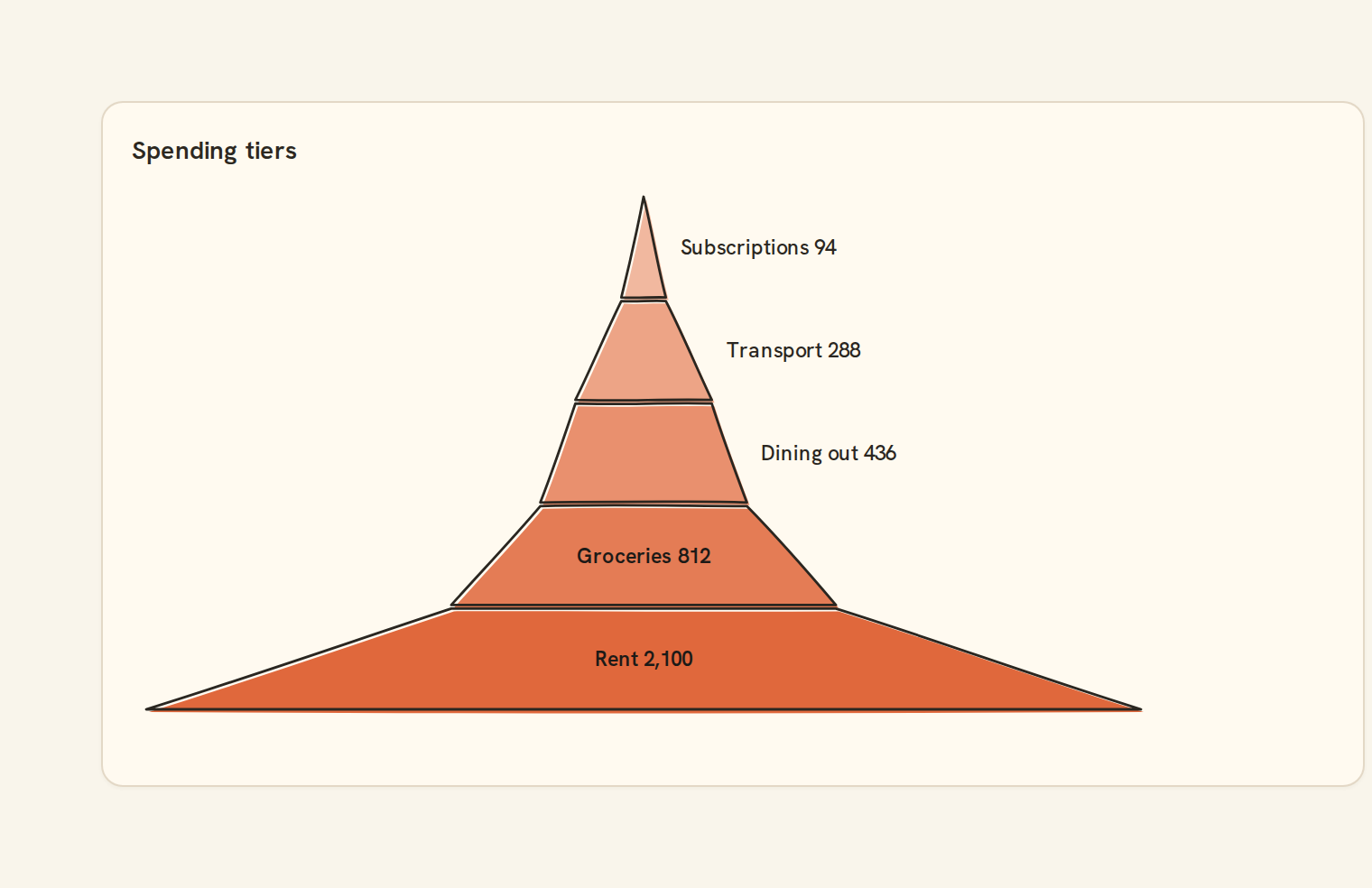
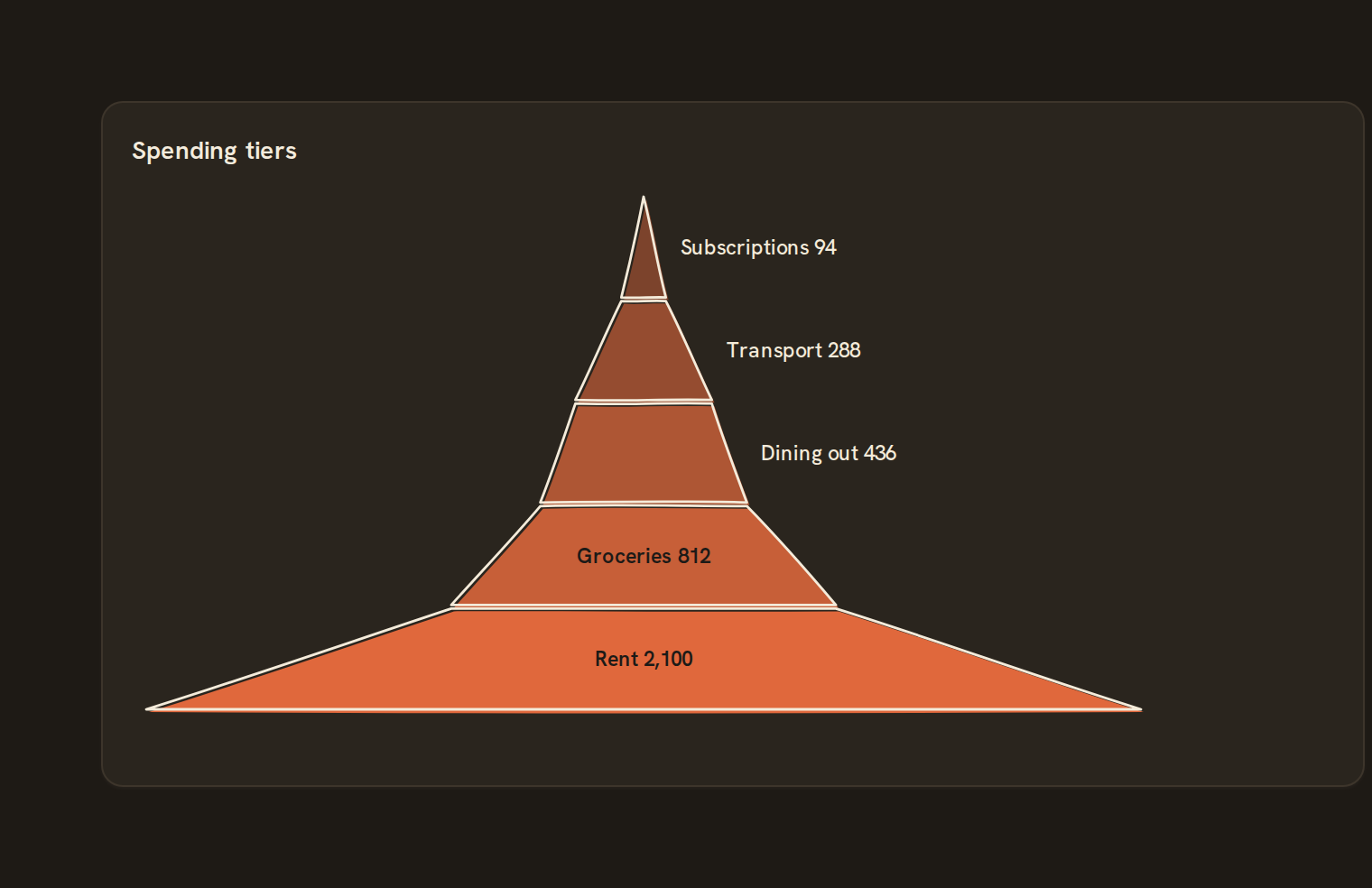
When to use it#
Use a pyramid to show a few ranked groups where the largest forms the base and the smallest sits on top. For example, show account balances in tiers from many small balances to a few large ones, or spending grouped from essentials up to discretionary.
When to pick something else#
- The stages are an ordered process where things drop out? Use a Funnel.
- Comparing the groups to each other? A Bar chart is more precise.
- Showing parts of a whole? Use a Pie chart or a Waffle.
The data it needs#
Pick these in the Data tab of the inspector. BankSync suggests a column for each when your source has an obvious match.
| Field | Needed | Pick | Notes |
|---|---|---|---|
| Category | Yes | a category | |
| Value | Yes | a number |
Rows that share a category are combined before drawing: choose Sum, Average, Count, Min or Max on the value field. See Binding data.
Pyramid options#
This chart has no options of its own; everything on its Style tab is the shared chart styling below.
Shared chart styling#
Every chart also has the shared styling options. These apply to this one:
- Legend: position, layout and which series show.
- Axes: titles, tick labels and number format.
- Grid, title, padding and background.
- Value labels on the marks.
- Categories and labels: top N with "Other", sort order, readable labels, the handwritten callout.
- Style: corner radius, line width, opacity and animation.
- Tooltip on hover.
- Click to filter: clicking a mark can filter the rest of the dashboard. See Filters and cross-filtering.
- Colours: follow the dashboard palette or pick one for this chart.
Messy data#
- Stages are sorted by value, smallest on top, so you do not need to order the rows yourself.
- Rows with the same stage are added together. Negative values are left out, and an all-zero result shows "Everything is zero for this period".
- Up to 12 stages are drawn, keeping the largest. The rest are dropped, not combined, and the tooltip says how many are hidden.
On a phone#
Each stage gets a band of the height, and labels that do not fit inside a stage move beside it. Near the narrow top there is little room, so short stage names work best on phones.
Related charts#
- Pie chart: Categorical share
- Donut chart: Pie with center label
- Treemap: Nested rectangles by value
- Sunburst: Hierarchical radial wedges
- Nightingale: Radial polar pie
- Radial bar: Polar bar chart
- Mosaic: Marimekko tiled cells
- Waffle: 100-unit grid share
- Funnel: Conversion stage flow
Use this page with your AI assistant
Every BankSync doc is available as plain Markdown for agents and LLMs.