Waffle
100-unit grid share. What the waffle is for, the data it needs and every option it has.
2 min read
On this page
100-unit grid share. It sits in the Part-of-whole group of the widget library.
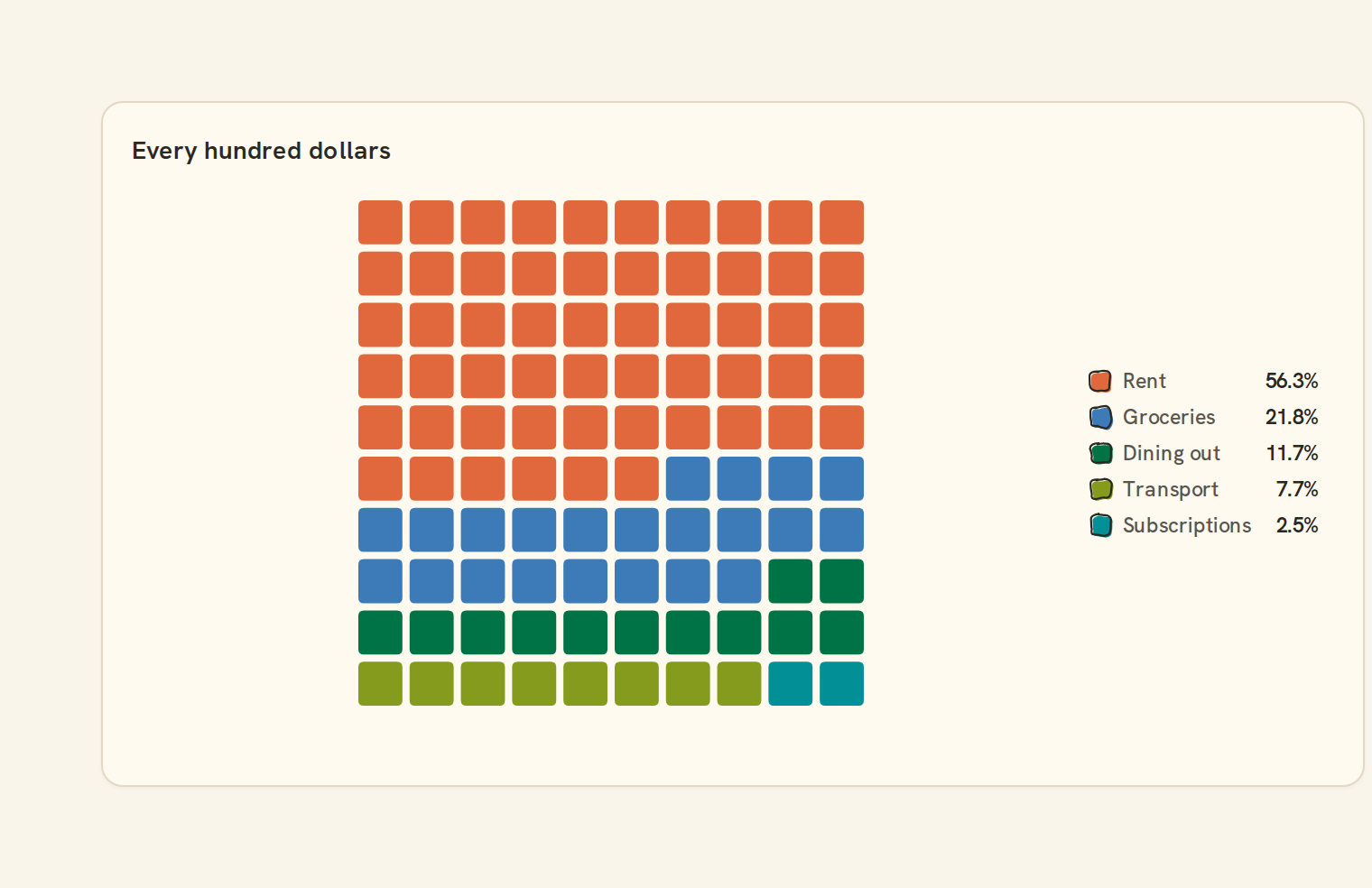
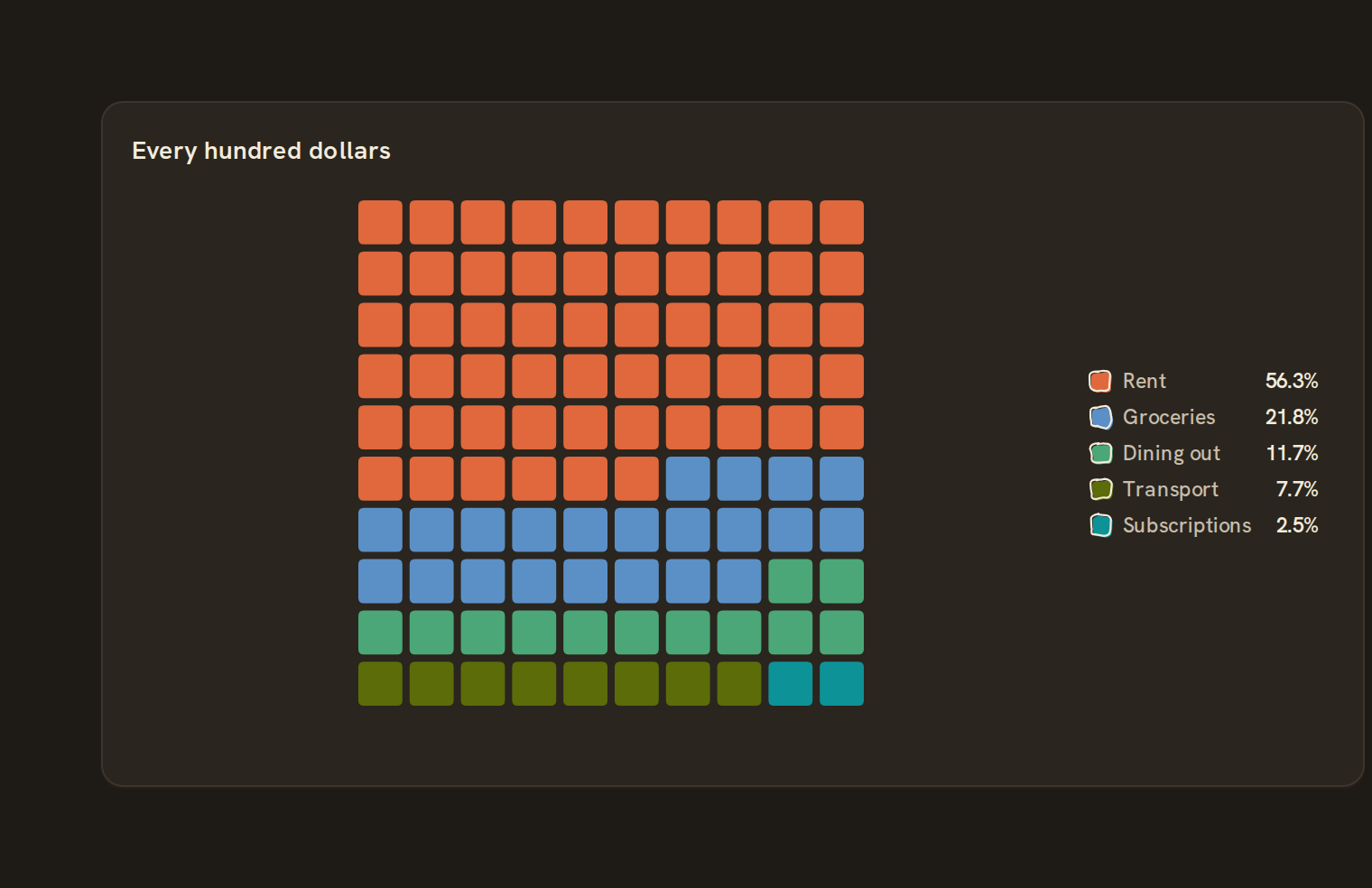
When to use it#
Use a waffle chart to show shares of a whole as a 100-square grid, where each square is one percent. It is an easy way to say "about a third of spending went to rent", or to show how your balance is split across a few accounts.
When to pick something else#
- Need exact values, not rounded percents? Use a Pie chart or a Bar chart.
- Many categories? Use a Treemap.
- One share against a goal? Use Progress.
The data it needs#
Pick these in the Data tab of the inspector. BankSync suggests a column for each when your source has an obvious match.
| Field | Needed | Pick | Notes |
|---|---|---|---|
| Category | Yes | a category | |
| Value | Yes | a number |
Rows that share a category are combined before drawing: choose Sum, Average, Count, Min or Max on the value field. See Binding data.
Waffle options#
This chart has no options of its own; everything on its Style tab is the shared chart styling below.
Shared chart styling#
Every chart also has the shared styling options. These apply to this one:
- Legend: position, layout and which series show.
- Axes: titles, tick labels and number format.
- Grid, title, padding and background.
- Value labels on the marks.
- Categories and labels: top N with "Other", sort order, readable labels, the handwritten callout.
- Style: corner radius, line width, opacity and animation.
- Tooltip on hover.
- Click to filter: clicking a mark can filter the rest of the dashboard. See Filters and cross-filtering.
- Colours: follow the dashboard palette or pick one for this chart.
Messy data#
- Rows with the same category are added together. By default the seven largest get their own colour and the rest share a grey "Other" (eight in all).
- Shares are rounded to whole squares so they always add up to exactly 100. A category under about half a percent can end up with no squares, though it still appears in the legend.
- Negative values are left out; if every value is negative you see "Only negative values; nothing to show". An all-zero period shows "Everything is zero for this period".
On a phone#
The grid switches between 10 by 10 and wider or taller shapes to keep the squares as large as possible. The legend with each share always shows and moves below the grid in a narrow cell, so a waffle stays readable on a phone.
Related charts#
- Pie chart: Categorical share
- Donut chart: Pie with center label
- Treemap: Nested rectangles by value
- Sunburst: Hierarchical radial wedges
- Nightingale: Radial polar pie
- Radial bar: Polar bar chart
- Mosaic: Marimekko tiled cells
- Funnel: Conversion stage flow
- Pyramid: Inverted funnel
Use this page with your AI assistant
Every BankSync doc is available as plain Markdown for agents and LLMs.