Contour
2D density contours. What the contour is for, the data it needs and every option it has.
2 min read
On this page
2D density contours. It sits in the Correlation group of the widget library.
When to use it#
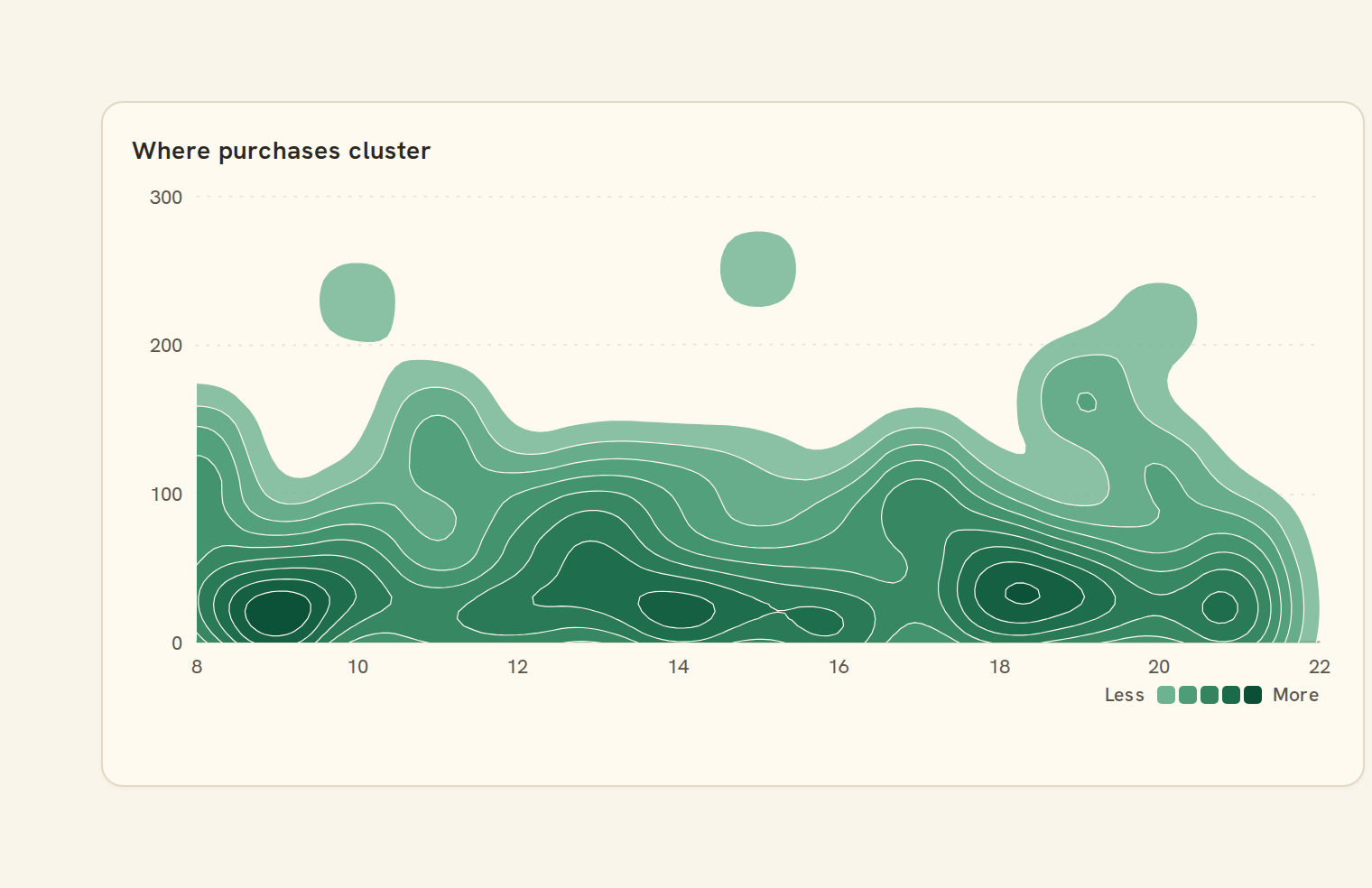
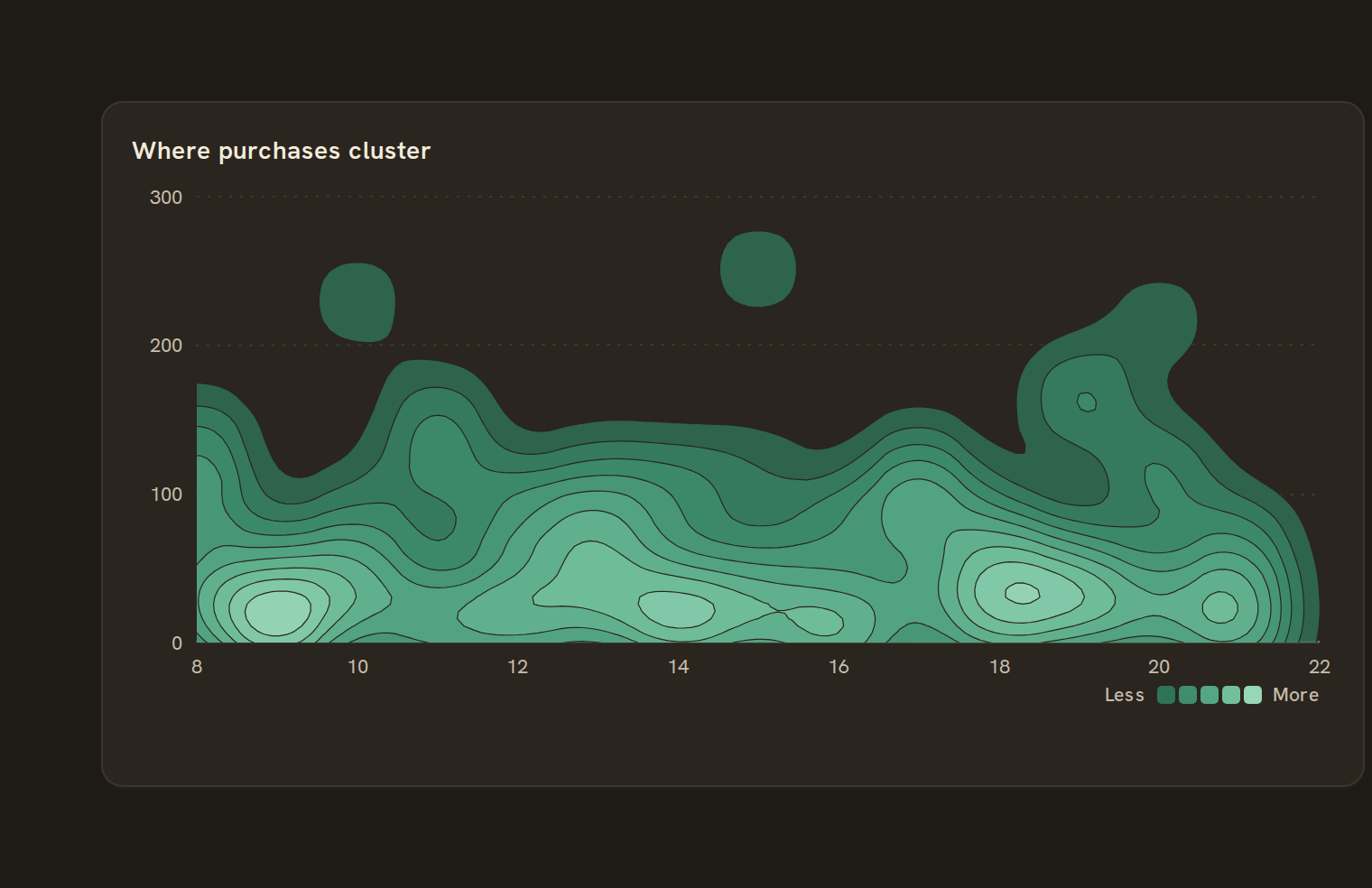
Use a contour chart to show where pairs of numbers concentrate as smooth, nested regions, like a topographic map. For example, plot transaction amount against day of the month to see typical spending bands. Darker areas hold more points.
When to pick something else#
- Exact counts per region? Use a Hexbin.
- Few points, or individual points that matter? Use a Scatter plot.
- The spread of a single number? Use a Density or Histogram.
The data it needs#
Pick these in the Data tab of the inspector. BankSync suggests a column for each when your source has an obvious match.
| Field | Needed | Pick | Notes |
|---|---|---|---|
| X axis | Yes | a number | |
| Y axis | Yes | a number | |
| Size | Optional | a number | |
| Color | Optional | a category |
Each row is drawn as it is, so shape the rows first if you need totals. See Shaping data.
Contour options#
This chart has no options of its own; everything on its Style tab is the shared chart styling below.
Shared chart styling#
Every chart also has the shared styling options. These apply to this one:
- Legend: position, layout and which series show.
- Axes: titles, tick labels and number format.
- Grid, title, padding and background.
- Value labels on the marks.
- Categories and labels: top N with "Other", sort order, readable labels, the handwritten callout.
- Style: corner radius, line width, opacity and animation.
- Tooltip on hover.
- Colours: follow the dashboard palette or pick one for this chart.
Messy data#
- Both fields must be numbers. Rows where either is blank, text or a date are skipped. If nothing remains you see "No numbers to show".
- Fewer than ten points are drawn as plain dots, since contours from so few points would be misleading.
- The shading shows relative density ("percent of peak"), not amounts or counts.
- Very large tables are sampled evenly before the shape is estimated.
- Outliers stretch the axes and squash the dense region into a small area. Filter them out first.
On a phone#
On a phone the contours smooth over a proportionally wider area and fewer levels are drawn on a shorter card, so the shape reads as a softer blob. The colour key sits under the plot while there is room.
Related charts#
- Bubble chart: Scatter sized by a field
- Hexbin: Binned 2D density
- Parallel coordinates: Multi-dimensional comparison
Use this page with your AI assistant
Every BankSync doc is available as plain Markdown for agents and LLMs.