Parallel coordinates
Multi-dimensional comparison. What the parallel coordinates is for, the data it needs and every option it has.
2 min read
On this page
Multi-dimensional comparison. It sits in the Correlation group of the widget library.
When to use it#
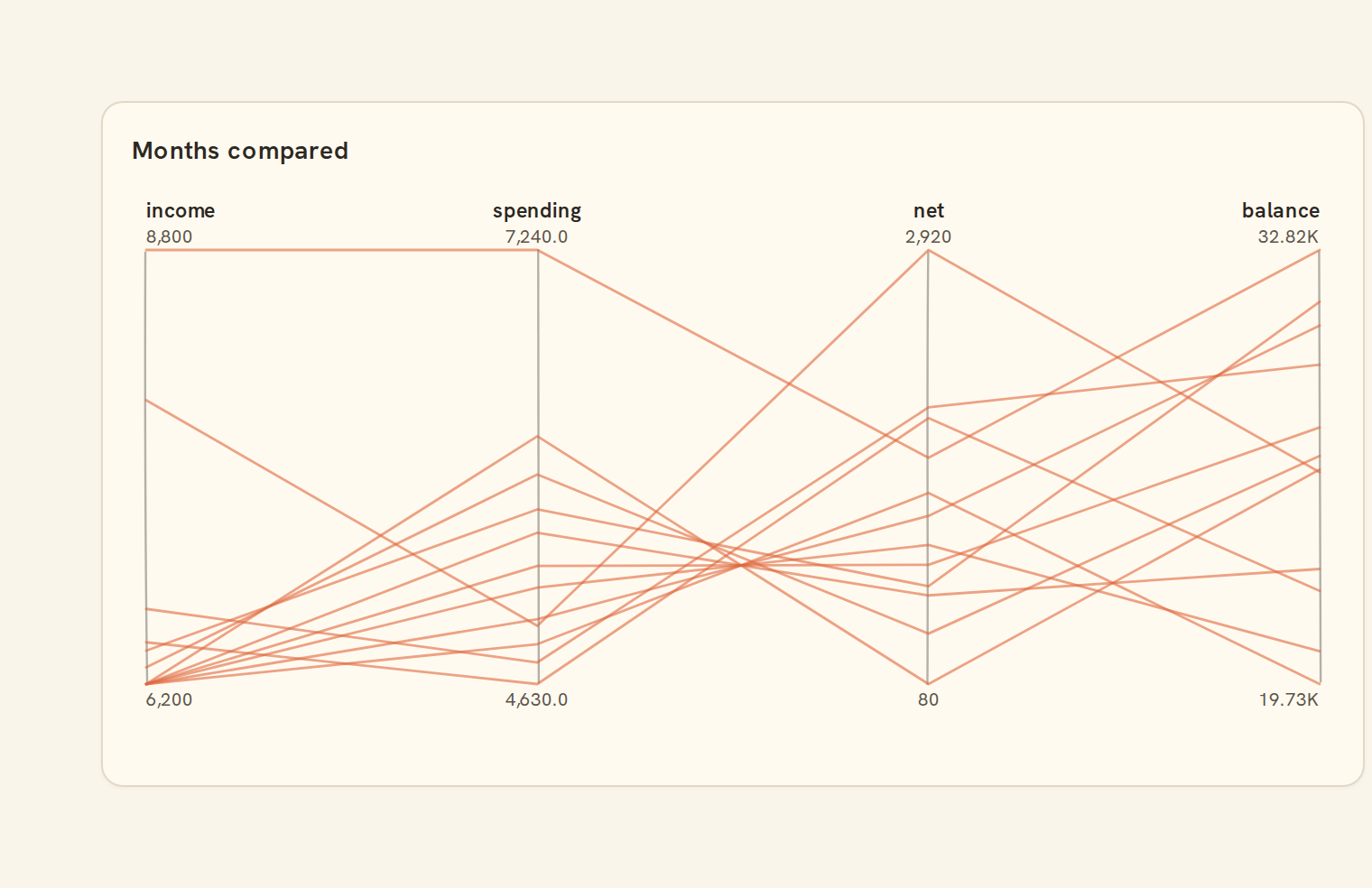
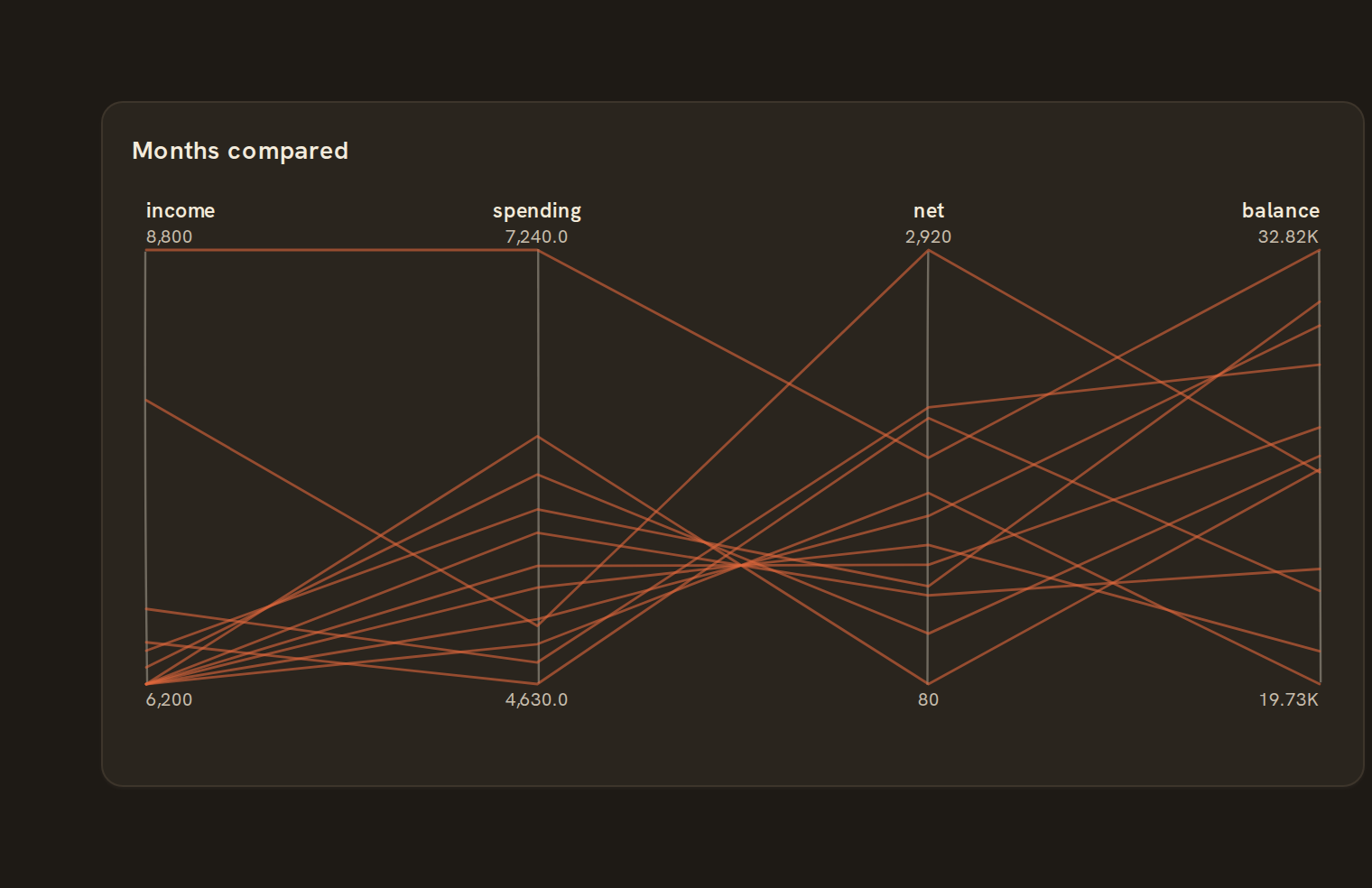
Use parallel coordinates to compare many rows across several numbers at once. Each number gets a vertical axis and each row is a line crossing them, so similar rows form bundles. For example, compare accounts by balance, monthly spend, income and number of transactions to spot the odd one out.
When to pick something else#
- Only two numbers? A Scatter plot is much clearer.
- Want to know which numbers move together overall? Use a Correlation matrix.
- A handful of rows and you need exact values? Use a Table.
The data it needs#
Pick these in the Data tab of the inspector. BankSync suggests a column for each when your source has an obvious match.
| Field | Needed | Pick | Notes |
|---|---|---|---|
| Group | Optional | a category |
Each row is drawn as it is, so shape the rows first if you need totals. See Shaping data.
Parallel coordinates options#
This chart has no options of its own; everything on its Style tab is the shared chart styling below.
Shared chart styling#
Every chart also has the shared styling options. These apply to this one:
- Legend: position, layout and which series show.
- Axes: titles, tick labels and number format.
- Grid, title, padding and background.
- Value labels on the marks.
- Categories and labels: top N with "Other", sort order, readable labels, the handwritten callout.
- Style: corner radius, line width, opacity and animation.
- Tooltip on hover.
- Click to filter: clicking a mark can filter the rest of the dashboard. See Filters and cross-filtering.
- Colours: follow the dashboard palette or pick one for this chart.
Messy data#
- It uses every number field it finds in the first rows, unless specific ones are chosen; with fewer than two you see "Choose at least two number fields".
- A missing value breaks that row's line instead of dropping it to zero. Rows with no numbers at all are skipped.
- Every axis has its own scale from its own lowest to highest value, so crossing lines show rank, not size.
- Above 1,000 rows, lines are sampled evenly.
- Colour groups are limited to three: the two biggest plus "Other".
On a phone#
Axes crowd together on a narrow phone card, and their titles are shortened or staggered on two rows. Keep it to three or four numbers, or use a Table on phones.
Related charts#
- Bubble chart: Scatter sized by a field
- Hexbin: Binned 2D density
- Contour: 2D density contours
Use this page with your AI assistant
Every BankSync doc is available as plain Markdown for agents and LLMs.