Mosaic
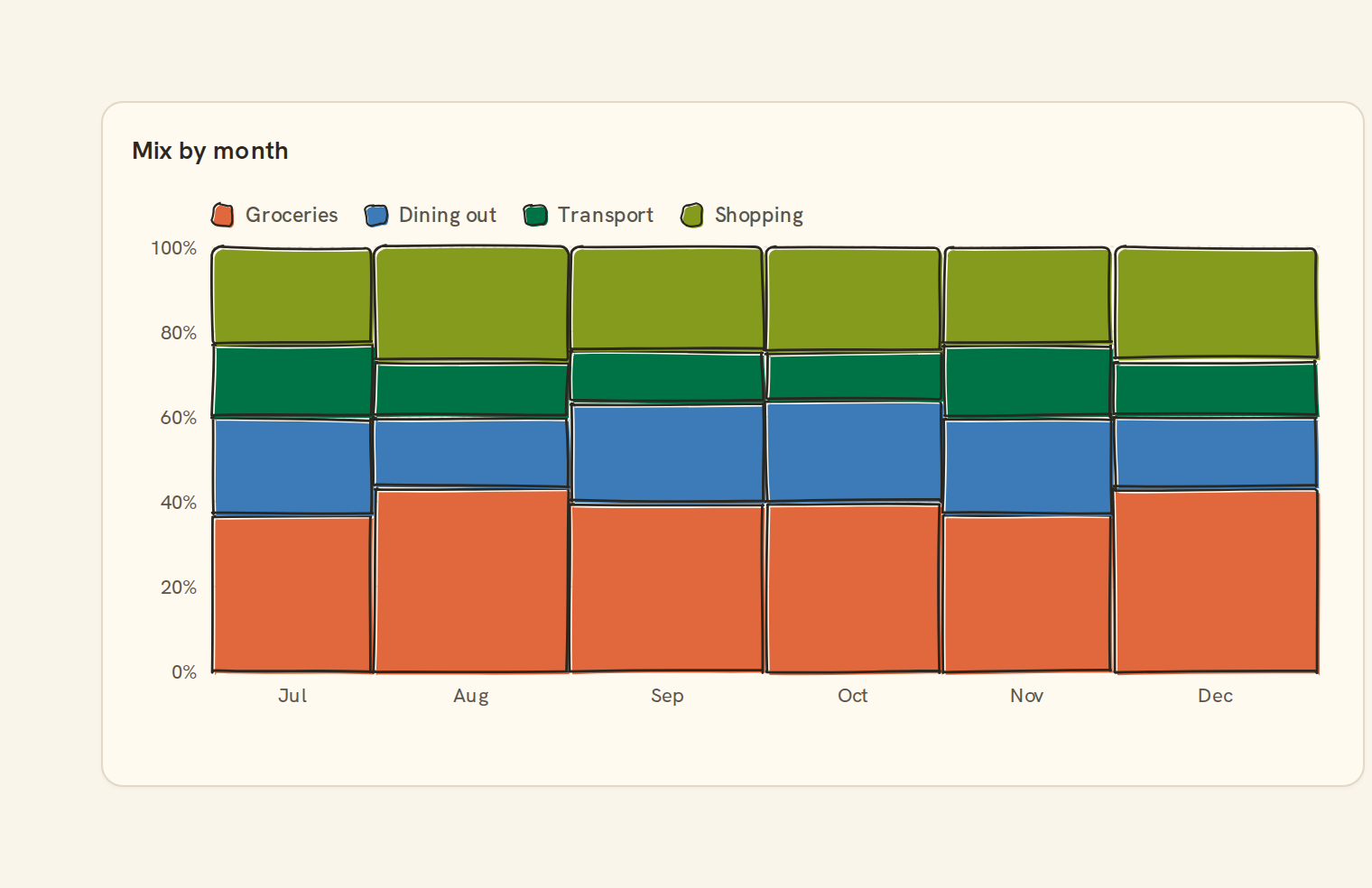
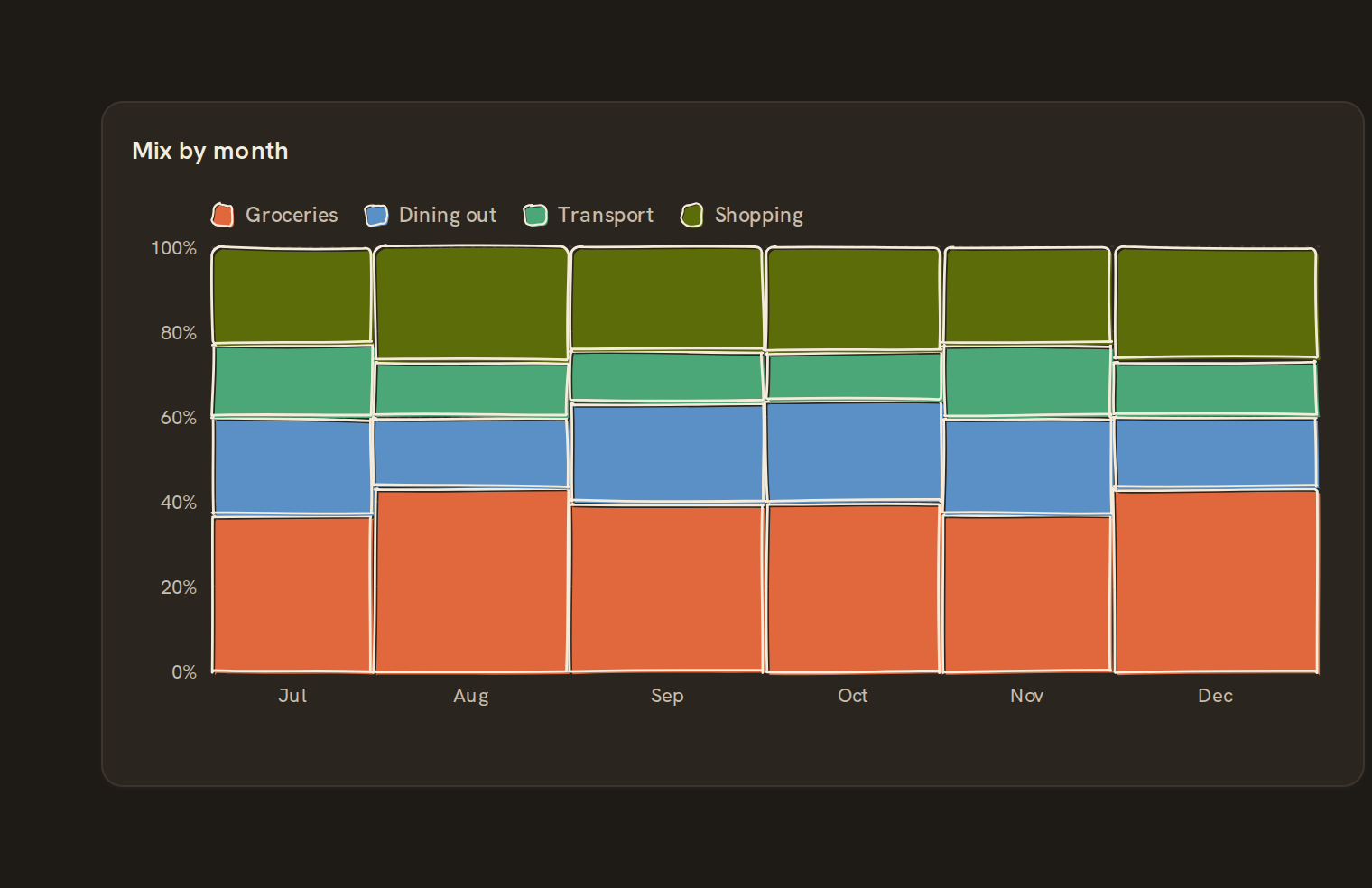
Marimekko tiled cells. What the mosaic is for, the data it needs and every option it has.
2 min read
On this page
Marimekko tiled cells. It sits in the Part-of-whole group of the widget library.
When to use it#
Use a mosaic (Marimekko) chart to show two splits at once: how big each category is, and how it breaks down. Each column's width is its share of the grand total, and its segments show each series' share within it. For example, spending by account split by category shows which account spends most and on what.
When to pick something else#
- Only the breakdown within each category matters? Use a 100% stacked bar.
- Actual amounts rather than shares? Use a Stacked bar.
- A single split? Use a Donut chart or Treemap.
The data it needs#
Pick these in the Data tab of the inspector. BankSync suggests a column for each when your source has an obvious match.
| Field | Needed | Pick | Notes |
|---|---|---|---|
| X axis | Yes | a category or a date | |
| Y axis | Yes | a number | |
| Series | Optional | a category | |
| Color | Optional | a category |
Rows that share a category are combined before drawing: choose Sum, Average, Count, Min or Max on the value field. See Binding data.
Mosaic options#
This chart has no options of its own; everything on its Style tab is the shared chart styling below.
Shared chart styling#
Every chart also has the shared styling options. These apply to this one:
- Legend: position, layout and which series show.
- Axes: titles, tick labels and number format.
- Grid, title, padding and background.
- Value labels on the marks.
- Categories and labels: top N with "Other", sort order, readable labels, the handwritten callout.
- Style: corner radius, line width, opacity and animation.
- Tooltip on hover.
- Click to filter: clicking a mark can filter the rest of the dashboard. See Filters and cross-filtering.
- Colours: follow the dashboard palette or pick one for this chart.
Messy data#
- Negative and missing values count as zero. If only negatives remain you see "Only negative values; nothing to show", and all zeros show "Everything is zero for this period".
- Past eight series, the smallest fold into one grey "Other" segment. Categories are never folded, so a long tail becomes a row of slivers.
- Without a series field, every column is one full-height block and only the widths carry meaning.
- Category labels are shortened to fit their column and hidden under columns too narrow to hold them.
On a phone#
Narrow columns lose their labels first on a phone, and small segments lose their percentage labels. Keep it to a few categories, or use a 100% stacked bar, which reads better in a narrow card.
Related charts#
- Pie chart: Categorical share
- Donut chart: Pie with center label
- Treemap: Nested rectangles by value
- Sunburst: Hierarchical radial wedges
- Nightingale: Radial polar pie
- Radial bar: Polar bar chart
- Waffle: 100-unit grid share
- Funnel: Conversion stage flow
- Pyramid: Inverted funnel
Use this page with your AI assistant
Every BankSync doc is available as plain Markdown for agents and LLMs.