Chat with your bank data in Claude Desktop
Connect BankSync MCP server to Claude Desktop and explore your transactions, balances, and investments through natural conversation. No coding required.
Setup in 3 steps
Start chatting with your bank data in minutes.
one key, every tool
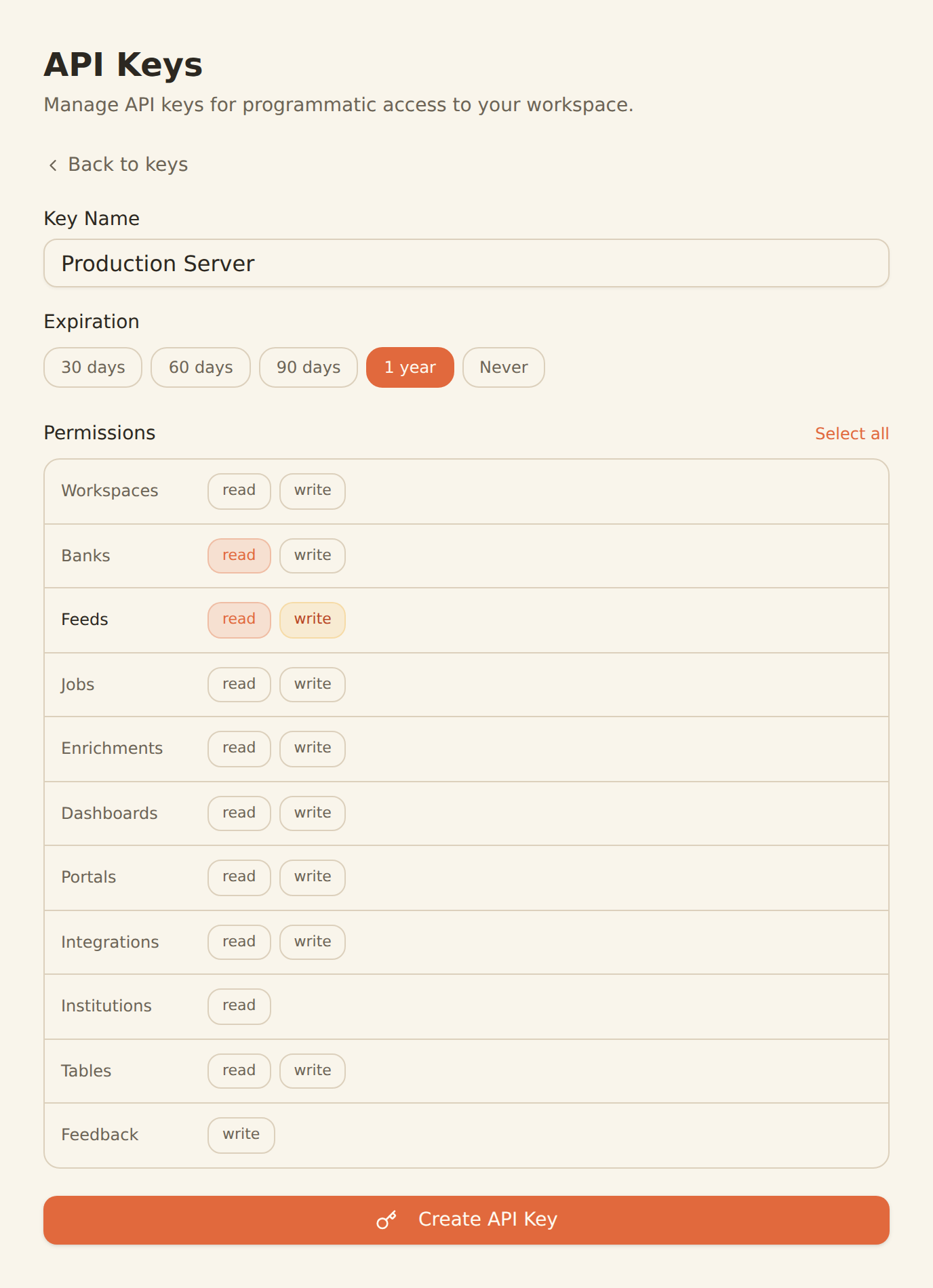
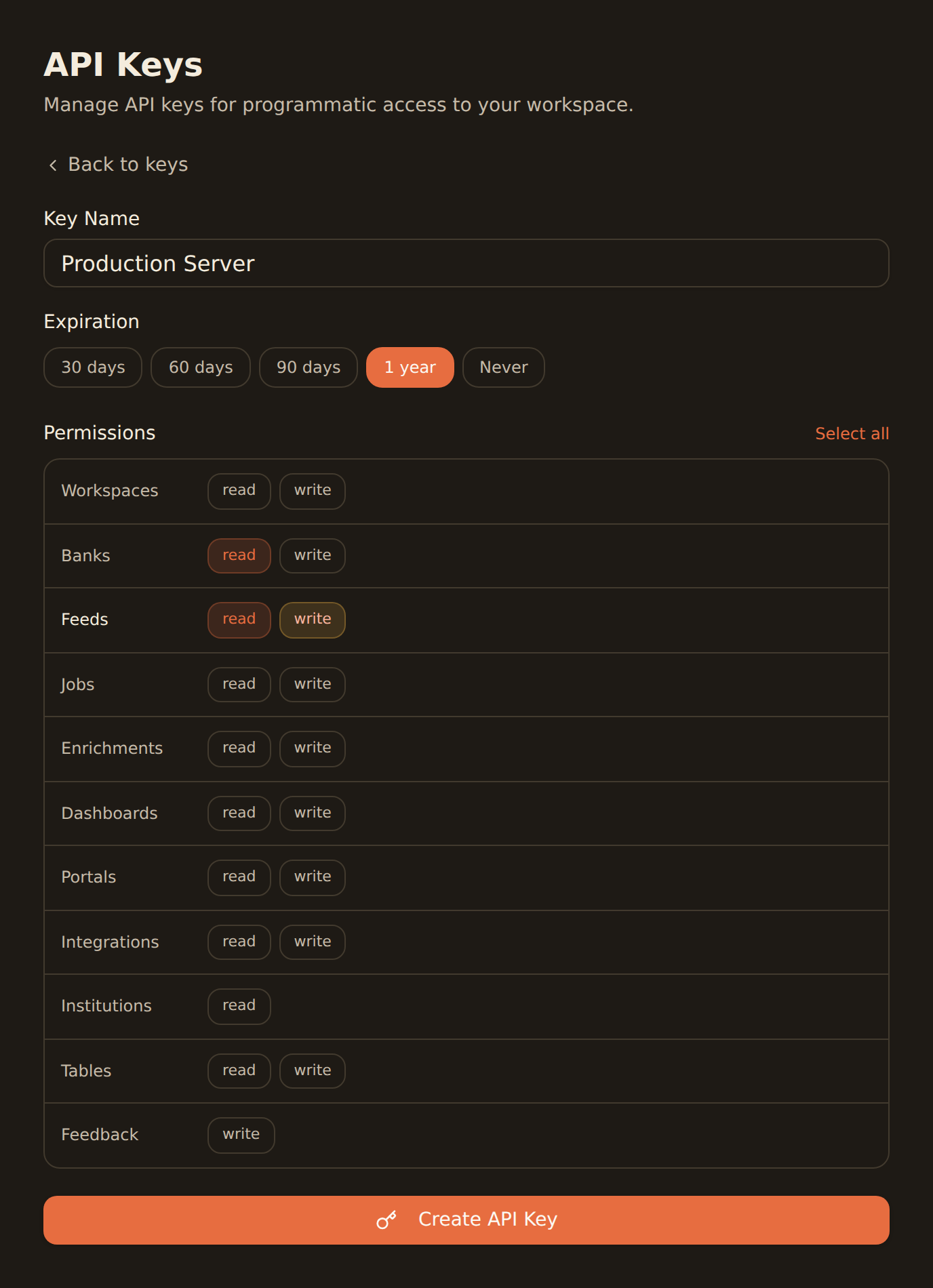
Generate a BankSync API key
Sign up, connect your banks, and create an API key from the Developers section.
Add BankSync to Claude Desktop config
Add the MCP server configuration to your claude_desktop_config.json file.
Start chatting
Open Claude Desktop and ask anything about your finances in plain English.
One-click install for the Claude Desktop app
Skip the JSON. Download the BankSync Desktop Extension (.mcpb) and open it with the Claude Desktop app. You'll be prompted for your API key during install, and the link below always serves the latest release.
For the Claude Desktop app only. If you use Claude Code or Claude Cowork, see the manual config below.
Or configure manually
Add to your Claude Desktop config file.
{
  "mcpServers": {
    "banksync": {
      "command": "npx",
      "args": [
        "mcp-remote",
        "https://mcp.banksync.io",
        "--header",
        "X-API-Key: ${API_KEY}"
      ],
      "env": {
        "API_KEY": "bsk_your_key_here"
      }
    }
  }
}
What you can do
Explore your finances through natural conversation with Claude.
Spending Analysis
Ask Claude to break down your spending by category, merchant, or time period with natural language questions.
Balance Checking
Get instant summaries of all your account balances across every connected bank in one conversation.
Budget Planning
Have Claude analyze your income and expenses to help you create and refine a realistic monthly budget.
Investment Tracking
Review portfolio holdings, track performance, and discuss investment allocation with Claude.
Expense Reports
Generate detailed expense breakdowns for any date range — perfect for tax prep or reimbursements.
Transaction Search
Find specific transactions instantly by asking Claude to search by amount, merchant, date, or category.
Why BankSync for Claude Desktop
11,000+ Banks
Access financial data from major US & Canadian institutions through secure open banking connectivity.
36 MCP Tools
From listing accounts to syncing transactions — everything Claude needs to understand your finances.
Conversational AI
Ask questions in plain English. No SQL, no spreadsheets — just natural conversation with your data.
Multi-Server Support
Use BankSync alongside other MCP servers in Claude Desktop for powerful combined workflows.
Frequently asked questions
How do I add BankSync MCP to Claude Desktop?
Generate a BankSync API key, then add the MCP server configuration to your Claude Desktop config file (claude_desktop_config.json). BankSync tools will be available immediately in your conversations.
Is there a one-click installer for the Claude Desktop app?
Yes. Download the BankSync Desktop Extension (banksync-mcp.mcpb) from our GitHub releases page and open it with the Claude Desktop app. You will be prompted for your API key during install. The download link always points to the latest release. This bundle is for the Claude Desktop app only; Claude Code and Claude Cowork use the manual MCP config.
Does Claude Desktop support remote MCP servers like BankSync?
Yes. Claude Desktop is the reference implementation of MCP and supports remote server connections, enabling integration with cloud-hosted MCP servers like BankSync out of the box.
Do I need to be a developer to use Claude Desktop with BankSync?
No. Claude Desktop is designed for everyone. Once BankSync is configured, you can ask questions about your finances in plain English — no coding required.
Can Claude Desktop connect to multiple MCP servers at once?
Yes. Claude Desktop supports connections to multiple MCP servers simultaneously, so you can use BankSync alongside other MCP tools in the same conversation.
Chat with Your Bank Data Today
Connect BankSync to Claude Desktop and explore your finances with conversational AI. 14-day free trial.
14-day free trial • Cancel anytime