

You can access supported Australian bank data through a service such as BankSync, then read your own workspace with its API or send records to a spreadsheet. That is different from getting direct access to a bank’s protected CDR customer-data endpoints. A public product API is different again: it may list accounts and rates without exposing your transactions.
The useful route depends on where you bank and what you want to build. A personal script, an existing workbook and a product serving customers have different requirements. Start by proving access to one account and one reporting period.
Three questions that often get mixed together
| Question | What you are deciding | Useful first step |
|---|---|---|
| Can I access my own bank data? | A personal workflow and a supported account | Check the service’s connection and API access options |
| Can I build a product for customers? | An app, its authorisation model and operating arrangement | Discuss the app route before collecting any customer data |
| Can I connect directly as a CDR participant? | Participation, technical and regulatory responsibilities | Use the official provider guidance and qualified advice |
Why does my bank’s API application ask for accreditation?
You may be looking at the participant-facing CDR interface rather than a consumer developer service. ING Australia explicitly explains that its protected open banking customer-data APIs are not designed for customers to call directly. Using an authorised consumer service is a different route from operating as a direct data recipient.
Some banks offer their own personal developer API. Up’s official API project documents personal-use access for Up account holders. That can suit an Up-only project; it does not provide access to your accounts at other banks. For a multi-bank workflow, test a service that covers the actual institutions and accounts you need.
How BankSync connects Australian accounts
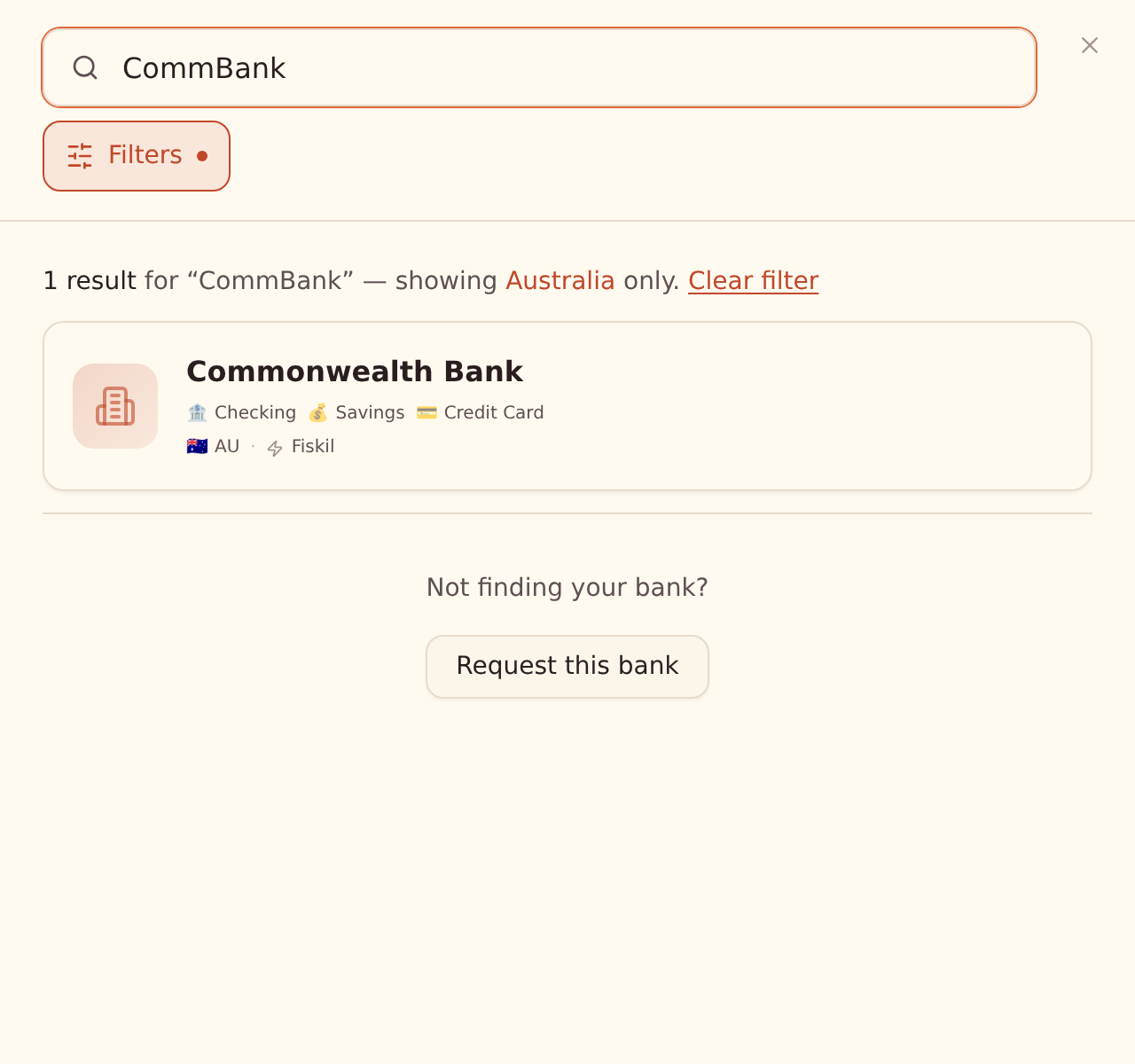
BankSync documents Australian connections through Fiskil under CDR. BankSync acts as Fiskil’s CDR representative; the account holder completes the bank’s consent and authentication flow. The Australian connection guide covers the institution search and account selection.
Check the exact institution rather than just the brand. Personal and business banking services can be separate entries. A successful login to one service does not prove that an account held under the other will appear.
Business accounts also need the correct sharing authority at the bank. If an account is visible in online banking but absent from the sharing flow, investigate the authority and institution before creating another connection. The business-account troubleshooting article covers that problem.
Prove one Australian account end to end
Pick a specific report
Choose one account and a recent period you can compare with bank records.
Check institution and authority
Select the actual banking service that holds the account and confirm you can authorise sharing.
Complete the CDR flow
Review the requested data, selected accounts and duration before approving.
Inspect what arrived
Confirm account identity, currency, balances and several known transactions.
Choose delivery or code
Use a feed for a supported destination, or your own workspace API access for a private program.
Record the limits
Note the available history and observed update behaviour for this account.
What an Australian bank API can and cannot promise
A connection may expose account details, balances and transaction information. What matters is the actual data available for your account. A headline such as “up to several years” is a maximum possibility, not a statement that every institution returns that period.
Start by inspecting the oldest returned date and comparing a complete recent statement period. If you need older records, establish a separate statement-history process and a clear cutoff. Repeating the same connection does not manufacture missing historical data.
Likewise, increasing the frequency of your script does not force the bank to publish new entries sooner. Show the time of the last successful check and distinguish it from the transaction’s own date. A posted-only report can legitimately omit a purchase still shown as pending in the bank app.
A useful first output: one month you can explain
Imagine a small design studio with one operating account. For an illustrative month, it begins with A$3,200, receives A$6,000 and has A$4,500 of posted outflows. On a compatible statement basis, the closing balance should be A$4,700.
The first report should make those movements traceable. Separate a transfer to the owner from ordinary operating costs, retain the bank description and attach review notes where needed. Do not infer GST treatment from a bank description alone; the business records and transaction context matter.
If the closing check differs, inspect dates, missing accounts and incomplete imports. A chart that looks right is not a substitute for reconciling the period.
Manage the permission after setup
Keep the consent owner and purpose visible. When access needs renewal, use the bank-data sharing controls rather than hiding the failure behind repeated automated retries.
The BankSync CDR consent guide explains how to review and stop sharing. Data exported to your own destination needs its own access and retention decisions. Giving a colleague access to a report is a separate decision from authorising the bank connection.
For code, start with the Australian personal API page and current API reference. For an existing workbook, compare the effort with a managed bank feed.
For an existing budget, compare the SimpleFIN setup route before writing code. For Excel, use the OneDrive connection instructions. For a private script, confirm API eligibility and key scopes in the personal-use guide.
Questions readers ask
New to the terminology? Start with what open banking is and how it works.