Connect Actual Budget, Securo and other SimpleFIN apps
Sync the banks you have connected to BankSync into Actual Budget, Securo or any SimpleFIN-compatible app with one setup token. No second bank login, nothing extra to pay for.
4 min read
On this page
BankSync speaks SimpleFIN, the open standard budgeting apps use to read bank data. Any app that accepts a SimpleFIN setup token — Actual Budget, Securo, beancount importers, your own script — can read the banks you have already connected to BankSync. You do not link your banks a second time, and the app never sees your bank credentials.
Before you start
You need the Admin or Owner role in the workspace, and at least one connected bank. SimpleFIN access is available on every plan, including Free.

How it works#
Three steps, once
Create access in BankSync
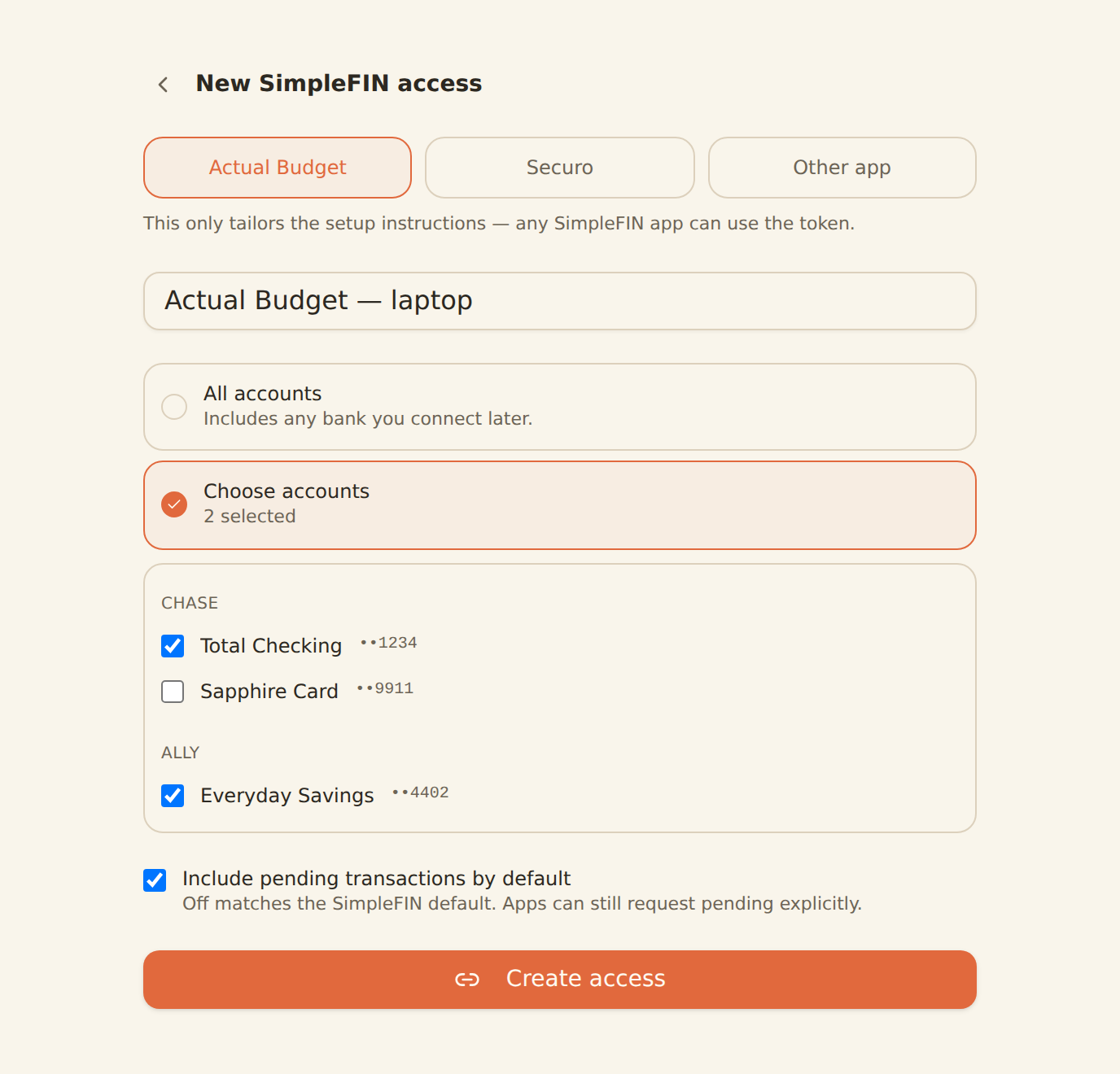
Settings → Developers → SimpleFIN → Create access. Choose which app it is for and, if you want, limit it to specific accounts.
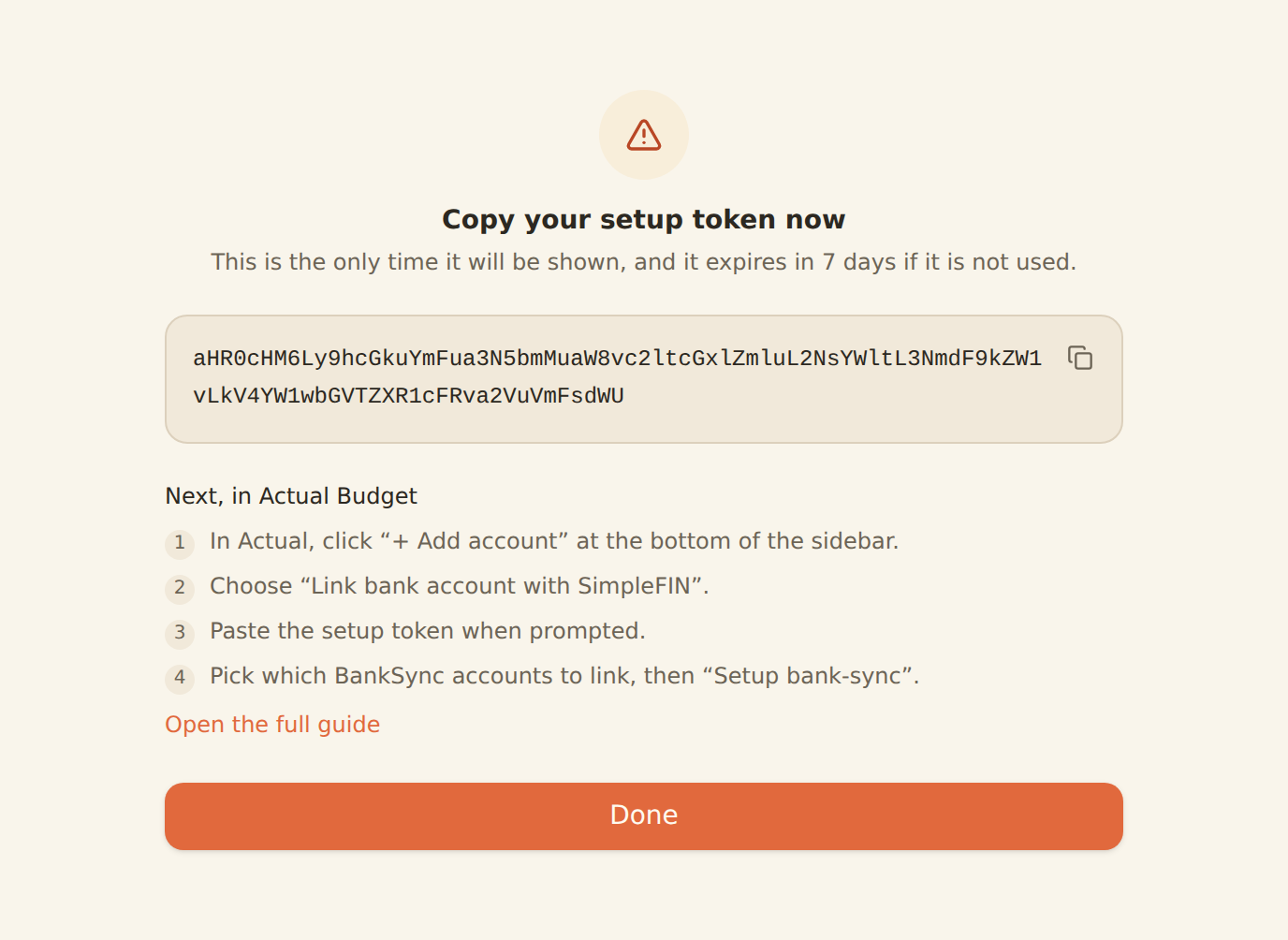
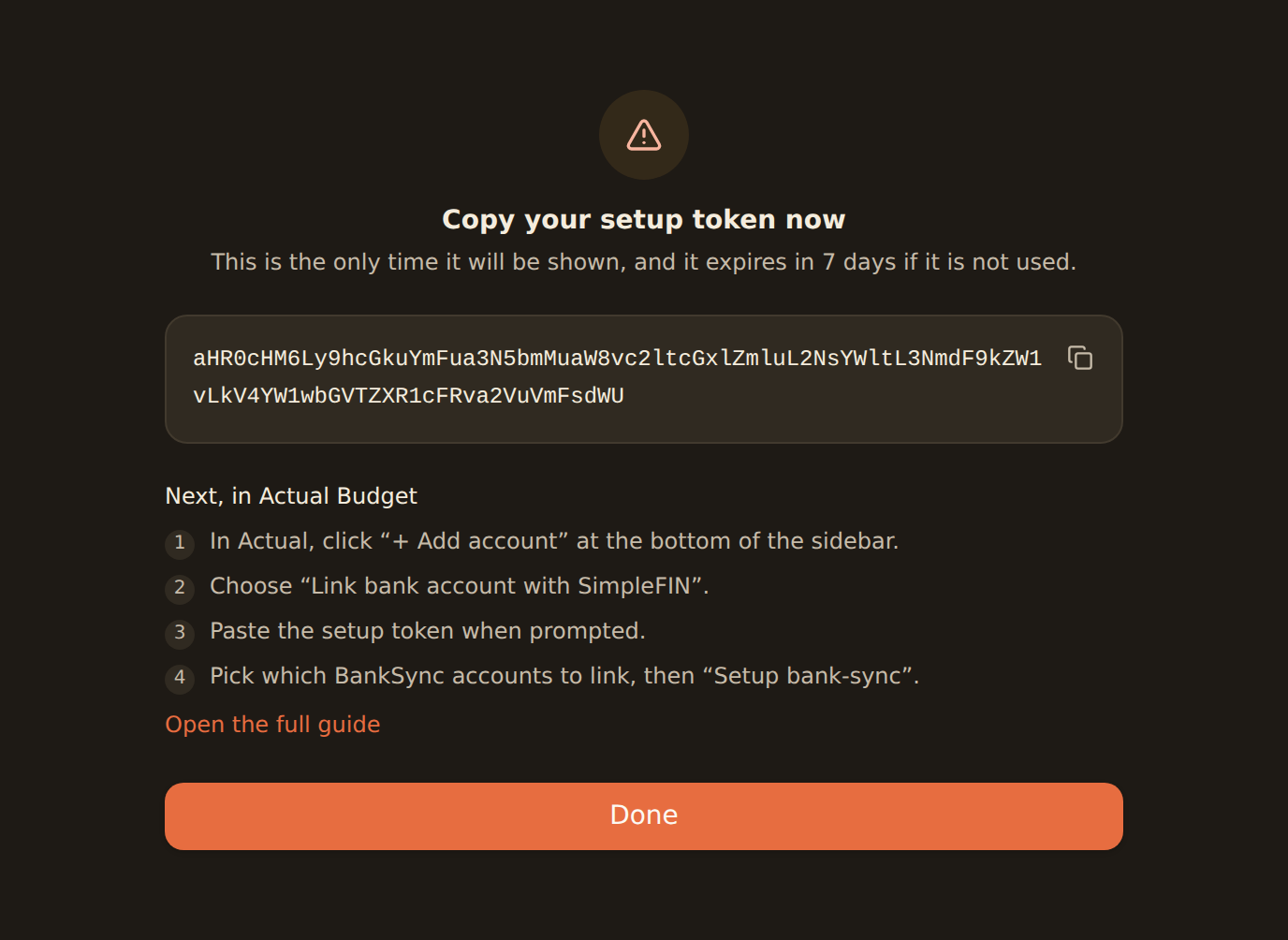
Copy the setup token
It is shown once. It is a long base64 string, and it expires in 7 days if it is never used.
Paste it into your app
The app exchanges the setup token for its own credentials and syncs from then on. You never need to paste it again.
Choose which accounts the app can see#
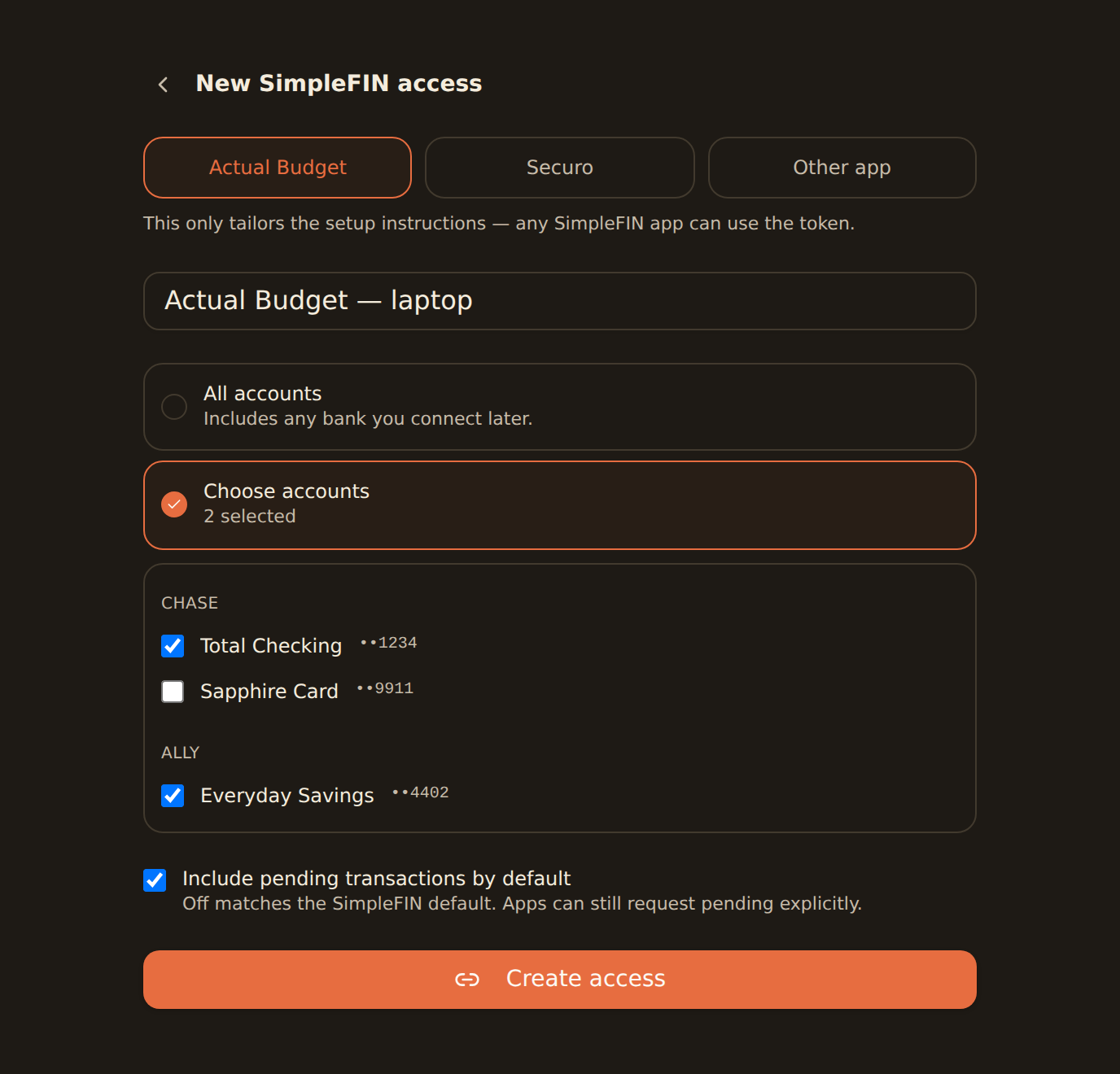
By default an access can read every account in the workspace. If the app only needs some of them, pick Choose accounts when you create it — a budgeting app that tracks your spending does not need to see the savings account you never touch. You can change the scope later without re-linking: the app sees the new list on its next sync.
Connect Actual Budget#
Use the BankSync token, not a Bridge token
Actual links to the SimpleFIN Bridge on its setup screen. Ignore that link — paste the token BankSync gave you into the same box. Actual does not care which SimpleFIN server issued it.
In Actual
Add the account
Click + Add account at the bottom of the sidebar, then Link bank account with SimpleFIN.
Paste the setup token
Actual stores the resulting credentials on its own server, so you only do this once.
Link your accounts
Actual lists the BankSync accounts it can see. Map each one to an Actual account, then click Setup bank-sync.
To re-link later — after rotating the token, for example — use Add Account → the ⋯ menu next to SimpleFIN → Reset SimpleFIN credentials, then paste the new token.
Connect Securo#
In Securo
Open the connect flow
Go to Accounts and choose Connect via SimpleFIN.
Paste the setup token
Confirm, and Securo imports your accounts and holdings.
Securo needs SIMPLEFIN_ENABLED=true in its environment. Leave SIMPLEFIN_API_URL at its default —
it only affects where Securo sends people to get a token, and you already have one.
Sure#
Open Settings, then Providers
Find the SimpleFIN panel.Paste the setup token
Choose Save and connect.Go to Accounts
Link each synced account to one of yours.
Sure lets you map each imported account onto a ledger account yourself, so nothing is linked until you say so.
Home Assistant#
Settings → Devices & services
Choose Add integration, then SimpleFIN.
Paste the setup token
Each account in scope becomes a balance sensor.
Home Assistant polls every four hours and exposes a per-connection problem sensor, so a bank that needs reconnecting in BankSync shows up as a problem there too.
Firefly III#
Open the Firefly III data importer
Choose SimpleFIN.Paste the setup token
Pick the accounts to import and run the import.
Any other SimpleFIN app#
Paste the setup token wherever the app asks for one — the screen is usually called "SimpleFIN", "bank sync" or "link bank account". If you are writing the client yourself, the SimpleFIN developer reference has the wire format, query parameters and the two-request claim exchange.
Check what the app receives#
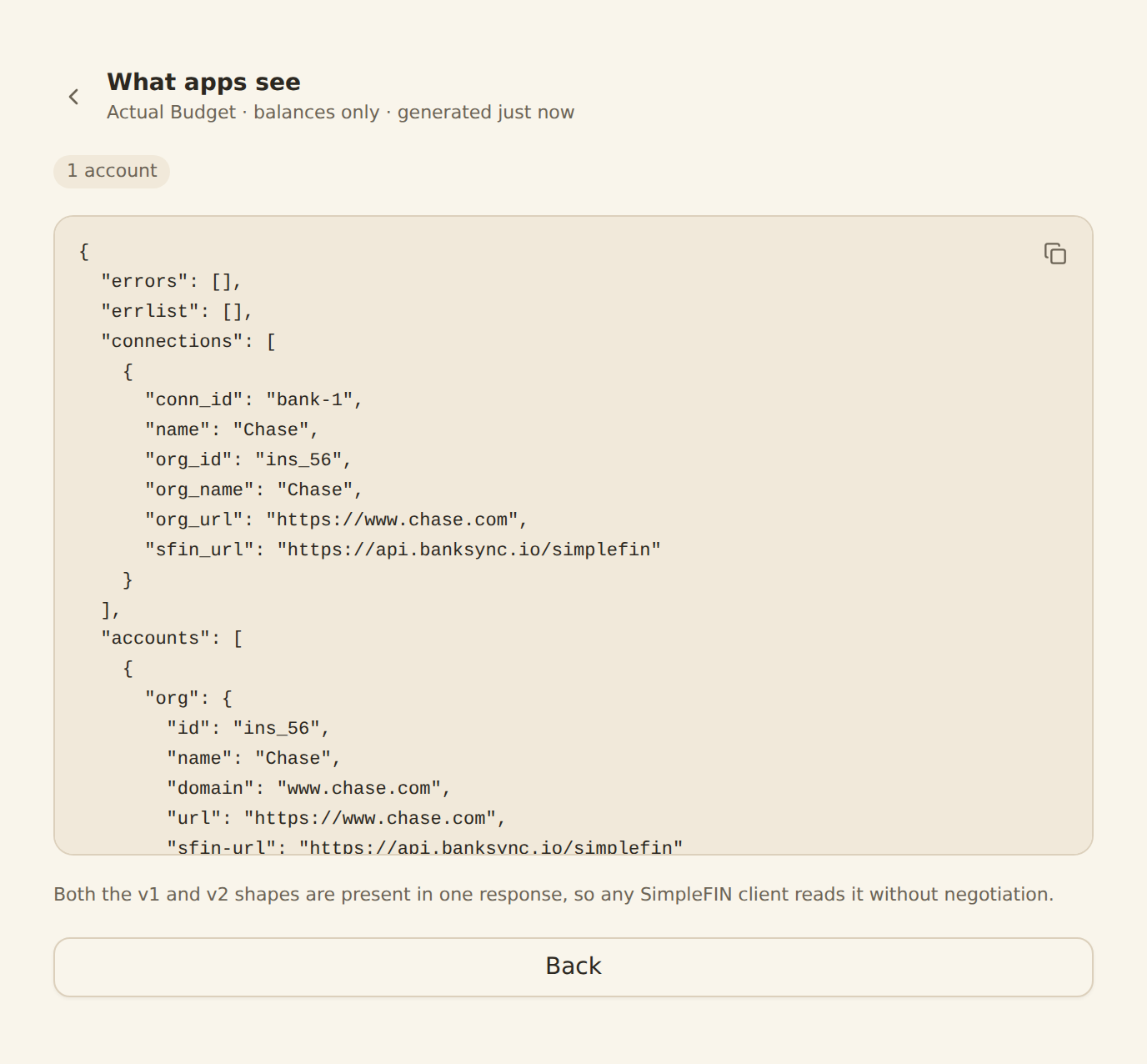
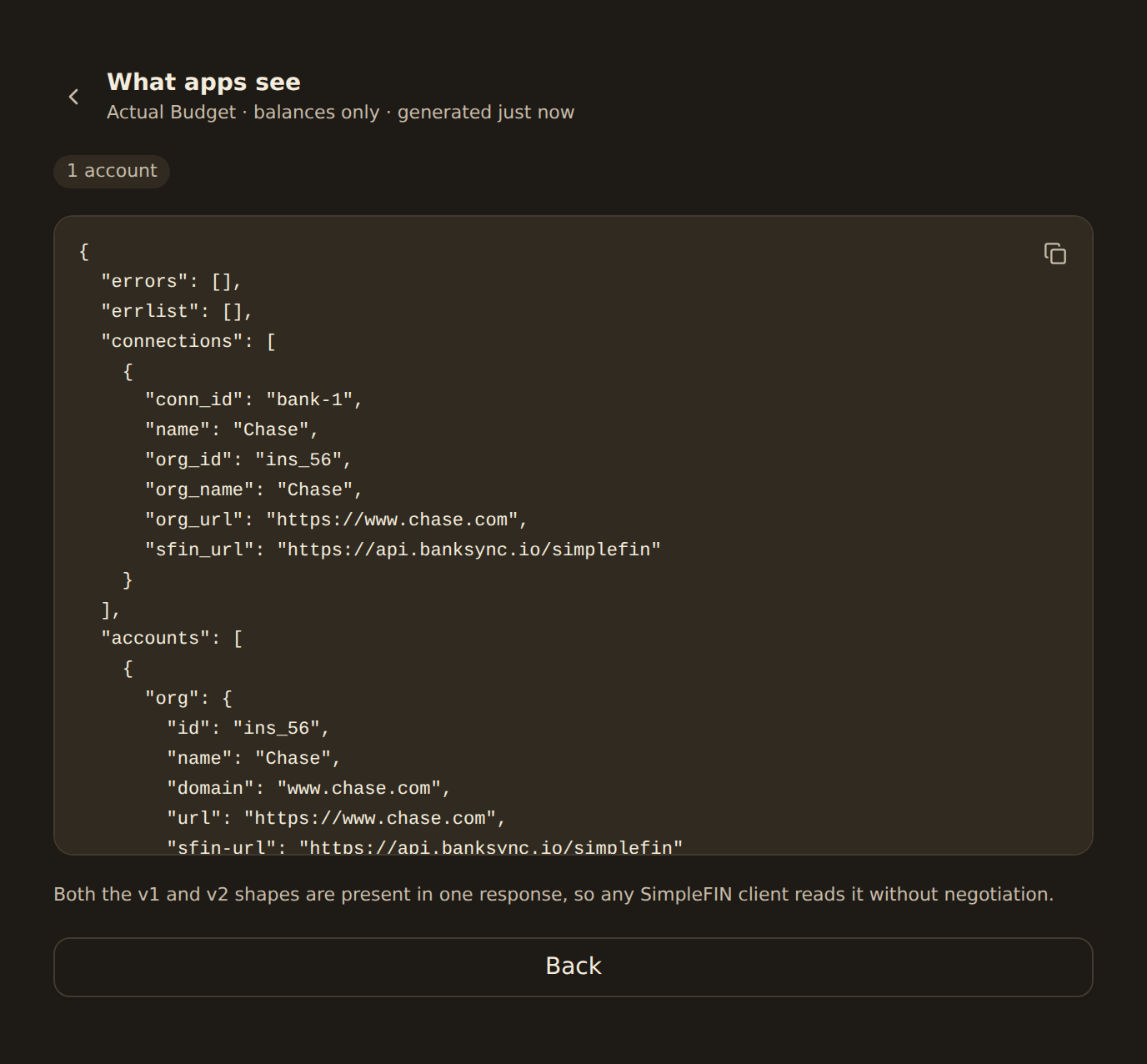
Open Preview on any access row in Settings → Developers → SimpleFIN. It shows the exact response your app gets: the accounts in scope, their balances, and any bank that is reporting an error. If an app shows nothing, this is the first place to look.
Rotate or revoke#
Rotate issues a new setup token and immediately stops the credentials the app is holding. Use it if a token may have leaked, or when you want to re-link an app.
Revoke stops the access permanently. The app gets an error on its next sync, and the record stays in your list so you can see it was revoked.
Both live in the row's actions in Settings → Developers → SimpleFIN.
Troubleshooting#
The app says the token is invalid
A setup token works once. If you pasted it somewhere already, or it has been more than 7 days, create new access — or rotate the existing one — and paste the fresh token.
The app shows no accounts
Open Preview on the access row. If it is empty, the access is scoped to accounts that no longer exist, or the bank was disconnected.
One bank stopped appearing
A bank that needs reconnecting is reported to your app as an error while the others keep working. Reconnect it under Banks and the next sync picks it up.
Balances look a day old
The balance date is when the institution last refreshed, not when you asked. Most aggregators refresh once a day, so this is normal.
Frequently asked#
Is this the SimpleFIN Bridge? No. The Bridge is a separate paid service that connects to banks itself. BankSync implements the same protocol over the banks you have already connected here, so there is nothing extra to pay for or maintain.
Can an app change anything? No. SimpleFIN is read-only by design, and a BankSync SimpleFIN access cannot create other credentials or modify your workspace.
Does it work with my app? If the app accepts a SimpleFIN setup token, yes. We test against Actual Budget and Securo specifically.
What about pending transactions? Excluded unless the app asks for them, which matches the protocol's default. You can flip that default per access when you create or edit it.
Related guides#
- SimpleFIN developer reference — wire format, query parameters, limits
- Connecting banks — get a bank into the workspace first
Use this page with your AI assistant
Every BankSync doc is available as plain Markdown for agents and LLMs.