

Choose a bank feed when you want supported bank records delivered to an existing spreadsheet or database. Choose an API when your own software needs to request and process the records. A feed can use APIs internally; the choice is about which work you want to maintain.
If your weekly routine is downloading a CSV and pasting it into a budget, start with a feed. You can retain the workbook’s reporting logic while moving imports into a dedicated raw-data tab. If you need a custom application, a private database model or processing the feed cannot express, assess direct API access.
What changes when you choose an API or a managed feed?
| Responsibility | Direct API workflow | Managed feed workflow |
|---|---|---|
| Retrieving data | Your code makes requests and handles responses | The configured feed performs its supported retrieval |
| Destination shape | You design storage and transformations | You map supported fields to a destination |
| Schedule | You operate a scheduler or trigger | You choose an available feed schedule |
| Failure recovery | You implement retries and checkpoints | You use job status and supported recovery controls |
| Custom logic | Broad flexibility within the API contract | Limited by feed features and destination capabilities |
| Ongoing ownership | Your team maintains code and credentials | You still review connections, mapping and exceptions |
Example one: a bookkeeping spreadsheet
A consultant has a workbook with a Transactions tab and a monthly review tab. Every Friday they download a CSV and copy the latest rows. Their problem is the repeated import, not a missing programming interface.
A sensible first trial is a feed into a new raw-data tab. Keep existing formulas available, map the fields they depend on and compare a closed period with the bank. Only switch the reporting tab once the imported rows behave as expected.
For this workflow, custom code introduces jobs that someone must own: storing a credential, scheduling the request, handling pagination, tracking imported records and recovering from destination failures. Those tasks may be justified, but “we can write a script” is not itself a reason to take them on.
Example two: a private analytics application
A business runs a custom database and needs to join bank information with project budgets. It wants to store raw records, apply versioned transformations and generate reports through its own application. An API can fit that operating model.
The team should still define a stable boundary. Store source identifiers and currencies; separate retrieval from classification; record the period each import completed. A report should show whether all intended accounts were refreshed successfully.
BankSync’s REST API guide describes access to your own workspace. If the software will be installed by other people into their workspaces, use the separate app integration route rather than sharing a personal key.
Keep your workbook: set up the feed around it
Prepare a raw-data tab
Create a destination tab with stable headers. Keep summary formulas and manual notes in a separate reporting area.
Connect the destination
Use the relevant integration. For the OneDrive route, Excel workbooks must be saved in OneDrive rather than only on your computer.
Select accounts and Transactions
Open the feed’s Sources tab and select the accounts that belong in the report.
Choose the exact output
In Destination, select the workbook or spreadsheet and the specific worksheet. Check its header row.
Map the fields
Map Date, Description, Debit Amount, Credit Amount, ID, Bank and Account as needed. Verify amounts remain numeric.
Run and compare
Review a known debit, credit and transfer in the destination. Check History, then choose a supported schedule.
Use the Google Sheets mapping reference or the Excel connection guide while setting this up. Sheets mappings use column positions: inserting a new column can send a previously mapped field somewhere unintended. Recheck Mapping after restructuring the destination.
For migration, keep your old CSV data in a separate tab during the trial. Once you have checked the overlap, choose a clear handover date for the reporting formulas. Avoid importing both sources into the same range and hoping identical-looking rows will sort themselves out.
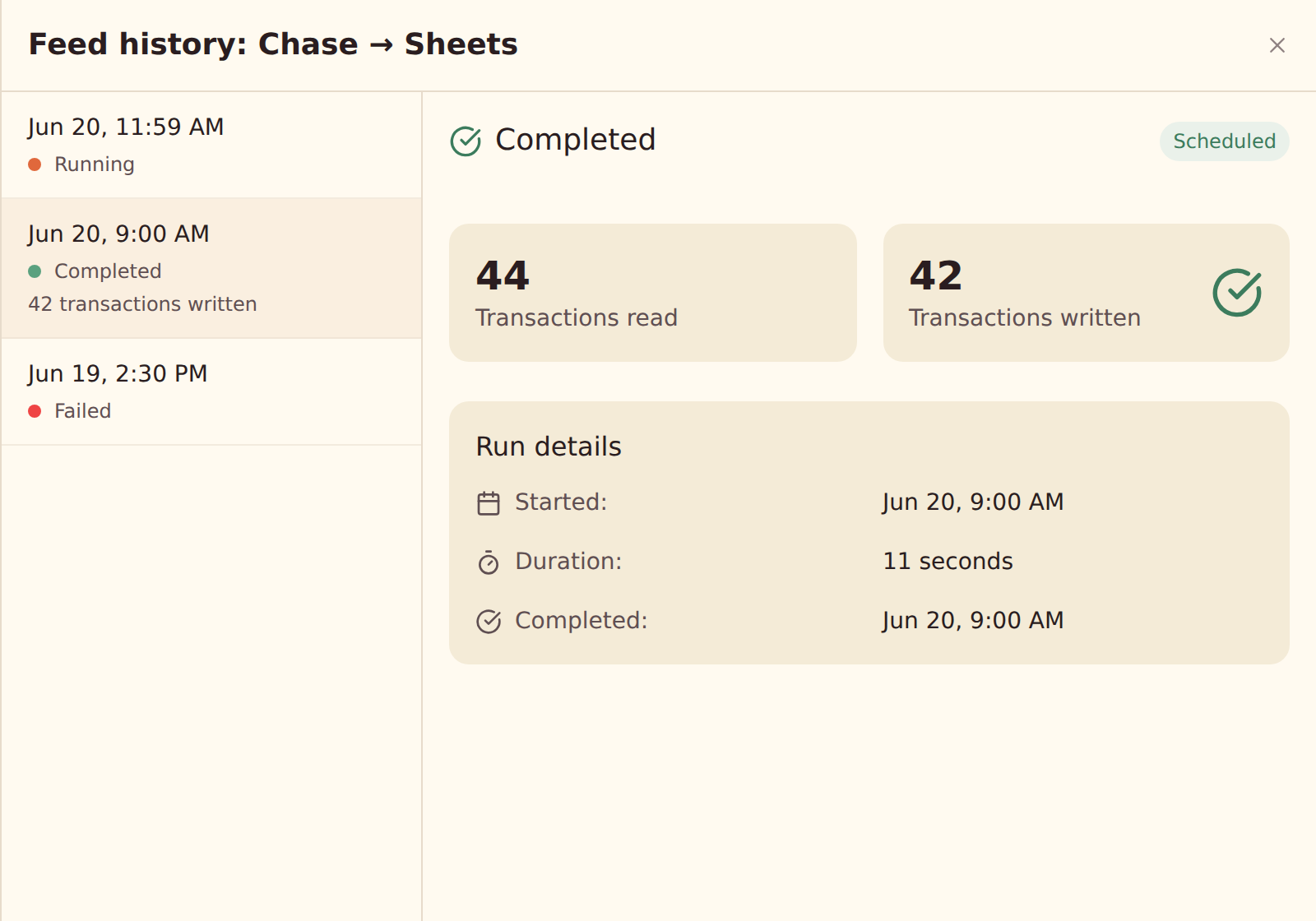
What still needs maintenance after setup?
A feed needs someone to handle bank reauthorisation, destination access and changed columns. An API workflow adds credential handling, request limits, pagination, repeatable writes and recovery to that list.
Use a small trial to measure the work. Record time spent setting up the output, handling a failed run and checking the month-end total. Include ongoing support in the decision; a short script can be quick to write and expensive to own if nobody understands its failure modes.
For recurring feeds, the optional Feed Monitor can alert on stale syncs or an extended absence of new records. Choose thresholds for the account’s activity and your schedule. An unused savings account should not be monitored like an operating account with daily transactions.
Questions readers ask
If a feed fits, start with creating your first feed. If code is justified, use the API integration checklist.
New to the terminology? Start with what open banking is and how it works.