Managing your CDR consents and data sharing
View, renew, and withdraw the Consumer Data Right (CDR) consents behind your Australian bank connections, and understand what happens to data you share.
4 min read
On this page
When you connect an Australian bank, you do it through the Consumer Data Right (CDR), Australia's regulated open banking framework. BankSync acts as a CDR representative of Fiskil Pty Ltd, an Accredited Data Recipient (ADRBNK000246). This guide explains how to see and manage the consents behind your Australian connections, and what happens to data once you share it with a destination.
Australian connections only

Before you connect: what you're agreeing to#
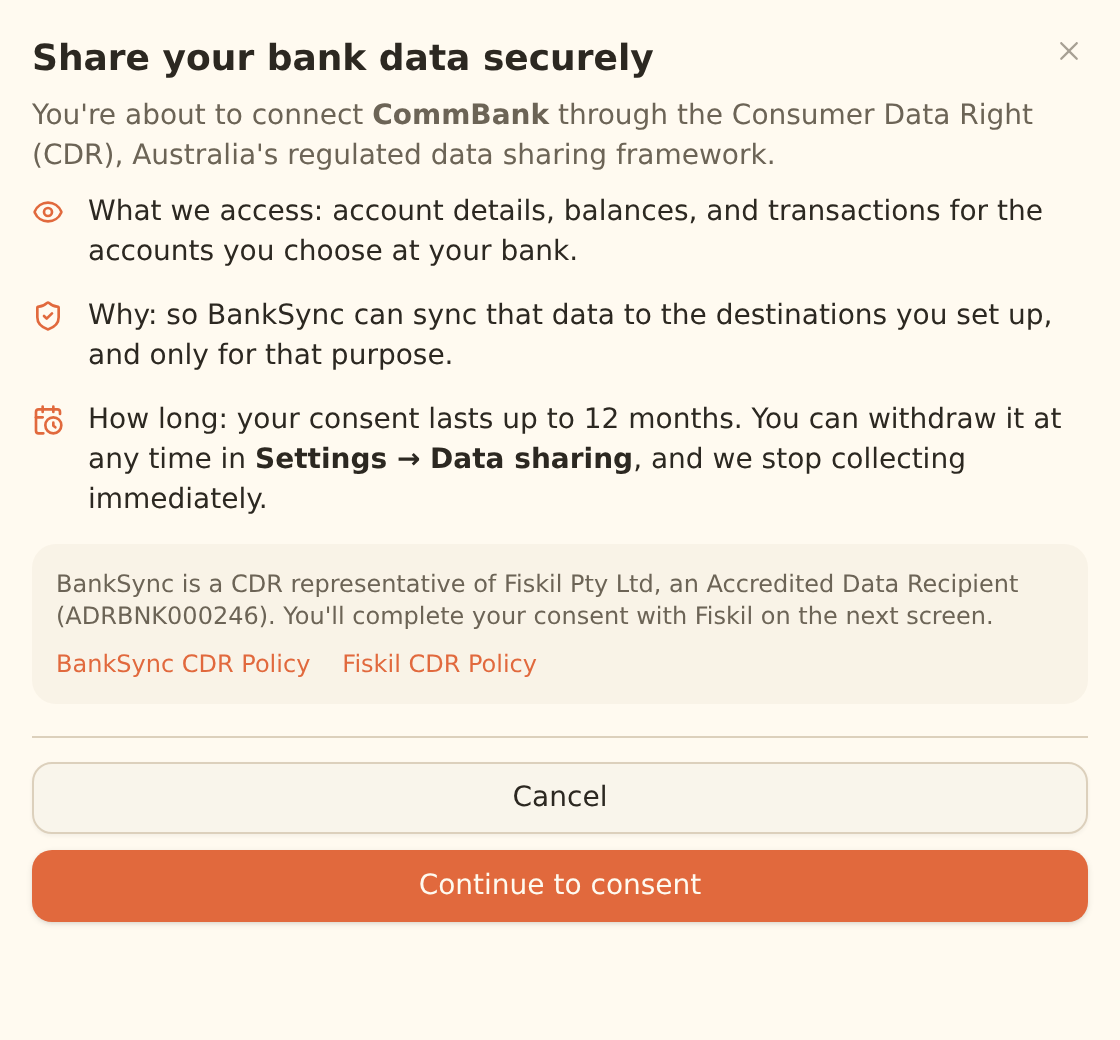
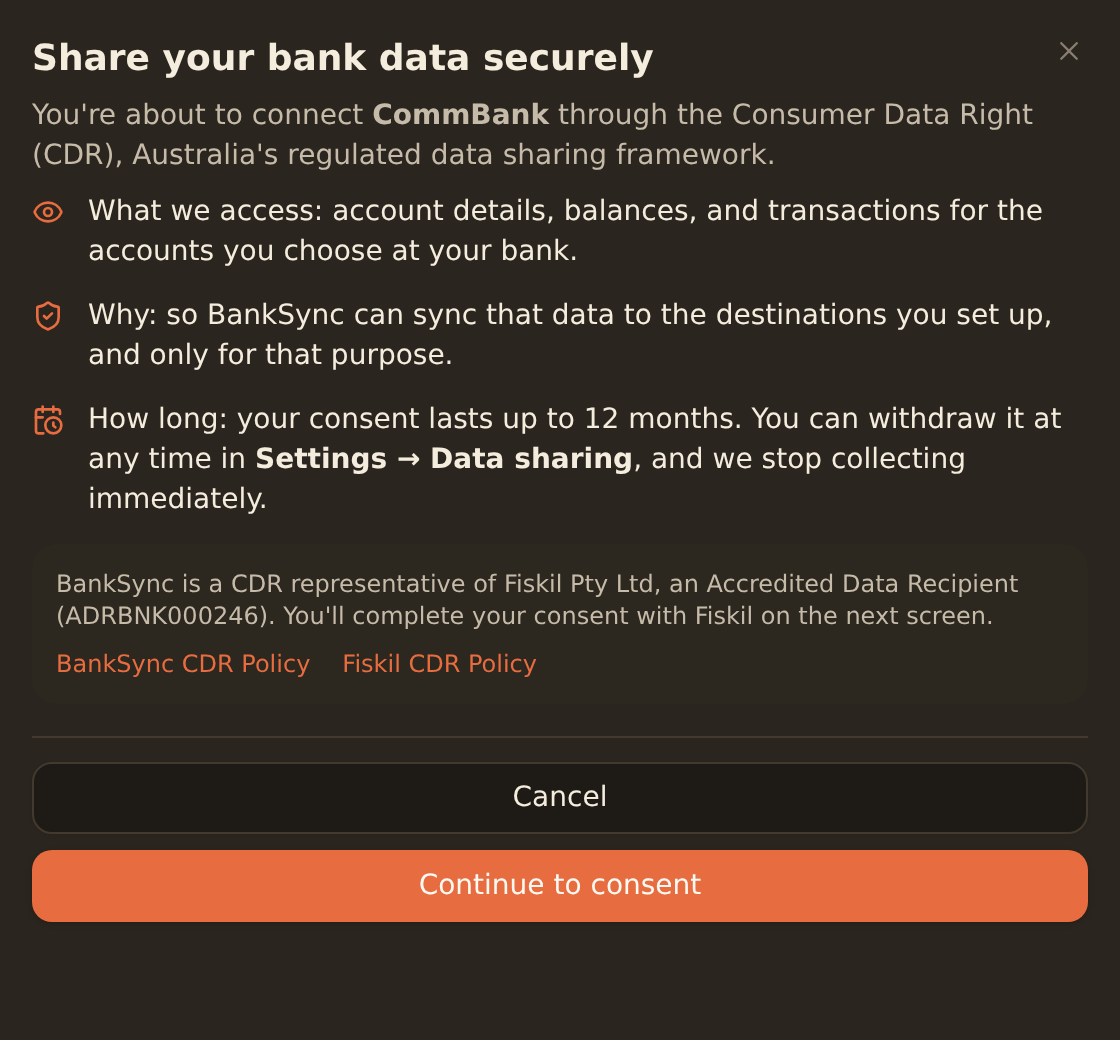
Before the Fiskil consent window opens, BankSync shows a short summary of what you're about to share, why, and for how long. It confirms that:
- BankSync accesses account details, balances, and transactions for the accounts you choose at your bank.
- The data is used only to sync to the destinations you set up.
- Your consent lasts up to 12 months, and you can withdraw it at any time.
You then complete the actual consent in your bank's own secure CDR window, never in BankSync. See Connecting Australian banks for the full connection walkthrough.
The Data sharing dashboard#
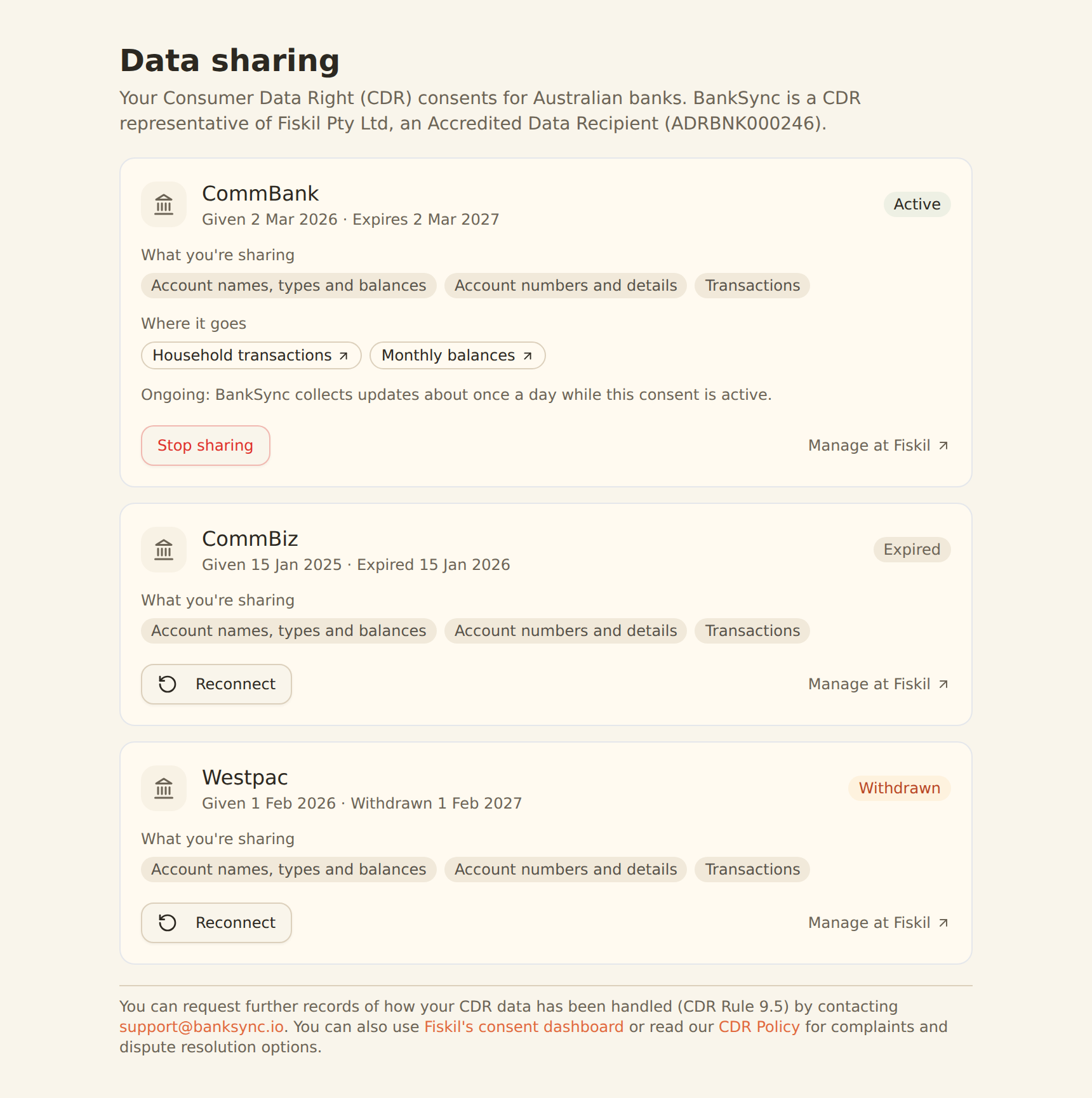
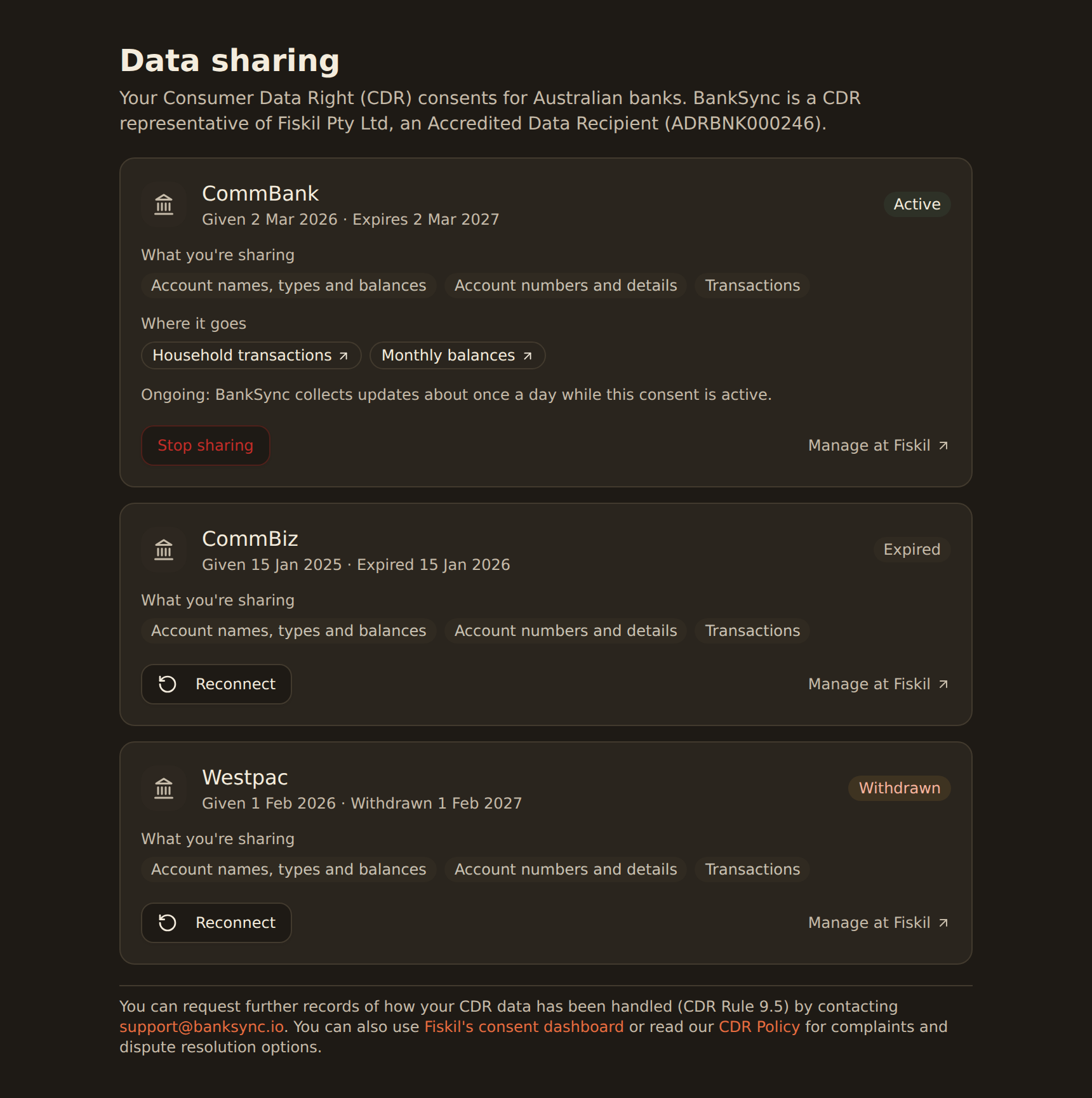
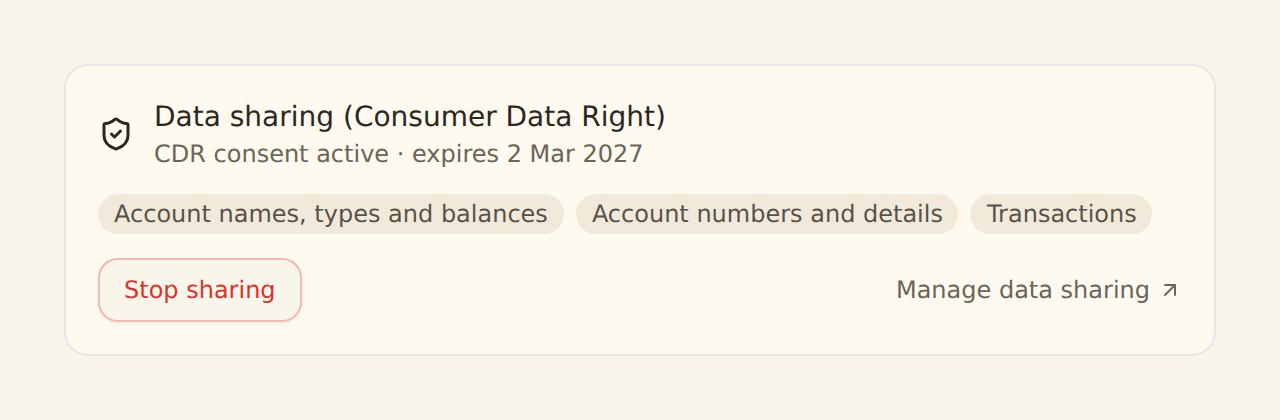
Once you have at least one Australian bank connected, a Data sharing tab appears in Settings. It lists every CDR consent for the workspace, including past ones, and for each shows:
- Status: active, expired, or withdrawn.
- What you're sharing: the data types the consent covers (for example account details, balances, transactions) and the accounts it applies to.
- Given on and Expires: when you granted the consent and when it ends.
- Where it goes: the feeds currently routing this bank's data, and their destinations.
This is your consent record
Sending CDR data to a destination#
When you set up a feed from an Australian bank to a destination such as Google Sheets, Notion, Airtable, or Excel, BankSync asks you to confirm a disclosure before any data flows. This is required because the data is leaving the CDR-protected environment. The confirmation states, in plain terms:
- Data sent to the destination will not be regulated as part of the Consumer Data Right once delivered.
- It will instead be handled under applicable privacy law, including the Privacy Act 1988 (Cth), and the destination's own privacy policy.
- You should review how that destination handles your data before continuing.
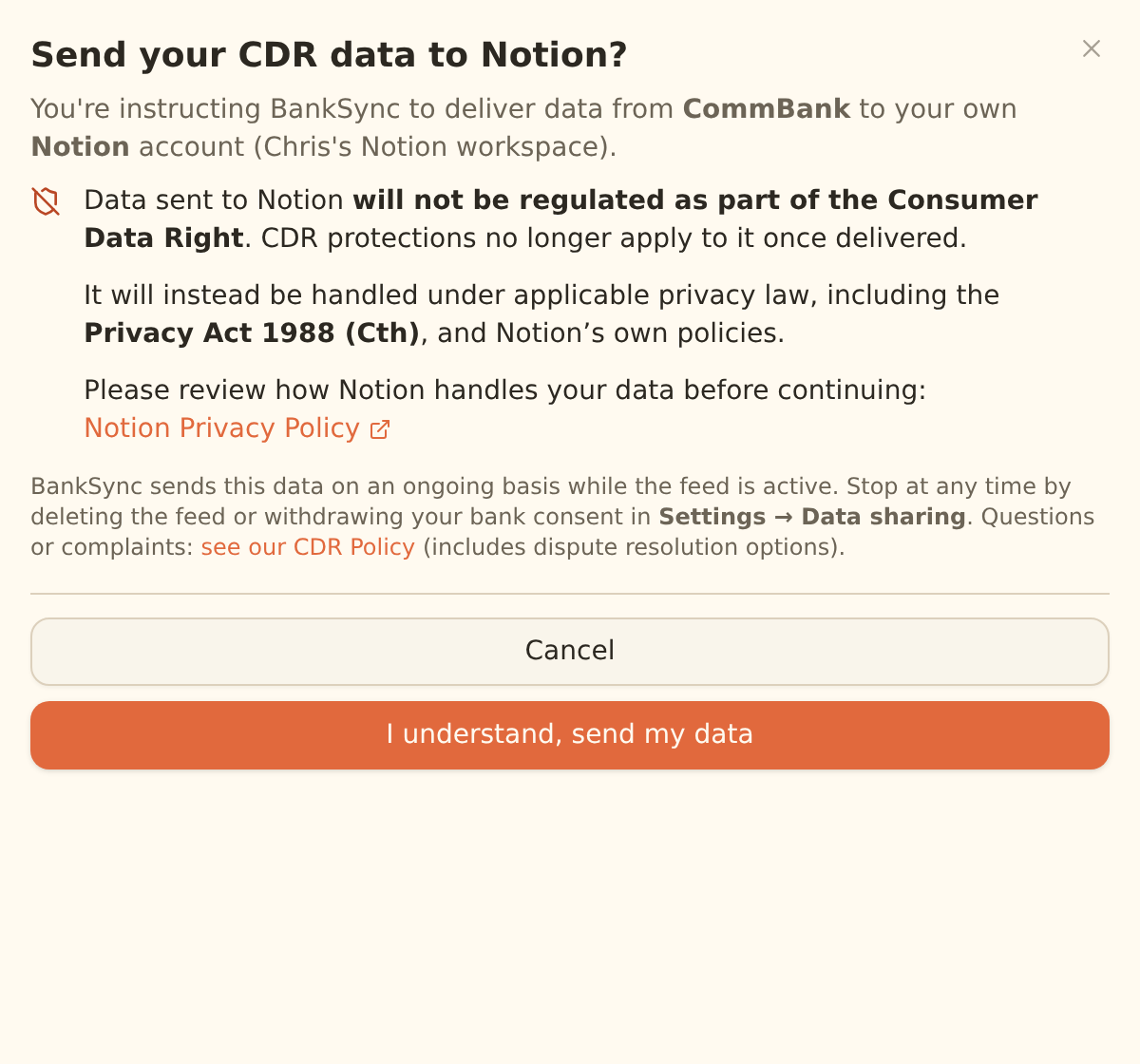
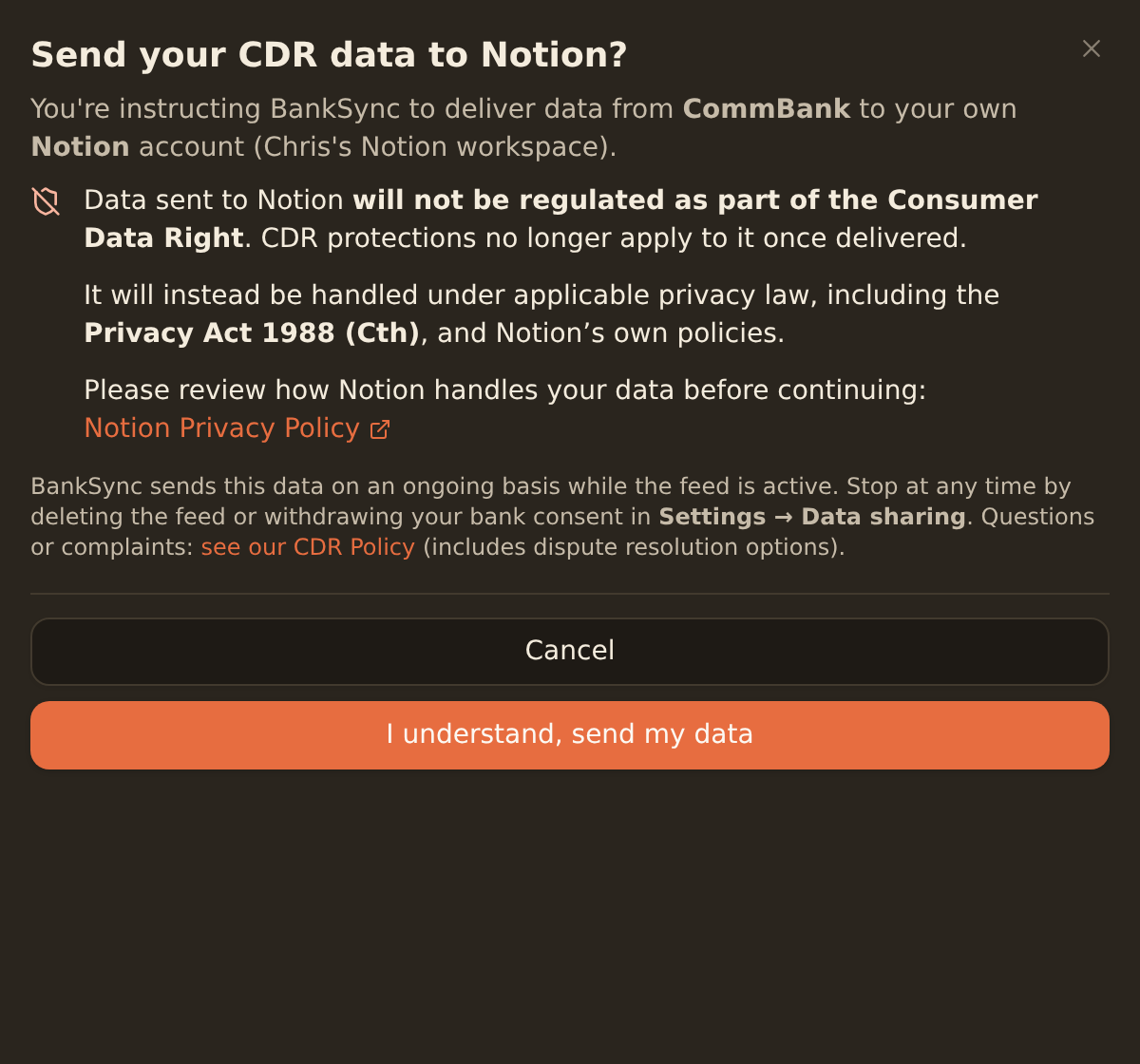
Once data leaves, CDR protections no longer apply
You confirm this once per feed, and again whenever you change the feed's destination (a new destination is a new recipient). For a destination you operate yourself, such as your own database, you also confirm that you control it and can access the data delivered to it.
Renewing an expiring consent#
CDR consents are time-limited. As a consent nears its expiry, BankSync shows a reminder on the bank and in the Data sharing dashboard. When a consent lapses, the bank's data stops refreshing until you reconnect.
Open the bank or the Data sharing tab
A consent within 30 days of expiry shows an "expires in N days" badge.
Reconnect
Use Reconnect to start a fresh CDR consent in your bank's window. Reconnecting creates a new consent and replaces the previous one.
See Reconnecting a bank for the full re-authorisation flow.
Withdrawing a consent#
You can stop sharing at any time. Withdrawal takes effect immediately.
Stop sharing a bank's data
Open Settings → Data sharing
Find the consent for the bank you want to stop sharing.
Choose Stop sharing
Confirm in the dialog. BankSync revokes the consent with your bank straight away.
What happens next
BankSync stops collecting data from that bank immediately, and feeds that rely only on it are paused. Data already delivered to your destinations stays where you sent it. You can reconnect at any time.
What BankSync holds, and destroys
You can also withdraw directly from your bank, or from Fiskil's consent dashboard. Any of these takes effect across the chain.
Records and complaints#
You can request further records of how your CDR data has been handled (CDR Rule 9.5) by contacting support@banksync.io. For complaints and dispute-resolution options, see the BankSync CDR policy linked from the Data sharing dashboard. The Office of the Australian Information Commissioner (OAIC) is the CDR complaints authority.
A note on AI assistants (MCP)#
CDR-connected bank data is not currently available through BankSync's MCP server or AI assistants such as ChatGPT and Claude, while our accreditation partner reviews AI access to CDR data. You can still route your CDR data to a destination you control (a spreadsheet, Notion, Airtable, or your own database) and analyse it there.
Related guides#
- Connecting Australian banks: the full CDR connection walkthrough.
- Reconnecting a bank: renew a lapsed CDR consent.
- Creating your first feed: send your bank data to a destination.
Use this page with your AI assistant
Every BankSync doc is available as plain Markdown for agents and LLMs.