

Yes—you can use BankSync’s REST API for a private script that reads your own connected bank accounts. You need a supported connection, a workspace plan with API-key access and a suitably scoped key. If your goal is simply to update a spreadsheet or connect Actual Budget, a feed or SimpleFIN connection may save you from writing that script.
That distinction matters when a search for a personal bank API leads to enterprise sales forms. Start with the result you want: transaction rows in a workbook, balances in a private dashboard, or an application that other people will install. Each has a different access route.
Choose the route before writing the integration
| Your goal | Suitable route | First thing to prove |
|---|---|---|
| Update an existing spreadsheet | A managed bank feed | Rows arrive in the right tab |
| Run a private script or dashboard | Your own workspace API key | A scoped read returns the intended accounts |
| Let customers connect to your product | A customer-authorised app integration | Each installation has its own approved access |
| Manage bookkeeping for clients | An advisor workflow | Client authority and workspace separation are correct |
Define a first version small enough to verify
A useful first version might collect one current account’s posted transactions into a private report. Avoid combining five currencies, several cards and forecast assumptions before you have checked a debit and a credit.
Write a short acceptance note: “Read my business current account, retain currency and transaction identity, and show spending for a stated month.” Add what should happen if the connection fails. An unavailable bank should produce an incomplete-report indicator, not a zero balance that looks authoritative.
Choose the output with equal care. A local file, a private database and a shared spreadsheet expose information to different people. Decide where the data should live before creating a job that copies it there every day.
What do I need before creating an API key?
BankSync’s REST API guide lists workspace API-key access on Standard and higher plans; Free and Starter do not include it, apart from the workspace-identification endpoint. You also need the Admin or Owner role to manage keys. Confirm those two requirements before debugging a request that your plan or role cannot authorise.
For a transaction-reading script, select banks:read when creating the key in the workspace menu’s Developers panel. Copy the secret at creation and store it securely. It is shown only once. The key guide explains the scope and expiry controls.
Set up a private BankSync API workflow
Connect the account
Use the approved bank connection flow and confirm the correct account appears in your workspace.
Create a limited key
Open Developers from the workspace menu. Choose a descriptive name, suitable expiry and only the permissions your script requires.
Keep the secret outside the code
Use an environment variable or secret store. Do not embed the key in a public web page, workbook formula or repository.
Make a small read
List bank connections, choose a returned identifier and inspect the accounts before requesting a bounded transaction period.
Compare with the bank
Check a few known entries, their currency and date semantics. Save a record of the period successfully processed.
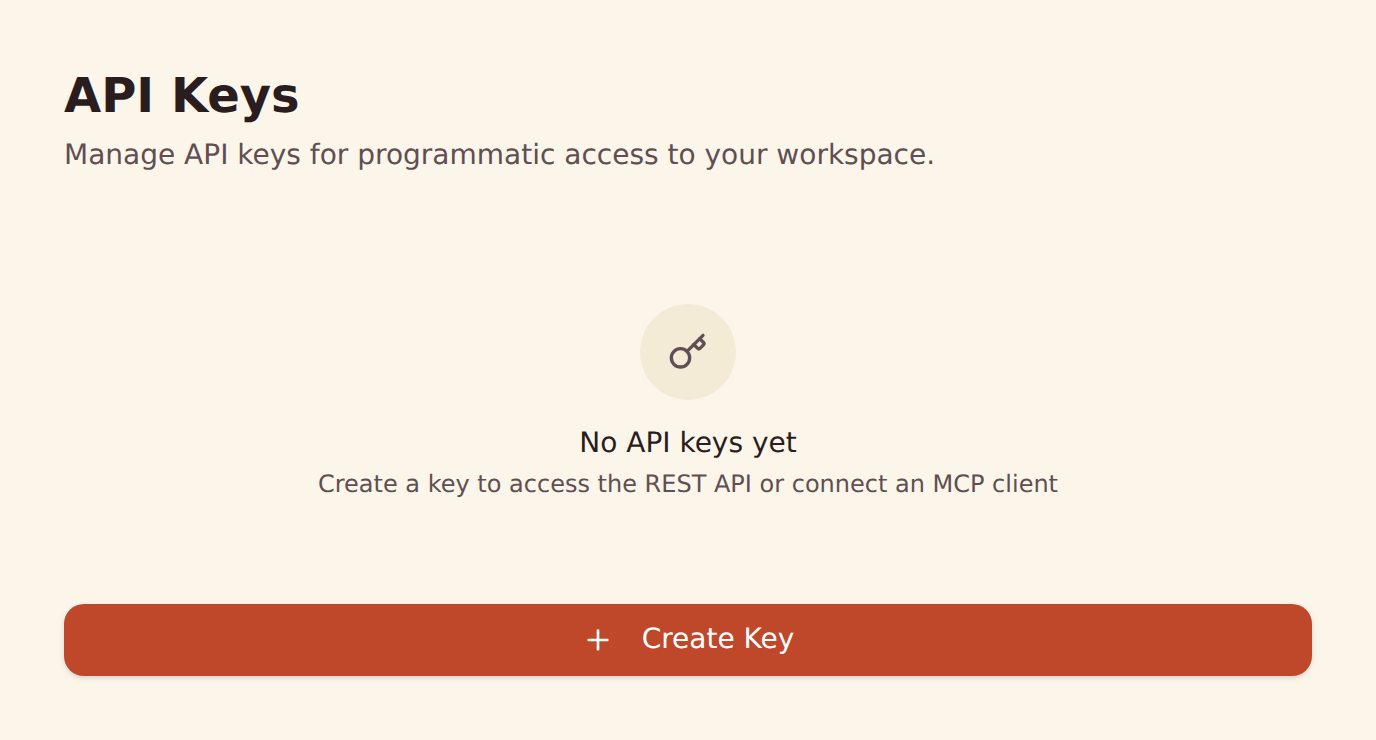
The API-key guide documents the permission model and one-time secret reveal. For example, banks:read covers reading bank connections and associated financial records; select additional permissions only when your workflow needs them.
An API key is not a customer onboarding shortcut
A personal workspace key authenticates access to that workspace. Do not give it to customers so their applications can use your account. Nor should an app collect customers’ BankSync keys as a substitute for a proper installation flow.
The BankSync apps guide describes the separate route for software installed into each person’s workspace. If the idea evolves from a private dashboard into a public product, revisit the access design before adding users.
Plan for an ordinary bad day
Imagine a daily script successfully reads two accounts but the third needs attention. The report should show which account is stale and the last completed period. It should not quietly combine today’s entries from two accounts with last month’s entries from the third.
Record operational metadata separately from the financial payload: which account was checked, the request time, the reporting window and whether processing completed. Do not put the API key or full bank response into routine error logs.
Use returned identifiers rather than hardcoded examples copied from a guide. Respect the documented pagination and rate limits. If you cannot finish the whole period, keep it marked incomplete until recovery succeeds.
Decide whether code is buying you anything
A private script is worthwhile when you need custom transformations, a particular storage model or a report unavailable in your existing tools. It also gives you responsibility for secrets, scheduling, failures and updates.
If your goal is simply “put new bank transactions into my spreadsheet”, a configured feed may already do the work you are about to write. Compare the recurring maintenance as well as the setup effort. The best choice is the smallest system that reliably produces the result you need.
Do I need an API for Actual Budget or a self-hosted budget?
Usually not. If the app accepts SimpleFIN, create access in Settings → Developers → SimpleFIN, choose its account scope and paste the setup token into the app’s SimpleFIN connection screen. BankSync documents this route on every plan, including Free; the plan’s other limits still apply. It is separate from REST API-key access.
For Actual Budget, use the token issued by BankSync in the SimpleFIN box. Do not create a second bank connection just because the app links to another SimpleFIN provider. Follow the supported-app setup guide for the exact steps. Running your budget locally does not mean that its bank-data connection is entirely local.
Questions readers ask
Next: API versus bank feed · Production integration checklist
New to the terminology? Start with what open banking is and how it works.