
Microsoft Excel integration
Unlock Excel's powerful financial modeling capabilities with your banking data. Create sophisticated financial models, use advanced VBA macros for automation, and build professional-grade dashboards with pivot tables, charts, and conditional formatting.
Choosing a tool? See how BankSync syncs bank transactions to Excel, what it costs, and how it compares.
About Microsoft Excel Integration
Unlock Excel's powerful financial modeling capabilities with your banking data. Create sophisticated financial models, use advanced VBA macros for automation, and build professional-grade dashboards with pivot tables, charts, and conditional formatting.
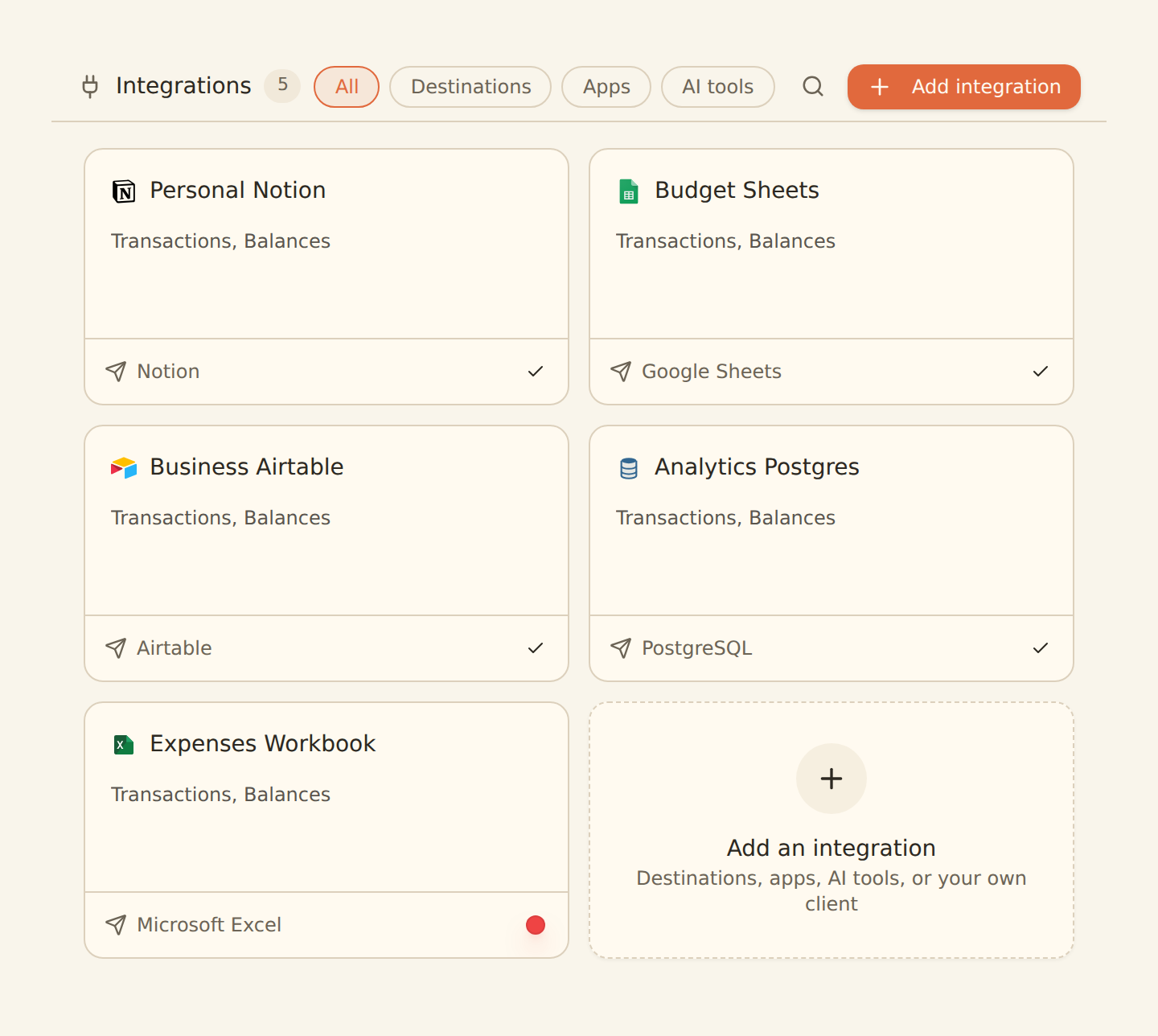
connect it once
Key Features
- Real-time sync
- Pivot table support
- VBA macro compatibility
- Multi-account support
- Balance tracking
Supported Fields
Integration Details
Related Integrations










Ready to Connect Microsoft Excel?
Start syncing your banking data with Microsoft Excel. Get your financial data flowing in minutes, not hours.
BankSync is not affiliated with, endorsed by, or an official partner of Microsoft Excel. Microsoft Excel trademarks belong to their respective owners.