Run your household like a CFO.
You're already the one who runs the family money. BankSync gives you the cockpit: every bank, card, brokerage, and retirement account in one place, net worth that updates itself, and the freedom to keep it all in Sheets, Notion, or just ask your AI.

Every account in one place — latest synced net worth.
Running the family money is a second job
Three things every household CFO does the hard way — until they don't.
Twelve apps, zero answers
Two checking accounts, three cards, a brokerage, a super/401k, the partner's bank, the kid's savings. Each lives in its own app with its own login. "How much do we actually have?" takes a Sunday afternoon to answer.
Net worth is a vibe
You think it went up this month. Probably. The last time you tallied everything into a spreadsheet was two job changes ago, and half the balances are already stale.
The budget that died in March
Every January you build the perfect budget. By March nobody is typing transactions into it, the categories drift, and the subscriptions you meant to cancel are still quietly billing.
Connect once and the balances keep themselves current, so the "how much do we have?" question has an answer waiting whenever you ask it.
The household close, in five quiet steps
What it looks like to go from twelve banking apps to one calm monthly review.
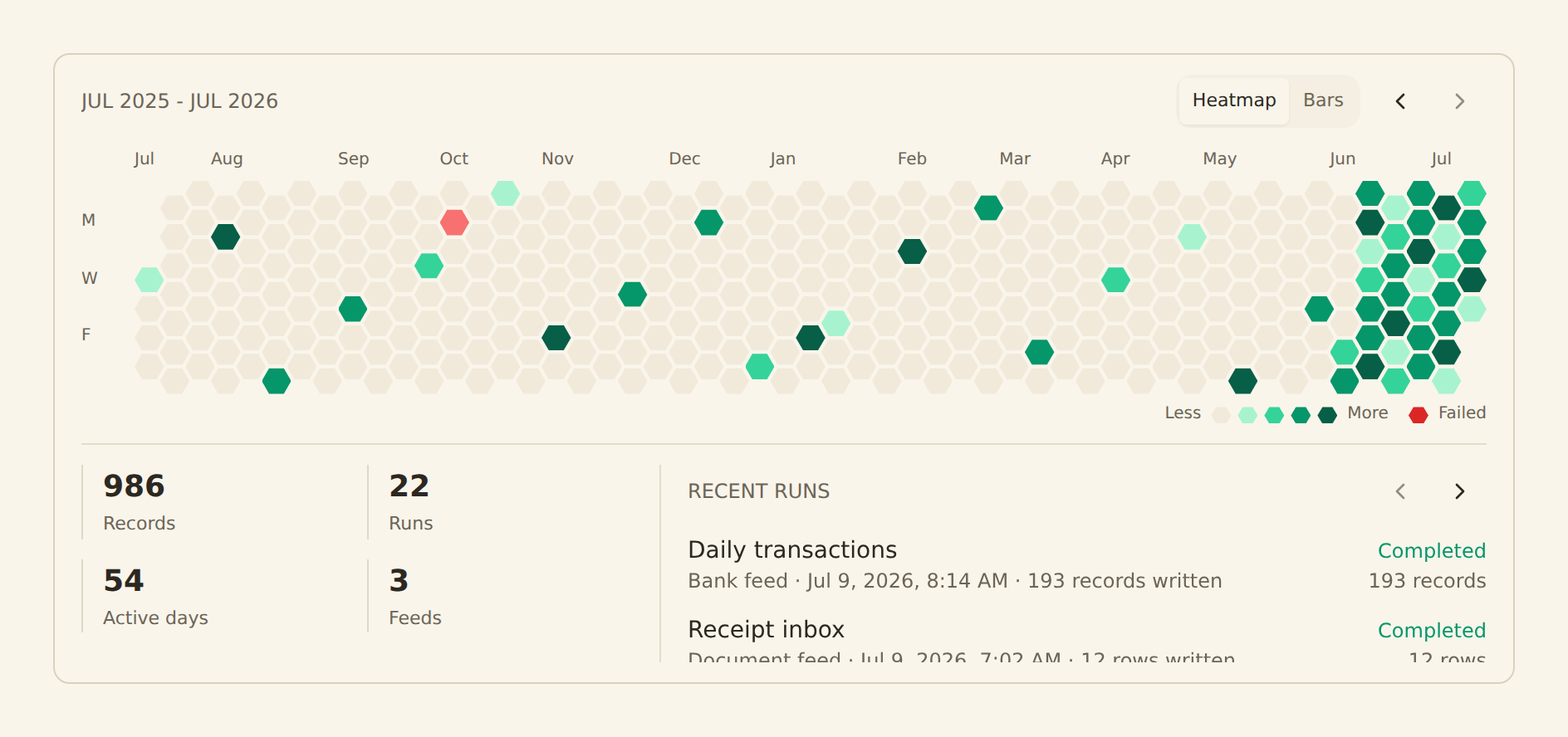
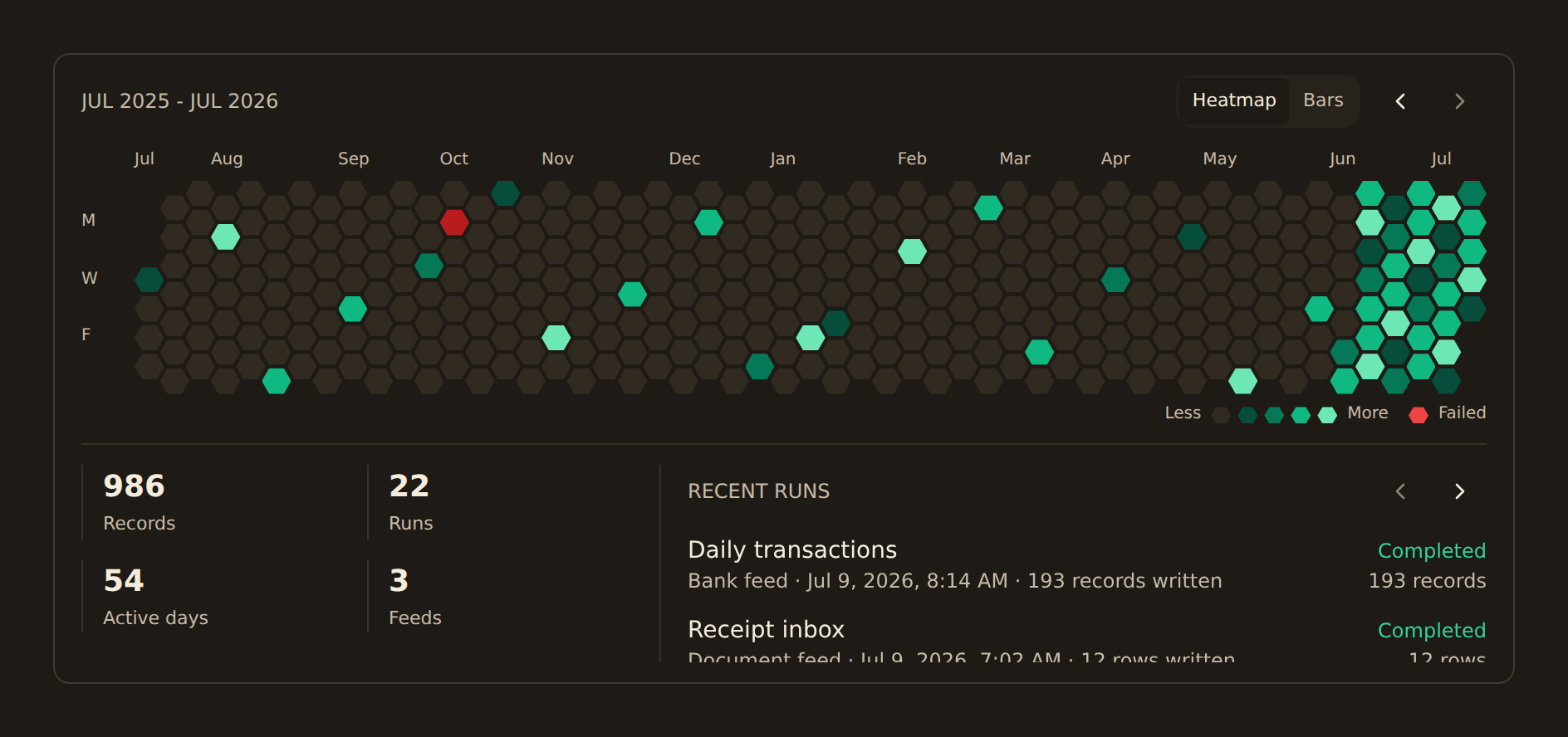
every account, one place
Connect every account
Add each bank, card, brokerage, and retirement account once. Your credentials never touch us — you authorize through your bank's own consent screen via open banking, CDR, or PSD2.
Categorize it once
Set up rules so groceries, salary, mortgage, and subscriptions sort themselves — then Memory learns from any correction you make in your own sheet, and AI cleans up raw card descriptors into real merchant names. Transfers between your own accounts get paired instead of counted twice. New transactions land already labeled, so the books stay clean without you babysitting them.
Build your money HQ
Drop net worth, spending, and cash-flow widgets onto a dashboard, or push everything into the Sheet / Notion page your family already checks. One home for the whole picture.
Let it run
Balances and transactions sync on a schedule. Your net worth, budget, and portfolio update themselves between the times you actually look.
The monthly family review
Once a month, pull up the dashboard (or just ask your AI) — or let the digest come to you, with budgets, subscription changes and anything unusual already summarized. Five minutes to see where the money went, what's drifting, and whether you're on track. That's the whole job.
Your family's finance department, in one tab
The features that turn a Sunday-afternoon spreadsheet ritual into a five-minute glance.
Every account, one roof
Checking, savings, credit cards, brokerage, retirement, the mortgage, your partner's accounts. Connect them once via regulated open banking and see the whole household in a single view.
Net worth on autopilot
Supported balances refresh hourly, daily, or weekly depending on the plan. Assets minus debts updates without rebuilding the model from exports.
Sync to the tools you love
Pipe categorized transactions straight into Google Sheets, Notion, Airtable, or Excel. Keep your budget where it already lives — we just stop you from typing it in by hand.
Investments & retirement tracked
Holdings, cost basis, gains, and contributions across every brokerage and retirement account. Finally see your real asset allocation across the whole family, not one account at a time.
Budgets and subscriptions that watch themselves
Set a monthly grocery or eating-out threshold and get told when you cross it. The recurring registry finds your subscriptions on its own and flags the ones that quietly raised their price or stopped charging. A weekly digest lands in your inbox so nobody has to remember to look.
Ask your AI about your money
Point Claude or ChatGPT at your data with one API key. "What did we spend on groceries last quarter?" or "Which subscriptions renewed this month?" — answered in seconds, no spreadsheet required.
Share with your co-pilot
Invite your partner so you're both looking at the same numbers. No more "did you pay the card?" — the household ledger is one shared source of truth.
Want to see the dashboards?
Net worth, cash flow, spending by category, portfolio allocation — drag-and-drop widgets that read straight from your accounts. Take the full tour.
Explore DashboardsHousehold CFO FAQs
What exactly is a "Household CFO"?
How is this different from Mint, Monarch, or a budgeting app?
Can I connect my partner's accounts and our kids' accounts too?
Will it work with my bank?
Is it safe to connect my accounts?
Can I really just ask an AI about my finances?
Do I need to be a spreadsheet wizard to use this?
How much does it cost?
Take the CFO chair
Connect your first account in five minutes and watch your whole household roll up into one view. 14-day free trial. Cancel anytime.