

Keep recurring-payment history and confirmed merchant aliases in your local database. Each scheduled run can compare new charges with the same saved baseline, even after a model update or a fresh conversation. Local inference can explain a change while the underlying merchant history stays on your own server.
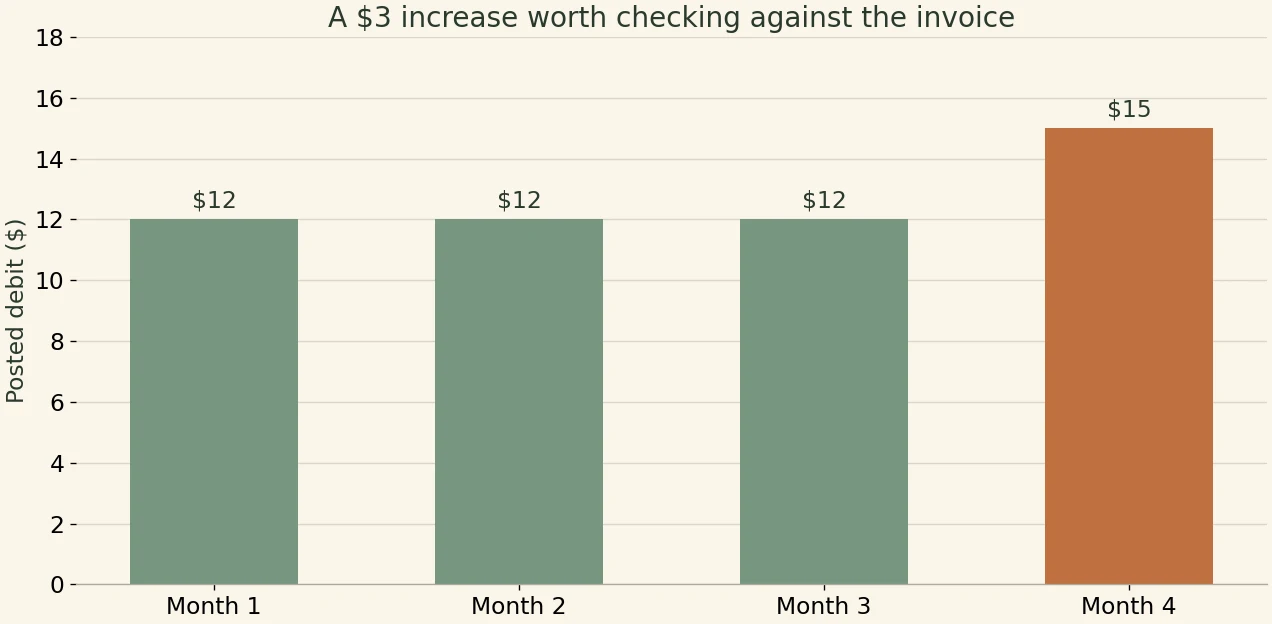
The first subscription alert worth keeping is one you can explain in a sentence: three monthly debits of $12 were followed by a debit of $15 from the same service. That is a $3 increase worth checking. It could be a new price, an expired promotion or a different plan. The application should link to the four entries and leave the cause open.
Construct a series you can stand behind
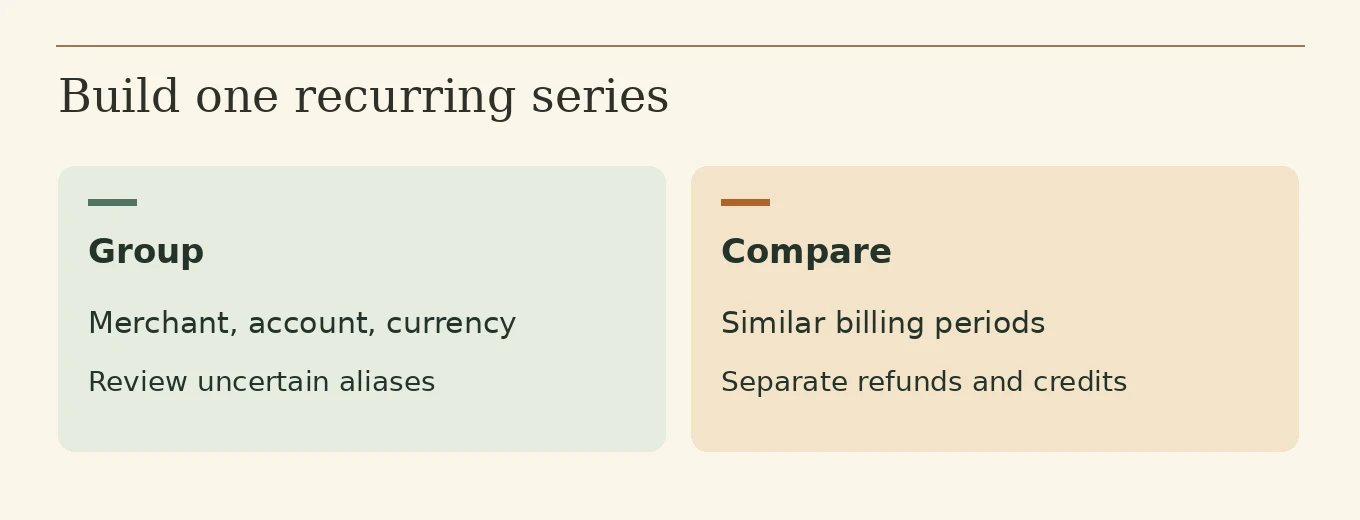
Start with posted outflows in one account and currency. Preserve the original description and maintain a separate alias table for names you have verified. A payment processor may collect for several unrelated subscriptions. Grouping every charge with the processor's name can manufacture a monthly series that no subscription actually follows.
Look at calendar months as well as gaps in days. A renewal on the last business day can move several days between months. Require several comparable observations before labelling a charge monthly, and show the evidence count. Give annual payments their own review window. A twelvefold jump is plausible when the household switches from monthly to annual billing.
Distinguish a new price from a new pattern
In the four-payment example, the latest debit is 25% above the earlier $12 baseline. If the $15 rate continues for twelve comparable months, the extra cost would be $36. Record that as a projection with its condition. A one-off add-on gives the same bank pattern and a different forecast. The model can ask for the latest invoice, but a bank transaction alone cannot resolve it.
Keep refunds and introductory credits linked to their original series. A $15 debit followed by a $3 discount credit has a different net effect from a permanent price rise. Record the next expected debit and a tolerance window. Missing that window is a prompt to check cancellation or import coverage.
Explain the exception before alerting
| Observed change | Inspect locally | What to tell the reader |
|---|---|---|
| Same service, higher posted amount | Invoice line and discount expiry | Review a possible price increase |
| Two debits in one calendar month | Dates and billing periods | Check if a weekend moved a debit |
| One much larger debit | Cadence and service period | Check for a switch to annual billing |
| Debit and matching credit | Refund status and net paid | Show the adjustment alongside the charge |
Use a model to explain the exception
Send the local runner an alias ID, four dates and amounts, billing cadence and the possible explanation states. Ask for a short question the household can answer, such as “Did your introductory rate end?” Store the proposed label separately from confirmed facts. A clicked confirmation can update the alias or subscription record. Recalculating the next report should never overwrite that decision.
BankSync's Standard tier includes recurring-related enrichment options, but you can implement this detector entirely on local rows if that is your privacy preference. A BankSync read path and a local model are sufficient. Enrichment availability · Transaction sync behaviour
Give a price review a shelf life
Store detected_on, expected_next_charge, last_confirmed_amount and a household decision. If a human marks the increase as a deliberate upgrade, close that alert and use the confirmed new plan as the next comparison point. Keep the old baseline in history so someone can still explain why the annual projection changed.
Turn a detected change into one review item
Start with a quiet trial
Run the detector on three to six months and manually inspect every candidate before pushing household alerts.
Attach a decision
Mark each candidate confirmed, incorrect grouping, changed cadence or unresolved. Keep the original bank entries untouched.
Suppress repeat noise
Use subscription ID and effective billing period as the alert identity. Replaying yesterday's report should not send another notification.
When does an alert become a saving?
A price alert is a lead. A cancellation email records a decision. A subsequent complete billing period with the expected result gives you evidence of the outcome. If a replacement service costs $8, include it when estimating the household's saving. This keeps a tidy alert inbox from turning into an exaggerated savings dashboard.
Continue building with Track Actual Savings After Switching Providers and Home Assistant Spending Alerts With Local MQTT.