Query bank data from your terminal
Connect BankSync MCP server to Warp and access live transactions, balances, and investments directly from your AI-powered terminal using Agent Mode.
Setup in 3 steps
Add live bank data to your terminal workflow.
one key, every tool
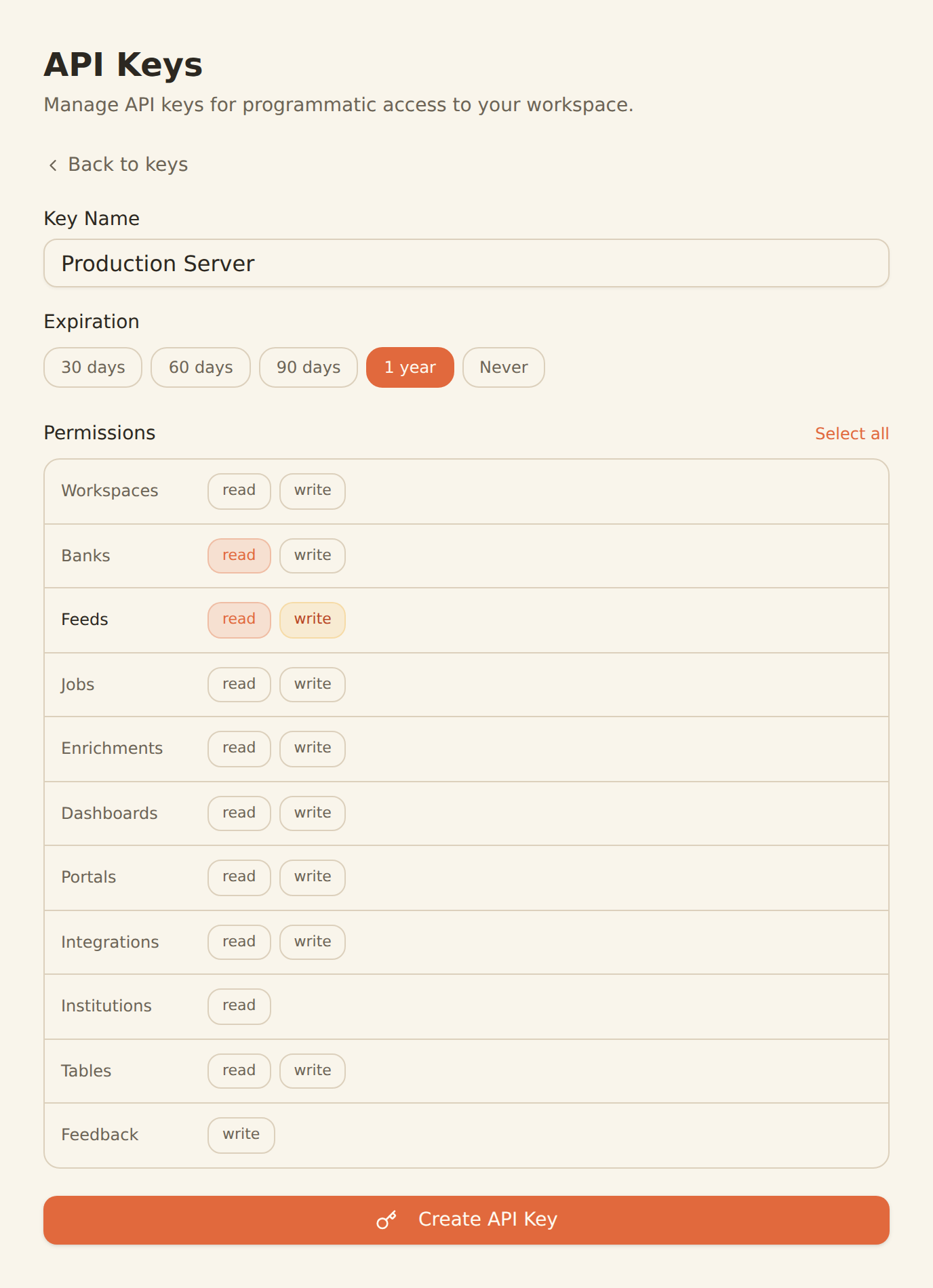
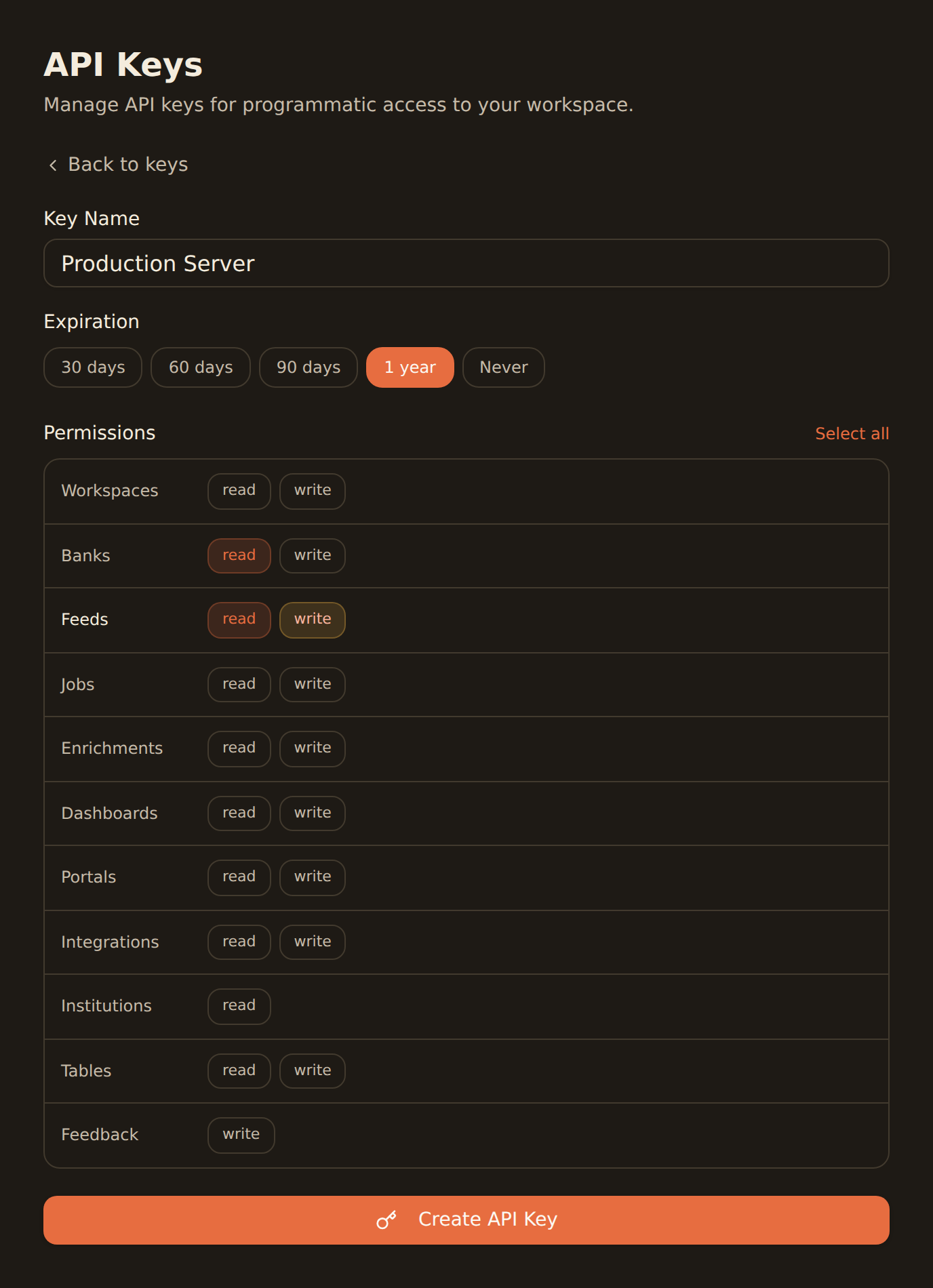
Generate a BankSync API key
Sign up, connect your banks, and create an API key from the Developers section.
Add BankSync MCP in Warp settings
Add the MCP server configuration to Warp's settings to enable BankSync tools.
Query in Agent Mode
Open Agent Mode in Warp and start querying your bank data with natural language.
MCP Server Configuration
Add to your Warp MCP server settings.
{
  "mcpServers": {
    "banksync": {
      "serverUrl": "https://mcp.banksync.io",
      "headers": {
        "X-API-Key": "bsk_your_key_here"
      }
    }
  }
}
What you can do
Access and automate financial workflows directly from Warp terminal.
Terminal-Based Financial Queries
Ask natural language questions about your bank data directly from the terminal using Warp Agent Mode.
Automated Reporting Scripts
Generate financial reports and summaries by combining BankSync data with shell scripting and CLI tools.
Balance Monitoring
Check account balances across all connected banks instantly from your terminal without switching context.
Transaction Filtering
Search and filter transactions by date, amount, category, or merchant using conversational queries.
Data Export Pipelines
Build automated pipelines to export bank data to CSV, JSON, or databases directly from the command line.
DevOps Financial Tools
Integrate financial data checks into deployment scripts, cron jobs, and infrastructure automation workflows.
Why BankSync for Warp
11,000+ Banks
Access financial data from major US & Canadian institutions through secure open banking connectivity.
36 MCP Tools
From listing banks to triggering syncs — everything your AI terminal needs for financial workflows.
Agent Mode
Warp's Agent Mode executes tasks autonomously, using 26% fewer tokens for optimized MCP interactions.
One-Click Install
Add BankSync MCP to Warp with a simple configuration — no complex setup or dependencies required.
Frequently asked questions
How do I add BankSync MCP to Warp terminal?
Generate a BankSync API key, then add the BankSync MCP server configuration in Warp's settings. Once configured, you can query bank data directly in Agent Mode.
Does Warp support remote MCP servers like BankSync?
Yes. Warp supports MCP server connections in Agent Mode, enabling integration with cloud-hosted MCP servers like BankSync for real-time bank data access.
Which platforms does Warp terminal run on?
Warp is available on macOS, Linux, and Windows. MCP tools like BankSync are available in Agent Mode across all supported platforms.
What can I do with Warp and BankSync?
Query bank balances and transactions from your terminal, build automated financial reporting scripts, monitor accounts, export data pipelines, and run DevOps financial tooling — all through natural language in Warp's Agent Mode.
Bank Data in Your Terminal
Connect BankSync to Warp and query financial data with natural language. 14-day free trial.
14-day free trial • Cancel anytime