Suncorp to Airtable
Sync your Suncorp transactions, balances, and holdings into Airtable on a schedule. CDR-regulated. No screen-scraping. Free 14-day trial.
Pick the base and table, then map bank fields into Airtable views.


Australian bank · CDR
Suncorp → Airtable
Sync to Airtable via Fiskil
Quick answer
To sync Suncorp to Airtable: sign up for BankSync, authorise Suncorp via the regulated CDR consent (your credentials never leave Suncorp), pick Airtable as the destination, map fields, and save. Choose hourly, daily, or weekly automatic syncs based on your plan, or run a manual sync at any time.
Four steps to sync
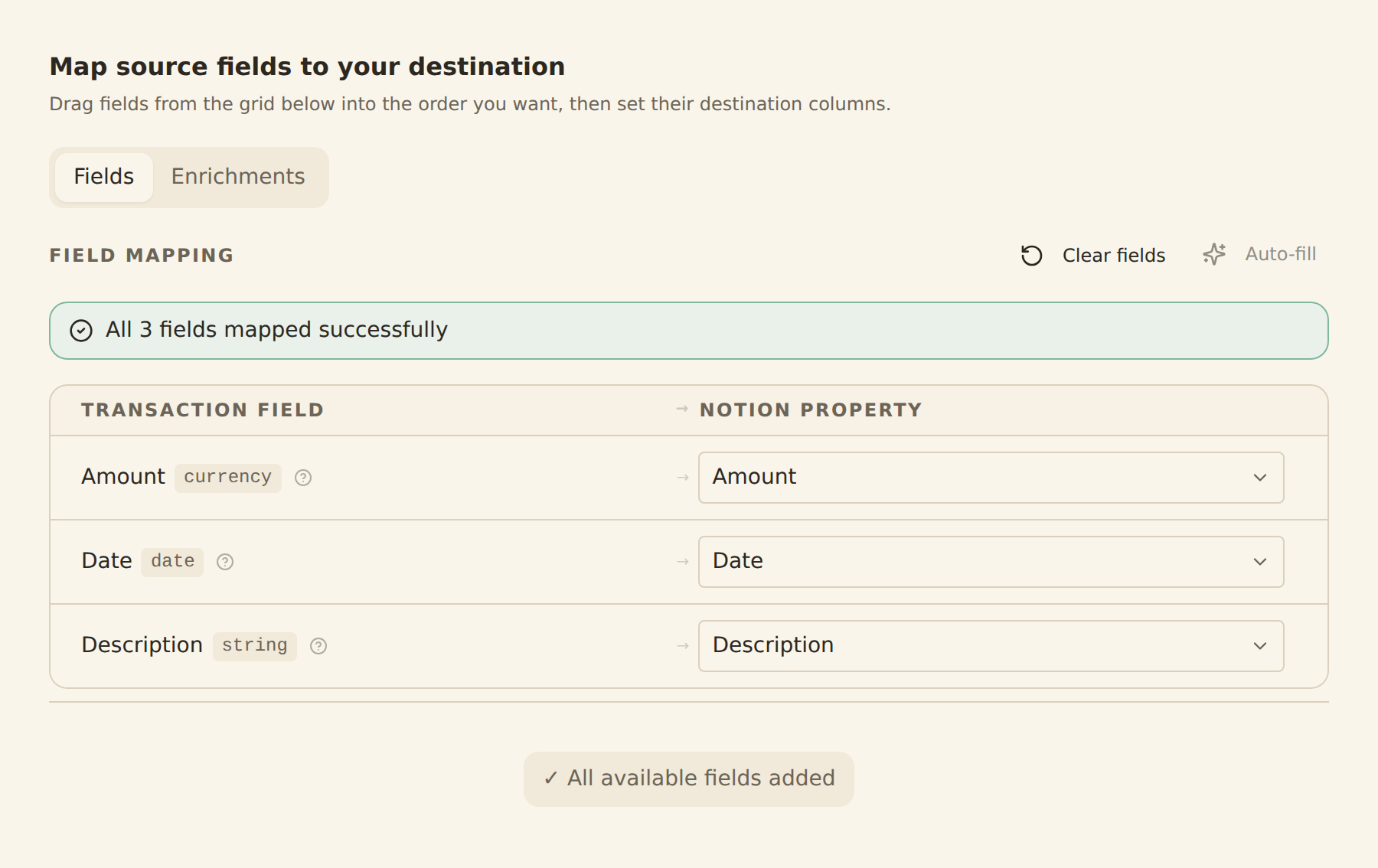
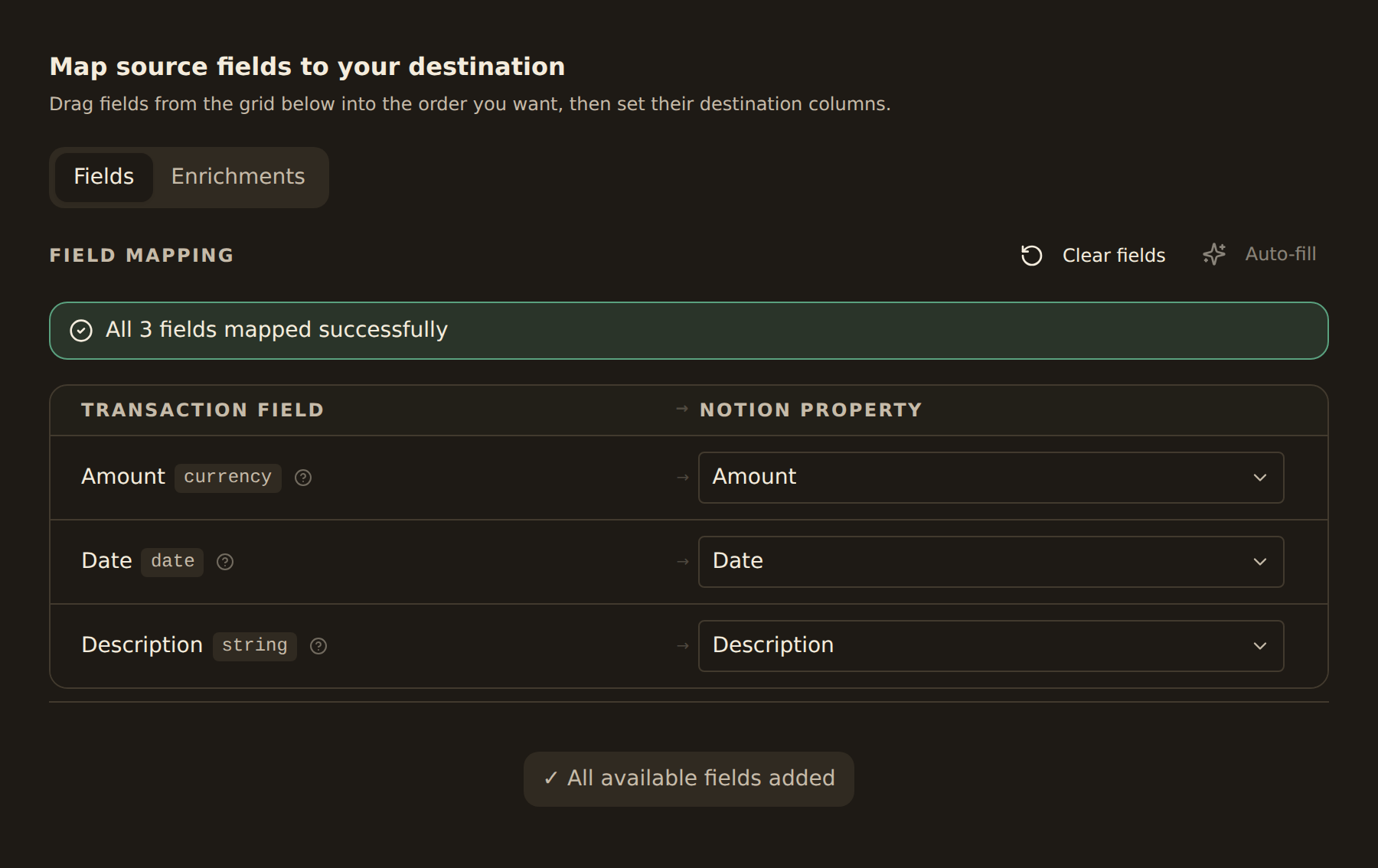
map your columns once
Sign up for BankSync
Create a BankSync account and start your 14-day trial. Your card is not charged during the trial.
Connect your Suncorp account
Choose Suncorp from the bank list and authorise the regulated CDR consent. Your credentials stay with Suncorp and never reach BankSync.
Pick Airtable as the destination
Connect your Airtable workspace, choose from the data types supported for your account, and pick a schedule.
Save and sync
BankSync syncs supported Suncorp data into Airtable. Choose hourly, daily, or weekly automatic syncs based on your plan, or run a manual sync at any time.
Consumer Data Right
Regulator: ACCC & Treasury
Australia's Consumer Data Right (CDR) is the regulated open banking framework letting you securely share your bank data with accredited recipients. BankSync routes through Fiskil, an accredited Data Recipient (ADR).
Routed via Fiskil (Accredited Data Recipient — ADRBNK000246).
Connect Suncorp to a different destination
 Suncorp → Google Sheets
 Suncorp → Notion
 Suncorp → Excel
 Suncorp → Claude
 Suncorp → ChatGPT
Frequently asked questions
Sync Suncorp to Airtable
Free 14-day trial. CDR-regulated. Cancel anytime.
14-day free trial • Cancel anytime